
DCS MovingMap Caucasus PC
Bergison
Download DCS MovingMap Caucasus on PC With GameLoop Emulator
DCS MovingMap Caucasus sa PC
Ang DCS MovingMap Caucasus, na nagmumula sa developer na Bergison, ay tumatakbo sa Android systerm sa nakaraan.
Ngayon, maaari mong laruin ang DCS MovingMap Caucasus sa PC gamit ang GameLoop nang maayos.
I-download ito sa GameLoop library o mga resulta ng paghahanap. Hindi na tumitingin sa baterya o nakakadismaya na mga tawag sa maling oras.
I-enjoy lang ang DCS MovingMap Caucasus PC sa malaking screen nang libre!
DCS MovingMap Caucasus Panimula
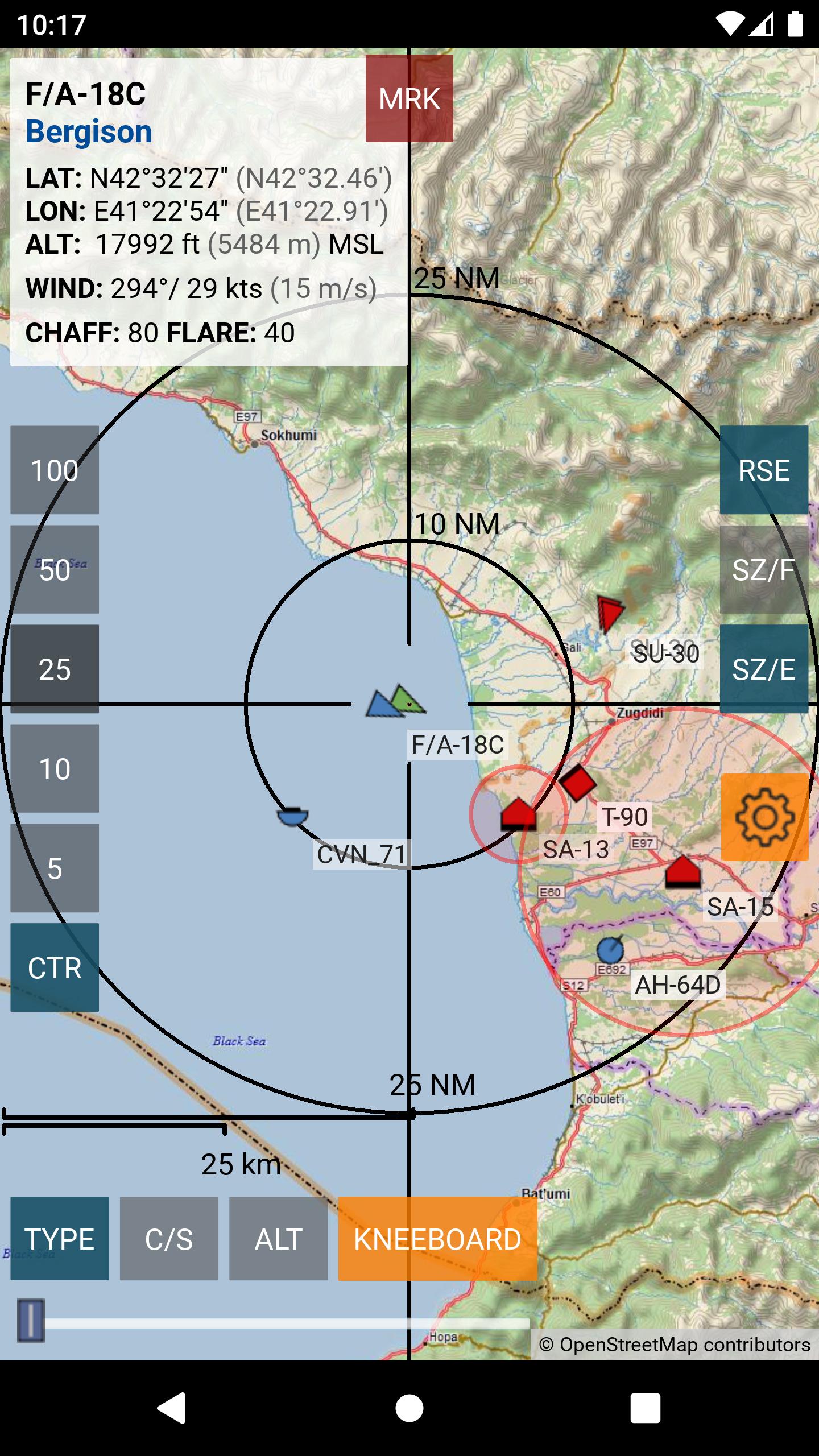
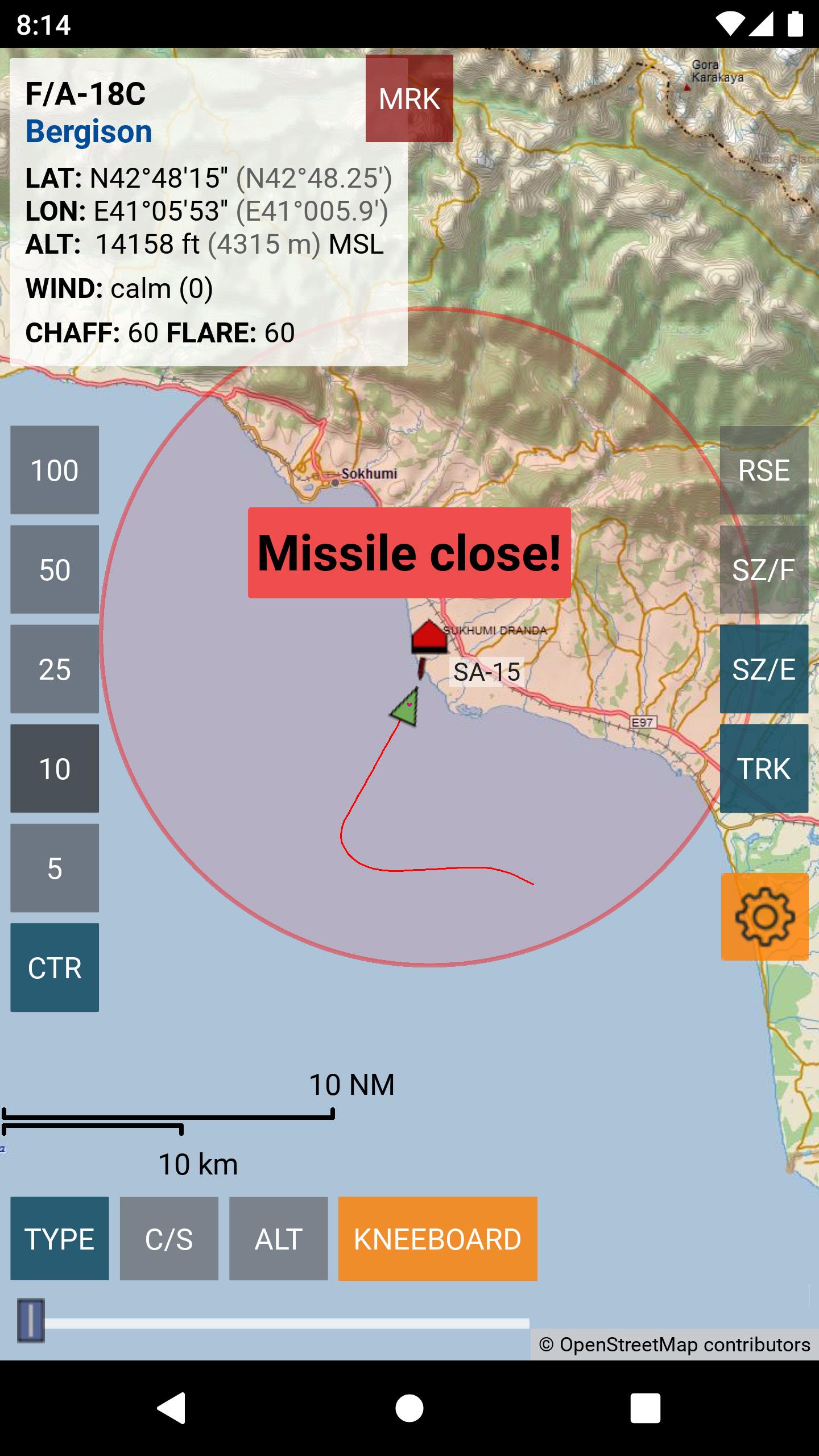
DCS MovingMap Caucasus displays moveable and scalable maps along with the players own position and the position and information of other units in DCS World (Caucasus only).
It follows mission view options set by the mission creator or the multiplayer server host, so only units also visible on the F10 map are shown.setup can be found on my website: https://movingmap.bergison.com
NOTE: this free version includes the Caucasus map only!
REQUIREMENTS:
1) a network (WLAN) connection to a PC running DCS World by Eagle Dynamics and an active internet connection.
2) Configure DCS World for data export to the app. Visit https://movingmap.bergison.com/download for instructions.
Preview
Tags
ToolsInformation
Developer
Bergison
Latest Version
16
Last Updated
2024-04-23
Category
Tools
Available on
Google Play
Show More
How to play DCS MovingMap Caucasus with GameLoop on PC
1. Download GameLoop from the official website, then run the exe file to install GameLoop
2. Open GameLoop and search for “DCS MovingMap Caucasus” , find DCS MovingMap Caucasus in the search results and click “Install”
3. Enjoy playing DCS MovingMap Caucasus on GameLoop
Minimum requirements
OS
Windows 8.1 64-bit or Windows 10 64-bit
GPU
GTX 1050
CPU
i3-8300
Memory
8GB RAM
Storage
1GB available space
Recommended requirements
OS
Windows 8.1 64-bit or Windows 10 64-bit
GPU
GTX 1050
CPU
i3-9320
Memory
16GB RAM
Storage
1GB available space