
Custom Aim - Crosshair Pro PC
ItDeveApps
Download Custom Aim - Crosshair Pro on PC With GameLoop Emulator
Custom Aim - Crosshair Pro sa PC
Ang Custom Aim - Crosshair Pro, na nagmumula sa developer na ItDeveApps, ay tumatakbo sa Android systerm sa nakaraan.
Ngayon, maaari mong laruin ang Custom Aim - Crosshair Pro sa PC gamit ang GameLoop nang maayos.
I-download ito sa GameLoop library o mga resulta ng paghahanap. Hindi na tumitingin sa baterya o nakakadismaya na mga tawag sa maling oras.
I-enjoy lang ang Custom Aim - Crosshair Pro PC sa malaking screen nang libre!
Custom Aim - Crosshair Pro Panimula
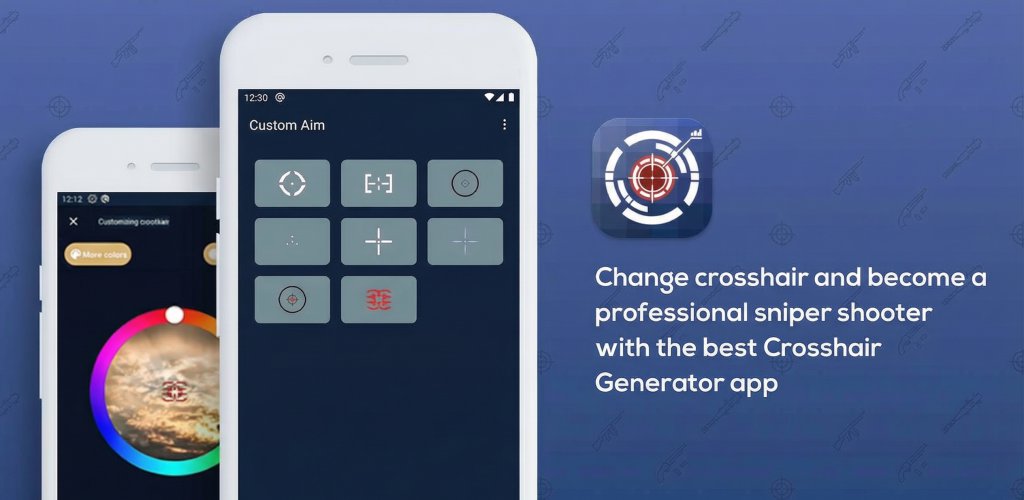
Custom Aim - Crosshair Generator Pro helps you add a precise visual pointer to your display.
Create a custom crosshair overlay to improve center-screen orientation and develop your manual aim skills. Personalize your display with the best free Crosshair Aim Helper.
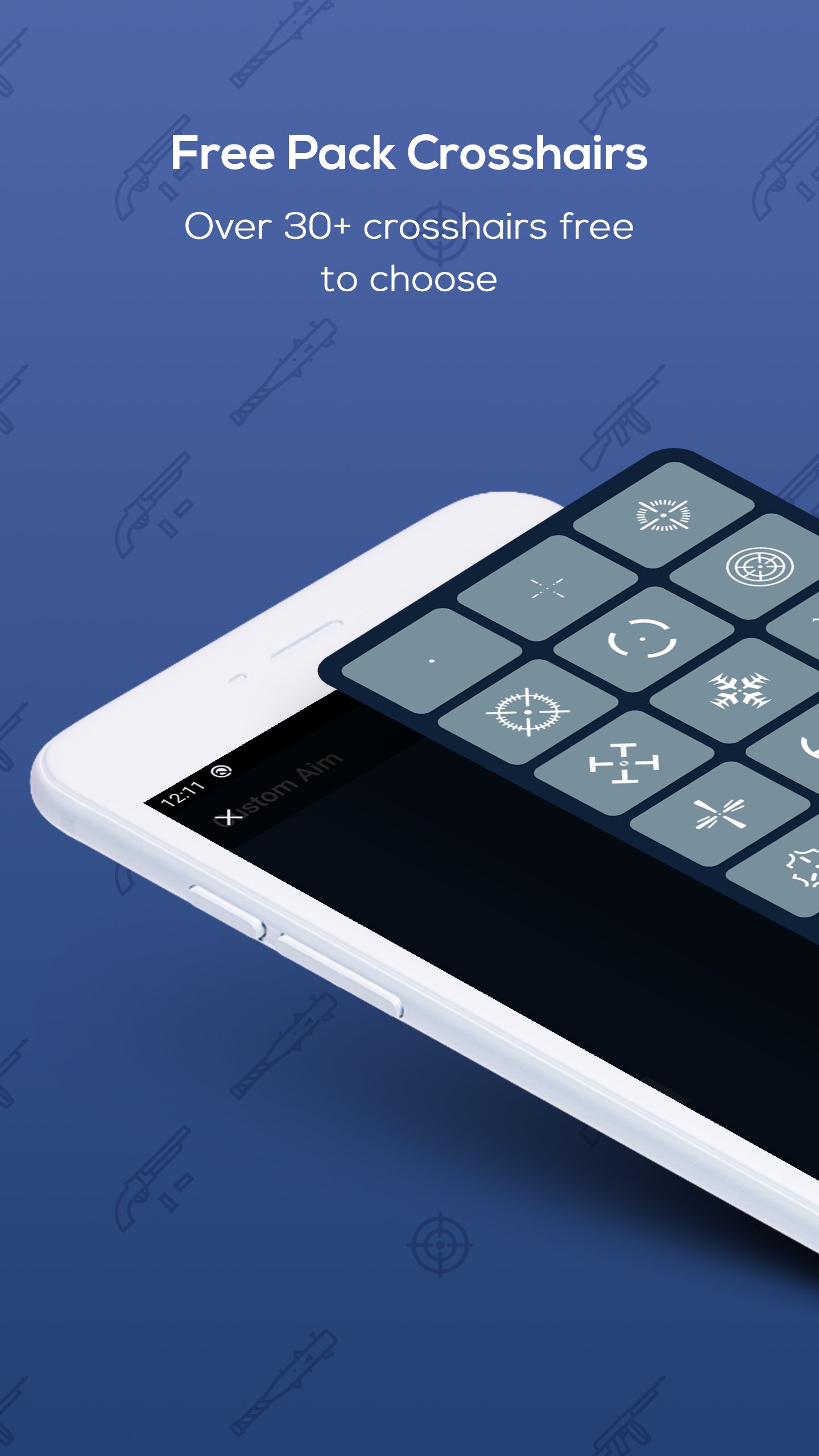
Custom Aim - Crosshair Helper & Screen Controller adds a customizable virtual overlay pointer to your screen. With over 24 styles, you can change the visual center on your favorite apps to boost your natural aiming skills! Use this lightweight tool to improve your sight and focus.
✨ Features of Custom Aim
🎯 - Unlimited Pointer Designs Choose from a wide collection of designs to add as an overlay. Pick a custom style to make your manual aim much more precise. Perfect for users practicing their center-point focus.
🎮 - Personalize Your Experience Adjust size, choose any color, and customize the design! Custom Aim is the ultimate utility to help you focus on your target point without interfering with other software.
🎮 - Visual Support for All Apps Generate pointers for your screen to help you orient yourself accurately. It provides a visual reference even where one isn't provided by default.
Disclaimer: Custom Aim is a 100% ethical visual aid. It is NOT an aimbot, auto-clicker. This app is a simple visual overlay designed to help you practice your aim manually. It does not provide an unfair advantage or access unauthorized data.
Preview
Tags
ToolsInformation
Developer
ItDeveApps
Latest Version
9.6.6
Last Updated
2026-09-01
Category
Tools
Available on
Google Play
Show More
How to play Custom Aim - Crosshair Pro with GameLoop on PC
1. Download GameLoop from the official website, then run the exe file to install GameLoop
2. Open GameLoop and search for “Custom Aim - Crosshair Pro” , find Custom Aim - Crosshair Pro in the search results and click “Install”
3. Enjoy playing Custom Aim - Crosshair Pro on GameLoop
Minimum requirements
OS
Windows 8.1 64-bit or Windows 10 64-bit
GPU
GTX 1050
CPU
i3-8300
Memory
8GB RAM
Storage
1GB available space
Recommended requirements
OS
Windows 8.1 64-bit or Windows 10 64-bit
GPU
GTX 1050
CPU
i3-9320
Memory
16GB RAM
Storage
1GB available space