
Crop The Video (Video Cutter) PC
Zoftech divine
Download Crop The Video (Video Cutter) on PC With GameLoop Emulator
Crop The Video (Video Cutter) sa PC
Ang Crop The Video (Video Cutter), na nagmumula sa developer na Zoftech divine, ay tumatakbo sa Android systerm sa nakaraan.
Ngayon, maaari mong laruin ang Crop The Video (Video Cutter) sa PC gamit ang GameLoop nang maayos.
I-download ito sa GameLoop library o mga resulta ng paghahanap. Hindi na tumitingin sa baterya o nakakadismaya na mga tawag sa maling oras.
I-enjoy lang ang Crop The Video (Video Cutter) PC sa malaking screen nang libre!
Crop The Video (Video Cutter) Panimula
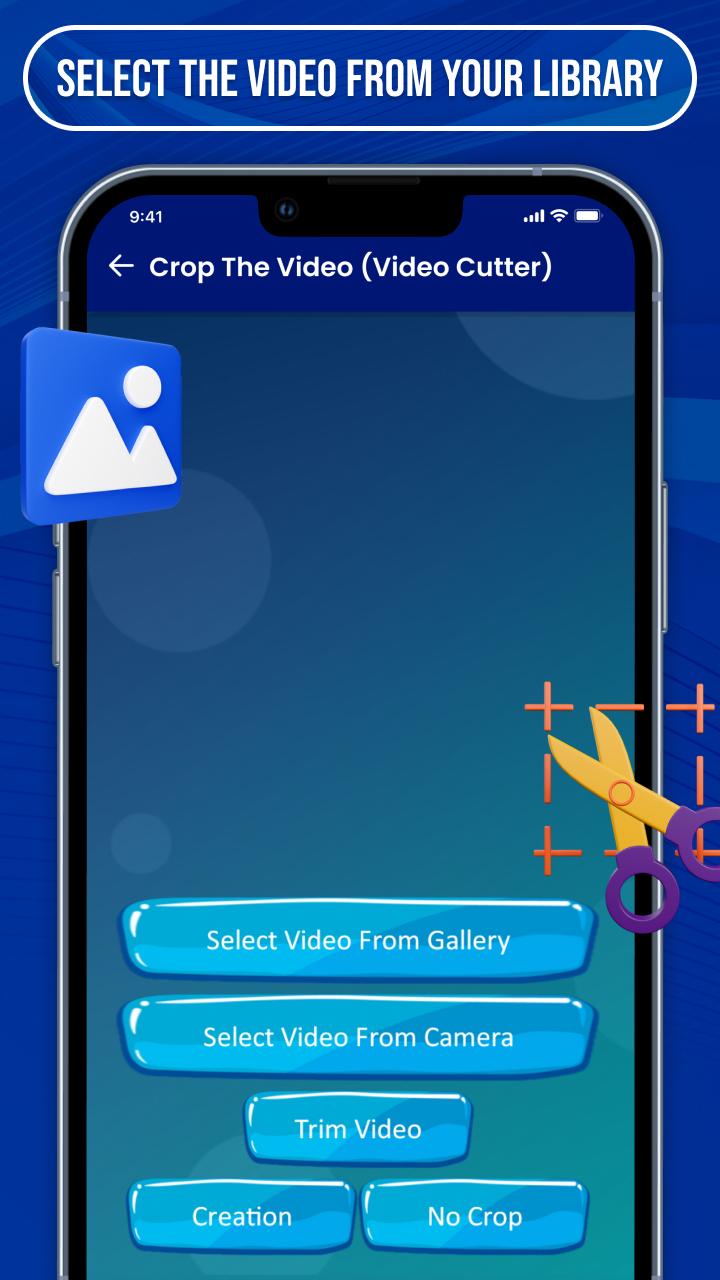
⇨ Crop The Video (Video Cutter) is established with creative options that give you the best experience to make a lyrical video for photos or songs.
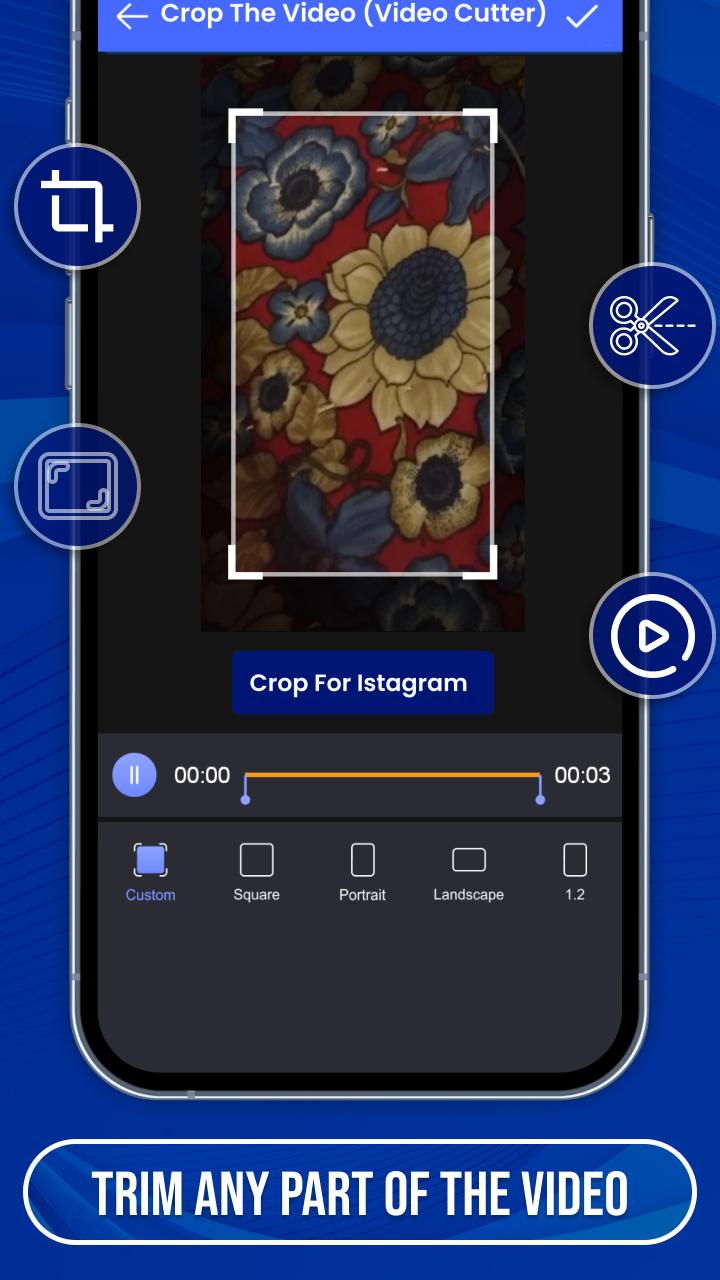
⇨ Easy to crop video as well as an audio file to make status and short story video by video cropper and joiner.
⇨ Many categories of videos are provided by crop video clip Like funny, natural, romantic, babies, cute, movie & serial clips, festival, friendship, New year, Sad, valentine’s week, Christmas, anniversary and many others with professional video cutter.
💠 Lots of Creative Features 💠
✬ User-friendly short music video crop app
✬ Filters of the images & videos
✬ Create a video with some simple steps
✬ Crop and merge videos into one clip
✬ The edited video can be re-edit after saving it
✬ High-quality video making with useful tools
✬ Make password security to your files
✬ Make your video speed slow & fast
✬ Send your special making to the media
⇨ You can choose many regional languages for easy understanding of the features of the video crop editor app.
⇨ You can upload your created videos directly on social media in HD quality, Full screen with video cropper and editor.
⇨ If you have any suggestions or queries for cut your video editor, feel free to contact us at email:zoftechdivine557@gmail.com
Preview
Tags
ToolsInformation
Developer
Zoftech divine
Latest Version
1.0.0F
Last Updated
2022-09-12
Category
Tools
Available on
Google Play
Show More
How to play Crop The Video (Video Cutter) with GameLoop on PC
1. Download GameLoop from the official website, then run the exe file to install GameLoop
2. Open GameLoop and search for “Crop The Video (Video Cutter)” , find Crop The Video (Video Cutter) in the search results and click “Install”
3. Enjoy playing Crop The Video (Video Cutter) on GameLoop
Minimum requirements
OS
Windows 8.1 64-bit or Windows 10 64-bit
GPU
GTX 1050
CPU
i3-8300
Memory
8GB RAM
Storage
1GB available space
Recommended requirements
OS
Windows 8.1 64-bit or Windows 10 64-bit
GPU
GTX 1050
CPU
i3-9320
Memory
16GB RAM
Storage
1GB available space