CPU Throttling Test PC
Procedural Prophet
Download CPU Throttling Test on PC With GameLoop Emulator
CPU Throttling Test sa PC
Ang CPU Throttling Test, na nagmumula sa developer na Procedural Prophet, ay tumatakbo sa Android systerm sa nakaraan.
Ngayon, maaari mong laruin ang CPU Throttling Test sa PC gamit ang GameLoop nang maayos.
I-download ito sa GameLoop library o mga resulta ng paghahanap. Hindi na tumitingin sa baterya o nakakadismaya na mga tawag sa maling oras.
I-enjoy lang ang CPU Throttling Test PC sa malaking screen nang libre!
CPU Throttling Test Panimula
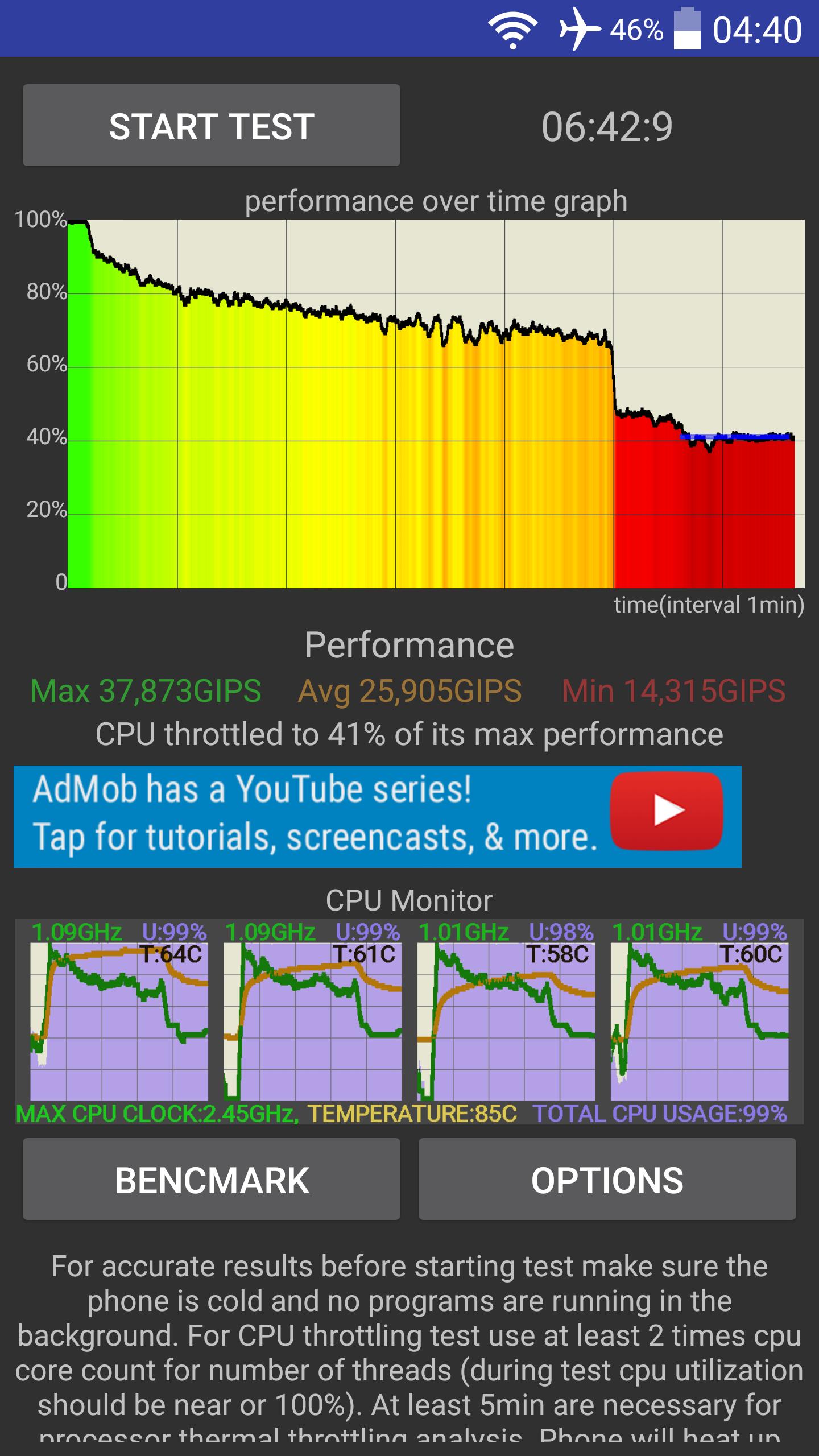
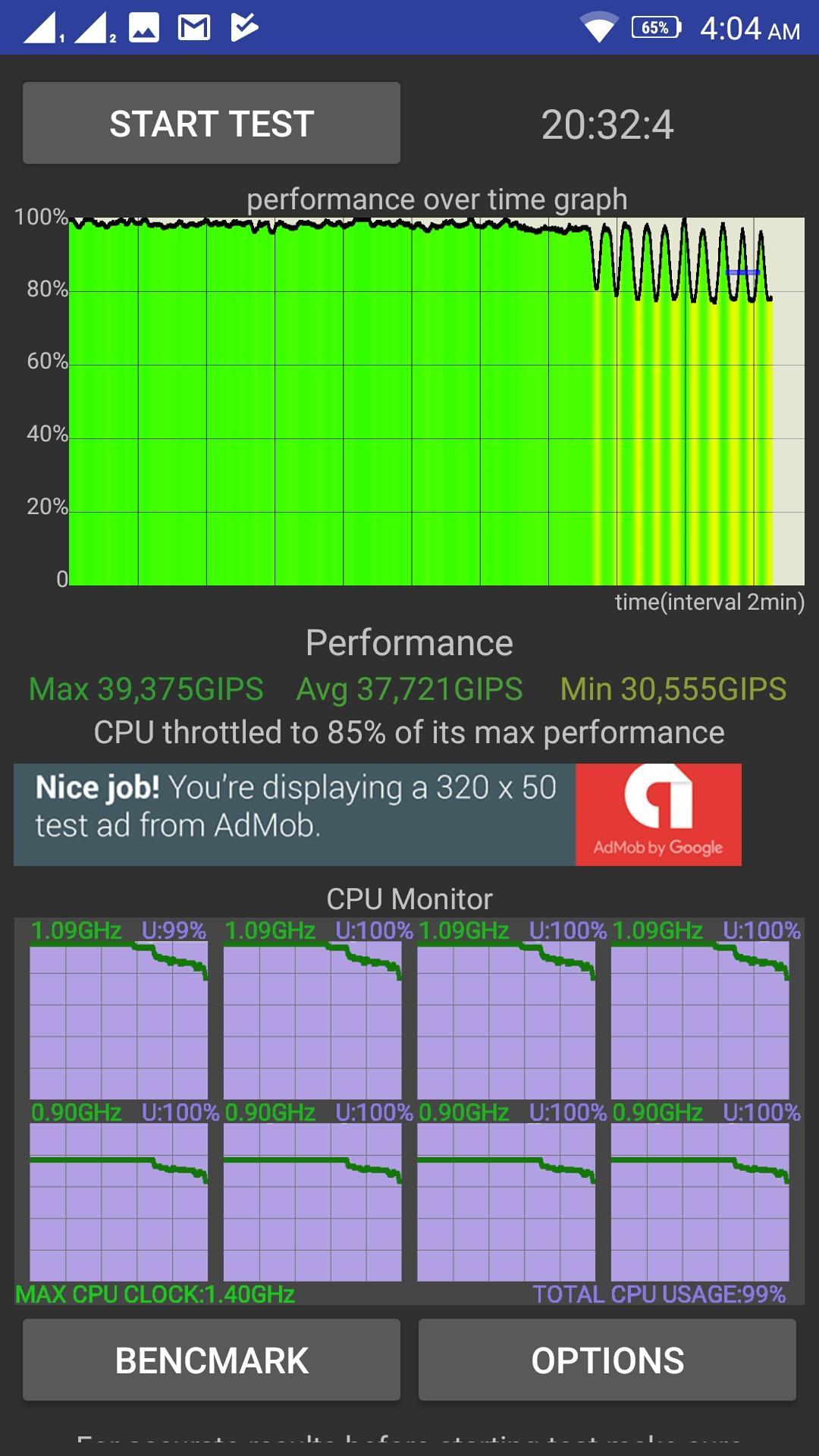
App loads CPU with up to 100 threads and measures performance. If phone can handle CPU cooling (most can't) performance will stay constant, but if it can't CPU will start to throttle and speed will decrease.
This app displays performance on a graph and measures maximum, minimum and average performance. After testing app will analyze data to find if and how much CPU throttling happened.
Application has built in benchmark which tests java and native C single and multi threaded performance.
CPU monitor which allows user to track core clock, temperature and usage is built in on a graph. From Android 8 (Oreo) CPU utilization tracking is disabled.
App can be used to measure if there are differences between CPUs of certain phones example: two phones use same chipset but are from different manufacturers so using this test you can determine if there are cooling differences between phones (which throttles the most)
Preview
Tags
ToolsInformation
Developer
Procedural Prophet
Latest Version
1.3.4
Last Updated
2018-02-06
Category
Tools
Available on
Google Play
Show More
How to play CPU Throttling Test with GameLoop on PC
1. Download GameLoop from the official website, then run the exe file to install GameLoop
2. Open GameLoop and search for “CPU Throttling Test” , find CPU Throttling Test in the search results and click “Install”
3. Enjoy playing CPU Throttling Test on GameLoop
Minimum requirements
OS
Windows 8.1 64-bit or Windows 10 64-bit
GPU
GTX 1050
CPU
i3-8300
Memory
8GB RAM
Storage
1GB available space
Recommended requirements
OS
Windows 8.1 64-bit or Windows 10 64-bit
GPU
GTX 1050
CPU
i3-9320
Memory
16GB RAM
Storage
1GB available space