
Combine PDF Create & Edit PC
DL Infosoft
Download Combine PDF Create & Edit on PC With GameLoop Emulator
Combine PDF Create & Edit sa PC
Ang Combine PDF Create & Edit, na nagmumula sa developer na DL Infosoft, ay tumatakbo sa Android systerm sa nakaraan.
Ngayon, maaari mong laruin ang Combine PDF Create & Edit sa PC gamit ang GameLoop nang maayos.
I-download ito sa GameLoop library o mga resulta ng paghahanap. Hindi na tumitingin sa baterya o nakakadismaya na mga tawag sa maling oras.
I-enjoy lang ang Combine PDF Create & Edit PC sa malaking screen nang libre!
Combine PDF Create & Edit Panimula
All-in-One PDF App — Merge, Scan, Convert and Compress
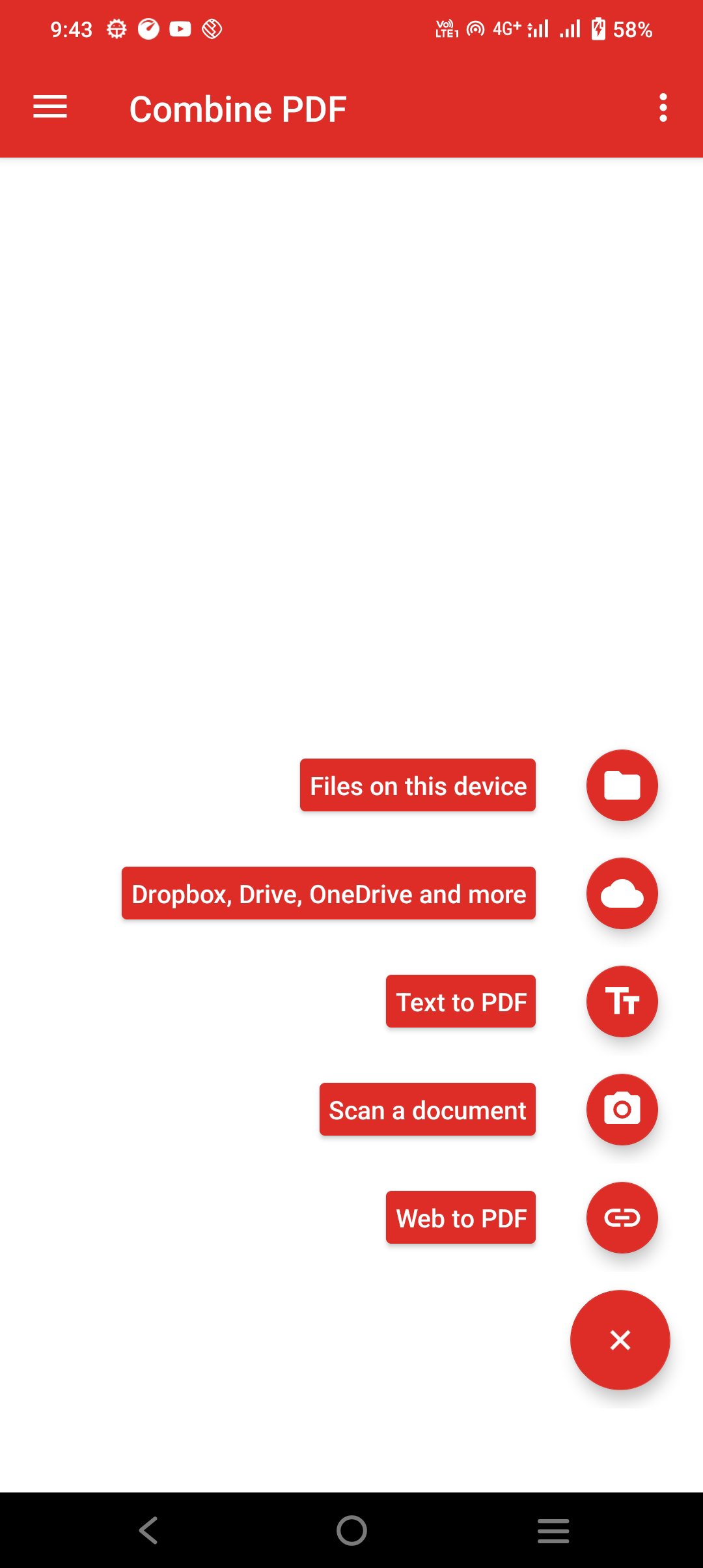
This app is a complete PDF toolkit designed to handle all your document needs. You can merge PDF files, scan documents using your camera, convert text or web pages to PDF, and compress large files — all in one convenient Android app.
Features:
Scan documents to PDF
Use your phone camera to scan notes, bills or receipts. The app automatically detects page edges, enhances clarity and saves the output as a PDF.
Merge PDF files
Combine multiple PDF documents into a single file. Rearrange pages as needed — ideal for reports, forms or study material.
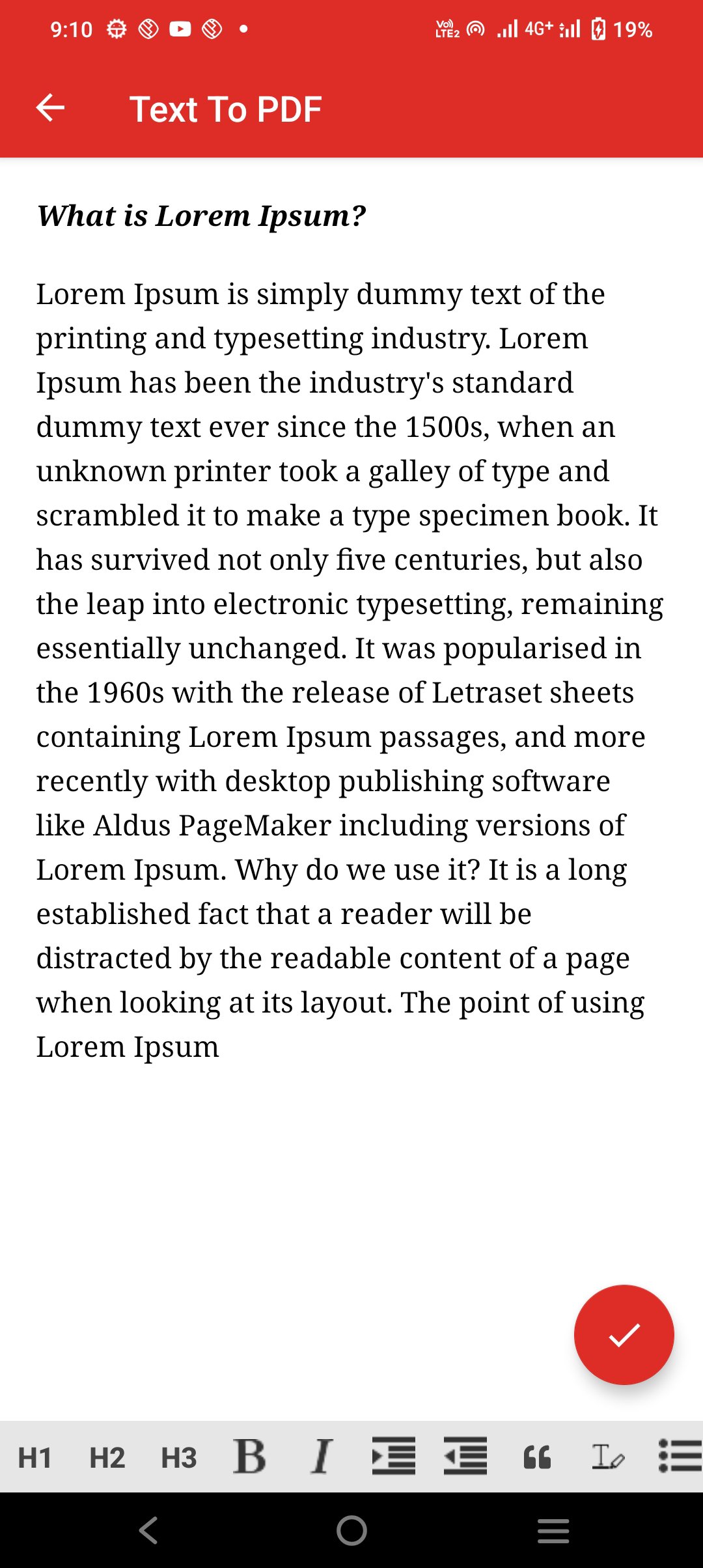
Convert text to PDF
Create formatted PDFs from plain text. You can adjust fonts, alignment, margins and even add headers or footers.
Convert web pages to PDF
Turn any website into a clean, printable PDF by entering its URL. Great for saving articles or web content offline.
Compress PDF files
Reduce the size of large PDF documents to save storage or for easy sharing. Choose from multiple compression levels based on your needs.
Built-in PDF viewer
Quickly open and scroll through PDF files. Rename, delete or manage files directly within the app.
Who Can Use This App?
Students organizing notes and assignments
Professionals who scan, merge, or archive documents
Anyone looking for a lightweight, offline PDF solution
Why Use This App?
Clean and simple interface
Fast and reliable performance on all Android devices
Works entirely offline — no internet required
Download today and simplify your document workflow with a complete PDF solution.
Preview
Tags
ToolsInformation
Developer
DL Infosoft
Latest Version
1.22
Last Updated
2025-11-07
Category
Tools
Available on
Google Play
Show More
How to play Combine PDF Create & Edit with GameLoop on PC
1. Download GameLoop from the official website, then run the exe file to install GameLoop
2. Open GameLoop and search for “Combine PDF Create & Edit” , find Combine PDF Create & Edit in the search results and click “Install”
3. Enjoy playing Combine PDF Create & Edit on GameLoop
Minimum requirements
OS
Windows 8.1 64-bit or Windows 10 64-bit
GPU
GTX 1050
CPU
i3-8300
Memory
8GB RAM
Storage
1GB available space
Recommended requirements
OS
Windows 8.1 64-bit or Windows 10 64-bit
GPU
GTX 1050
CPU
i3-9320
Memory
16GB RAM
Storage
1GB available space