Zip File Manager PC
Destiny finder
Download Zip File Manager on PC With GameLoop Emulator
Zip File Manager sa PC
Ang Zip File Manager, na nagmumula sa developer na Destiny finder, ay tumatakbo sa Android systerm sa nakaraan.
Ngayon, maaari mong laruin ang Zip File Manager sa PC gamit ang GameLoop nang maayos.
I-download ito sa GameLoop library o mga resulta ng paghahanap. Hindi na tumitingin sa baterya o nakakadismaya na mga tawag sa maling oras.
I-enjoy lang ang Zip File Manager PC sa malaking screen nang libre!
Zip File Manager Panimula
zip file manager help you to protect your data from data lost situation.
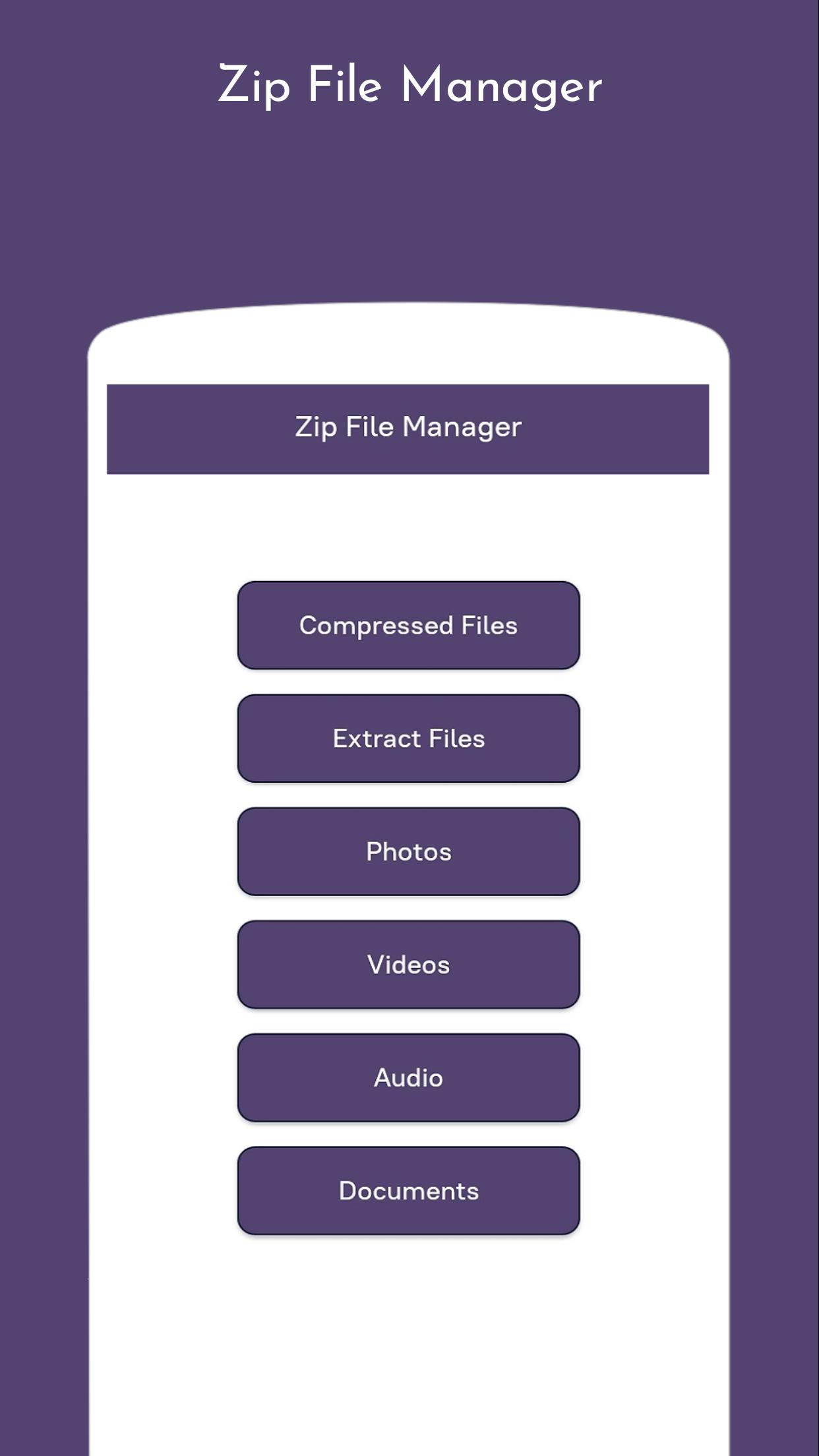
zip file manager help to Zip unzip your folders and files and make a compressed folder for you.
you can zip your data such as images,videos,audios,and any kind of document.
Unzip major type of compressed files such as including .ZIP, .Zipx, .RAR, .7z and LHA with just a one click.
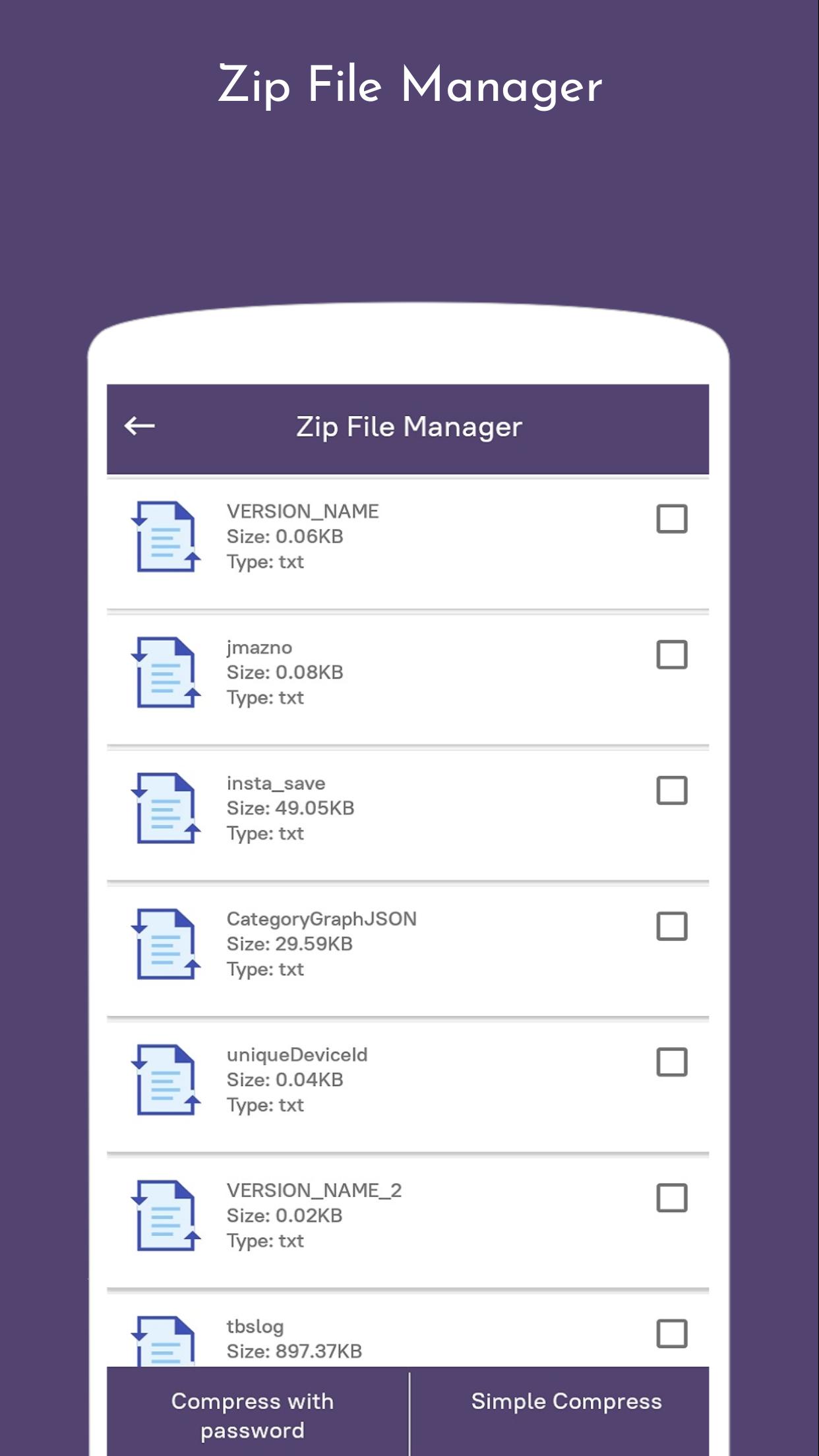
zip file manage is use to unzip any kind of document,and you can also set password protected document.
zip file manager is use for android phones to compress files and documents.
Main functionality of our app:
- It is a software to extract the ZIP file and the best RAR file.
- Zip & unzip files or folder.
- Compress photos and videos and other file type.
- Password protected zip file.
Features of Zip file manager :
1. Zip and unzip easy prevents data loss
2. Easy and fast file extractor for the zip file and RAR file
3. View, open, extract, compress, cut, paste, copy, delete, info, add to fav, share
archives files
4.Easy zip tools for zipping folders and files
5. Create and decompress password-protected archives
6.Rar files opener for your unrar files.
7. You can use it as your zip file converter to make it into a jpg file too
8. High compression ratio in 7z format with LZMA2 compression
9. The file stored after compression is stored in7z extension on your Android phone
10. Share files on social media
Preview
Tags
ToolsInformation
Developer
Destiny finder
Latest Version
1.0
Last Updated
2020-08-11
Category
Tools
Available on
Google Play
Show More
How to play Zip File Manager with GameLoop on PC
1. Download GameLoop from the official website, then run the exe file to install GameLoop
2. Open GameLoop and search for “Zip File Manager” , find Zip File Manager in the search results and click “Install”
3. Enjoy playing Zip File Manager on GameLoop
Minimum requirements
OS
Windows 8.1 64-bit or Windows 10 64-bit
GPU
GTX 1050
CPU
i3-8300
Memory
8GB RAM
Storage
1GB available space
Recommended requirements
OS
Windows 8.1 64-bit or Windows 10 64-bit
GPU
GTX 1050
CPU
i3-9320
Memory
16GB RAM
Storage
1GB available space