Battery Charging Status&Level PC
Yalintech
Download Battery Charging Status&Level on PC With GameLoop Emulator
Battery Charging Status&Level sa PC
Ang Battery Charging Status&Level, na nagmumula sa developer na Yalintech, ay tumatakbo sa Android systerm sa nakaraan.
Ngayon, maaari mong laruin ang Battery Charging Status&Level sa PC gamit ang GameLoop nang maayos.
I-download ito sa GameLoop library o mga resulta ng paghahanap. Hindi na tumitingin sa baterya o nakakadismaya na mga tawag sa maling oras.
I-enjoy lang ang Battery Charging Status&Level PC sa malaking screen nang libre!
Battery Charging Status&Level Panimula
The Battery application offers all the essential features required to manage your device's battery:
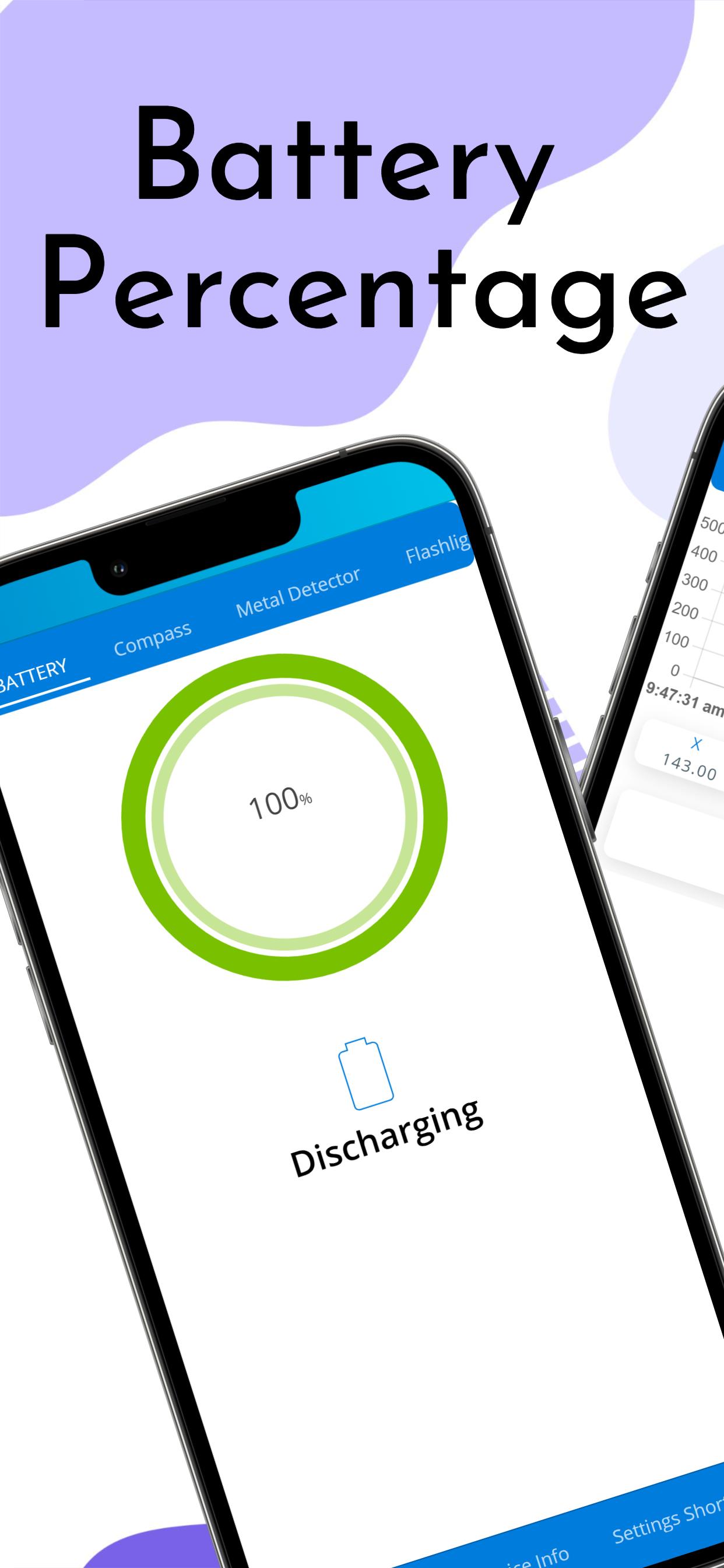
• It displays the current charge level of your battery.
• It allows you to monitor the battery's charging status.
By using the Tools app, you will get easy access to the following device information-
• Device Model
• Data Usage
• WiFi
• Hot Spot
• Screen size
• Version
• UUID
• Battery Percentage
• Bluetooth
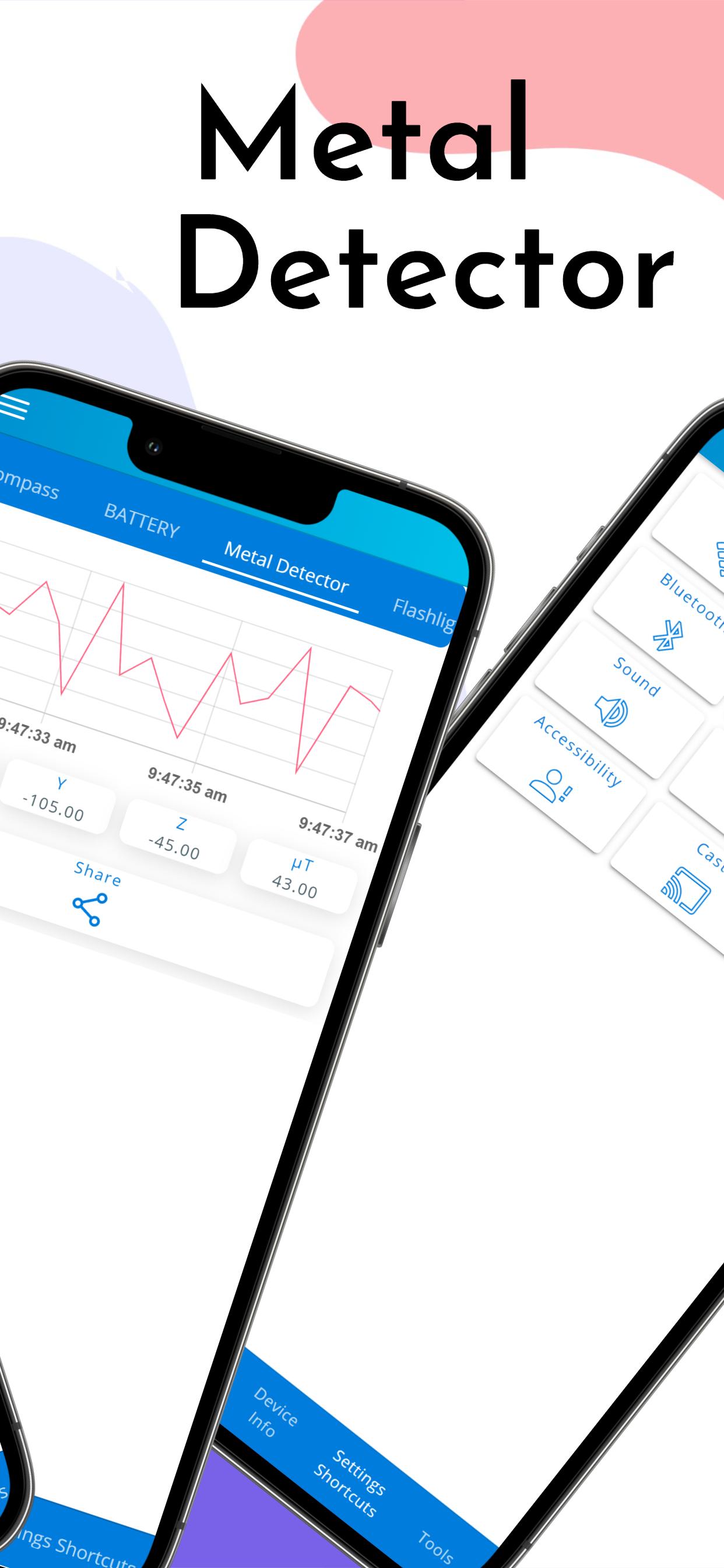
By using the Tools app, You will enjoy features such as Metal Detector & Gold Finder-
• Detect the metals around you
• Digital format display
• Vibration alarm when finding metals
• History page- contains all your search history
By using the Tools app, you can enjoy more than ten language translations to choose from, Just set your language at the app settings.
By using the tools app, you will get easy access to the following device information-
By using the tools app, you will enjoy features such as Digital Compass-
• Show True North
• Show Magnetic Field Power
• Multiple language support
One of the primary features of the Battery application is the battery charge level display. This feature provides users with a real-time view of their battery's current charge level, allowing them to monitor and manage their device's power usage more effectively. Additionally, the app also provides a battery charging status monitor, which enables users to see the progress of their device's battery charging process.
In addition to battery-related features, the Battery application also offers a suite of tools that provide users with valuable device information. With just a few taps, users can access device details such as the model, screen size, version, and UUID. The app also provides data usage and WiFi information, making it easy for users to keep track of their data and internet usage.
Moreover, the app offers an exciting range of features, including a metal detector and gold finder. This feature uses advanced technology to detect metallic objects and displays the results in digital format. The app also features a vibration alarm that alerts users when a metal is detected, making it an excellent tool for metal detection enthusiasts. The app also has a history page that stores all previous searches, enabling users to keep track of their search history.
The Battery application is also language-friendly, offering more than ten language translations to choose from. Users can set their preferred language in the app settings, making it more accessible and enjoyable for a diverse range of users.
Another exciting feature of the Battery application is the digital compass, which provides users with an accurate representation of the true north and magnetic field power. This feature is ideal for travelers, hikers, and anyone who needs to navigate their way through unfamiliar terrain. Moreover, the app supports multiple languages, making it easy for users to access the feature in their preferred language.
In summary, the Battery application is a must-have mobile app for anyone who wants to access valuable device information. With its intuitive interface and comprehensive features, this app is an excellent tool for users who want to get the most out of their mobile device.
Preview
Tags
ToolsInformation
Developer
Yalintech
Latest Version
1.5.5
Last Updated
2025-08-01
Category
Tools
Available on
Google Play
Show More
How to play Battery Charging Status&Level with GameLoop on PC
1. Download GameLoop from the official website, then run the exe file to install GameLoop
2. Open GameLoop and search for “Battery Charging Status&Level” , find Battery Charging Status&Level in the search results and click “Install”
3. Enjoy playing Battery Charging Status&Level on GameLoop
Minimum requirements
OS
Windows 8.1 64-bit or Windows 10 64-bit
GPU
GTX 1050
CPU
i3-8300
Memory
8GB RAM
Storage
1GB available space
Recommended requirements
OS
Windows 8.1 64-bit or Windows 10 64-bit
GPU
GTX 1050
CPU
i3-9320
Memory
16GB RAM
Storage
1GB available space