Maps for Minecraft PE PC
Xcoder Inc.
Download Maps for Minecraft PE on PC With GameLoop Emulator
Maps for Minecraft PE sa PC
Ang Maps for Minecraft PE, na nagmumula sa developer na Xcoder Inc., ay tumatakbo sa Android systerm sa nakaraan.
Ngayon, maaari mong laruin ang Maps for Minecraft PE sa PC gamit ang GameLoop nang maayos.
I-download ito sa GameLoop library o mga resulta ng paghahanap. Hindi na tumitingin sa baterya o nakakadismaya na mga tawag sa maling oras.
I-enjoy lang ang Maps for Minecraft PE PC sa malaking screen nang libre!
Maps for Minecraft PE Panimula
This application requires Minecraft Pocket Edition
With Maps for Minecraft PE, you can browse hundreds of awesome maps for Minecraft and "Crafting and Building", install them in just one tap and play right away!
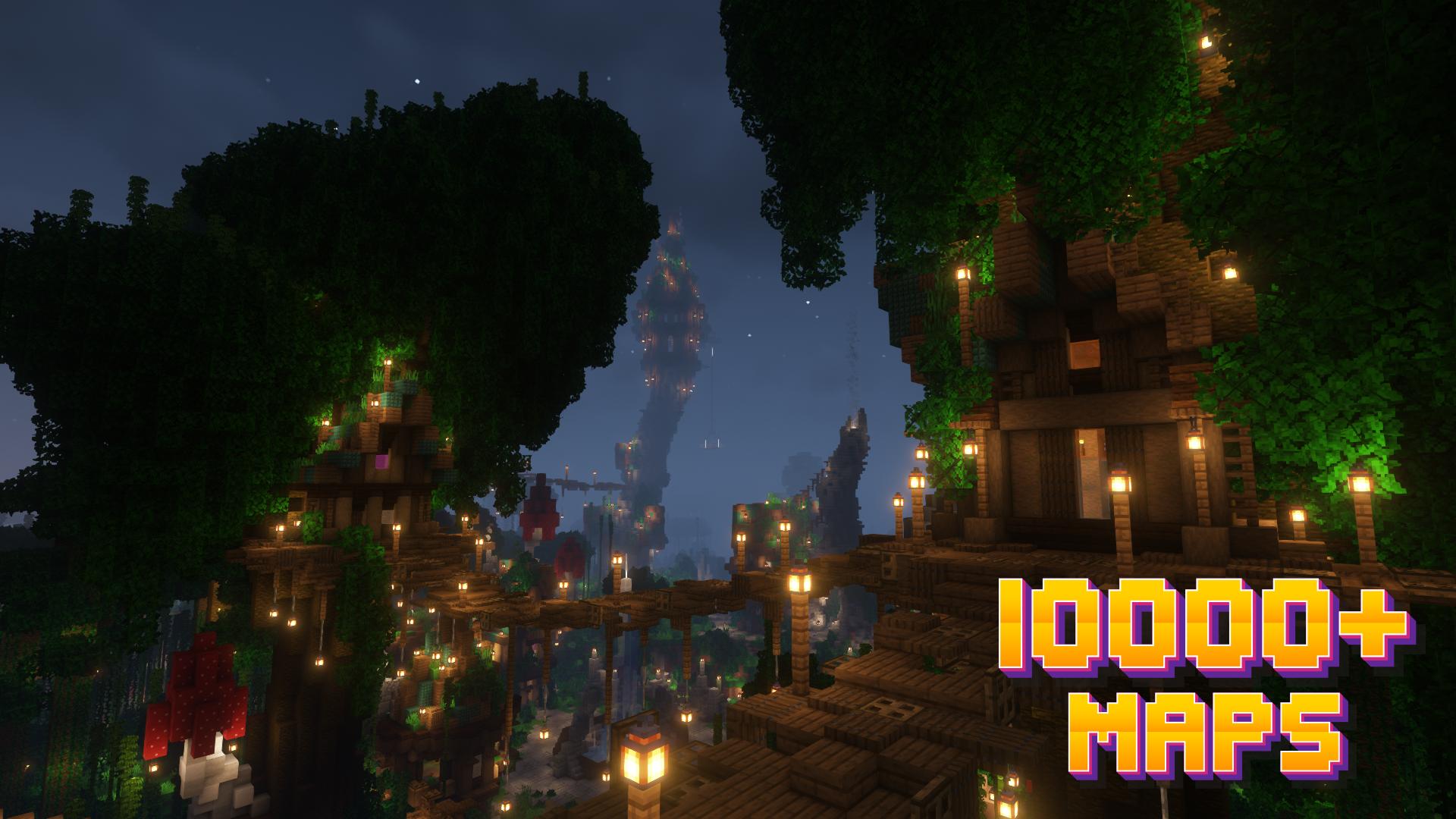
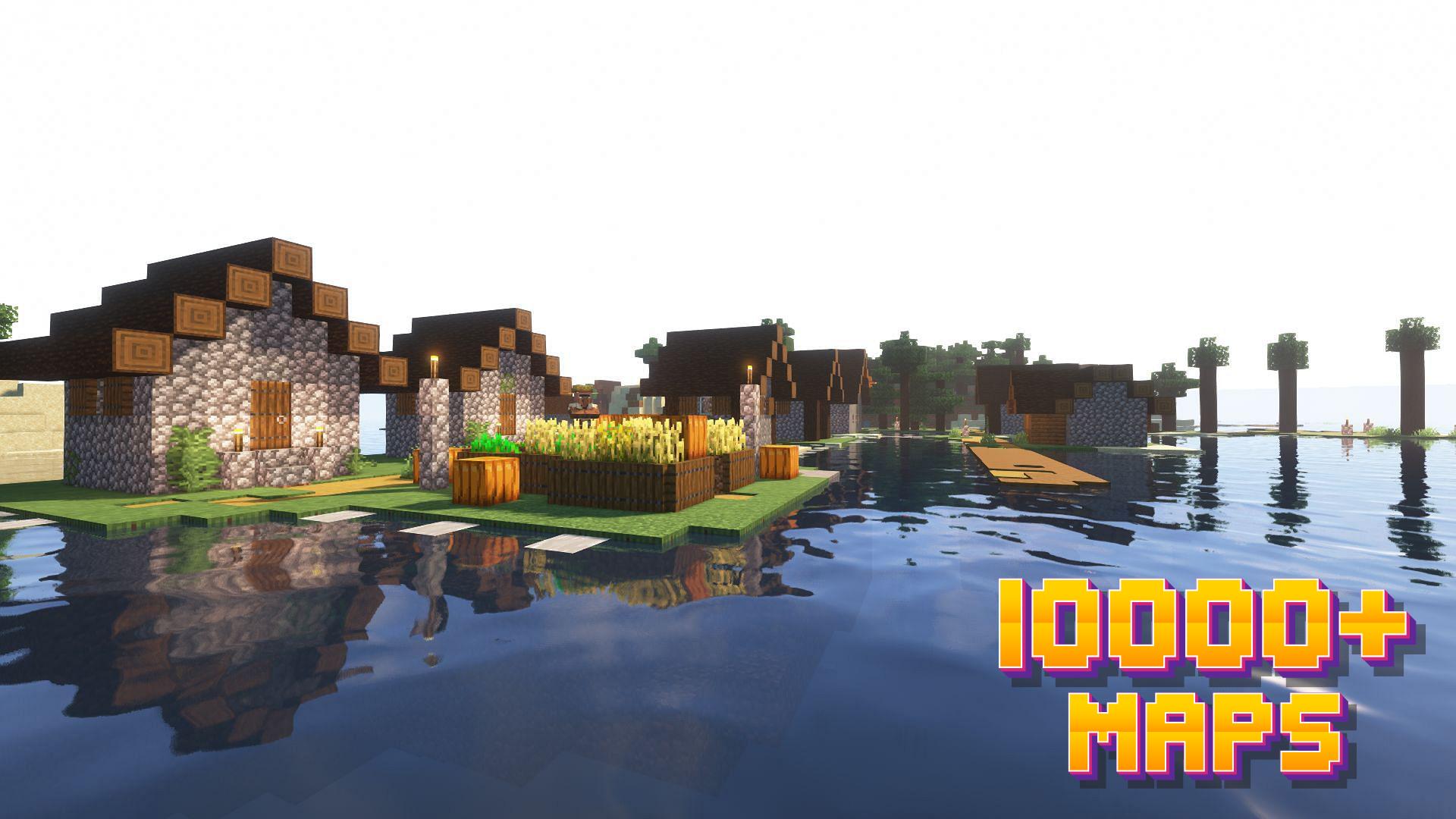
You will find all kinds of worlds: from houses and huge cities to PvP battle mini-games and adventures, parkour, hide and seek, one block skyblock and so much more!
Installing a map is as easy as clicking "Download" and then "Play" — the game will open automatically with your new map installed & ready to play!
Features
- Maps for Minecraft
- Minecraft Skyblock
- One Block Skyblock
- Minecraft Parkour Maps
- Minecraft Adventure Maps
- 2b2t Map
- More Maps for MCPE
Each map has a brief description, screenshot, credits and other information!
MineMaps offers the best maps for you to enjoy and share the fun with your friends!
DISCLAIMER: NOT AN OFFICIAL MINECRAFT PRODUCT. NOT APPROVED BY OR ASSOCIATED WITH MOJANG. All rights reserved. In accordance with http://account.mojang.com/documents/brand_guidelines
All files provided for download in this application are provided under a free distribution license. We (Mods for Minecraft PE, ADDONS) in no way claim copyright or intellectual property.
If you feel that we have violated your intellectual property rights, or any other agreement, please contact us by e-mail, we will immediately take the necessary measures.
Preview
Tags
ToolsInformation
Developer
Xcoder Inc.
Latest Version
1.0.9
Last Updated
2023-05-12
Category
Tools
Available on
Google Play
Show More
How to play Maps for Minecraft PE with GameLoop on PC
1. Download GameLoop from the official website, then run the exe file to install GameLoop
2. Open GameLoop and search for “Maps for Minecraft PE” , find Maps for Minecraft PE in the search results and click “Install”
3. Enjoy playing Maps for Minecraft PE on GameLoop
Minimum requirements
OS
Windows 8.1 64-bit or Windows 10 64-bit
GPU
GTX 1050
CPU
i3-8300
Memory
8GB RAM
Storage
1GB available space
Recommended requirements
OS
Windows 8.1 64-bit or Windows 10 64-bit
GPU
GTX 1050
CPU
i3-9320
Memory
16GB RAM
Storage
1GB available space