Document Scanner PC
Sirocco Mobile Sp. z o.o.
Download Document Scanner on PC With GameLoop Emulator
Document Scanner sa PC
Ang Document Scanner, na nagmumula sa developer na Sirocco Mobile Sp. z o.o., ay tumatakbo sa Android systerm sa nakaraan.
Ngayon, maaari mong laruin ang Document Scanner sa PC gamit ang GameLoop nang maayos.
I-download ito sa GameLoop library o mga resulta ng paghahanap. Hindi na tumitingin sa baterya o nakakadismaya na mga tawag sa maling oras.
I-enjoy lang ang Document Scanner PC sa malaking screen nang libre!
Document Scanner Panimula
Professional scanner for Your device. Always there, where You need it!
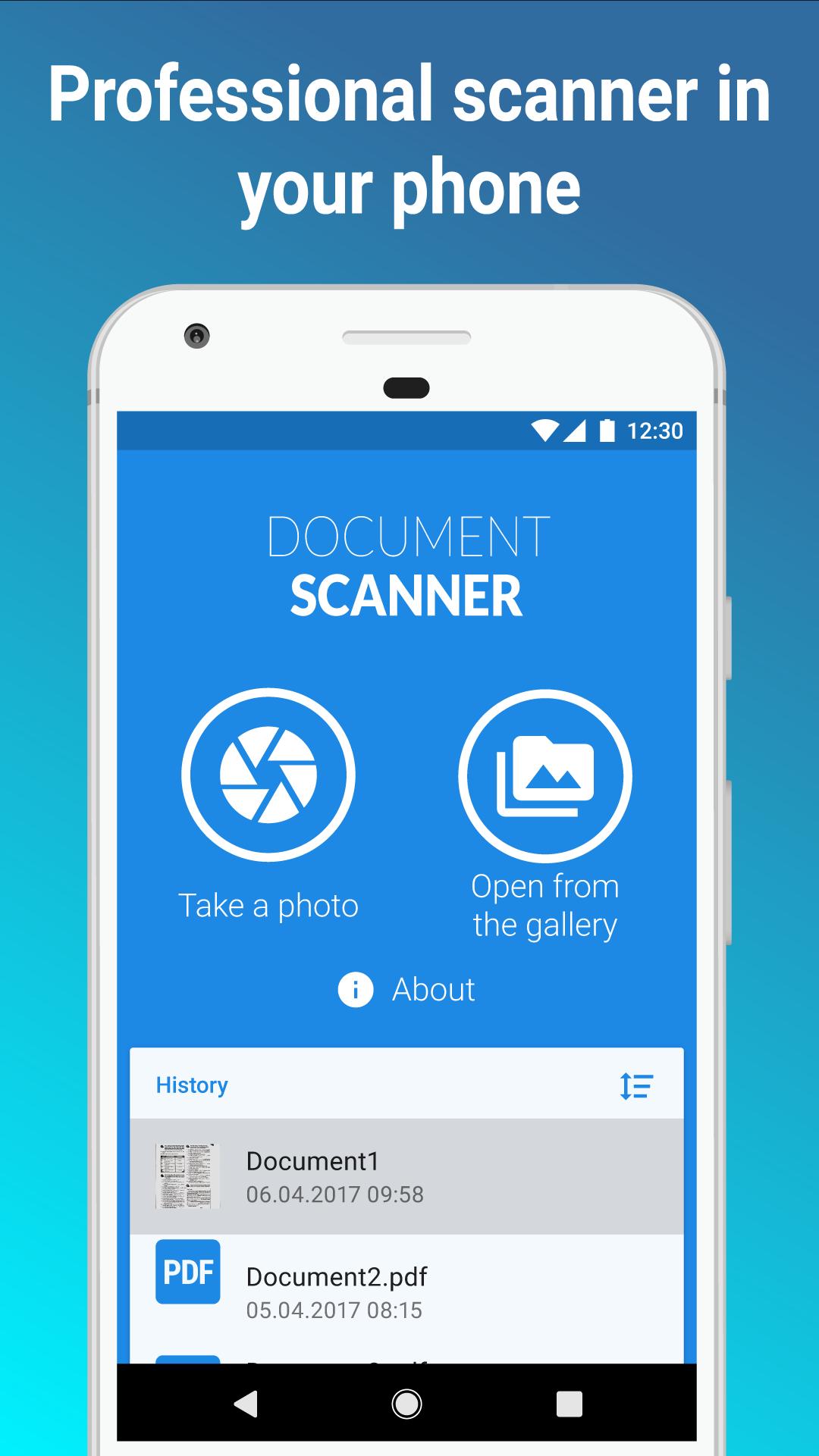
The Document Scanner has been designed to allow you to make on the spot clear, digital reproduction of any prints, letters, forms or receipts. This app is a mobile document scanner to be used in any situation. It's user-friendly and intuitive.
Main features:
• take a photo of a document, or open an image from your device gallery
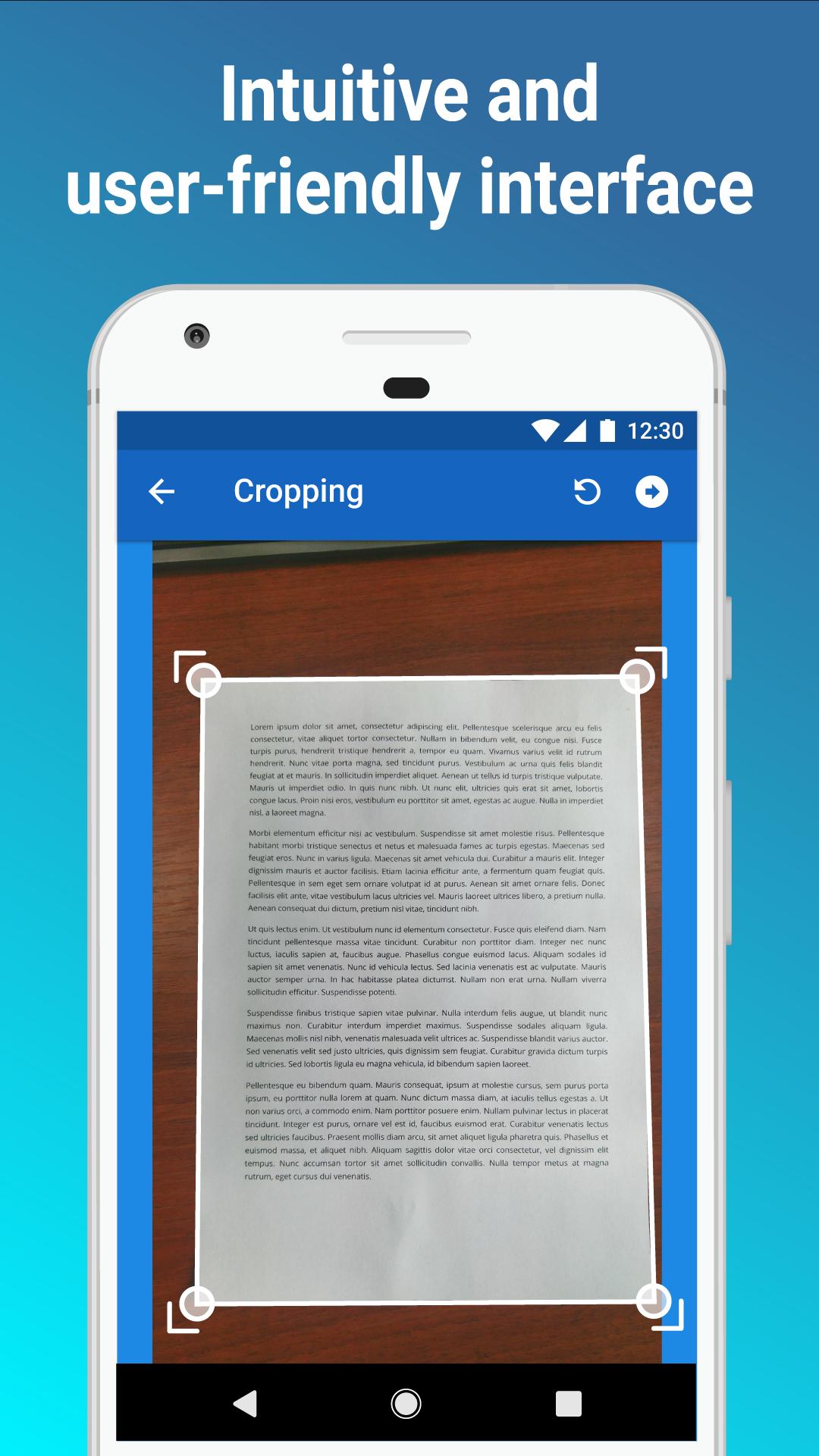
• quick and easy cropping, based on the intelligent algorithm
• adjusts pictures taken at an angle automatically
• up to seven image filters to improve the quality of the photo
• enables you to share the copy of a document
• enables documents to be saved as PDF files
• create either a single-page or multi-page PDF documents in a user-defined quality
Pro version:
You can save Your documents as PDF files if You upgrade the app to Pro version, You can test this feature for 90 days free of charge!
After the trial period decide if you want to treat us with a cup of coffee ;) and continue using the Pro Version.
Remember, you won't be charged unless we get your permission.
The Document Scanner can be used to scan:
• various documents, formal papers,
• invoices, contracts, bills, vouchers, forms,
• notes, presentations, manuscripts,
• receipts, letters, books, articles, certificates, business cards.
Additional features coming soon!
Preview
Tags
ToolsInformation
Developer
Sirocco Mobile Sp. z o.o.
Latest Version
1.3.6
Last Updated
2023-10-17
Category
Tools
Available on
Google Play
Show More
How to play Document Scanner with GameLoop on PC
1. Download GameLoop from the official website, then run the exe file to install GameLoop
2. Open GameLoop and search for “Document Scanner” , find Document Scanner in the search results and click “Install”
3. Enjoy playing Document Scanner on GameLoop
Minimum requirements
OS
Windows 8.1 64-bit or Windows 10 64-bit
GPU
GTX 1050
CPU
i3-8300
Memory
8GB RAM
Storage
1GB available space
Recommended requirements
OS
Windows 8.1 64-bit or Windows 10 64-bit
GPU
GTX 1050
CPU
i3-9320
Memory
16GB RAM
Storage
1GB available space