
Screen Recorder - XRecorder PC
Unit Dev .Inc
Download Screen Recorder - XRecorder on PC With GameLoop Emulator
Screen Recorder - XRecorder sa PC
Ang Screen Recorder - XRecorder, na nagmumula sa developer na Unit Dev .Inc, ay tumatakbo sa Android systerm sa nakaraan.
Ngayon, maaari mong laruin ang Screen Recorder - XRecorder sa PC gamit ang GameLoop nang maayos.
I-download ito sa GameLoop library o mga resulta ng paghahanap. Hindi na tumitingin sa baterya o nakakadismaya na mga tawag sa maling oras.
I-enjoy lang ang Screen Recorder - XRecorder PC sa malaking screen nang libre!
Screen Recorder - XRecorder Panimula
DU Screen Recorder helps you capture smooth & clear screen videos, screenshots in the easiest way. Use XRecorder to record videos with No recording time limits & No root needed! Just with a tap on the floating window, you can record HD video tutorials, video calls and videos that can not be downloaded even. No watermark & No lag when recording! And you will never miss live game shows, and important moments anymore.
DU Screen Recorder helps you record gaming videos without watermarks! This free DU screen recorder app enables you to capture your victory moment, create funny videos, or record a lecture while you're studying online.
★TOP FEATURES:
- Capture screen to take a clear Screenshot
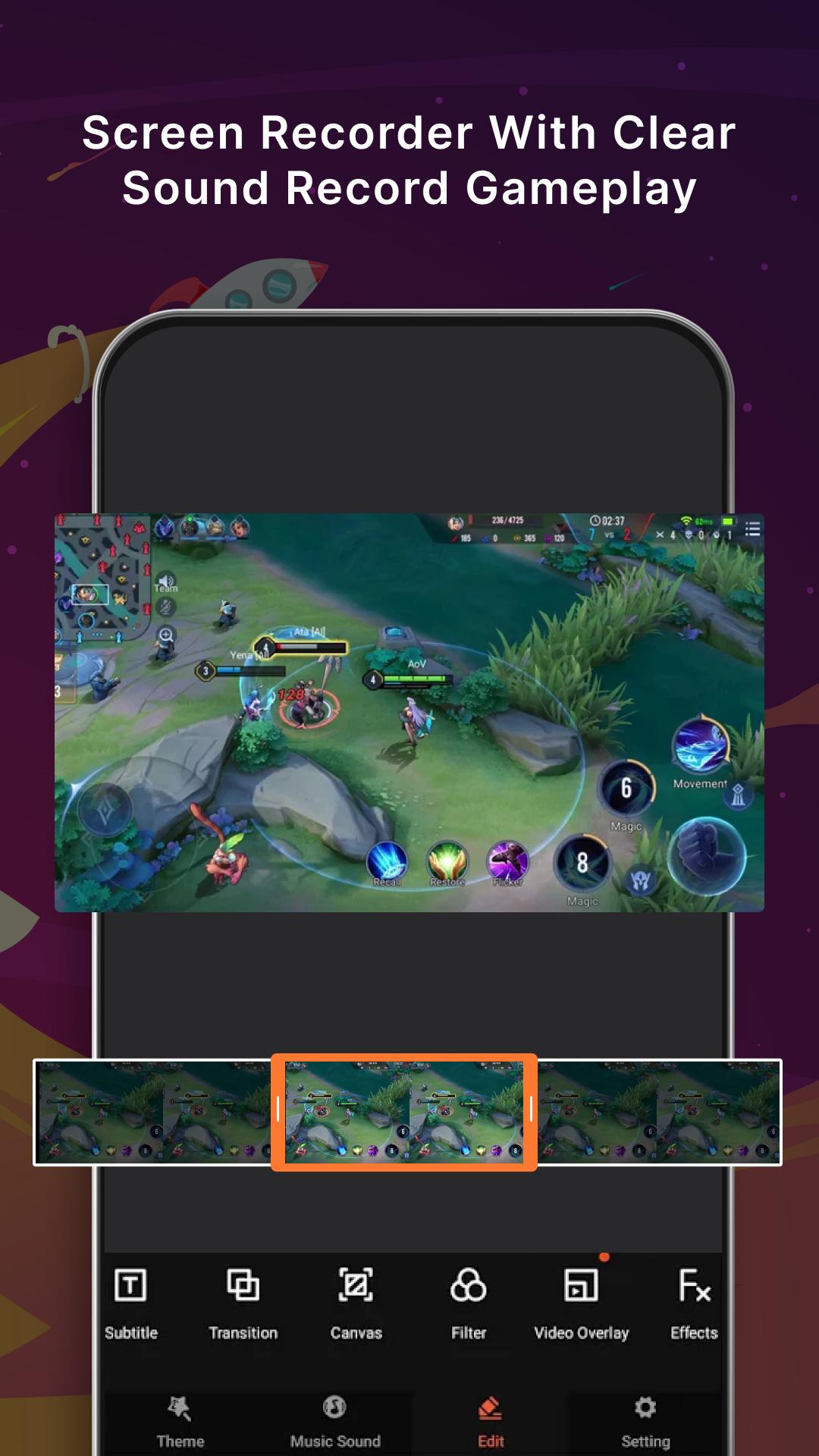
- Record Gameplay on your phone
- Internal audio recording without noise (ONLY Android 10 or above)
- YouTube & RTMP Live stream: be a gaming streamer to gain fun and popularity
- Video Editor: trim, remove the middle part, add music and speed control
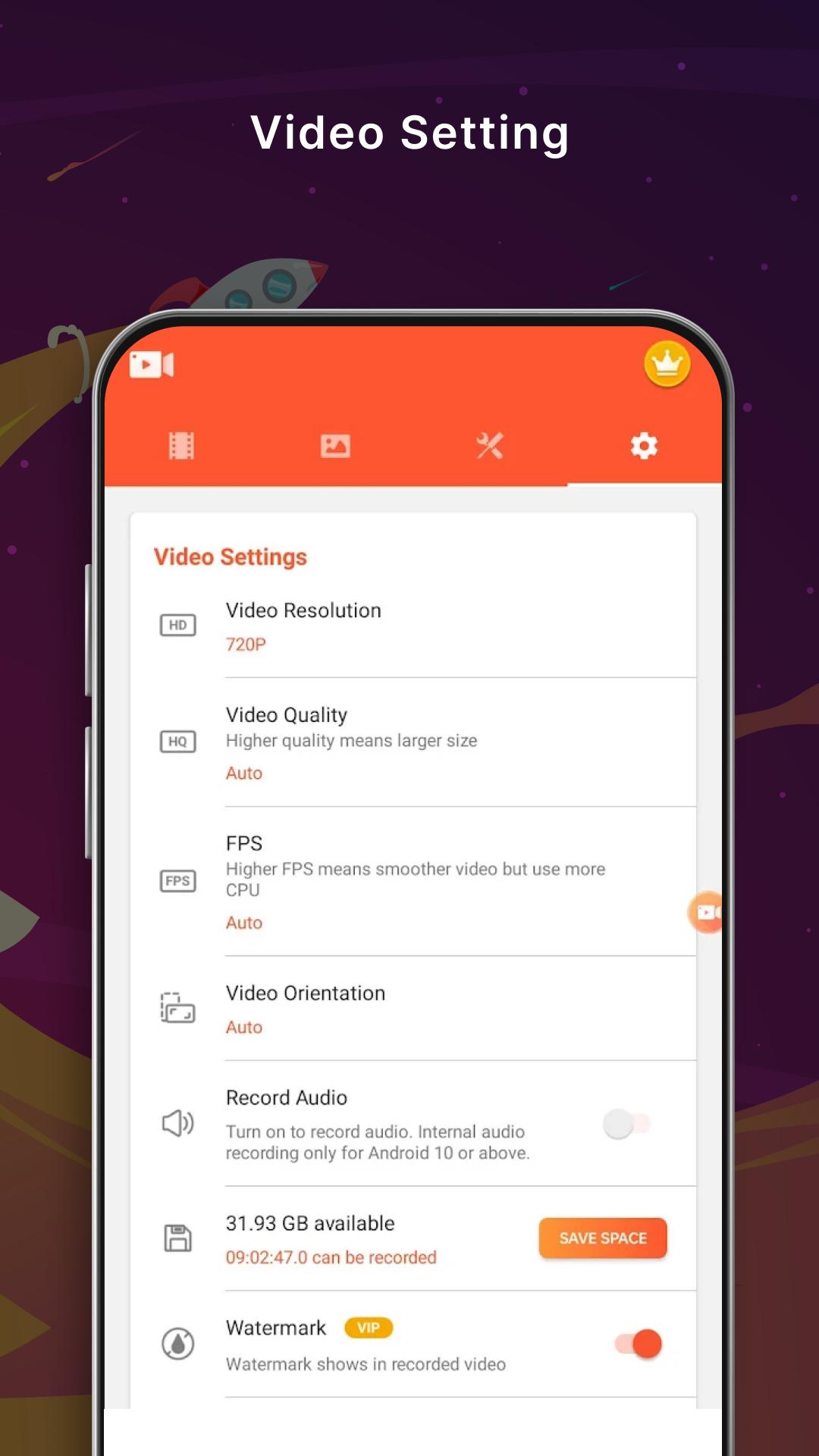
- Export Full HD video with custom settings: 240p to 1080p, 60FPS, 12Mbps
- No watermark: record a clean video & screenshot
- No recording time limits & No root needed
- Floating window: One touch to snap the exact moment or hide it when it’s not needed
- Countdown timer: to be a fully prepared recorder
- Alternative storage location: internal storage/ SD card
- Easy to pause/resume recording, rotate screen
★ Free DU Screen Recorder:
Free access to all features, such as video resolution, frame rate, and video quality. Video recorder with no subscription.
★DU Screen Recorder with audio:
Vidma DU Screen Recorder is well-built for gamers, vloggers, and storytellers, and as much as for businesses.
★DU Screen Recorder in FULL HD:
Screen Video Recorder - XRecorder supports recording game screen in the highest quality, 1080p, 12Mbps, 60FPS. Of course, you can record screen with adjustable resolution(240p to 1080p), quality, and FPS(15FPS to 60FPS).
★Full-featured Video Editor:
XRecorder provides full-featured video editing: trim, merge, and remove the middle part to guarantee your video quality. Besides, speeding up, slowing down and adding music are also available to make your video more attractive.
★Game Recorder with no Time Limit:
This DU Screen Recorder - XRecorder is also a convenient game recorder and screen capture tool.
★Screen Video Recorder with no Watermark:
Still find a screen capture tool without watermark? Download this video recorder to capture screen in a cleaner way.it is a must-have DU Screen Recorder.
★DU Screen Recorder with Sound:
Want to record gameplay, video tutorial with sound? This powerful DU Screen Recorder with sound is your best choice.
★DU Screen Recorder with Facecam:
DU Screen Recorder with Facecam helps you record your face and reaction in a small overlay window. It can be dragged freely to any position on the screen and customized to any size.
★DU Screen Recorder with Audio:
It is also a well functional DU Screen Recorder with audio, DU Screen Recorder with sound. Download this fantastic DU Screen Recorder with audio to record your own video now.
Thanks for downloading DU Screen Recorder - Video Recorder. And if you want to get support and share your ideas with more friends or have any feedback.
Preview
Tags
ToolsInformation
Developer
Unit Dev .Inc
Latest Version
1.4
Last Updated
2022-10-29
Category
Tools
Available on
Google Play
Show More
How to play Screen Recorder - XRecorder with GameLoop on PC
1. Download GameLoop from the official website, then run the exe file to install GameLoop
2. Open GameLoop and search for “Screen Recorder - XRecorder” , find Screen Recorder - XRecorder in the search results and click “Install”
3. Enjoy playing Screen Recorder - XRecorder on GameLoop
Minimum requirements
OS
Windows 8.1 64-bit or Windows 10 64-bit
GPU
GTX 1050
CPU
i3-8300
Memory
8GB RAM
Storage
1GB available space
Recommended requirements
OS
Windows 8.1 64-bit or Windows 10 64-bit
GPU
GTX 1050
CPU
i3-9320
Memory
16GB RAM
Storage
1GB available space