
Contact Backup & Restore PC
Creative Light , Inc
Download Contact Backup & Restore on PC With GameLoop Emulator
Contact Backup & Restore sa PC
Ang Contact Backup & Restore, na nagmumula sa developer na Creative Light , Inc, ay tumatakbo sa Android systerm sa nakaraan.
Ngayon, maaari mong laruin ang Contact Backup & Restore sa PC gamit ang GameLoop nang maayos.
I-download ito sa GameLoop library o mga resulta ng paghahanap. Hindi na tumitingin sa baterya o nakakadismaya na mga tawag sa maling oras.
I-enjoy lang ang Contact Backup & Restore PC sa malaking screen nang libre!
Contact Backup & Restore Panimula
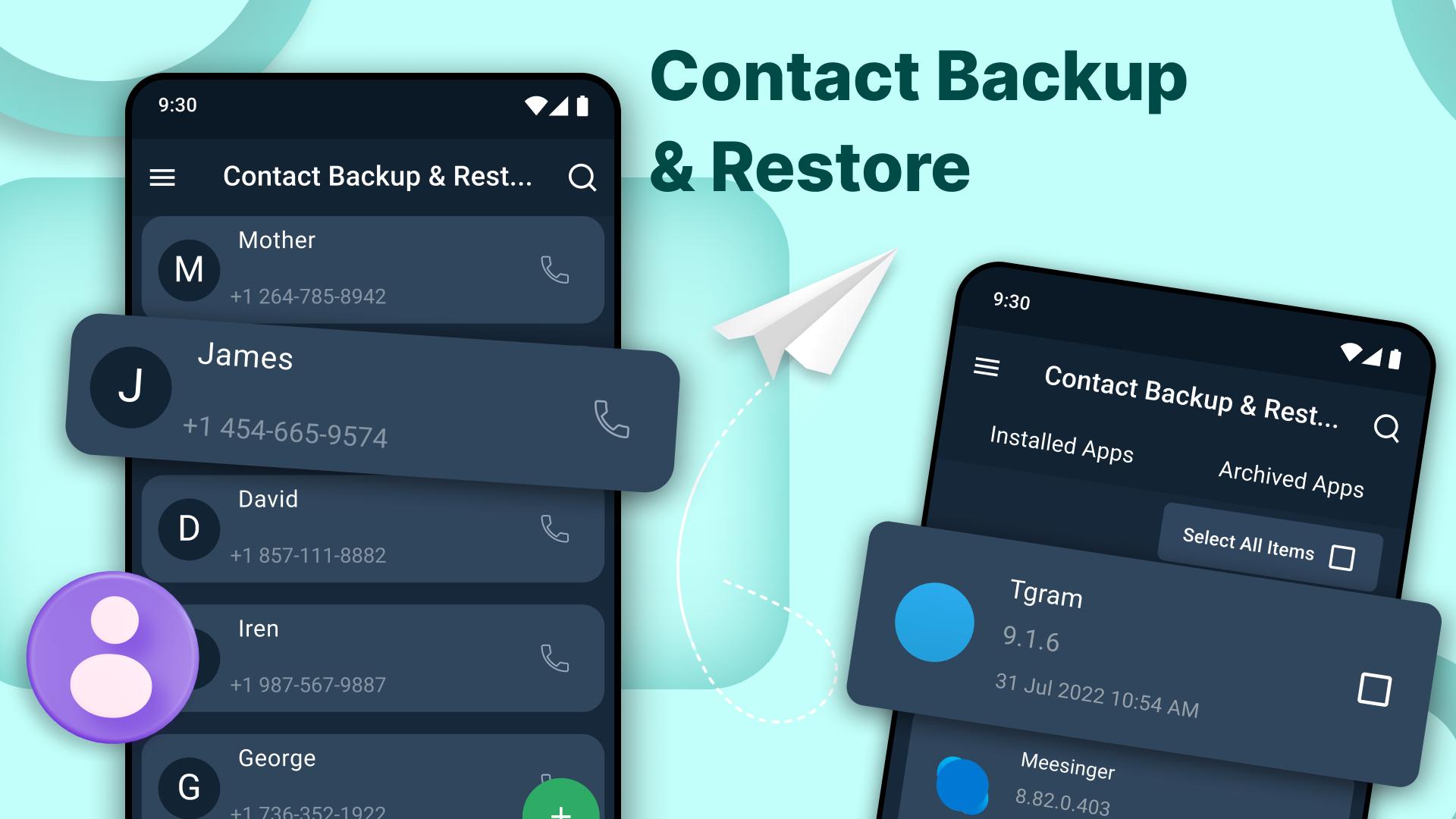
Contact Backup & Restore app is a fast, secure, and easy-to-use data migration application. Using the contacts backup & restore tool, you can transfer, backup and restore phone data, contacts, SMS, call logs, apps APKs, and calendar entries.
👉 Efficient my contacts backup and restore tool for Android!
⚡Contacts backups and Restore:⚡
You can simultaneously keep your contact backup to local storage and the cloud and recover contacts from both. If you want to restore contacts from the cloud, you must download a backup file and restore it. The backup and restore app can backup phone numbers or detailed info, including the address and email of contacts.
⚡SMS Backups and Restore:⚡
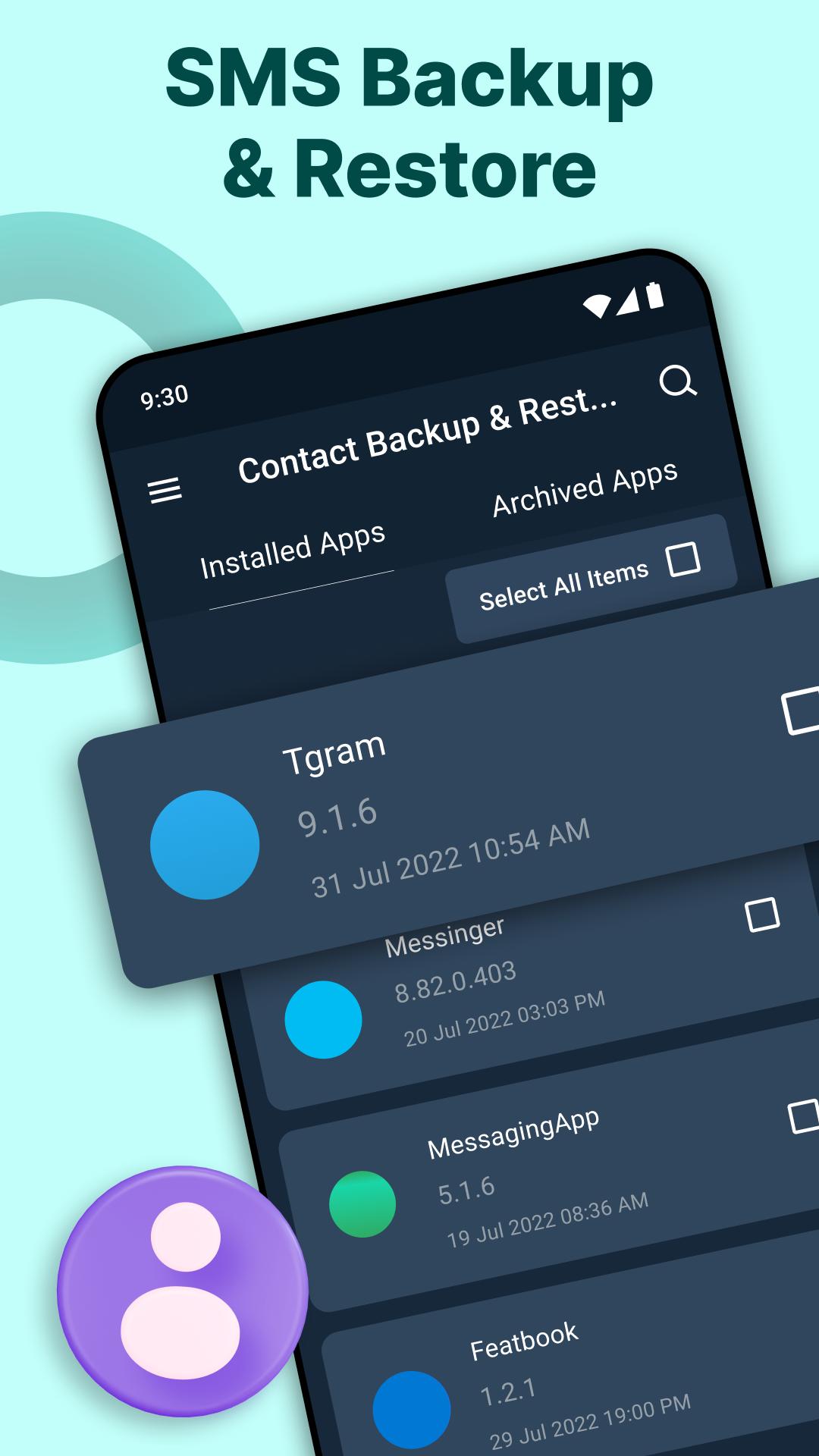
Easily backup all your messages or specific conversations. SMS backup and restore also allows the user to delete SMS and conversations from the phone directly. In addition, there will be a progress bar with a detailed number of SMS and conversations while creating the backup and restoring your SMS backup and conversations.
⚡Calls Backups and Restore:⚡
Now easily backup all your Calls or/and specific conversations. Using the backup and restore app, you will never lose any of your call logs.
⚡Calendar entries Backups and Restore:⚡
Now easily backup all your calendar entries.
Contact Backup & Restore will save all your memos in your calendar.
Contact Backup & Restore - recover contacts key features:
✔️ Backup Apps to Storage or Drive - easily install apps from Storage or Drive,
✔️ Fast and Easy my Contacts Backup - Recover Contacts,
✔️ Fast and Easy Sms Backup and Restore - SMS backup,
✔️ Fast and Easy Backup of Call logs - Restore Call logs,
✔️ Fast and Easy Backup of Calendar- Restore Calendar,
✔️ Schedule automatic backups,
✔️ Select backup destination,
✔️ Backup app - backup and restore automatic back up!
The Contact Backup & Restore app is called by many names: recover contacts tool, automatic back up app, SMS backup and restore app, my contacts backup, easy backup tool, backup app, contact backup app, contacts backup, and many others.
With a Backup and restore app, you will never lose your data!
Preview
Tags
ToolsInformation
Developer
Creative Light , Inc
Latest Version
1.5.6.1
Last Updated
2024-07-30
Category
Tools
Available on
Google Play
Show More
How to play Contact Backup & Restore with GameLoop on PC
1. Download GameLoop from the official website, then run the exe file to install GameLoop
2. Open GameLoop and search for “Contact Backup & Restore” , find Contact Backup & Restore in the search results and click “Install”
3. Enjoy playing Contact Backup & Restore on GameLoop
Minimum requirements
OS
Windows 8.1 64-bit or Windows 10 64-bit
GPU
GTX 1050
CPU
i3-8300
Memory
8GB RAM
Storage
1GB available space
Recommended requirements
OS
Windows 8.1 64-bit or Windows 10 64-bit
GPU
GTX 1050
CPU
i3-9320
Memory
16GB RAM
Storage
1GB available space