Recovery app: recover deleted PC
TSACom
Download Recovery app: recover deleted on PC With GameLoop Emulator
Recovery app: recover deleted sa PC
Ang Recovery app: recover deleted , na nagmumula sa developer na TSACom, ay tumatakbo sa Android systerm sa nakaraan.
Ngayon, maaari mong laruin ang Recovery app: recover deleted sa PC gamit ang GameLoop nang maayos.
I-download ito sa GameLoop library o mga resulta ng paghahanap. Hindi na tumitingin sa baterya o nakakadismaya na mga tawag sa maling oras.
I-enjoy lang ang Recovery app: recover deleted PC sa malaking screen nang libre!
Recovery app: recover deleted Panimula
This Deleted photo recovery app helps you to backup deleted photos that you accidentally deleted from device and recover photo immediately!
Photo recovery app: Recover deleted photos, Photo backup is very easy to use when you have to find back all deleted photos and restore images quickly with high quality. Your work is just to open the photo recovery app, choose what photos you prefer to restore images and with 1 click all the photos will be restored back to your album in the seconds!
Understanding the disappointment when lost the important photos of memories but have no way to find them back because you didn’t have a good memory recovery & image recovery app. The purpose of this memory recovery app very clearly is supporting user not only backup deleted photos but it is also quickly recover photo in a jiff! That’s why we develop this memory recovery - image recovery app to help you to resolve your problem by photo backup & image recovery.
You are headache to find out a really work memory recovery - image recovery app that can fulfill all your requirements as photo backup/ backup deleted photos and recover deleted photos, restore images and recovery photo.
The Recovery app: Recover deleted photos, Photo backup with full functions of image recovery & memory recovery, you can:
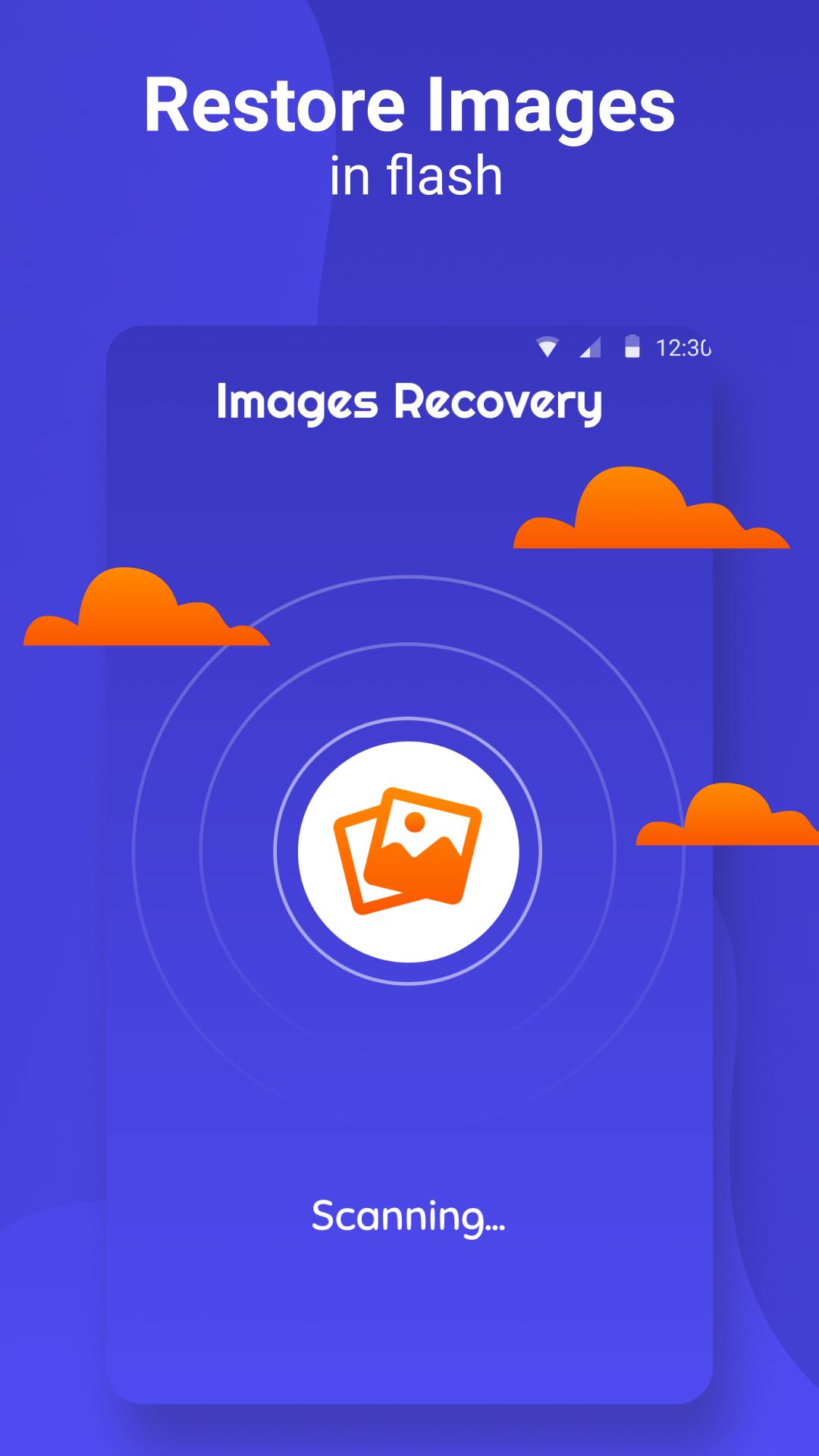
- Restore images in flash, easy to use:
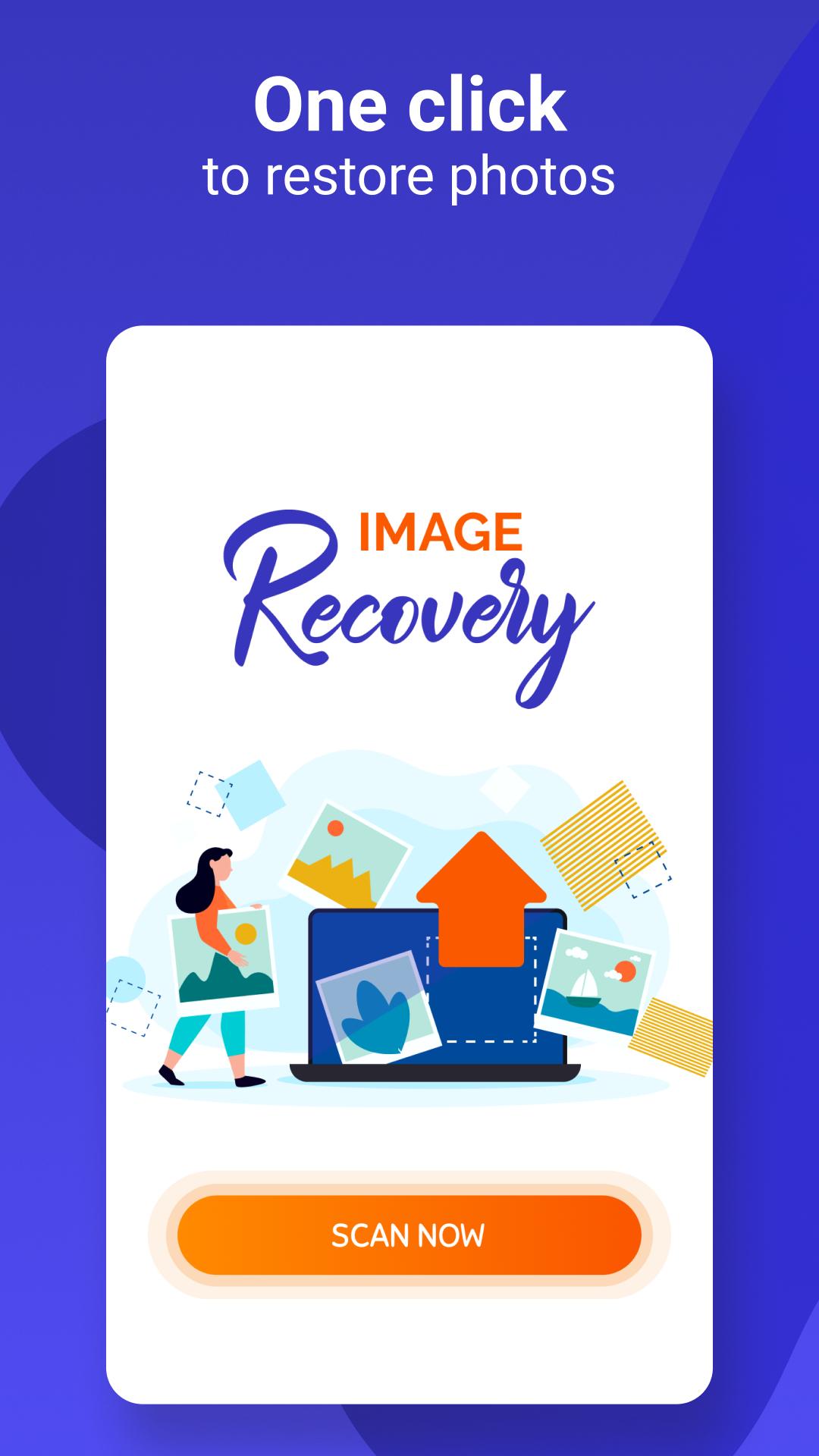
First step is open the memory recovery & restore deleted pictures app after that you just have to choose by tick what photos you need to restore images and with 1 click to recover deleted photos back to your album.With these steps, you can easily recover deleted photos. Recover photo right away with our image recovery app.
Backup deleted photos to the memory recovery & restore deleted pictures app :
Don’t worry about unable to find back important photos that is memories associated with beautiful trip or people who you love so much if you accidently deleted any pictures from album! Because the app will automatically photo backup and save them in the image recovery app. You just need to open restore deleted pictures app and recover photo back. Backup deleted photos is very essential function that you need to restore images or recover photo.
Help you to restore images in almost all types:
Deleted photo ecovery app: Recover deleted photos, Photo backup supports to restore images with almost all of types: jpeg, png, jpg recovery and more. The restore deleted pictures app will backup deleted photos with original quality so that user can restore images and recover photo in high resolution and almost all type of photo.
Download Deleted photo ecovery app: Recover deleted photos, Photo backup is now for free! Easy and useful for user who want to recover photo. You just need to open restore deleted pictures app and wait for all photo backup then select deleted photo in app and click on Restore to recover deleted photos back to your gallery of device. You will never have to worry about losing photos because Deleted photo recovery app: Recover deleted photos, Photo backup app has backup deleted photos function. Always keep your memories be safe!
Subscription info:
- You will have 3 days to try all the Image recovery - Restore deleted pictures app features for free and can cancel anytime during this period.
- Payment will be charged to your Google Account at confirmation of purchase.
- Subscription automatically renews unless auto-renew is turned off at least 24-hours before the end of the current period.
- Account will be charged for renewal within 24-hours prior to the end of the current period, and identify the cost of the renewal.
- Any unused portion of a free trial period, if offered, will be forfeited when the user purchases a subscription to that publication, where applicable.
Thank you for your trust! Let enjoy the Image recovery - Restore deleted pictures app and give us 5 stars if you like it.
Preview
Tags
ToolsInformation
Developer
TSACom
Latest Version
1.0.2
Last Updated
2021-06-03
Category
Tools
Available on
Google Play
Show More
How to play Recovery app: recover deleted with GameLoop on PC
1. Download GameLoop from the official website, then run the exe file to install GameLoop
2. Open GameLoop and search for “Recovery app: recover deleted ” , find Recovery app: recover deleted in the search results and click “Install”
3. Enjoy playing Recovery app: recover deleted on GameLoop
Minimum requirements
OS
Windows 8.1 64-bit or Windows 10 64-bit
GPU
GTX 1050
CPU
i3-8300
Memory
8GB RAM
Storage
1GB available space
Recommended requirements
OS
Windows 8.1 64-bit or Windows 10 64-bit
GPU
GTX 1050
CPU
i3-9320
Memory
16GB RAM
Storage
1GB available space