
Tally Counter – Tap with Voice PC
QBee520
Download Tally Counter – Tap with Voice on PC With GameLoop Emulator
Tally Counter – Tap with Voice sa PC
Ang Tally Counter – Tap with Voice, na nagmumula sa developer na QBee520, ay tumatakbo sa Android systerm sa nakaraan.
Ngayon, maaari mong laruin ang Tally Counter – Tap with Voice sa PC gamit ang GameLoop nang maayos.
I-download ito sa GameLoop library o mga resulta ng paghahanap. Hindi na tumitingin sa baterya o nakakadismaya na mga tawag sa maling oras.
I-enjoy lang ang Tally Counter – Tap with Voice PC sa malaking screen nang libre!
Tally Counter – Tap with Voice Panimula
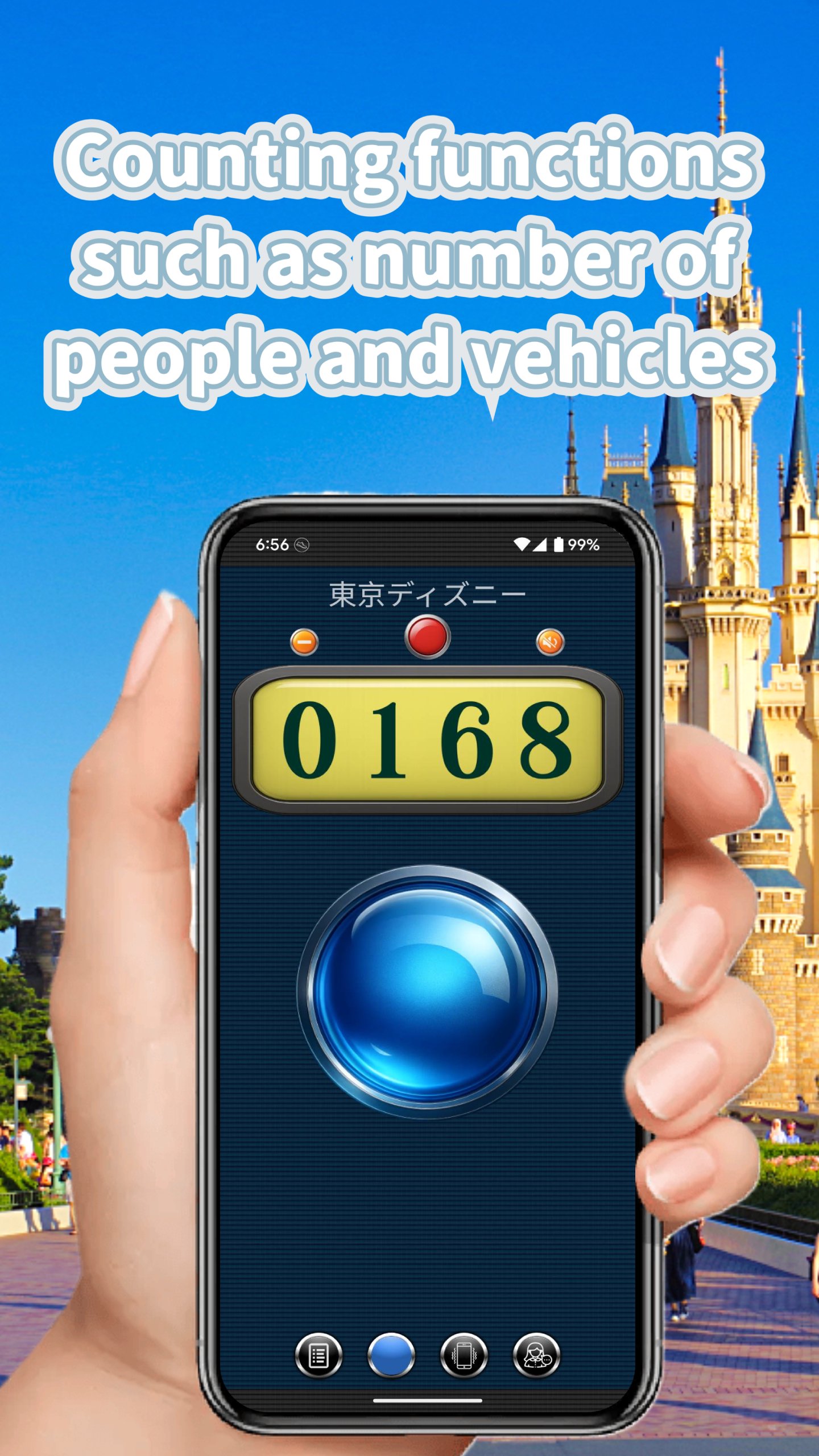
Transform your counting experience with the most intuitive tally counter app! Featuring extra-large buttons and voice announcements in English, this app makes counting effortless and accurate.
🎯 KEY FEATURES
VOICE COUNTING THAT SPEAKS YOUR LANGUAGE
• Clear voice announcements for every count
• Perfect for hands-free counting while exercising, inventory tracking, or crowd counting
• Works seamlessly with your device's text-to-speech engine
DESIGNED FOR EASY COUNTING
• Extra-large tap buttons - no more missed counts!
• Three beautiful visual themes to choose from
• Vibration feedback confirms every tap
• 9 different click sounds for audio confirmation
POWERFUL COUNTING MODES
• 6 independent counters - track multiple items simultaneously
• Combo Mode C1 - Display 3 counters on one screen
• Combo Mode C2 - Grid view with 6 counters at once
• Set custom titles and target goals for each counter
COMPREHENSIVE HISTORY & STATISTICS
• Track your counting patterns over days, weeks, and months
• Visual charts show your progress at a glance
• Export data to CSV for spreadsheet analysis
• Share your counting records instantly
PERFECT FOR:
✓ Fitness & Exercise - Count reps, sets, laps
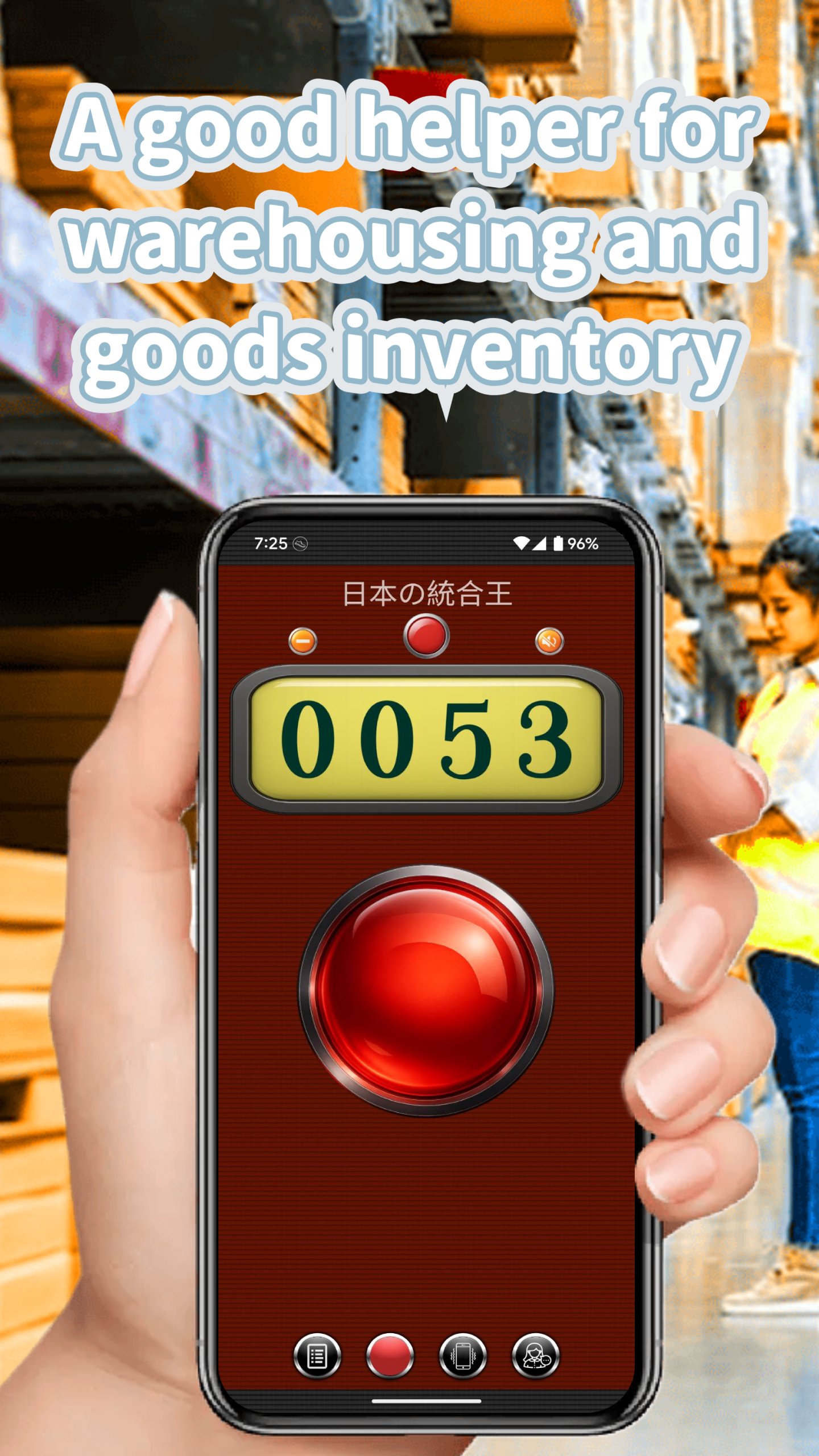
✓ Inventory Management - Track stock levels
✓ Event Planning - Count attendees, votes, items
✓ Sports & Games - Keep score effortlessly
✓ Meditation & Mindfulness - Count breaths or mantras
✓ Scientific Research - Record observations
✓ Daily Habits - Track water intake, steps, tasks
SMART FEATURES
• Auto-save ensures you never lose your count
• Goal achievement notifications keep you motivated
• Count up or down with dedicated buttons
• Reset individual counters or all at once
• Works offline - no internet required
USER-FRIENDLY DESIGN
• Clean, intuitive interface
• Portrait and landscape modes
• Tablet optimized layouts
• Supports Android 16 and newer devices
• Dark mode friendly
Whether you're counting inventory in a warehouse, tracking workout reps at the gym, or tallying votes at an event, this counter app makes the job simple and accurate. The voice counting feature means you can keep your eyes on what you're counting instead of looking at your screen.
Download now and experience the easiest way to count anything!
Preview
Tags
ToolsInformation
Developer
QBee520
Latest Version
8.5
Last Updated
2026-01-01
Category
Tools
Available on
Google Play
Show More
How to play Tally Counter – Tap with Voice with GameLoop on PC
1. Download GameLoop from the official website, then run the exe file to install GameLoop
2. Open GameLoop and search for “Tally Counter – Tap with Voice” , find Tally Counter – Tap with Voice in the search results and click “Install”
3. Enjoy playing Tally Counter – Tap with Voice on GameLoop
Minimum requirements
OS
Windows 8.1 64-bit or Windows 10 64-bit
GPU
GTX 1050
CPU
i3-8300
Memory
8GB RAM
Storage
1GB available space
Recommended requirements
OS
Windows 8.1 64-bit or Windows 10 64-bit
GPU
GTX 1050
CPU
i3-9320
Memory
16GB RAM
Storage
1GB available space