
PDF Tools: Merge & Split PDF PC
Puna Devops
Download PDF Tools: Merge & Split PDF on PC With GameLoop Emulator
PDF Tools: Merge & Split PDF sa PC
Ang PDF Tools: Merge & Split PDF, na nagmumula sa developer na Puna Devops, ay tumatakbo sa Android systerm sa nakaraan.
Ngayon, maaari mong laruin ang PDF Tools: Merge & Split PDF sa PC gamit ang GameLoop nang maayos.
I-download ito sa GameLoop library o mga resulta ng paghahanap. Hindi na tumitingin sa baterya o nakakadismaya na mga tawag sa maling oras.
I-enjoy lang ang PDF Tools: Merge & Split PDF PC sa malaking screen nang libre!
PDF Tools: Merge & Split PDF Panimula
📄 PDF Tools: Merge & Split PDF – All-in-One PDF Editor & Converter (2025)
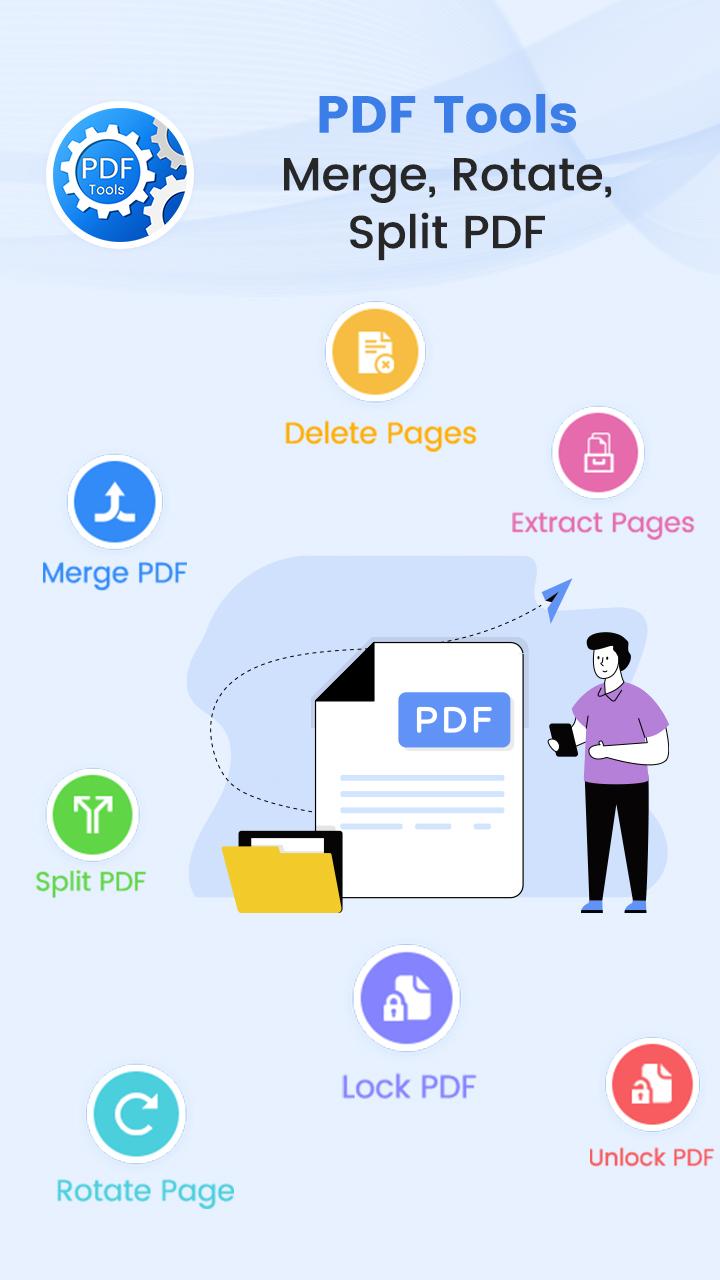
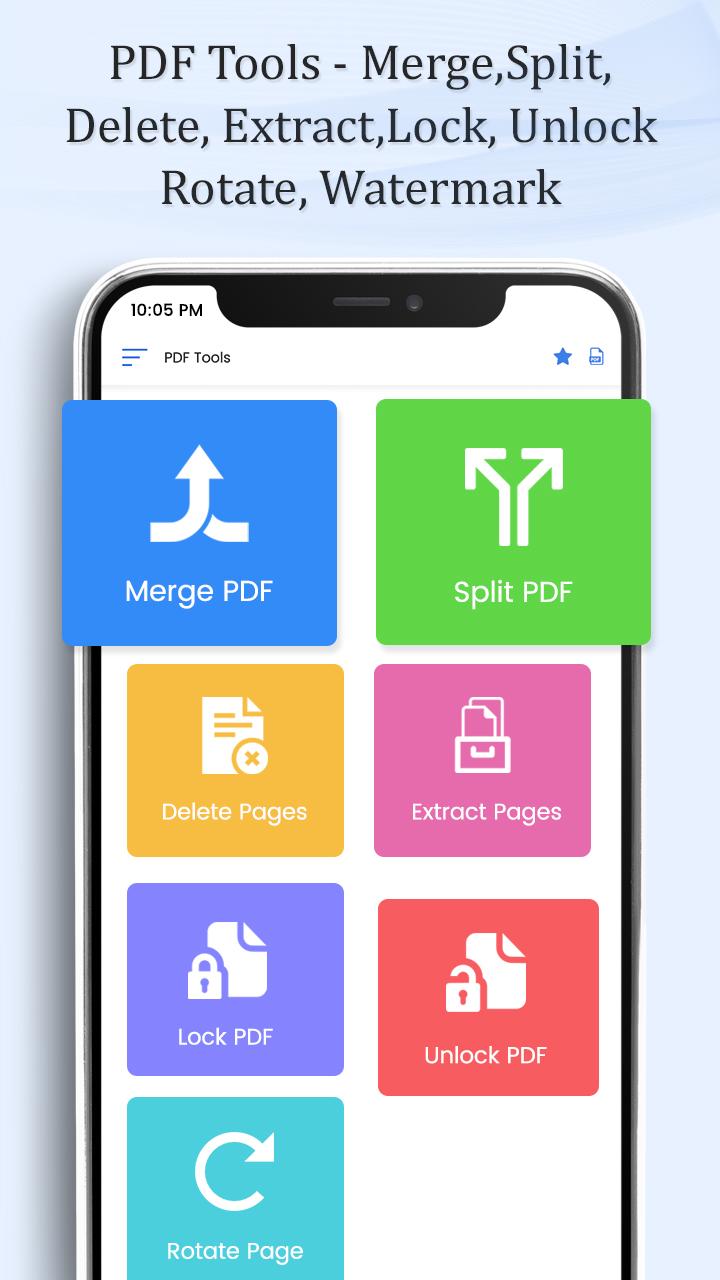
PDF Tools: Merge & Split PDF is your ultimate offline PDF editor and PDF utility toolkit that makes managing PDF files fast, simple, and secure. Whether you're a student, professional, or everyday user, this free PDF app offers powerful tools to merge, split, compress, convert, lock, unlock, rotate, and watermark PDFs—all in one place.
📌 Key Features of PDF Tools: Merge & Split PDF:
🔗 Merge PDF Files
Combine multiple PDFs into a single high-quality document using our PDF merger tool.
✂️ Split PDF
Easily split large PDFs into smaller parts by page range, number of pages, or custom points.
🔐 Unlock PDF
Remove password protection from secured PDF files with our PDF unlock tool.
🔒 Lock PDF with Password
Encrypt and protect sensitive PDFs with strong passwords for enhanced privacy.
📸 Images to PDF Converter
Convert JPG, PNG, and other images to high-quality PDFs. Ideal for receipts, documents, and photo collections.
🔄 Rotate PDF Pages
Rotate one or more pages in 90°, 180°, or 270° angles with a simple tap.
🗑️ Delete Pages
Remove unwanted or blank pages from your PDF file quickly and accurately.
📤 Extract Pages
Pull out specific pages from your PDF and save them as a new file.
📚 Reorder Pages
Drag and drop to change the order of pages in your PDF easily.
📝 Add Watermark or Page Numbers
Insert text watermarks, headers, footers, or page numbers. Customize font, size, and transparency.
📦 Compress PDF (Coming Soon)
Reduce file size without losing quality—perfect for email or upload optimization.
⚙️ Fast, Lightweight & Offline
Enjoy a free PDF editor that works offline, no internet required. Designed for performance and speed.
🚀 Why Choose PDF Tools: Merge & Split PDF?
All-in-One PDF utility app
No watermarks or usage limits
Works 100% offline
User-friendly and lightweight
Optimized for phones and tablets
🧠 Use Cases:
Merge reports and invoices
Convert images or scanned docs to PDF
Extract and send only selected pages
Add branding with custom watermarks
Reorder or clean up PDF presentations
Lock/unlock PDF files for secure sharing
🎯 Perfect For:
Students, office workers, teachers, freelancers, lawyers, accountants—anyone who deals with PDF files!
Download PDF Tools: Merge & Split PDF – the smartest PDF editor app of 2025. Boost your productivity with the most reliable and complete PDF toolbox available on Android.
✅ Fast. ✅ Free. ✅ Offline. ✅ Secure.
Preview
Tags
ToolsInformation
Developer
Puna Devops
Latest Version
1.13
Last Updated
2025-11-01
Category
Tools
Available on
Google Play
Show More
How to play PDF Tools: Merge & Split PDF with GameLoop on PC
1. Download GameLoop from the official website, then run the exe file to install GameLoop
2. Open GameLoop and search for “PDF Tools: Merge & Split PDF” , find PDF Tools: Merge & Split PDF in the search results and click “Install”
3. Enjoy playing PDF Tools: Merge & Split PDF on GameLoop
Minimum requirements
OS
Windows 8.1 64-bit or Windows 10 64-bit
GPU
GTX 1050
CPU
i3-8300
Memory
8GB RAM
Storage
1GB available space
Recommended requirements
OS
Windows 8.1 64-bit or Windows 10 64-bit
GPU
GTX 1050
CPU
i3-9320
Memory
16GB RAM
Storage
1GB available space