
Le VPN: Secure Internet Proxy PC
VTNV Solutions Ltd.
Download Le VPN: Secure Internet Proxy on PC With GameLoop Emulator
Le VPN: Secure Internet Proxy sa PC
Ang Le VPN: Secure Internet Proxy, na nagmumula sa developer na VTNV Solutions Ltd., ay tumatakbo sa Android systerm sa nakaraan.
Ngayon, maaari mong laruin ang Le VPN: Secure Internet Proxy sa PC gamit ang GameLoop nang maayos.
I-download ito sa GameLoop library o mga resulta ng paghahanap. Hindi na tumitingin sa baterya o nakakadismaya na mga tawag sa maling oras.
I-enjoy lang ang Le VPN: Secure Internet Proxy PC sa malaking screen nang libre!
Le VPN: Secure Internet Proxy Panimula
✔ Need a VPN app to secure your device and its data from cyber threats?
✔ Want to stay private and safe from outside monitoring?
✔ Looking for an unlimited proxy client to connect through a different country to hide your location?
✔ Need a private VPN to unblock content that is censored or restricted in your country?
Download Le VPN app and enjoy the INTERNET BY YOUR OWN RULES!
7-day TRIAL for new users
🧑 One plan works on 5 devices at the same time
⭐ Rated 4.9 on TrustPilot by our active VPN users
24/7 Support team for any questions
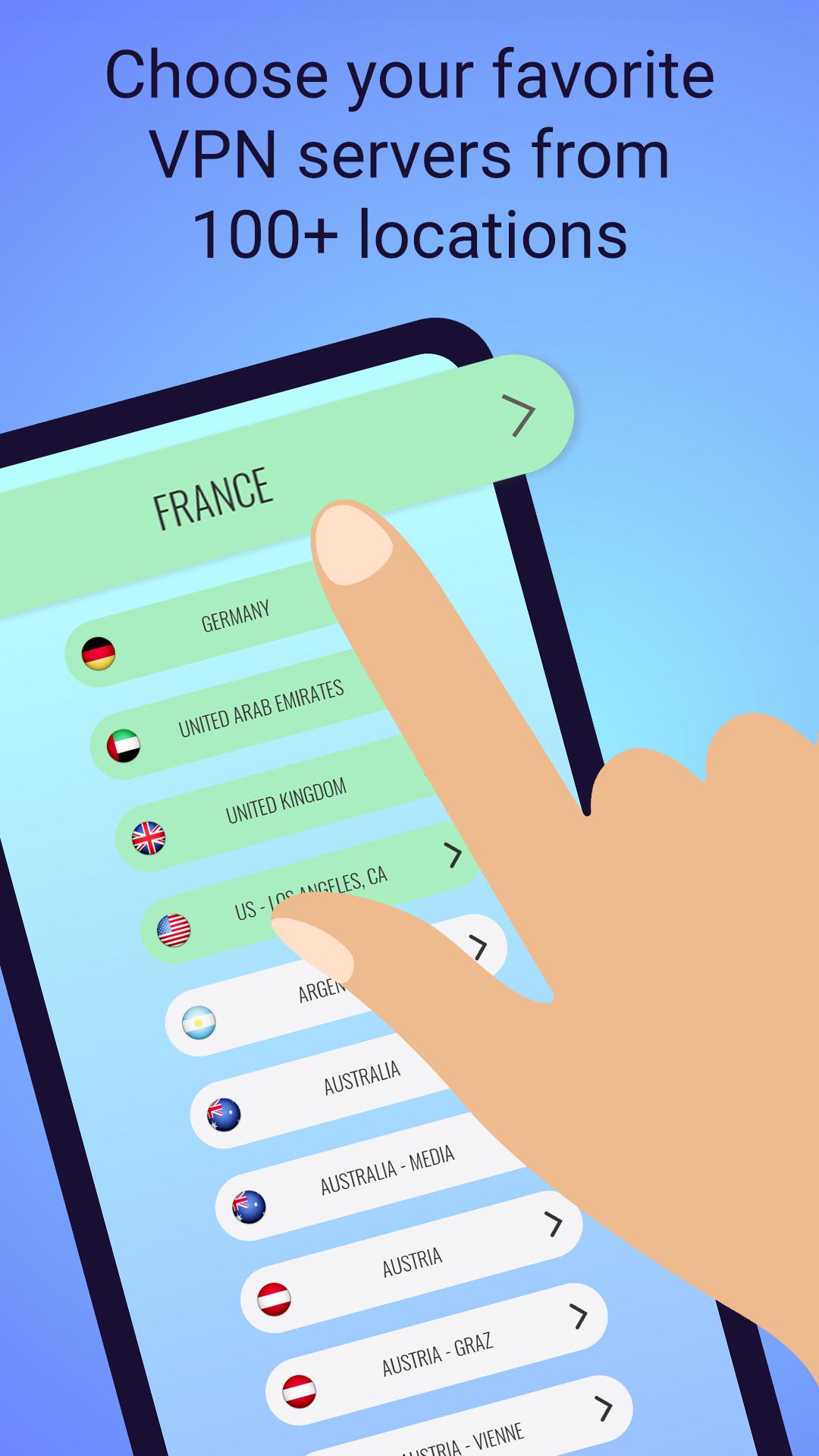
You have found the best mobile hotspot app for WiFi security, online privacy and unrestricted Internet access to international content, media and streaming from anywhere in the world! Choose a proxy server in 100+ countries and change your IP address with a single tap while keeping your connection private and secure with our hotspot VPN. It’s as simple as that!
Here’s what makes Le VPN stand out among other proxy and VPN apps like Hotspot Shield VPN and Private Internet Access VPN.
✔ IP Addresses in 100+ Countries
It’s not just a US VPN as this service changes your virtual geo-location to our world’s biggest network of servers in 100+ countries, provides fast usage of online streaming and guarantees your security with its military-strong encryption when using a public WiFi hotspot.
✔ Easy One Tap Connection
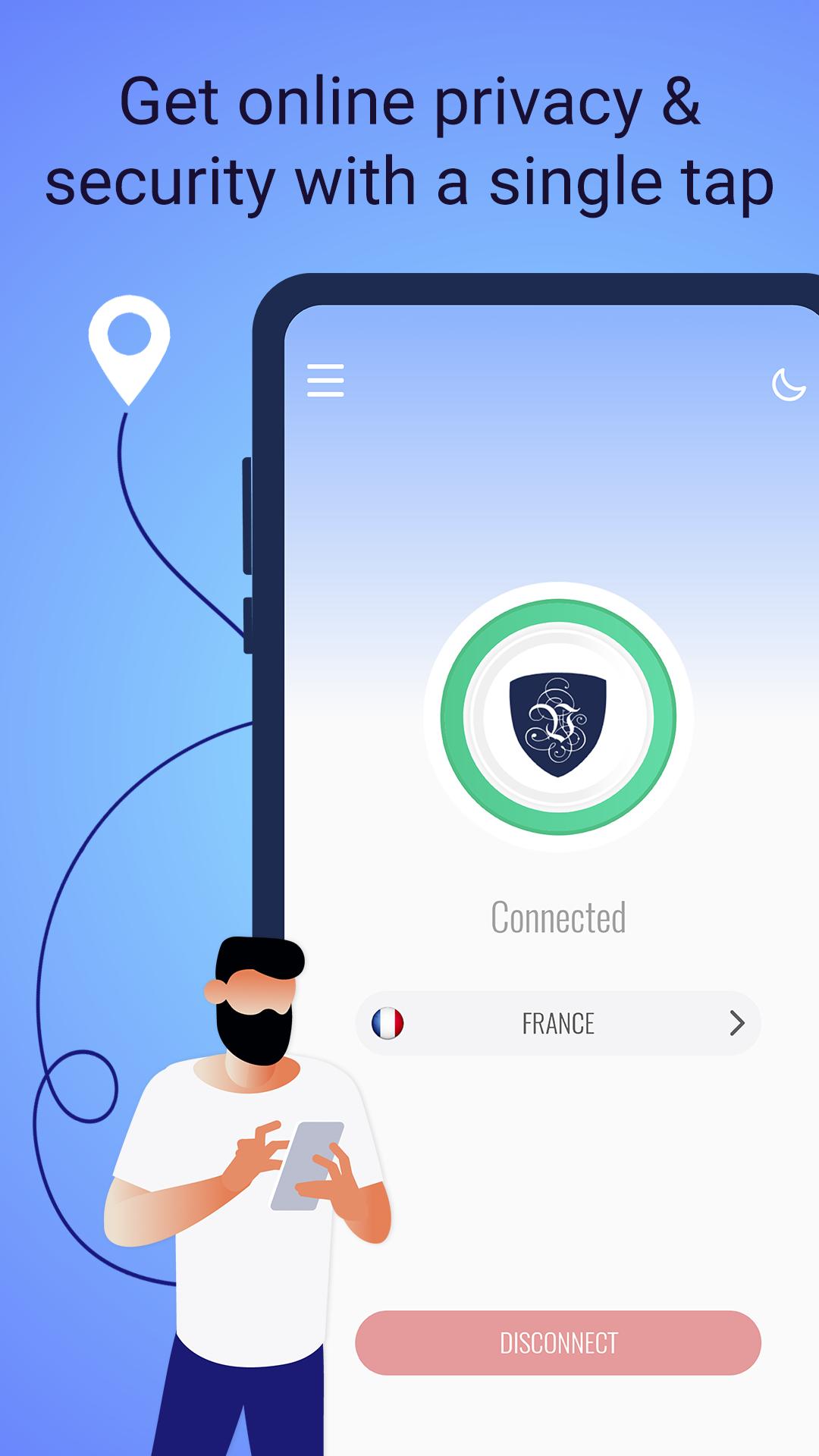
Simply choose the country that you wish to connect to and tap “Connect”. You don’t need a separate proxy browser as all your internet connections and data will be encrypted, secure and anonymous in one single tap of a button. This unlimited proxy VPN app automatically uses two protocols: OpenVPN (with ports selection) and WireGuard, but PPTP and L2TP/IPSec protocols are also available via manual installation.
✔ World’s Trusted Premium VPN Service
This is a premium VPN hotshield service protecting users worldwide since 2010. A paid subscription is required to use this proxy app, but trials are also available for new users. Check our client reviews to see why we are the best Internet app for online privacy and mobile security. This VPN works on Android devices, but your plan is also valid for other devices and operating systems.
✔ One plan across multiple devices: what is included
• No need for different VPN browser extensions as our service can be used on an unlimited number of devices, including other operating systems.
• 5 simultaneous connections.
• IP address change to 100+ countries.
• SmartDNS and HybridVPN service for fast online streaming.
• High speeds, unlimited traffic and unlimited bandwidth.
• No traffic logs.
• Multi-protocol support: OpenVPN, WireGuard, PPTP and L2TP/IPSec
• 24/7 multi-language support.
Why choose us for your mobile security and privacy?
• Trustworthy provider, protecting millions of users all over the world since 2010.
• Guaranteed confidentiality: no traffic logs are kept, no personal details are required (only your email).
• Extensive and reliable network of proxy servers, currently with IPs in 100+ locations.
• Top-secret level encryption and different protocols for maximum security.
Download the VPN app today and test it for yourself!
Have questions? Contact our Support team or read our Privacy Policy and Term of Use at https://www.le-vpn.com."
Preview
Tags
ToolsInformation
Developer
VTNV Solutions Ltd.
Latest Version
1.6.3
Last Updated
2024-10-31
Category
Tools
Available on
Google Play
Show More
How to play Le VPN: Secure Internet Proxy with GameLoop on PC
1. Download GameLoop from the official website, then run the exe file to install GameLoop
2. Open GameLoop and search for “Le VPN: Secure Internet Proxy” , find Le VPN: Secure Internet Proxy in the search results and click “Install”
3. Enjoy playing Le VPN: Secure Internet Proxy on GameLoop
Minimum requirements
OS
Windows 8.1 64-bit or Windows 10 64-bit
GPU
GTX 1050
CPU
i3-8300
Memory
8GB RAM
Storage
1GB available space
Recommended requirements
OS
Windows 8.1 64-bit or Windows 10 64-bit
GPU
GTX 1050
CPU
i3-9320
Memory
16GB RAM
Storage
1GB available space