Lock Screen IOS 11 PC
rpml dev
Download Lock Screen IOS 11 on PC With GameLoop Emulator
Lock Screen IOS 11 sa PC
Ang Lock Screen IOS 11, na nagmumula sa developer na rpml dev, ay tumatakbo sa Android systerm sa nakaraan.
Ngayon, maaari mong laruin ang Lock Screen IOS 11 sa PC gamit ang GameLoop nang maayos.
I-download ito sa GameLoop library o mga resulta ng paghahanap. Hindi na tumitingin sa baterya o nakakadismaya na mga tawag sa maling oras.
I-enjoy lang ang Lock Screen IOS 11 PC sa malaking screen nang libre!
Lock Screen IOS 11 Panimula
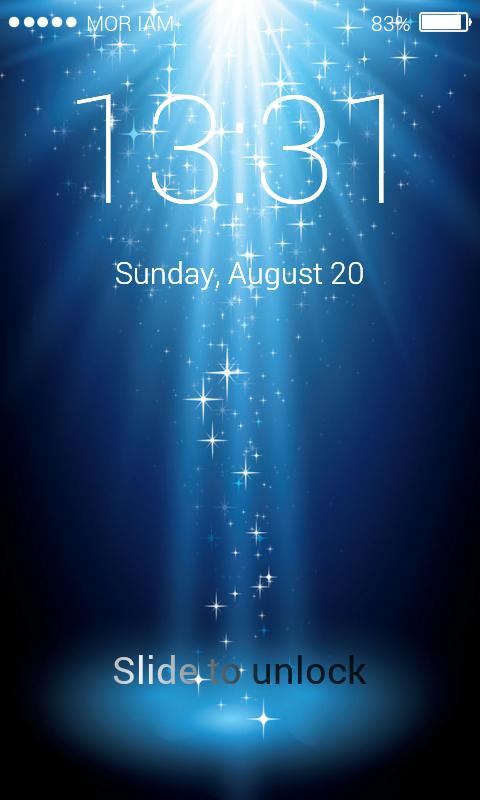
Lock Screen IOS 11 - Phone8 with Phone8 and OS11 launcher will help your telephone lunh profound excellence as an iphone 8.
Elements:
Support set backdrop from display and camera
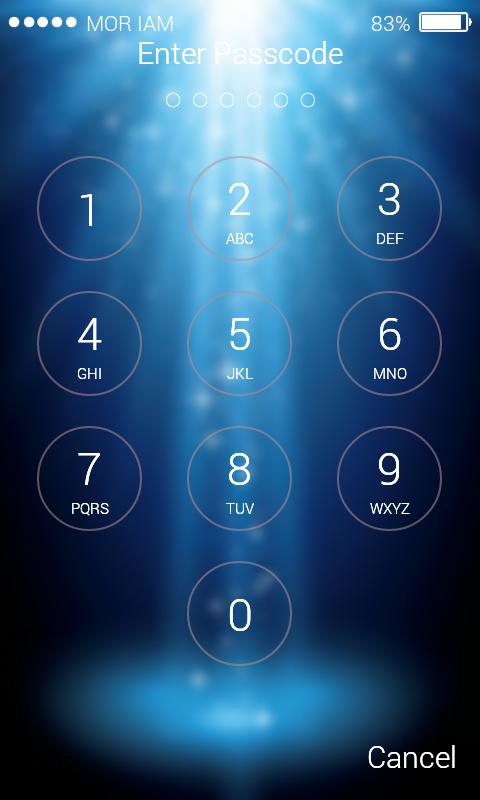
Support set stick secret word or example for keypad lock security
Provide numerous Iphone 5s, Phone6 besides, Phone 6s, Iphone 7, Iphone 8, IOS 8 and IOS 9, OS10 HD backdrops with obscure
Support you place pictures in outlines square, round and heart
Support unlock sound and vibrate
Support 12-Hour and 24-Hour arrange
Support setting backdrop
Support various lock style
Support showing missed calls and new messages
Quick dispatch application (Camera, Dial, Clock, Flashlight, Calculator)
The control board lock: set switcher, volume, shine quicker
Support tweaked unlock sentence(default is "> Slide to unlock"), you can outline anything you need, much the same as "Hi Everyday", "Daylight", "My Love!"…
Support custom shading and text style of date and time
Optimized Battery Usage
Has photograph showing up and vanishing impact
Firefly impact
Allows you to pick fringe shading for your photograph outline.
Preview
Tags
ToolsInformation
Developer
rpml dev
Latest Version
1.0
Last Updated
2017-08-20
Category
Tools
Available on
Google Play
Show More
How to play Lock Screen IOS 11 with GameLoop on PC
1. Download GameLoop from the official website, then run the exe file to install GameLoop
2. Open GameLoop and search for “Lock Screen IOS 11” , find Lock Screen IOS 11 in the search results and click “Install”
3. Enjoy playing Lock Screen IOS 11 on GameLoop
Minimum requirements
OS
Windows 8.1 64-bit or Windows 10 64-bit
GPU
GTX 1050
CPU
i3-8300
Memory
8GB RAM
Storage
1GB available space
Recommended requirements
OS
Windows 8.1 64-bit or Windows 10 64-bit
GPU
GTX 1050
CPU
i3-9320
Memory
16GB RAM
Storage
1GB available space