
WCB: Auto Decline & Reply Wa PC
Riki Apps Developer
Download WCB: Auto Decline & Reply Wa on PC With GameLoop Emulator
WCB: Auto Decline & Reply Wa sa PC
Ang WCB: Auto Decline & Reply Wa, na nagmumula sa developer na Riki Apps Developer, ay tumatakbo sa Android systerm sa nakaraan.
Ngayon, maaari mong laruin ang WCB: Auto Decline & Reply Wa sa PC gamit ang GameLoop nang maayos.
I-download ito sa GameLoop library o mga resulta ng paghahanap. Hindi na tumitingin sa baterya o nakakadismaya na mga tawag sa maling oras.
I-enjoy lang ang WCB: Auto Decline & Reply Wa PC sa malaking screen nang libre!
WCB: Auto Decline & Reply Wa Panimula
Auto Decline & Reply: Ultimate WhatsApp Call Management Solution
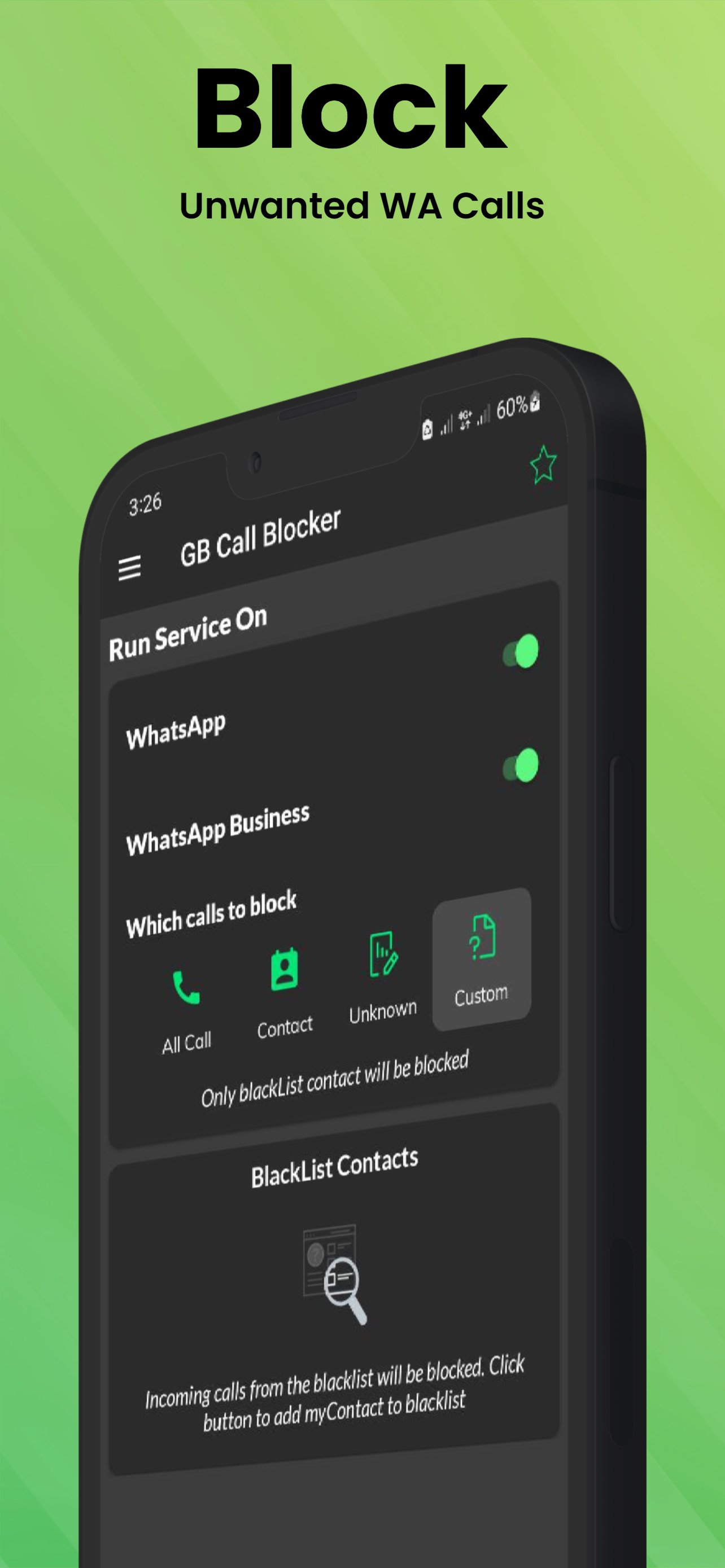
🚫 Tired of Unwanted WhatsApp Calls? Take Control Now!
Key Features:
-100% FREE Call Blocking App
-Block Spam, Fraud, and Unknown Numbers
-Customize Call Blocking Preferences
-Advanced Call Management for WhatsApp
Powerful Call Blocking Capabilities:
-Block specific WhatsApp contacts
-Reject incoming voice/video calls automatically
-Block calls from unknown contacts
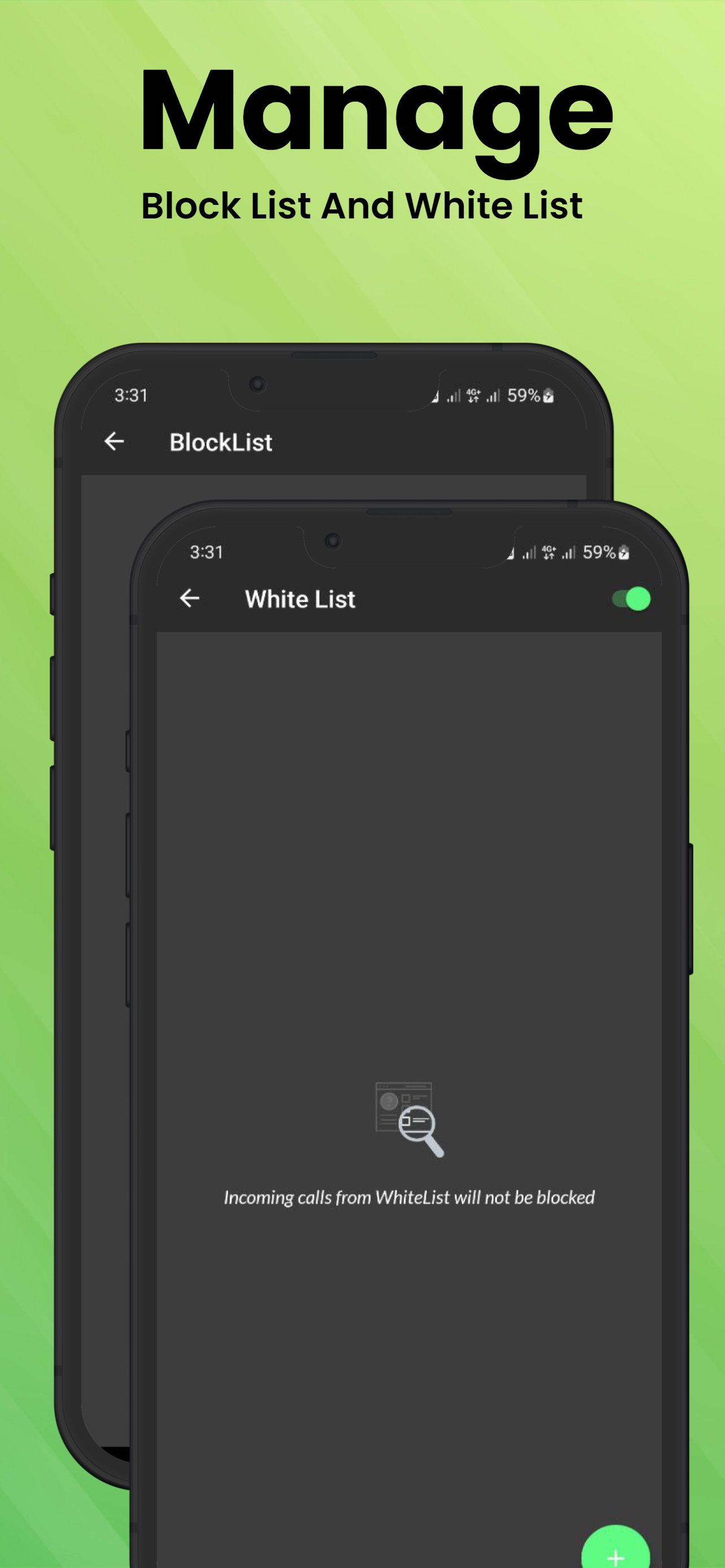
-Comprehensive call blocking blacklist
-Auto-reply to WhatsApp calls
-Schedule call blocking during specific times
-Real-time blocked call logs
Why Choose Auto Decline & Reply?
Simple, Lightweight Interface
No Limits on Call Blocking
Instant Privacy Protection
Works with WhatsApp Business
Easy Contact Management
Privacy Note:
Auto Decline & Reply Call Blocker uses Android Accessibility Services to automate message sending. The app does NOT modify system settings or prevent app uninstallation.
Disclaimer:
Auto Decline & Reply is not affiliated with WhatsApp or Facebook Inc. WhatsApp is a registered trademark.
🔒 Reclaim Your Peace and Privacy - Download Now! 📱
Preview
Tags
ToolsInformation
Developer
Riki Apps Developer
Latest Version
2.4.1
Last Updated
2025-06-17
Category
Tools
Available on
Google Play
Show More
How to play WCB: Auto Decline & Reply Wa with GameLoop on PC
1. Download GameLoop from the official website, then run the exe file to install GameLoop
2. Open GameLoop and search for “WCB: Auto Decline & Reply Wa” , find WCB: Auto Decline & Reply Wa in the search results and click “Install”
3. Enjoy playing WCB: Auto Decline & Reply Wa on GameLoop
Minimum requirements
OS
Windows 8.1 64-bit or Windows 10 64-bit
GPU
GTX 1050
CPU
i3-8300
Memory
8GB RAM
Storage
1GB available space
Recommended requirements
OS
Windows 8.1 64-bit or Windows 10 64-bit
GPU
GTX 1050
CPU
i3-9320
Memory
16GB RAM
Storage
1GB available space