Game GFX Tool (Fps, Ping Lag O PC
Gameland Studio
Download Game GFX Tool (Fps, Ping Lag O on PC With GameLoop Emulator
Game GFX Tool (Fps, Ping Lag O sa PC
Ang Game GFX Tool (Fps, Ping Lag O, na nagmumula sa developer na Gameland Studio, ay tumatakbo sa Android systerm sa nakaraan.
Ngayon, maaari mong laruin ang Game GFX Tool (Fps, Ping Lag O sa PC gamit ang GameLoop nang maayos.
I-download ito sa GameLoop library o mga resulta ng paghahanap. Hindi na tumitingin sa baterya o nakakadismaya na mga tawag sa maling oras.
I-enjoy lang ang Game GFX Tool (Fps, Ping Lag O PC sa malaking screen nang libre!
Game GFX Tool (Fps, Ping Lag O Panimula
Game GFX Tool is a program launcher with which you can fully customize the game graphics to get a fast and fluid gaming experience.
App features
Set to ultra resolution
Fps display mode,
Internet speed test and ping check tool, Ping Monitor
Unlock HDR graphics and all FPS levels and enjoy the game
Fully control anti-aliasing and shadows
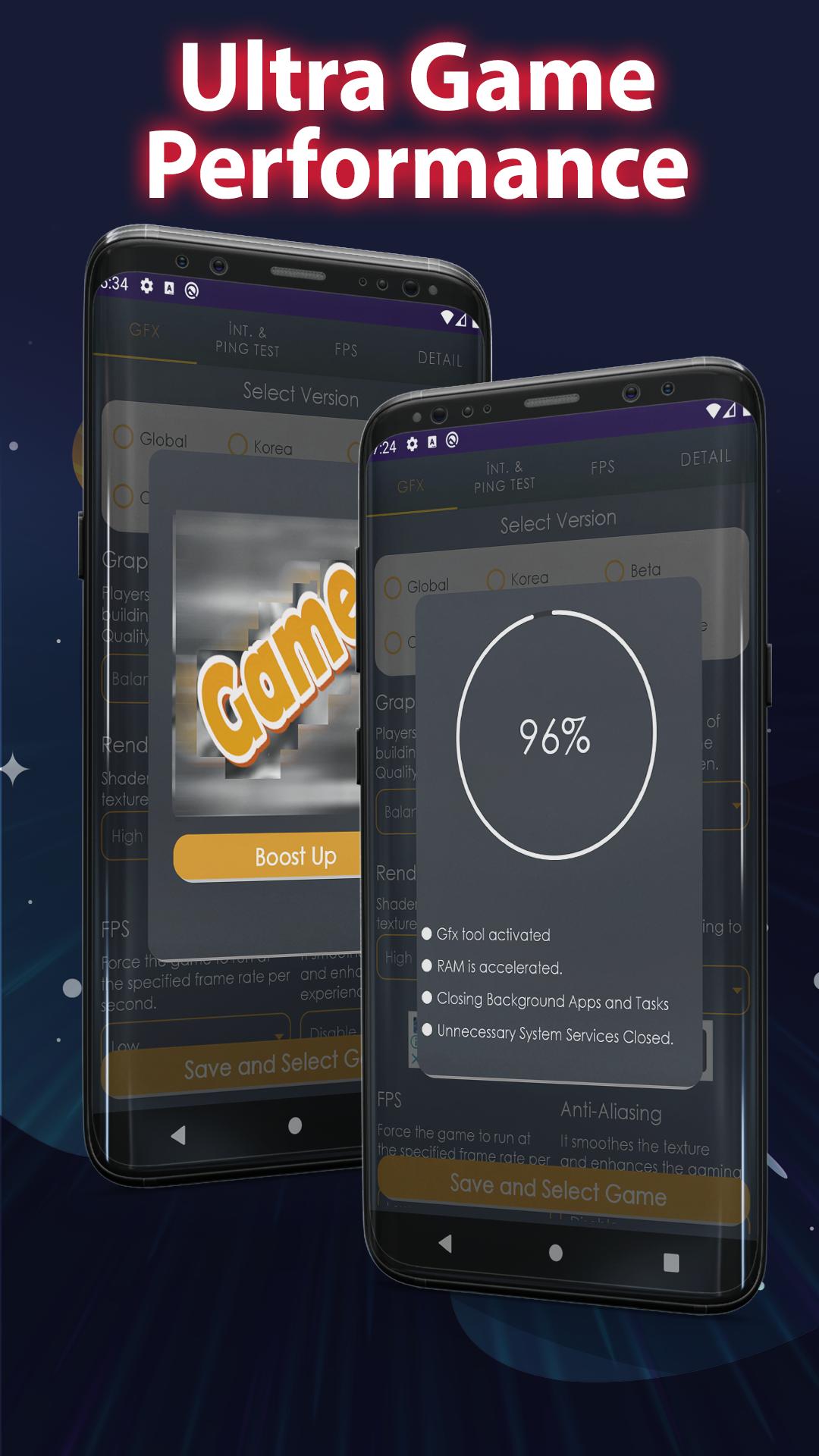
Cpu, Memory Booster: Boost game performance by cleaning unnecessary apps in the background.
Game GFX Tool simulates the best settings for you.
How to use?
The application consists of 3 parts;
1) GFX TOOL
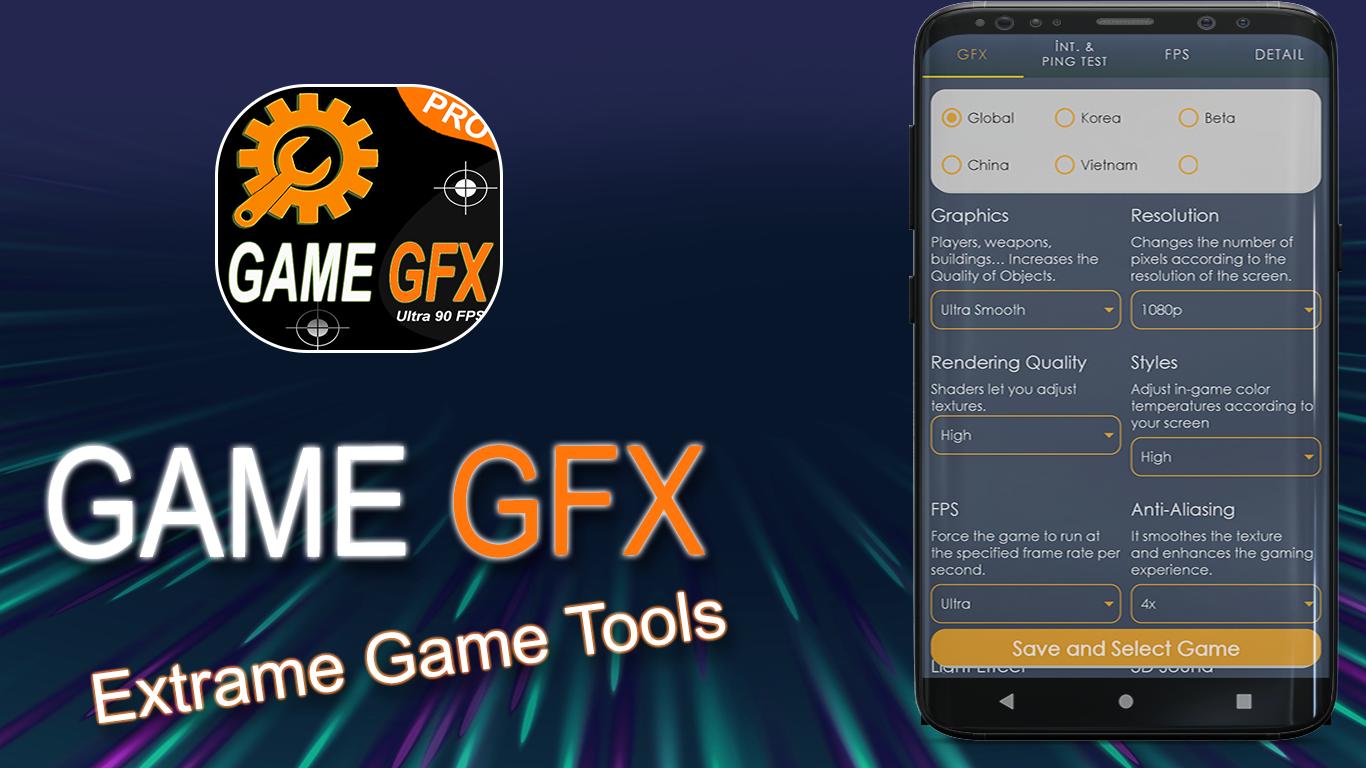
a) Graphics: Players, weapons, buildings… Increases the Quality of Objects.
b) Resolution: Changes the number of pixels according to the resolution of the screen.
c) Anti-Aliasing: It smoothes the texture and enhances the gaming experience.
d) FPS: Force the game to run at the specified frame rate per second.
e) Rendering Quality: Shaders let you adjust textures.
d) Light Effect: Disable for better performance
f) GPU, RAM Optimization: Frees ram before entering the game, edits gpu.
...
2) Internet Speed and Ping Test
a) You can monitor internet speed and ping status according to the current situation.
3) Fps Monitoring Screen
a) It is the auxiliary part to check your Fps values instantly.
Coming Soon Features
Chat area: Players will be able to write entertaining graffiti,
Nick Sharing: Here, people can introduce themselves and create groups together,
Preview
Tags
ToolsInformation
Developer
Gameland Studio
Latest Version
1.0.1
Last Updated
2020-12-21
Category
Tools
Available on
Google Play
Show More
How to play Game GFX Tool (Fps, Ping Lag O with GameLoop on PC
1. Download GameLoop from the official website, then run the exe file to install GameLoop
2. Open GameLoop and search for “Game GFX Tool (Fps, Ping Lag O” , find Game GFX Tool (Fps, Ping Lag O in the search results and click “Install”
3. Enjoy playing Game GFX Tool (Fps, Ping Lag O on GameLoop
Minimum requirements
OS
Windows 8.1 64-bit or Windows 10 64-bit
GPU
GTX 1050
CPU
i3-8300
Memory
8GB RAM
Storage
1GB available space
Recommended requirements
OS
Windows 8.1 64-bit or Windows 10 64-bit
GPU
GTX 1050
CPU
i3-9320
Memory
16GB RAM
Storage
1GB available space