Reverse Phone Lookup PC
Easy Using Apps
Download Reverse Phone Lookup on PC With GameLoop Emulator
Reverse Phone Lookup sa PC
Ang Reverse Phone Lookup, na nagmumula sa developer na Easy Using Apps, ay tumatakbo sa Android systerm sa nakaraan.
Ngayon, maaari mong laruin ang Reverse Phone Lookup sa PC gamit ang GameLoop nang maayos.
I-download ito sa GameLoop library o mga resulta ng paghahanap. Hindi na tumitingin sa baterya o nakakadismaya na mga tawag sa maling oras.
I-enjoy lang ang Reverse Phone Lookup PC sa malaking screen nang libre!
Reverse Phone Lookup Panimula
Reverse Phone Lookup
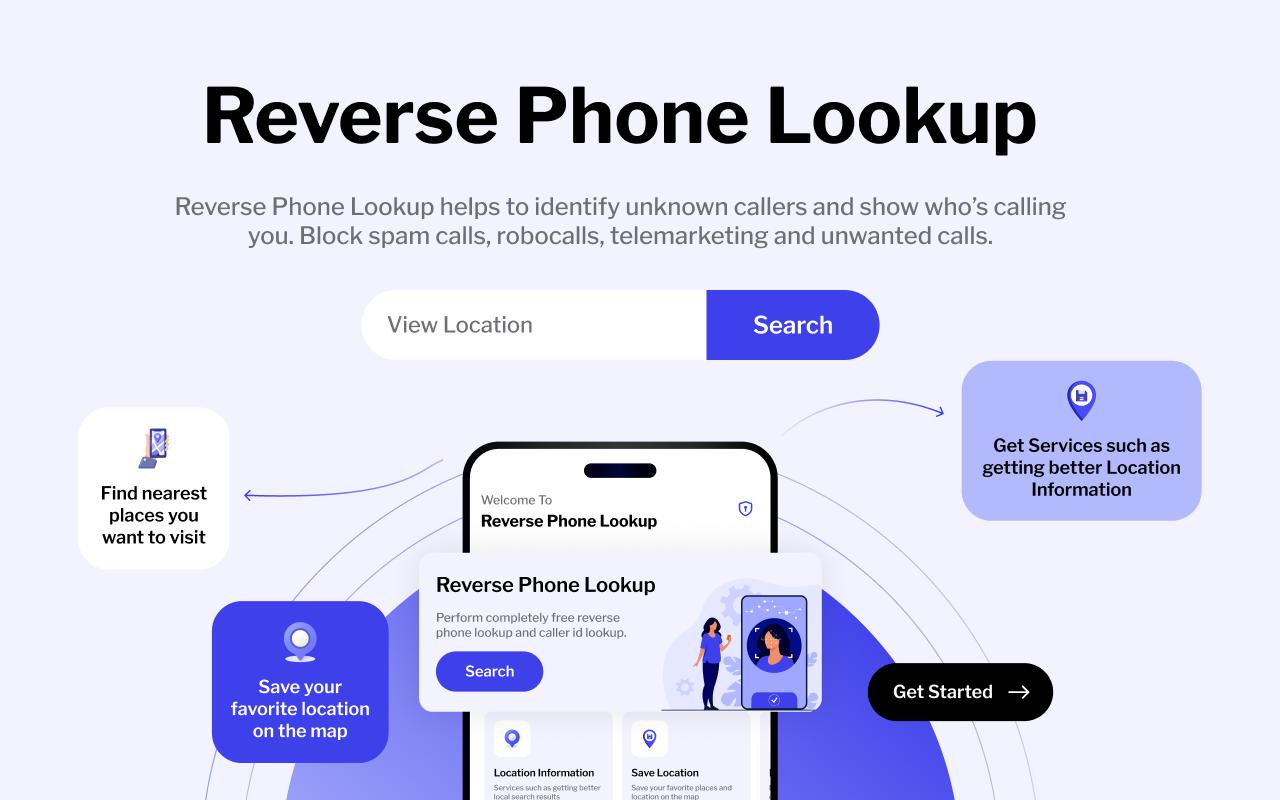
Reverse Phone Lookup is a free reverse phone lookup app that enables users to look up phone numbers to find the name or Caller ID, county/parish, carrier, zip code, phone type, and city/state associated with that number. This tool is perfect for figuring out who is calling or texting you or a loved one. Reverse Lookup currently searches the phone numbers from the United States and Canada and works with all kinds of standard 10-digit numbers, including landline, cell phone, or fax number.
Reverse phone lookup world wide mobile and landline numbers to find out more about who called. Reverse phone lookup can help you perform a reverse number phone search to identify this owner. Find any mobile number current location and start tracking. Simple app for reverse phone lookup.
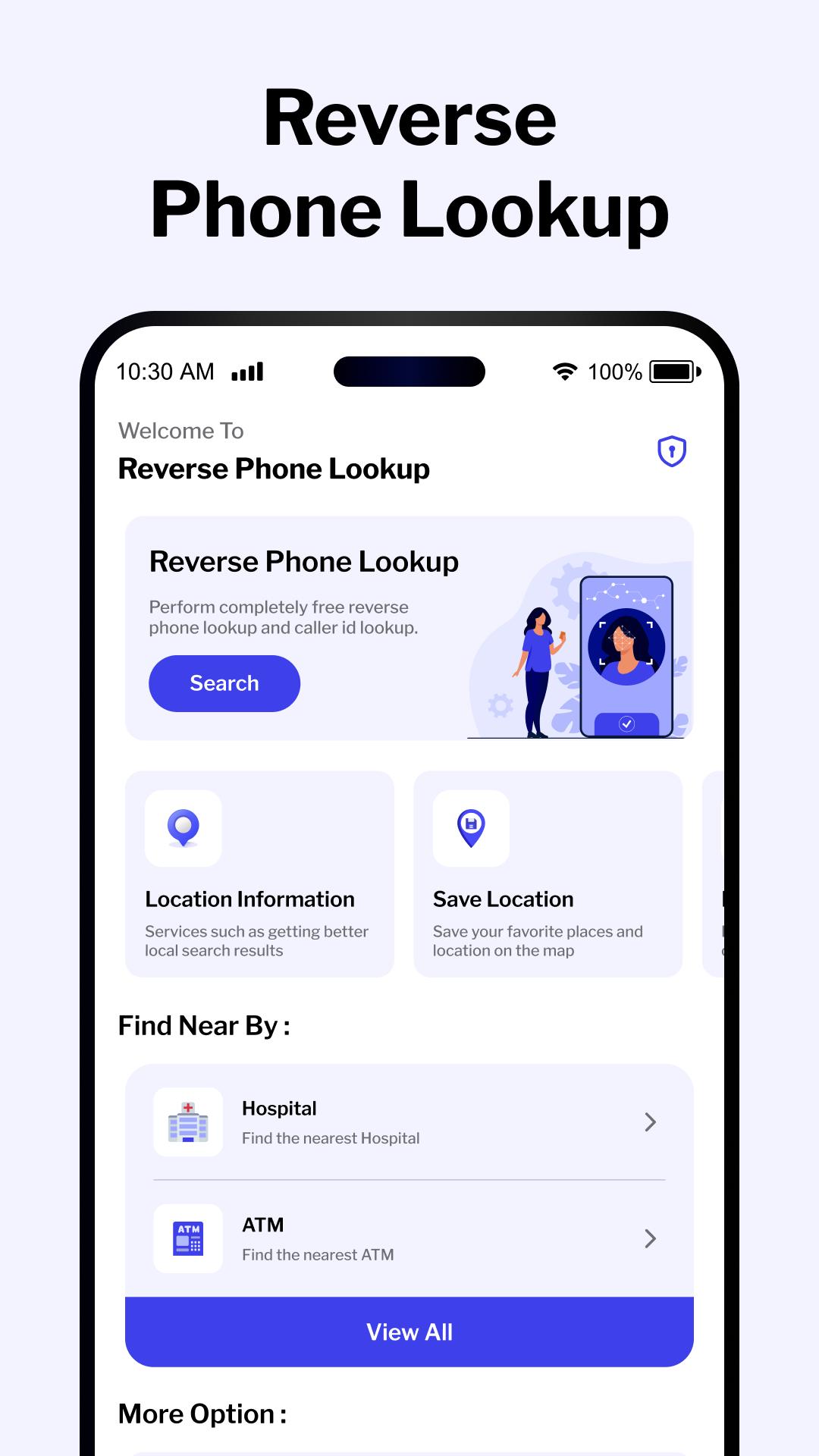
Phone Contact:-
simple contact management and personalization of incoming and outgoing calls. We have developed and are constantly adding threads to replace the boring, standard calls.
Location Information:-
My location show current your location on map, you enter a address or a location. The application will help you find route from your current location to that location. It will calculate the best find route and distance.
Find Current Address:-
Get My location maps to help you explore the world, see your current location & address, organize your travels by finding & saving places in any city.
Save Location:-
Save your favorite places. Never forget where you parked the car. Share important locations with your friends or colleagues.
Find Near By:-
Find and search for places in 31 categories in around me app.
Caller ID lets you perform a phone number lookup any number to find out who it is and find out who called. You can copy any number you see and put it into the search box. Caller ID - Who Called Me will identify the number and display true phone caller id and more details. Based on a huge data base, it is the best phone number lookup and phone number search tool in Android!
Thanking to you For Using This app, give us your feedback, rating and Consider for Future updates.
Thank you...
Preview
Tags
ToolsInformation
Developer
Easy Using Apps
Latest Version
1.2
Last Updated
2023-05-08
Category
Tools
Available on
Google Play
Show More
How to play Reverse Phone Lookup with GameLoop on PC
1. Download GameLoop from the official website, then run the exe file to install GameLoop
2. Open GameLoop and search for “Reverse Phone Lookup” , find Reverse Phone Lookup in the search results and click “Install”
3. Enjoy playing Reverse Phone Lookup on GameLoop
Minimum requirements
OS
Windows 8.1 64-bit or Windows 10 64-bit
GPU
GTX 1050
CPU
i3-8300
Memory
8GB RAM
Storage
1GB available space
Recommended requirements
OS
Windows 8.1 64-bit or Windows 10 64-bit
GPU
GTX 1050
CPU
i3-9320
Memory
16GB RAM
Storage
1GB available space