Battery Widget PC
CodeSwitch
Download Battery Widget on PC With GameLoop Emulator
Battery Widget sa PC
Ang Battery Widget, na nagmumula sa developer na CodeSwitch, ay tumatakbo sa Android systerm sa nakaraan.
Ngayon, maaari mong laruin ang Battery Widget sa PC gamit ang GameLoop nang maayos.
I-download ito sa GameLoop library o mga resulta ng paghahanap. Hindi na tumitingin sa baterya o nakakadismaya na mga tawag sa maling oras.
I-enjoy lang ang Battery Widget PC sa malaking screen nang libre!
Battery Widget Panimula
Battery Widget: Your Ultimate Battery Monitor, Always at a Glance!
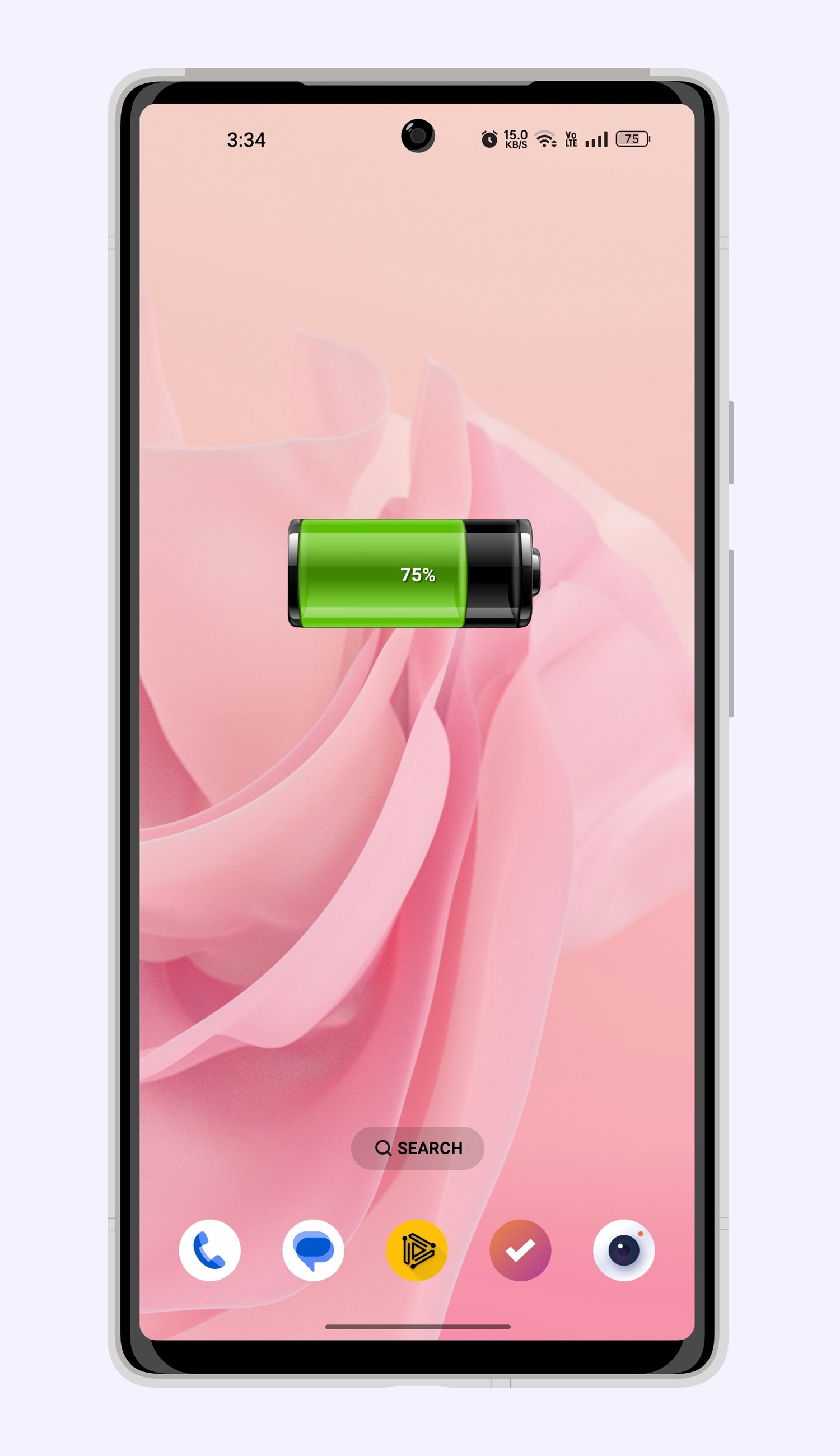
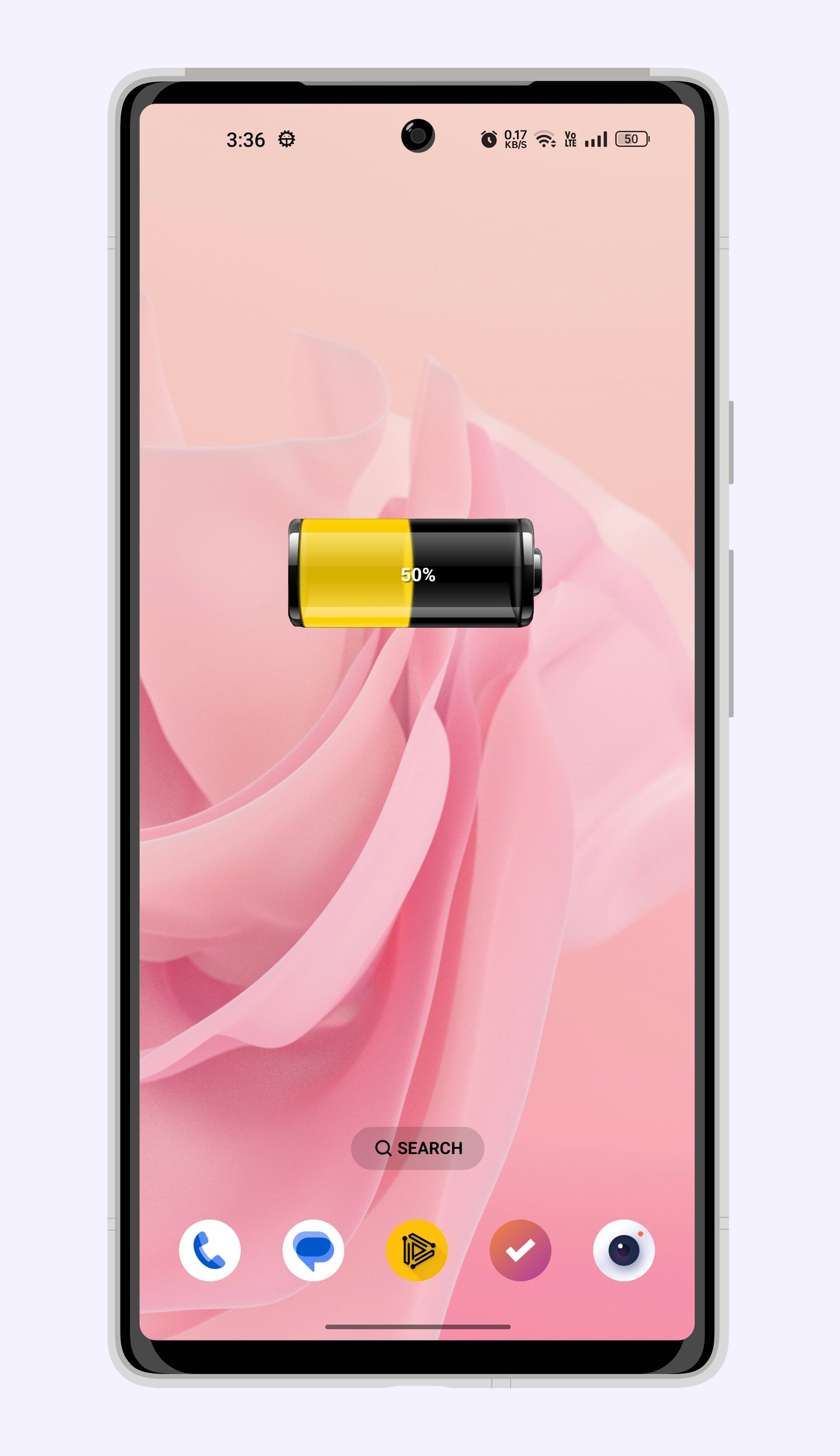
Never wonder about your phone's power status again. Get precise, real-time battery level readings directly on your homescreen with Battery Widget. It's more than just a percentage; it's your window into complete battery health!
Tap on your Battery Widget to unlock a comprehensive dashboard of vital statistics:
Voltage: Keep an eye on your battery's electrical output.
Temperature: Monitor heat levels to prevent overheating and extend battery lifespan.
Health: Get a clear picture of your battery's overall condition and performance.
Battery Widget empowers you to understand and manage your device's power like never before. Stay informed, stay optimized, and keep your phone running efficiently with the essential insights provided by Battery Widget.
Important Note for Battery Widget Users:
For uninterrupted and accurate battery monitoring, please add Battery Widget to your task killer exclusion list. This ensures the widget functions optimally at all times.
Problems, Feedback, or Suggestions?
We're here to help! Reach out to us at:
support@codeswitch.in
Preview
Tags
ToolsInformation
Developer
CodeSwitch
Latest Version
4.0
Last Updated
2026-02-25
Category
Tools
Available on
Google Play
Show More
How to play Battery Widget with GameLoop on PC
1. Download GameLoop from the official website, then run the exe file to install GameLoop
2. Open GameLoop and search for “Battery Widget” , find Battery Widget in the search results and click “Install”
3. Enjoy playing Battery Widget on GameLoop
Minimum requirements
OS
Windows 8.1 64-bit or Windows 10 64-bit
GPU
GTX 1050
CPU
i3-8300
Memory
8GB RAM
Storage
1GB available space
Recommended requirements
OS
Windows 8.1 64-bit or Windows 10 64-bit
GPU
GTX 1050
CPU
i3-9320
Memory
16GB RAM
Storage
1GB available space