Cast to TV & Screen Mirroring PC
Unit Dev .Inc
Download Cast to TV & Screen Mirroring on PC With GameLoop Emulator
Cast to TV & Screen Mirroring sa PC
Ang Cast to TV & Screen Mirroring, na nagmumula sa developer na Unit Dev .Inc, ay tumatakbo sa Android systerm sa nakaraan.
Ngayon, maaari mong laruin ang Cast to TV & Screen Mirroring sa PC gamit ang GameLoop nang maayos.
I-download ito sa GameLoop library o mga resulta ng paghahanap. Hindi na tumitingin sa baterya o nakakadismaya na mga tawag sa maling oras.
I-enjoy lang ang Cast to TV & Screen Mirroring PC sa malaking screen nang libre!
Cast to TV & Screen Mirroring Panimula
Screen matching phone display screen cast to television is useful when you are showing images, videos, streaming motion pictures, and so on. Mirror screen is a powerful device for matching and also screen sharing phone in real-time!
Usage Screen Matching App to cast your phones evaluate to a wise TV. Display Mirroring with television App will certainly aid you to check and mirror your phone display on wise TV/Display. With the Screen Mirror application, screen share is rapid and also simple.
You can play videos on Cellphone and also share mobile display to television and also videocast on television. Mirroring your phone screen to a TV or any other android tool with a display matching function. Screen share has actually never been less complicated!
Screen Matching Application has both a video clip and also audio player. Now you can appreciate all prominent video clip and sound formats on your Phone or TV if you link via a Screen Mirror. Use Screen Cast to show a presentation, reveal brand-new principles or attributes, present videos and also photos, and also much more.
Screen Cast and My Screen Recorder are a perfect combination when you require to produce video demonstration of mobile application. My Display Recorder is a screen recording device that allows you to conveniently tape your PC display along with your microphone sound. This tool is designed for producing a discussion and demo.
The Screen cast Mirroring Aide Application assists screen mirror the home window on the television screen from your phone. Screen sharing wirelessly with Wi-Fi and also mirror display dongles with clever television, your screen matching.
Supported devices:
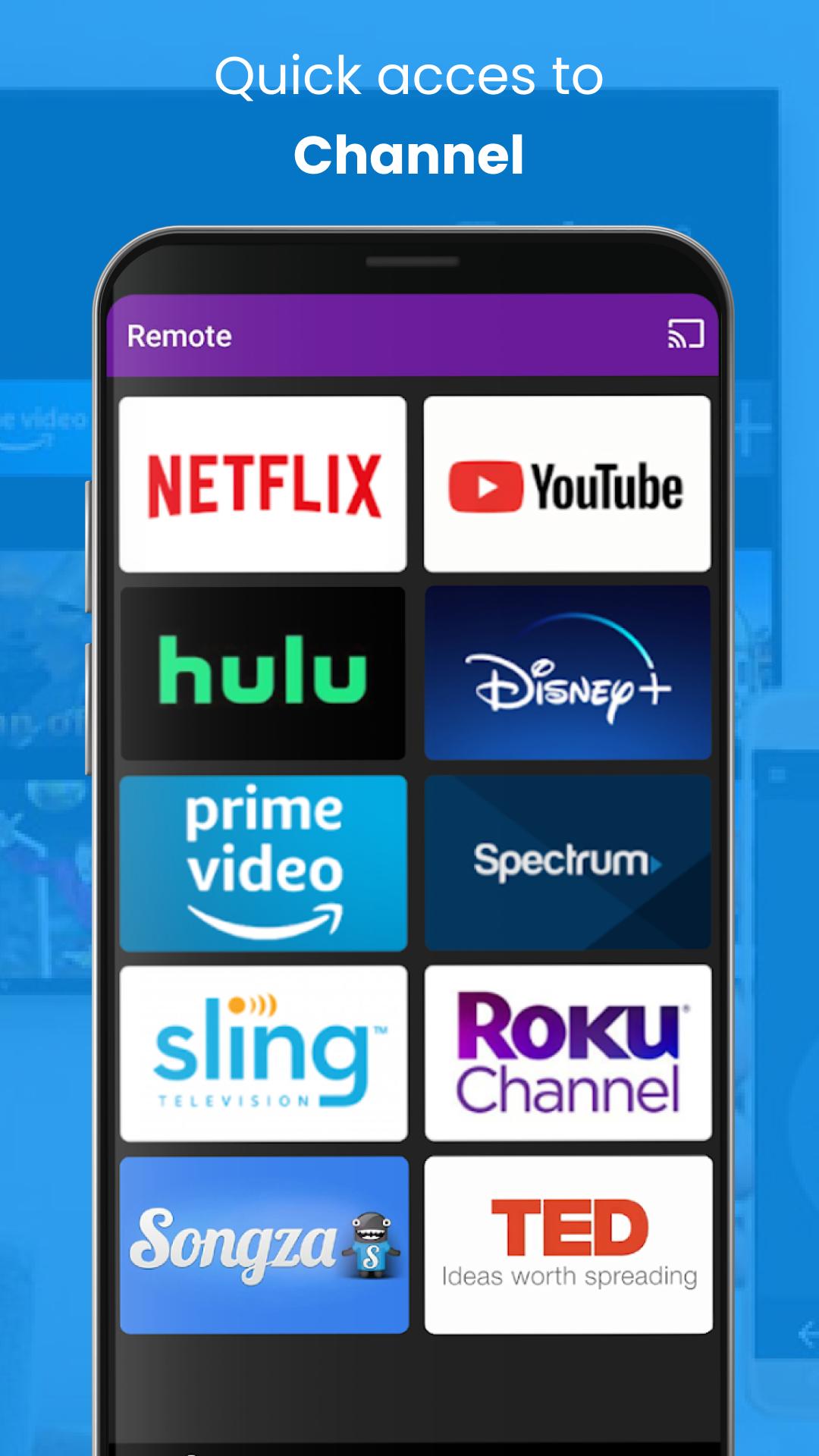
• Chromecast
• Roku
• FireTV, Xbox
• Smart TVs: Sony, Samsung, LG TV,...
Key Features:
• Easily cast to TV by phone.
• Screen Mirroring your phone to TV
• Cast photo, video,... to Smart TV
• Experience music, playing the game on the bigger screen.
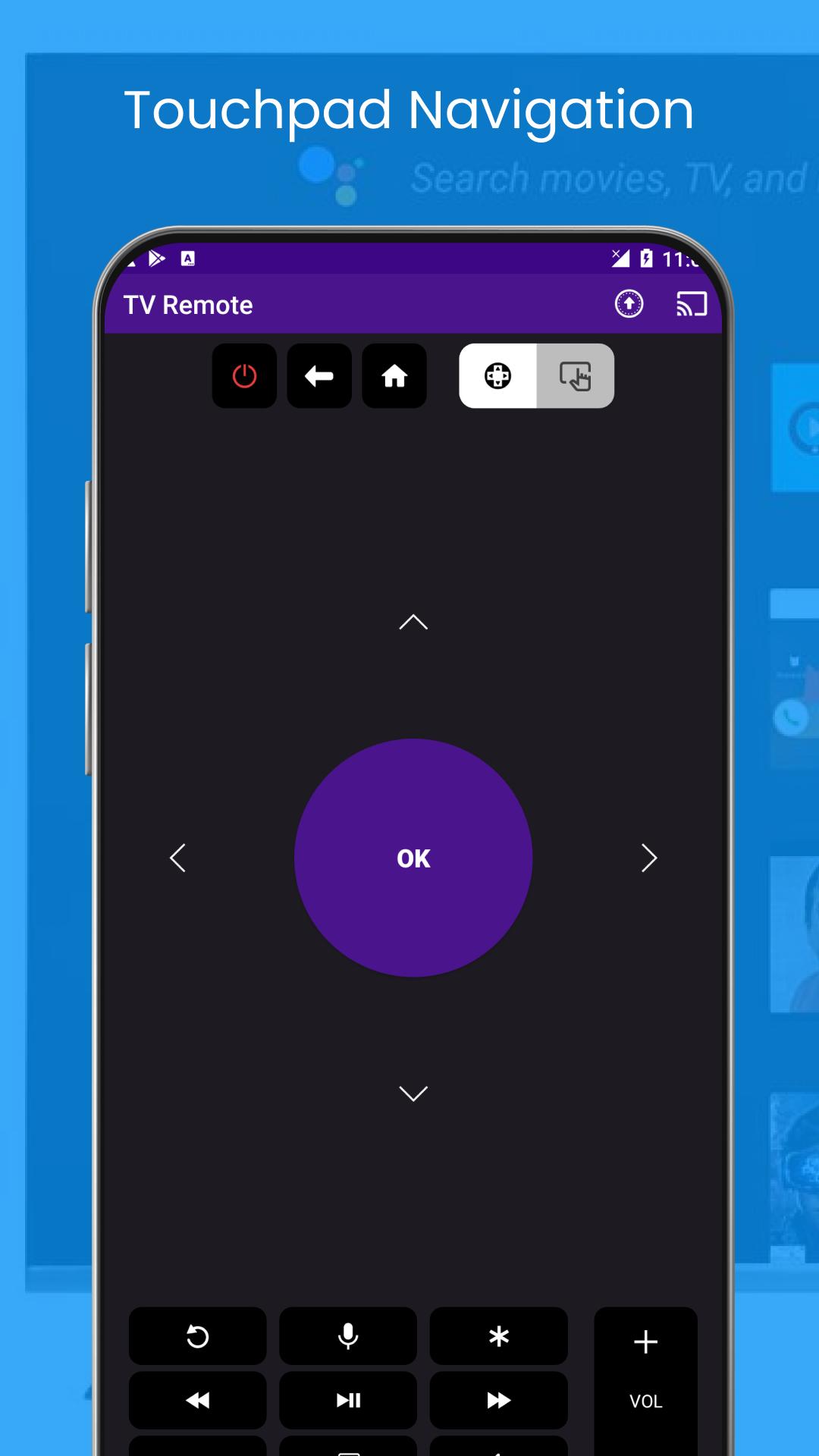
• Control Smart TV by phone
Display Mirroring application is an effective device for matching as well as broadcasting the display and audio of your device! You can screen share your Android live to any other tool on your local network through a mirror screen, internet browser, Chromecast, or UPnP compatible devices/DLNA (Smart television or various other gadgets).
It has been tested and also display sharing works with a lot of android tools. Your Phone has to be linked to Wi-Fi like the gadget you are matching at.
Attribute:
• Easily transform resolution as well as density - maximize the resolution of your outside display, as well as show the Android tablet computer interface if you're making use of a phone.
• Easy account - based user interface - easy to enable/disable different accounts for different types of display screens
• Instantly allow Bluetooth and wi-fi - rapidly attach a keyboard, mouse, and/or video game controller
• Lock screen alignment to landscape
• Show desktop websites in Chrome by default - search the Internet on your television!
• Complete assimilation with Tasker
• Disable tool backlight and/or vibration - conserve battery while your gadget is attached (not compatible with all tools).
• Load accounts automatically when a screen is attached.
Now you can Prolong your mobile content onto your Smart Television and also The FRAME TELEVISION. One-of-a-kind Cast to TV app. Screen Mirroring application will certainly assist you evaluate share screen, and mirror screen on wise television.
Preview
Tags
ToolsInformation
Developer
Unit Dev .Inc
Latest Version
1.6
Last Updated
2022-11-24
Category
Tools
Available on
Google Play
Show More
How to play Cast to TV & Screen Mirroring with GameLoop on PC
1. Download GameLoop from the official website, then run the exe file to install GameLoop
2. Open GameLoop and search for “Cast to TV & Screen Mirroring” , find Cast to TV & Screen Mirroring in the search results and click “Install”
3. Enjoy playing Cast to TV & Screen Mirroring on GameLoop
Minimum requirements
OS
Windows 8.1 64-bit or Windows 10 64-bit
GPU
GTX 1050
CPU
i3-8300
Memory
8GB RAM
Storage
1GB available space
Recommended requirements
OS
Windows 8.1 64-bit or Windows 10 64-bit
GPU
GTX 1050
CPU
i3-9320
Memory
16GB RAM
Storage
1GB available space