
AppDrop: Bulk Uninstaller PC
Sam Beckman
Download AppDrop: Bulk Uninstaller on PC With GameLoop Emulator
AppDrop: Bulk Uninstaller sa PC
Ang AppDrop: Bulk Uninstaller, na nagmumula sa developer na Sam Beckman, ay tumatakbo sa Android systerm sa nakaraan.
Ngayon, maaari mong laruin ang AppDrop: Bulk Uninstaller sa PC gamit ang GameLoop nang maayos.
I-download ito sa GameLoop library o mga resulta ng paghahanap. Hindi na tumitingin sa baterya o nakakadismaya na mga tawag sa maling oras.
I-enjoy lang ang AppDrop: Bulk Uninstaller PC sa malaking screen nang libre!
AppDrop: Bulk Uninstaller Panimula
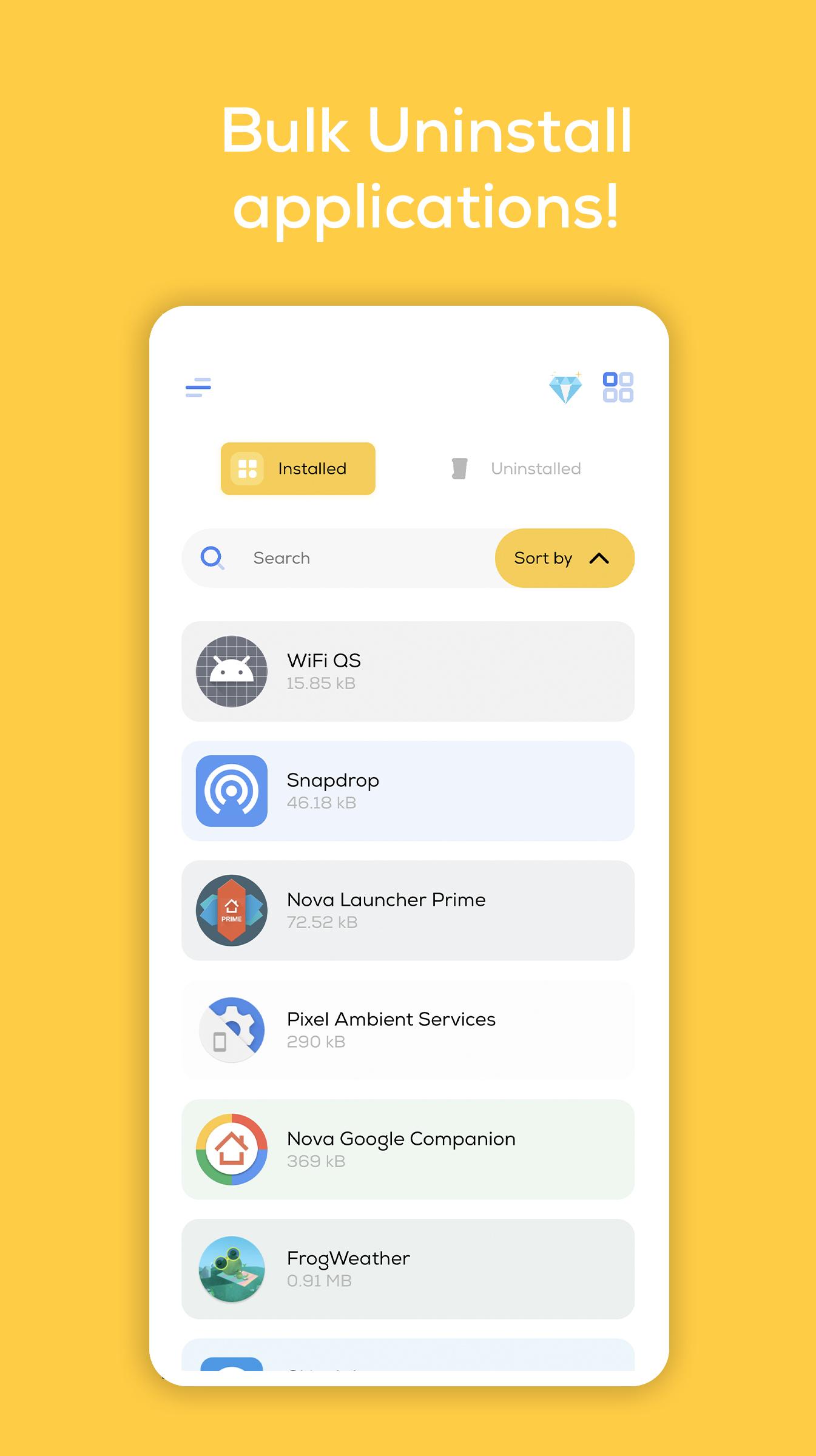
AppDrop is your one stop shop for uninstalling batches of apps in one go.
If you're someone who has a lot of unnecessary apps taking up valuable space on your phone, then AppDrop is the tool for you!
Gone are the days of having to sift through your app drawer to uninstall several apps in a row, which takes far too many clicks and taps. Instead, let AppDrop do all the heavy lifting for you. Simply tap and select as many apps as you like, hit uninstall and away you go!
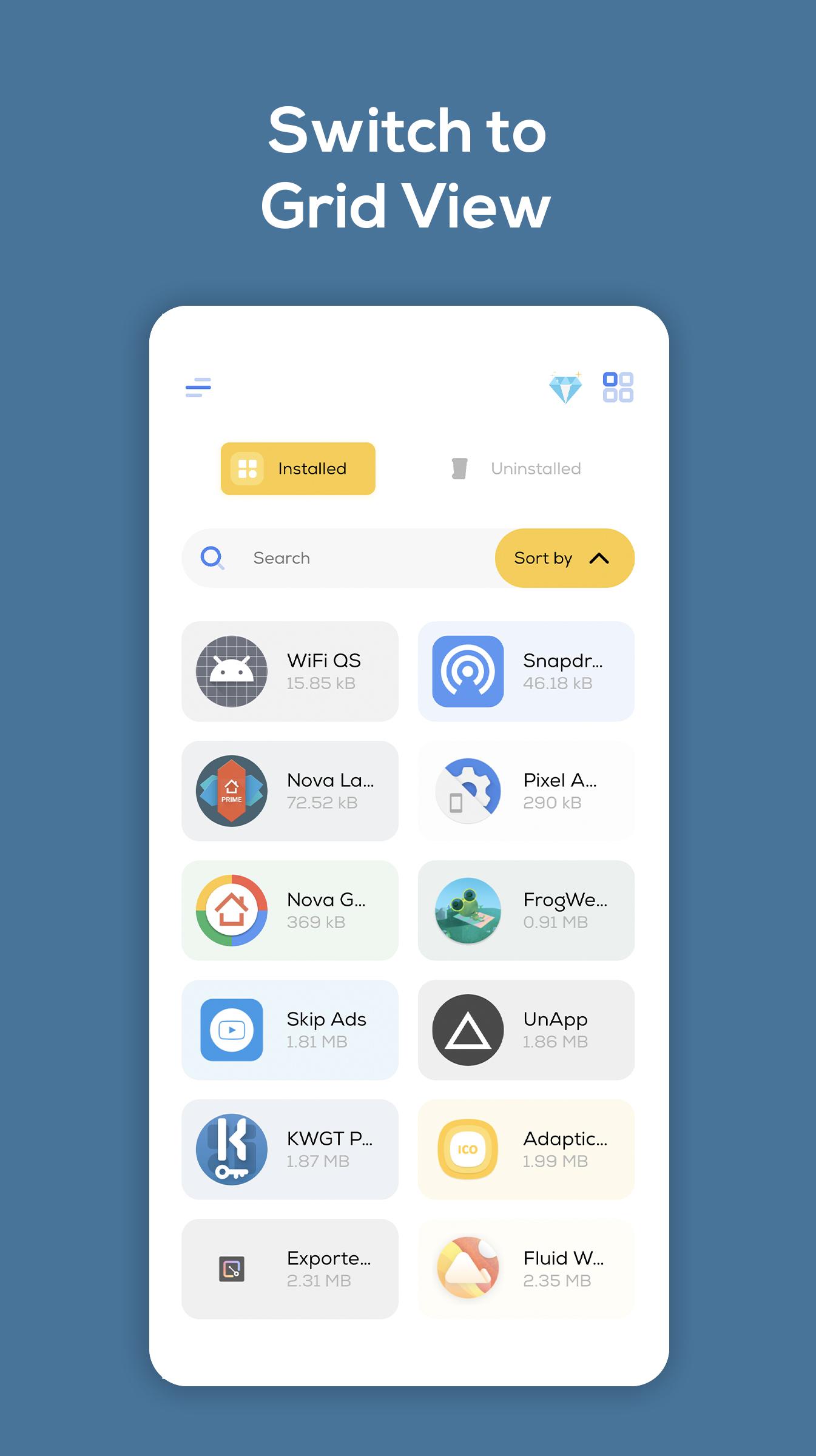
You can sort your apps by size, view your apps in grid view, search across all the apps on your phone and even quickly view any apps uninstalled via AppDrop. And even better yet, the doesn't require root access or request any permissions.
AppDrop has a beautiful design, with eye-catching animations throughout, and it even has an elegant dark mode, to save your eyes at night.
And introducing our newest feature: Auto Uninstall. With this feature enabled (and with Accessibility Service permissions granted), AppDrop can automatically press the uninstall buttons for you — no more tapping through each one manually.
In addition, if you upgrade to AppDrop Premium, then you'll gain access to extract app APKs directly to your phone's local storage.
Preview
Tags
ToolsInformation
Developer
Sam Beckman
Latest Version
1.1.2.5
Last Updated
2025-07-24
Category
Tools
Available on
Google Play
Show More
How to play AppDrop: Bulk Uninstaller with GameLoop on PC
1. Download GameLoop from the official website, then run the exe file to install GameLoop
2. Open GameLoop and search for “AppDrop: Bulk Uninstaller” , find AppDrop: Bulk Uninstaller in the search results and click “Install”
3. Enjoy playing AppDrop: Bulk Uninstaller on GameLoop
Minimum requirements
OS
Windows 8.1 64-bit or Windows 10 64-bit
GPU
GTX 1050
CPU
i3-8300
Memory
8GB RAM
Storage
1GB available space
Recommended requirements
OS
Windows 8.1 64-bit or Windows 10 64-bit
GPU
GTX 1050
CPU
i3-9320
Memory
16GB RAM
Storage
1GB available space