
Bever App PC
Bever Innovations
Download Bever App on PC With GameLoop Emulator
Bever App sa PC
Ang Bever App, na nagmumula sa developer na Bever Innovations, ay tumatakbo sa Android systerm sa nakaraan.
Ngayon, maaari mong laruin ang Bever App sa PC gamit ang GameLoop nang maayos.
I-download ito sa GameLoop library o mga resulta ng paghahanap. Hindi na tumitingin sa baterya o nakakadismaya na mga tawag sa maling oras.
I-enjoy lang ang Bever App PC sa malaking screen nang libre!
Bever App Panimula
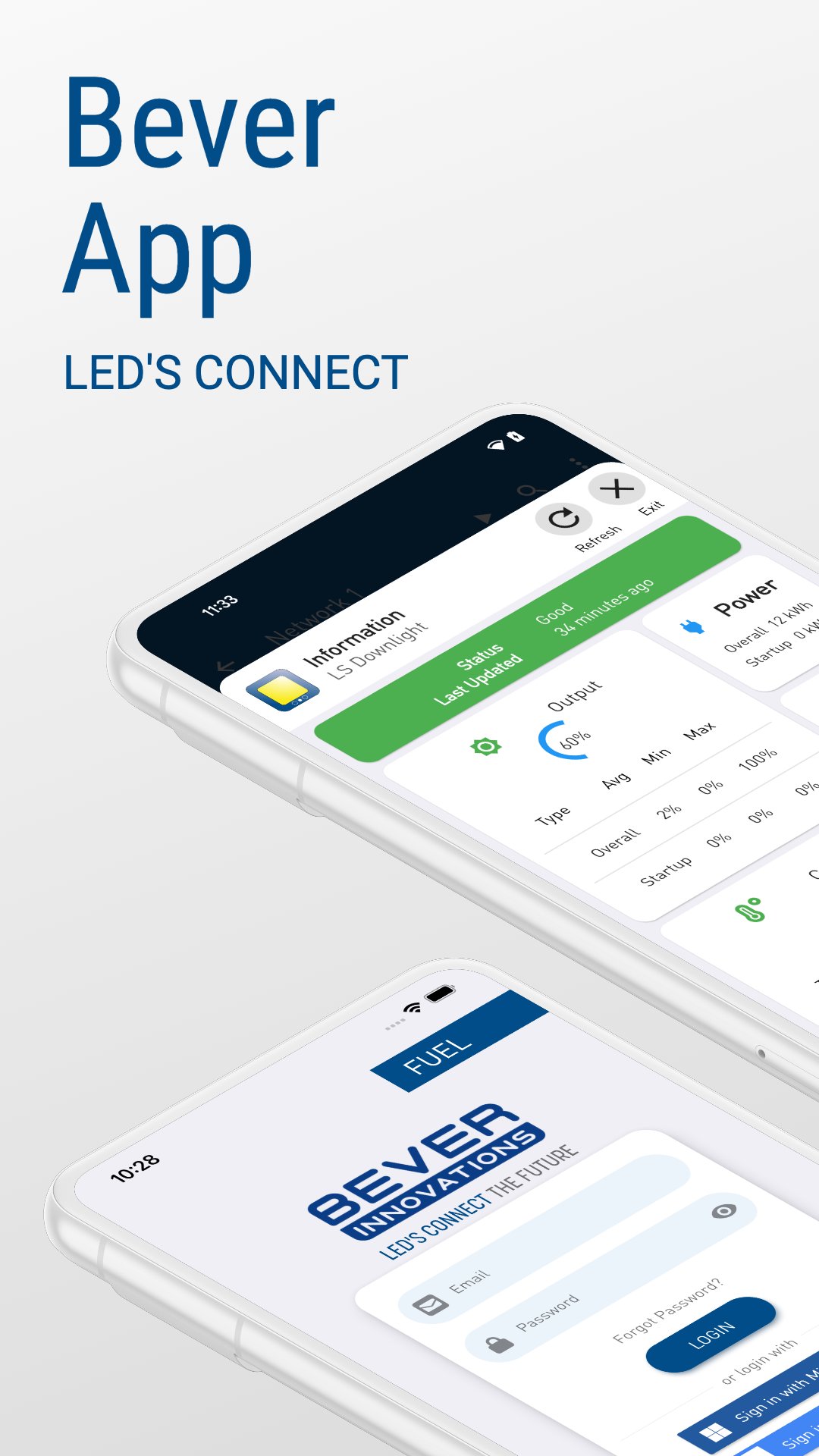
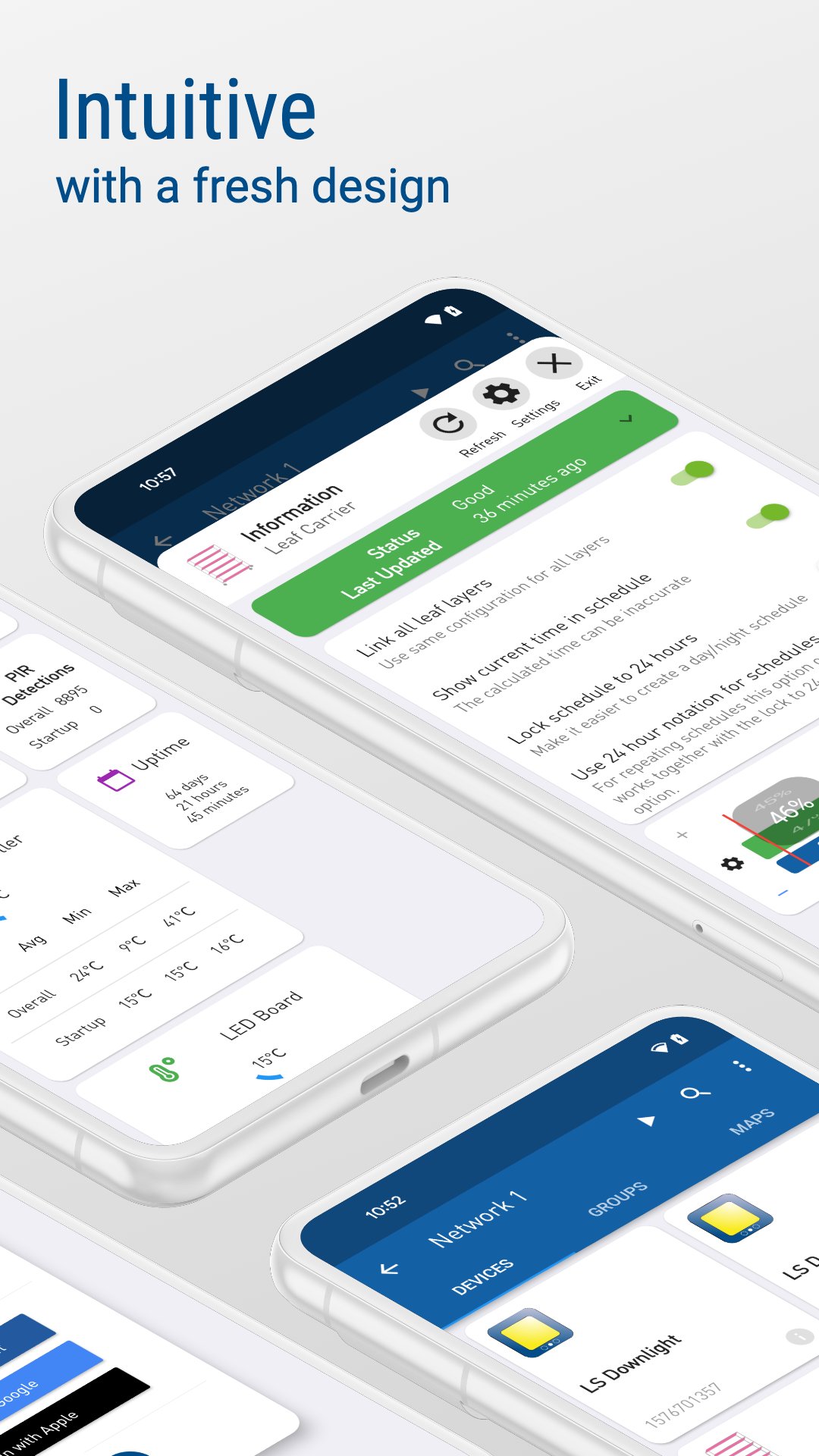
Controlling Bever Innovations products has never been so easy. With the intuitive app is very easy to control and enhance your Bever Innovations product experience. And of course, everything without wiring due to the Bever Innovations mesh technology.
SMART PRODUCTS
Lighting, display system, horticulture products and other related Bever Innovations products (e.g. sensors, bridges) can all be supplied with Smart technology. Once a product is electrically connected it will automatically form a network with other devices extending the network because of the multi hop mesh technology. In the Bever App the new devices will be shown instantly and can be easily coupled to form a network.
SECURITY
The network is designed with security in mind. With its unique physical authentication, different user levels, in network functionality, encryption and other protection systems your products will be in good hands.
GROUPS
You can assign products to groups. Name the groups to your liking and control them all at once. And this is just the beginning. Groups can also share and use information within the network to act on sensors each other without any message leaving the network.
INSIGHTS
The app gives you real-time insight into energy consumption, sensor statistics and predictive maintenance. Add a bridge to get even more advanced historical statistics.
BRIDGES AND SENSORS
Add one of the bridges or sensors to your network to enhance the possibilities. An internet bridge will make the connection to our advanced API and dashboard. Whether you want a sensor to automatically control your network or just have want more insights, the internet bridge or one of our sensors will do just that for you.
Preview
Tags
ToolsInformation
Developer
Bever Innovations
Latest Version
2025.3.1
Last Updated
2026-01-09
Category
Tools
Available on
Google Play
Show More
How to play Bever App with GameLoop on PC
1. Download GameLoop from the official website, then run the exe file to install GameLoop
2. Open GameLoop and search for “Bever App” , find Bever App in the search results and click “Install”
3. Enjoy playing Bever App on GameLoop
Minimum requirements
OS
Windows 8.1 64-bit or Windows 10 64-bit
GPU
GTX 1050
CPU
i3-8300
Memory
8GB RAM
Storage
1GB available space
Recommended requirements
OS
Windows 8.1 64-bit or Windows 10 64-bit
GPU
GTX 1050
CPU
i3-9320
Memory
16GB RAM
Storage
1GB available space