
Call recorder PC
AM Company
Download Call recorder on PC With GameLoop Emulator
Call recorder sa PC
Ang Call recorder, na nagmumula sa developer na AM Company, ay tumatakbo sa Android systerm sa nakaraan.
Ngayon, maaari mong laruin ang Call recorder sa PC gamit ang GameLoop nang maayos.
I-download ito sa GameLoop library o mga resulta ng paghahanap. Hindi na tumitingin sa baterya o nakakadismaya na mga tawag sa maling oras.
I-enjoy lang ang Call recorder PC sa malaking screen nang libre!
Call recorder Panimula
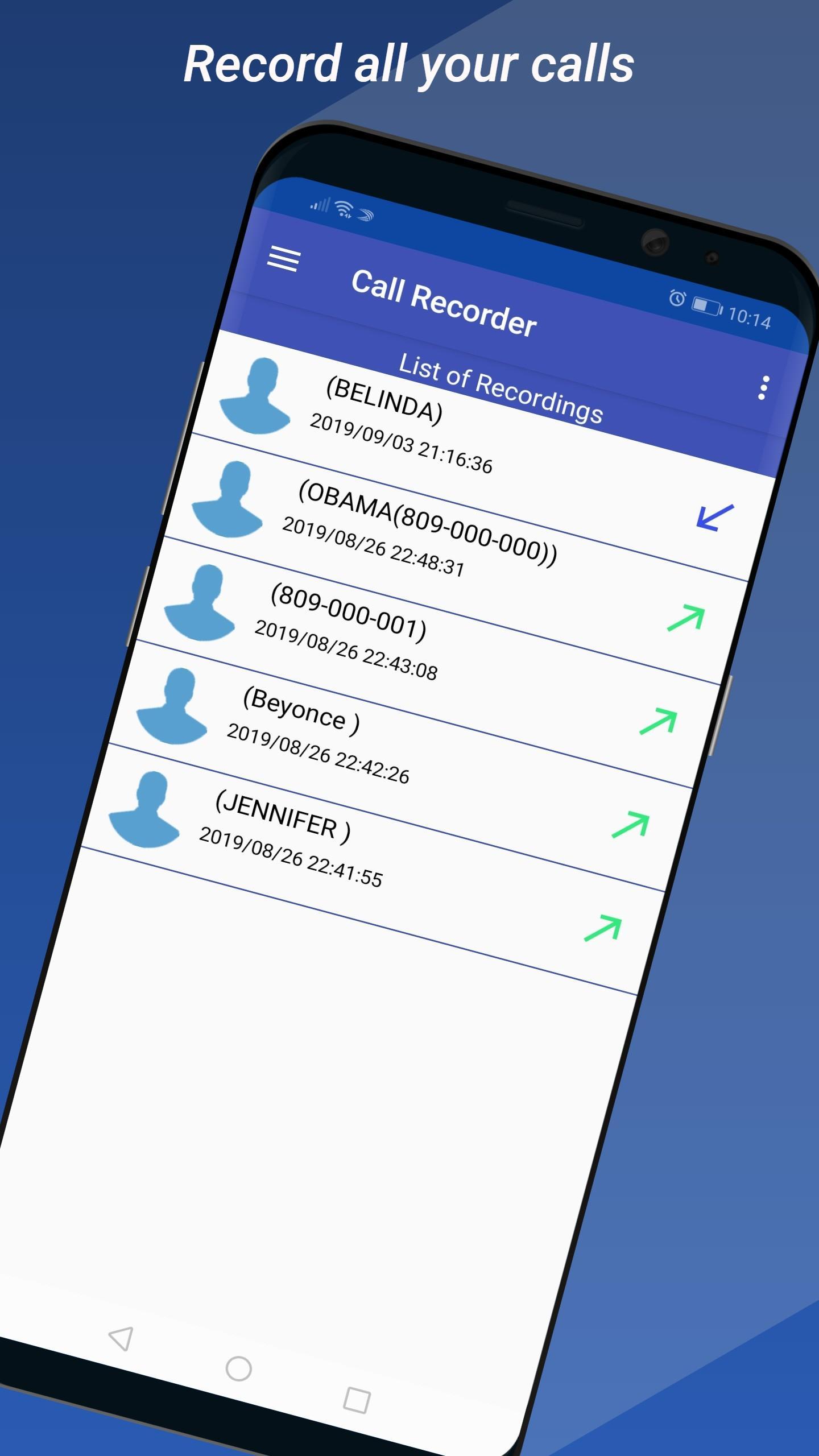
Record incoming and outgoing phone calls automatically on your Android device. With over 5 million satisfied users worldwide, our app is the most reliable and powerful solution for anyone who needs to keep a record of their conversations.
Are you tired of forgetting important details from a phone call? Our Automatic Call Recorder is the perfect tool for business calls, interviews, customer service, or simply preserving special memories.
📱 Key Features:
Automatic Call Recording: Activate automatic recording for all your calls with just one tap. No need to press a button every time.
High-Quality Audio: Enjoy crystal-clear sound quality so every word is audible.
Smart Organization: Easily navigate through your recordings. Mark important calls as favorites and add notes to find them quickly.
Caller ID: The app automatically detects the caller's name and number, so you'll always know who you're talking to without even opening the app.
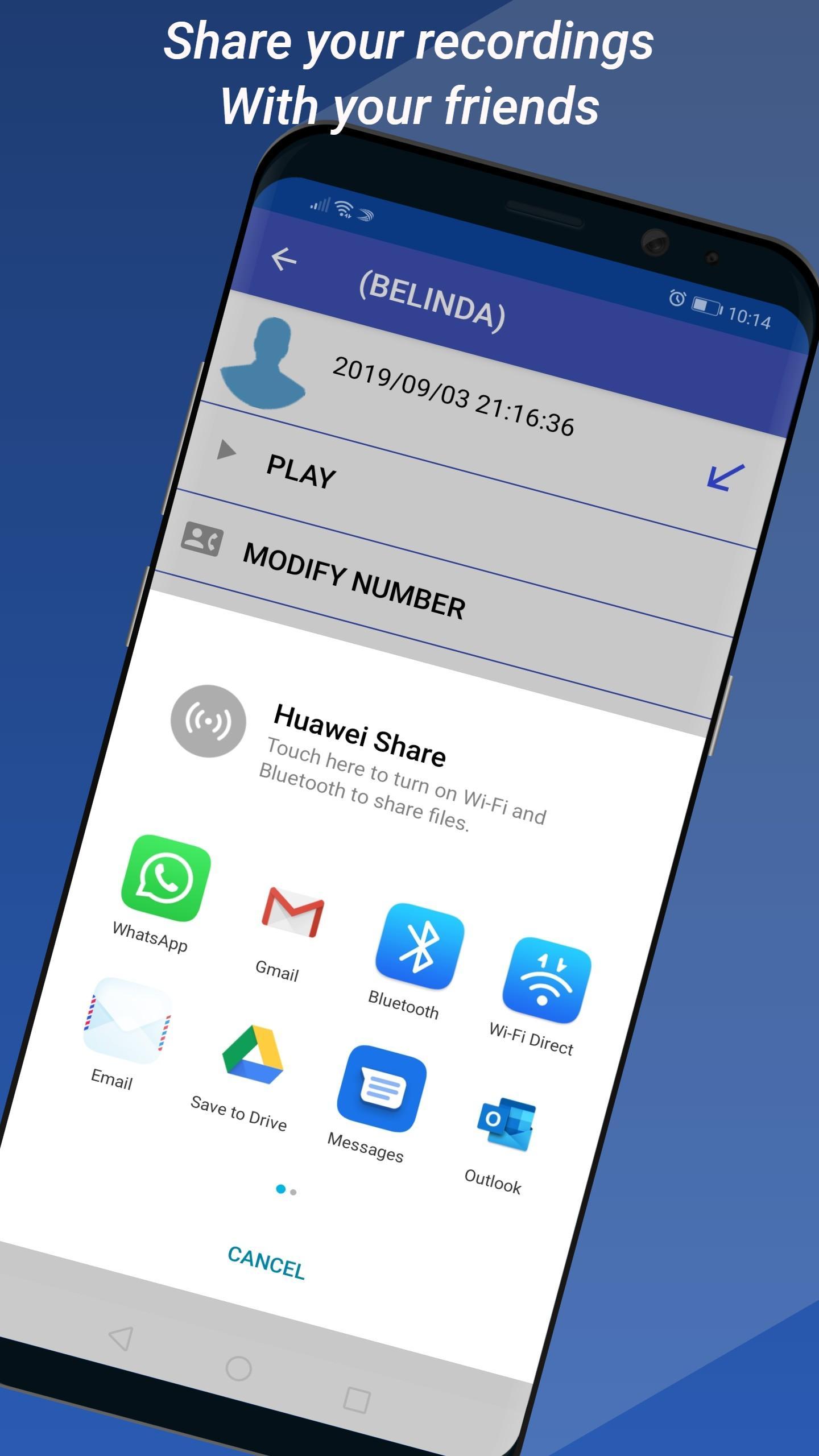
Edit and Share: Trim your recordings, rename files, and share them easily via email, messaging apps, or social media.
Setup Guide Included: Having trouble with permissions or battery settings? Our step-by-step video guide helps you configure the app in seconds, even on Android 13 and 14.
Ad-Free Experience (Premium Version): Upgrade to the premium version to get the full experience without any interruptions.
⭐ Why Choose Our Call Recorder?
Trusted by 5 million users around the globe.
Intuitive Design: A simple and lightweight interface that won't drain your battery or device resources.
Frequent Updates and multilingual support.
Compatible with most modern Android devices.
⚠️ Important:
Some device-specific settings for permissions, accessibility, and battery are required for optimal performance. Please consult our guide for details.
The use of call recorders may be subject to local laws. Please ensure you notify the other party if required.
Download the best Automatic Call Recorder for Android today and turn your phone into a perfect memory for every conversation!
Preview
Tags
ToolsInformation
Developer
AM Company
Latest Version
5.5.5
Last Updated
2025-09-05
Category
Tools
Available on
Google Play
Show More
How to play Call recorder with GameLoop on PC
1. Download GameLoop from the official website, then run the exe file to install GameLoop
2. Open GameLoop and search for “Call recorder” , find Call recorder in the search results and click “Install”
3. Enjoy playing Call recorder on GameLoop
Minimum requirements
OS
Windows 8.1 64-bit or Windows 10 64-bit
GPU
GTX 1050
CPU
i3-8300
Memory
8GB RAM
Storage
1GB available space
Recommended requirements
OS
Windows 8.1 64-bit or Windows 10 64-bit
GPU
GTX 1050
CPU
i3-9320
Memory
16GB RAM
Storage
1GB available space