
ColDonAgro - Fields Navigation PC
Nikolas Konstantinov
Download ColDonAgro - Fields Navigation on PC With GameLoop Emulator
ColDonAgro - Fields Navigation sa PC
Ang ColDonAgro - Fields Navigation, na nagmumula sa developer na Nikolas Konstantinov, ay tumatakbo sa Android systerm sa nakaraan.
Ngayon, maaari mong laruin ang ColDonAgro - Fields Navigation sa PC gamit ang GameLoop nang maayos.
I-download ito sa GameLoop library o mga resulta ng paghahanap. Hindi na tumitingin sa baterya o nakakadismaya na mga tawag sa maling oras.
I-enjoy lang ang ColDonAgro - Fields Navigation PC sa malaking screen nang libre!
ColDonAgro - Fields Navigation Panimula
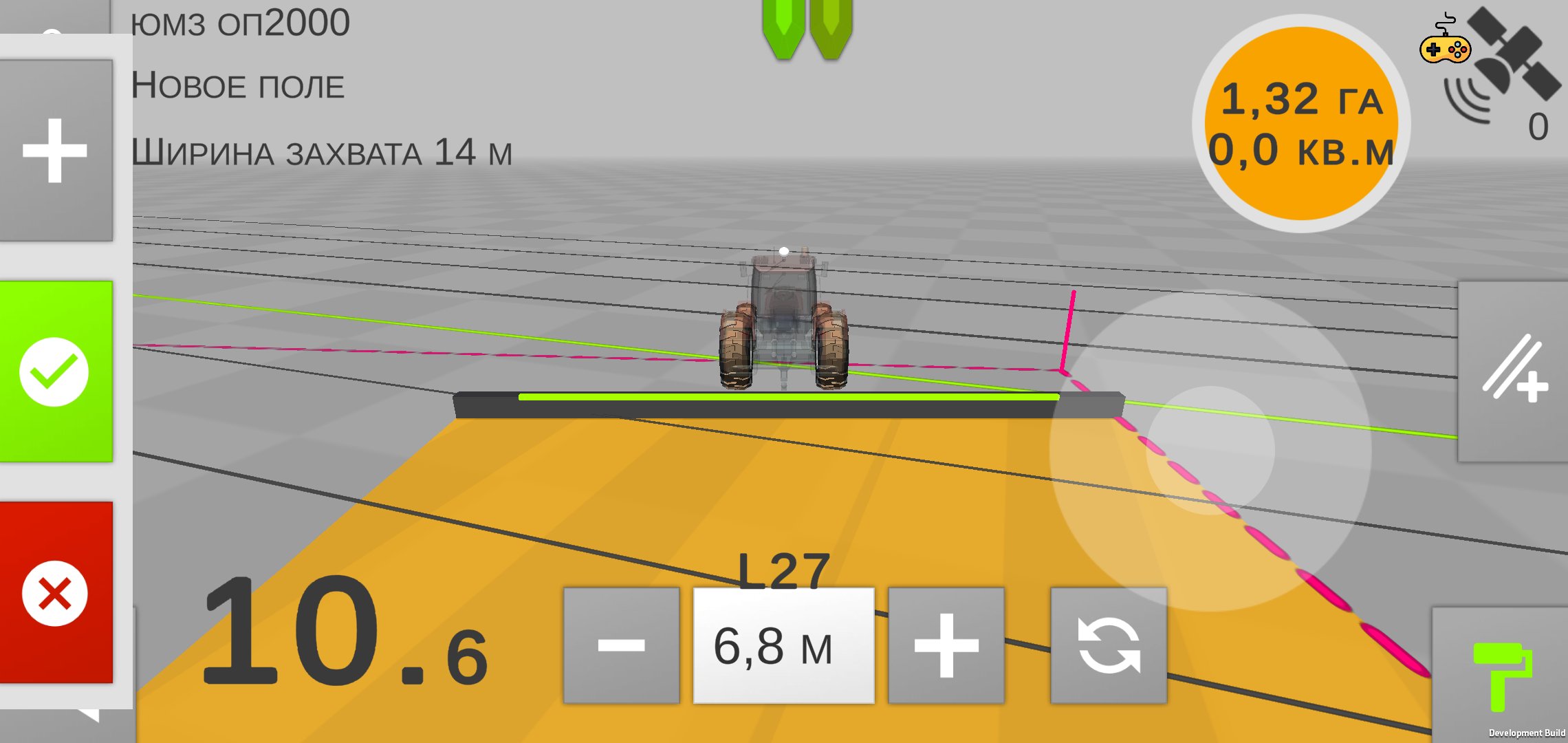
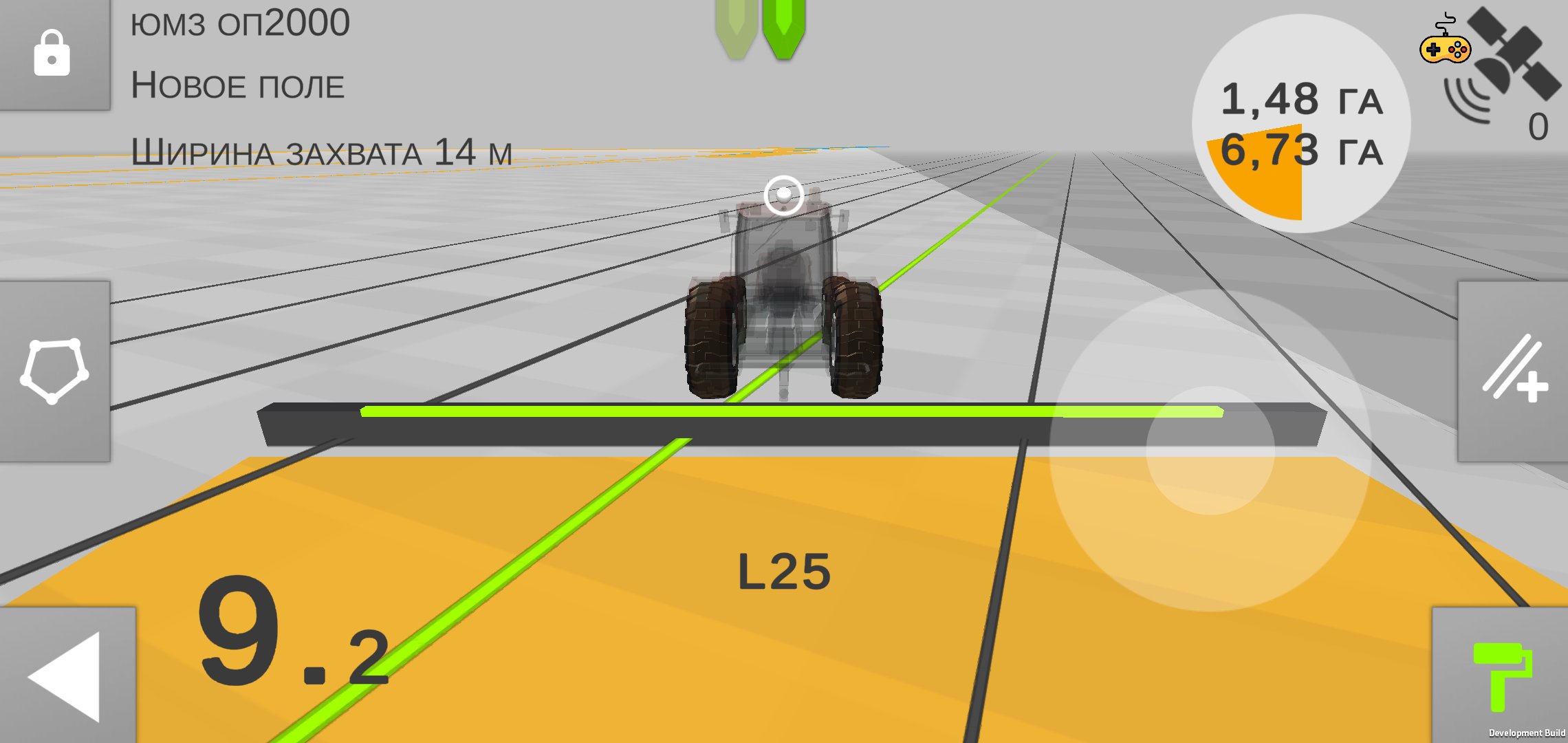
СolDonAgro is the most powerful GPS/GNSS navigation app for tractors. From AB Lines to Section Control, Yield Monitoring and Autopilot
Measure the size of your farm, field or pasture easily and hassle-free. Create field borders, movement lines once and use them in all field operations.
Save field data, borders and guide lines, mark obstacles and create a database according to your requirements.
With СolDonAgro driving to parallel tracks is much easier, reducing the workload, size of untreated areas and avoiding overlaps.
ColDonAgro includes the use of Straight AB parallel lines and AB Curve while navigating in the field.
This application is ideal for owners of large and small farms. ColDonAgro gives wide access to precision farming technologies.
* RECOMMENDATIONS
If built-in GPS receiver is not accurate enough, the connection of external
UDP or Bluetooth GPS receiver is advised, specifically our gps antenna Novator, Novator Sensor or Novator Pro RTK, which gives the accuracy from 0.5 m to 1cm– tried and tested by ourselves.
* The app perfectly works with all external Bluetooth GPS antennas.
* FEATURES
➜ Navigate in parallel lines while driving in the field
➜ AB Line
➜ AB Curve
➜ Obstacle positions
➜ Navigate and create tracks in satellite view
➜ Driving assistance in 3D mode without maps
➜ Create fields database
➜ Measure field area and perimeter by using GPS
➜ Import Rates data in *.shp formats
➜ Export field data in *.kml format
➜ Export Yield data in *.shp format
➜ Share field data
➜ Farming activities database
➜ Night mode for farming at night time
➜ Section Control
➜ Variable Rate
➜ Yield Monitoring
➜ Autopilot
Preview
Tags
ToolsInformation
Developer
Nikolas Konstantinov
Latest Version
5.2.5
Last Updated
2026-03-04
Category
Tools
Available on
Google Play
Show More
How to play ColDonAgro - Fields Navigation with GameLoop on PC
1. Download GameLoop from the official website, then run the exe file to install GameLoop
2. Open GameLoop and search for “ColDonAgro - Fields Navigation” , find ColDonAgro - Fields Navigation in the search results and click “Install”
3. Enjoy playing ColDonAgro - Fields Navigation on GameLoop
Minimum requirements
OS
Windows 8.1 64-bit or Windows 10 64-bit
GPU
GTX 1050
CPU
i3-8300
Memory
8GB RAM
Storage
1GB available space
Recommended requirements
OS
Windows 8.1 64-bit or Windows 10 64-bit
GPU
GTX 1050
CPU
i3-9320
Memory
16GB RAM
Storage
1GB available space