
Clock Vault : Secret Media Loc PC
Photo Tools Maker
Download Clock Vault : Secret Media Loc on PC With GameLoop Emulator
Clock Vault : Secret Media Loc sa PC
Ang Clock Vault : Secret Media Loc, na nagmumula sa developer na Photo Tools Maker, ay tumatakbo sa Android systerm sa nakaraan.
Ngayon, maaari mong laruin ang Clock Vault : Secret Media Loc sa PC gamit ang GameLoop nang maayos.
I-download ito sa GameLoop library o mga resulta ng paghahanap. Hindi na tumitingin sa baterya o nakakadismaya na mga tawag sa maling oras.
I-enjoy lang ang Clock Vault : Secret Media Loc PC sa malaking screen nang libre!
Clock Vault : Secret Media Loc Panimula
Clock Vault : Secret Media Locker
Secret Photo Video Locker (Timer Lock) is a best privacy protection app to keep safe & easily hide your private photos, videos & any other files that you do not want others to see on your device.
You can easily manage the folders or albums of gallery & view, move & export pictures by using this Secret Gallery Vault.
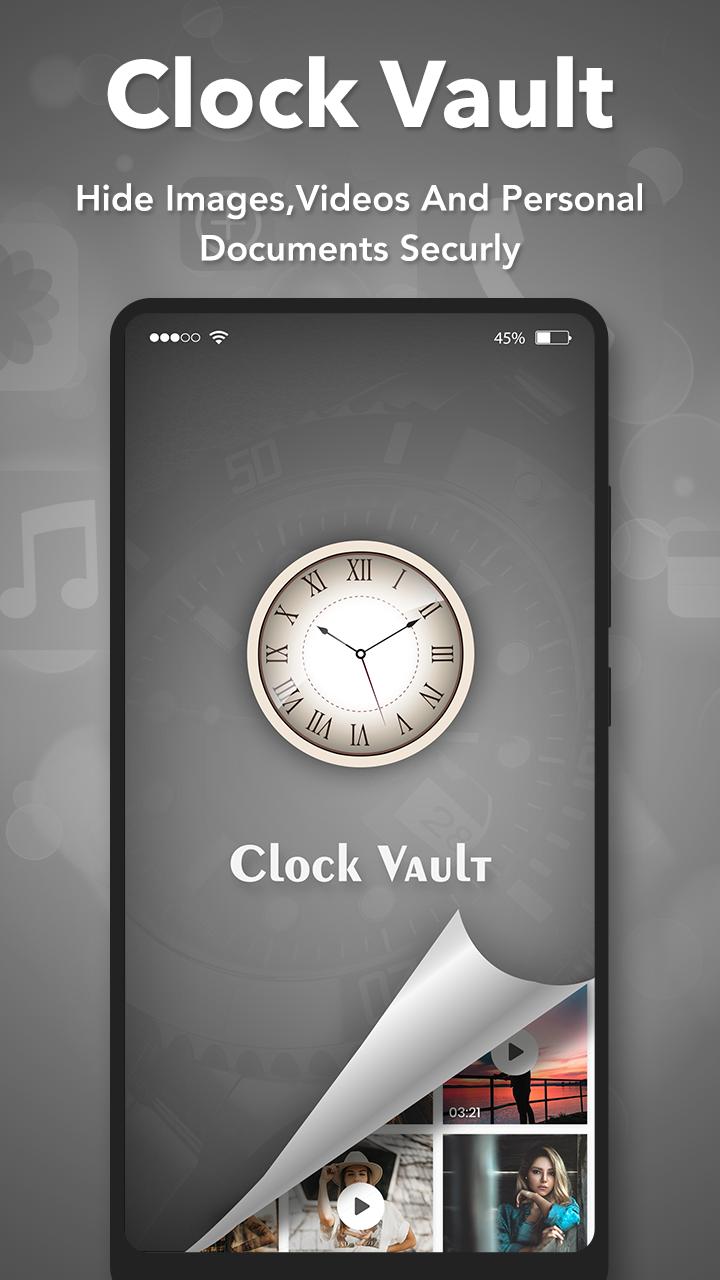
Clock Vault open only by secret time that is set by you otherwise it functional as Clock. This way no one knows your mobile had installed gallery lock and you can secretly hide pictures to keep safe from others by this Smart Clock.
Clock Vault is completely invisible, hidden in the design of the clock which open only by secret time that is set by you. It is Secret gallery lock and app-lock to keep safe and hide pictures, videos and documents behind fully functional clock.
Key Features:
- Hide private photos and videos under the Timer Lock.
- Keep safe, simple and photo vault hide pictures.
- Protects Time Lock from being uninstalled by kids or strangers.
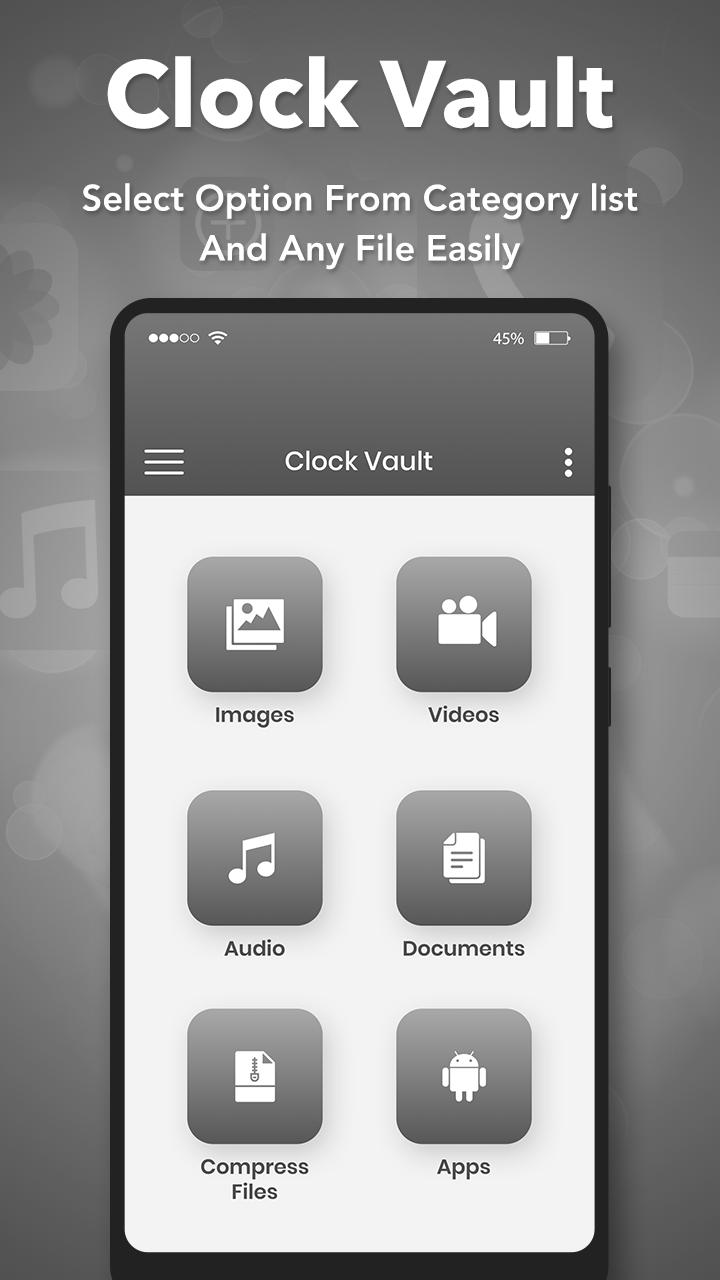
- Easy file management system like Edit, Move, Rename, Create Folders etc.
- Share to Vault from your gallery to Instant hide multiple photos videos.
- Super Inbuilt Video player to watch videos inside video Vault.
- Timer lock has beautiful, smooth and elegant user experience.
- Lock your Messenger, Gallery, Browser, Contacts, Email or any other apps you choose.
- Lock Apps by App Lock feature available by both Password Lock and Pattern Lock.
- Smooth and elegant user experience.
IMPORTANT: Do not uninstall this app before restoring your personal files otherwise it will be lost forever.
FAQ
What if I forgot my password?
- If you forgot your vault password than please feel free to contact us on our developer email we will instruct you how you can recover your password.Or you can recover your password from security question answer.
Are my hidden files stored online?
- No. Your files are stored only on your device, so please make sure to backup all your hidden files before transferring to new device or factory reset.
Can I recover my files after uninstall of this app?
- No you can not recover files so please export all files before uninstalling the app to avoid file missing. Once uninstall app, you can not recover file locked inside the vault. We do not provide cloud storage for now. You would set email for your password recovery only in case you forgot.
- If you uninstall this app before restoring your personal files then try to restore data with reinstall application might be work in device but not 100% sure.
For any queries or Suggestions, Please contact us at our developer mail id : anilsavaliya912@gmail.com
Preview
Tags
ToolsInformation
Developer
Photo Tools Maker
Latest Version
1.4
Last Updated
2023-01-04
Category
Tools
Available on
Google Play
Show More
How to play Clock Vault : Secret Media Loc with GameLoop on PC
1. Download GameLoop from the official website, then run the exe file to install GameLoop
2. Open GameLoop and search for “Clock Vault : Secret Media Loc” , find Clock Vault : Secret Media Loc in the search results and click “Install”
3. Enjoy playing Clock Vault : Secret Media Loc on GameLoop
Minimum requirements
OS
Windows 8.1 64-bit or Windows 10 64-bit
GPU
GTX 1050
CPU
i3-8300
Memory
8GB RAM
Storage
1GB available space
Recommended requirements
OS
Windows 8.1 64-bit or Windows 10 64-bit
GPU
GTX 1050
CPU
i3-9320
Memory
16GB RAM
Storage
1GB available space