Junk Cleaner - Cache Scanner PC
Bazinga!
Download Junk Cleaner - Cache Scanner on PC With GameLoop Emulator
Junk Cleaner - Cache Scanner sa PC
Ang Junk Cleaner - Cache Scanner, na nagmumula sa developer na Bazinga!, ay tumatakbo sa Android systerm sa nakaraan.
Ngayon, maaari mong laruin ang Junk Cleaner - Cache Scanner sa PC gamit ang GameLoop nang maayos.
I-download ito sa GameLoop library o mga resulta ng paghahanap. Hindi na tumitingin sa baterya o nakakadismaya na mga tawag sa maling oras.
I-enjoy lang ang Junk Cleaner - Cache Scanner PC sa malaking screen nang libre!
Junk Cleaner - Cache Scanner Panimula
🧰 Core Features:
🗑️ Cache Scanner
✔ Scan cache of all apps , help you finding biggest cache
[Important Notice]
This app contains only scan cache function , it can’t clear cache directly because third party app does not have access to other app's cache files , you need clear cache in app's settings
[How to clear cache]
Click on an app in scan result list will open its setting page , then click [Storage] -> [Clear Cache]
♻️ Junk Cleaner
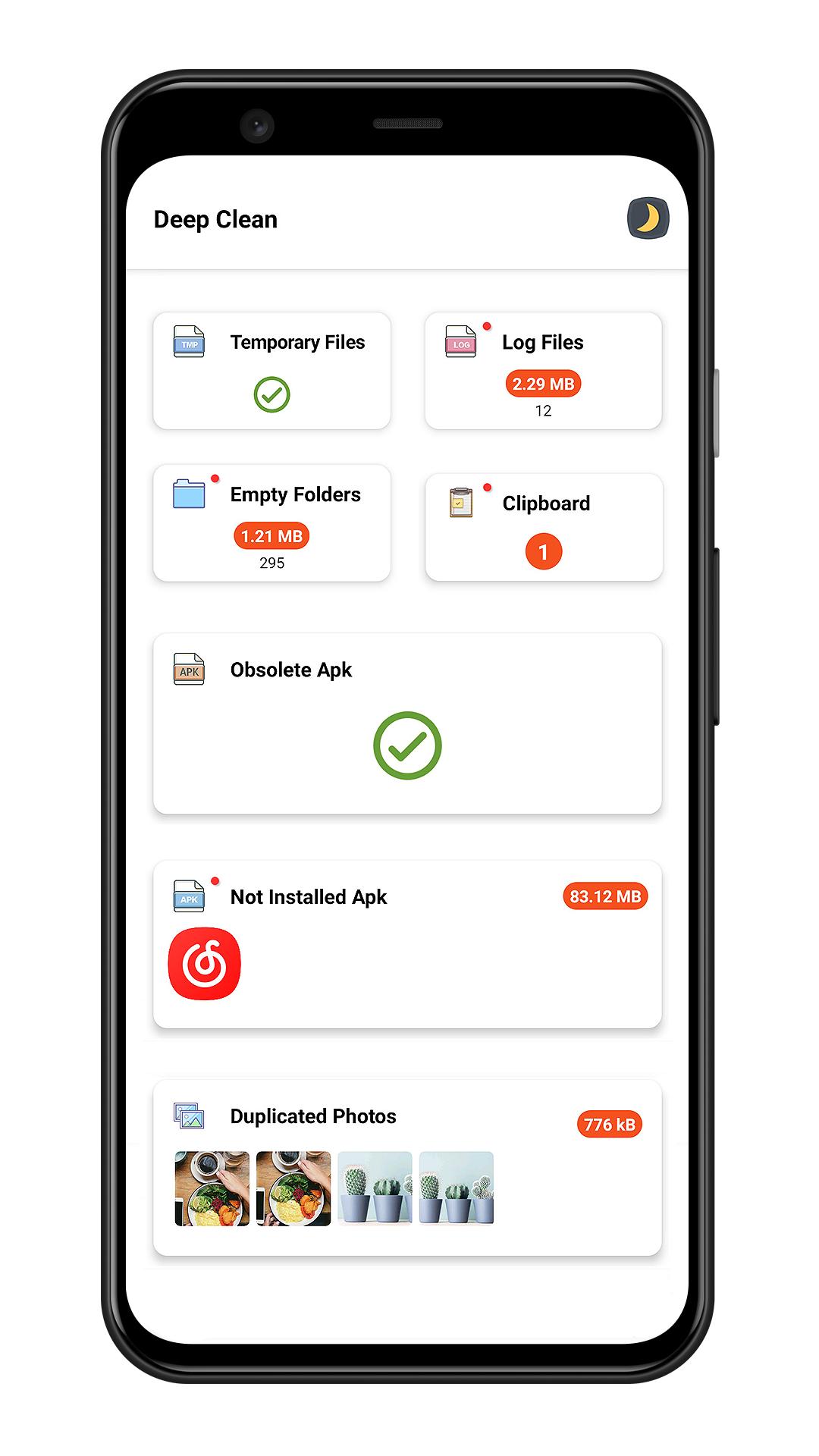
✔ Smart junk cleaner engine help you clear junk files including temporary files , log files , empty folders , obsolete apk
📑 Large File Cleaner
✔ Scan large file which size larger than 10 MB
✔ Sort large files by file type / directory / file extension
✔ Mark of new large file
🖼️ Photo Cleaner
✔ Intelligent photo analyzer help you find similar photos
✔ Auto select better quality photo in a group of similar photos
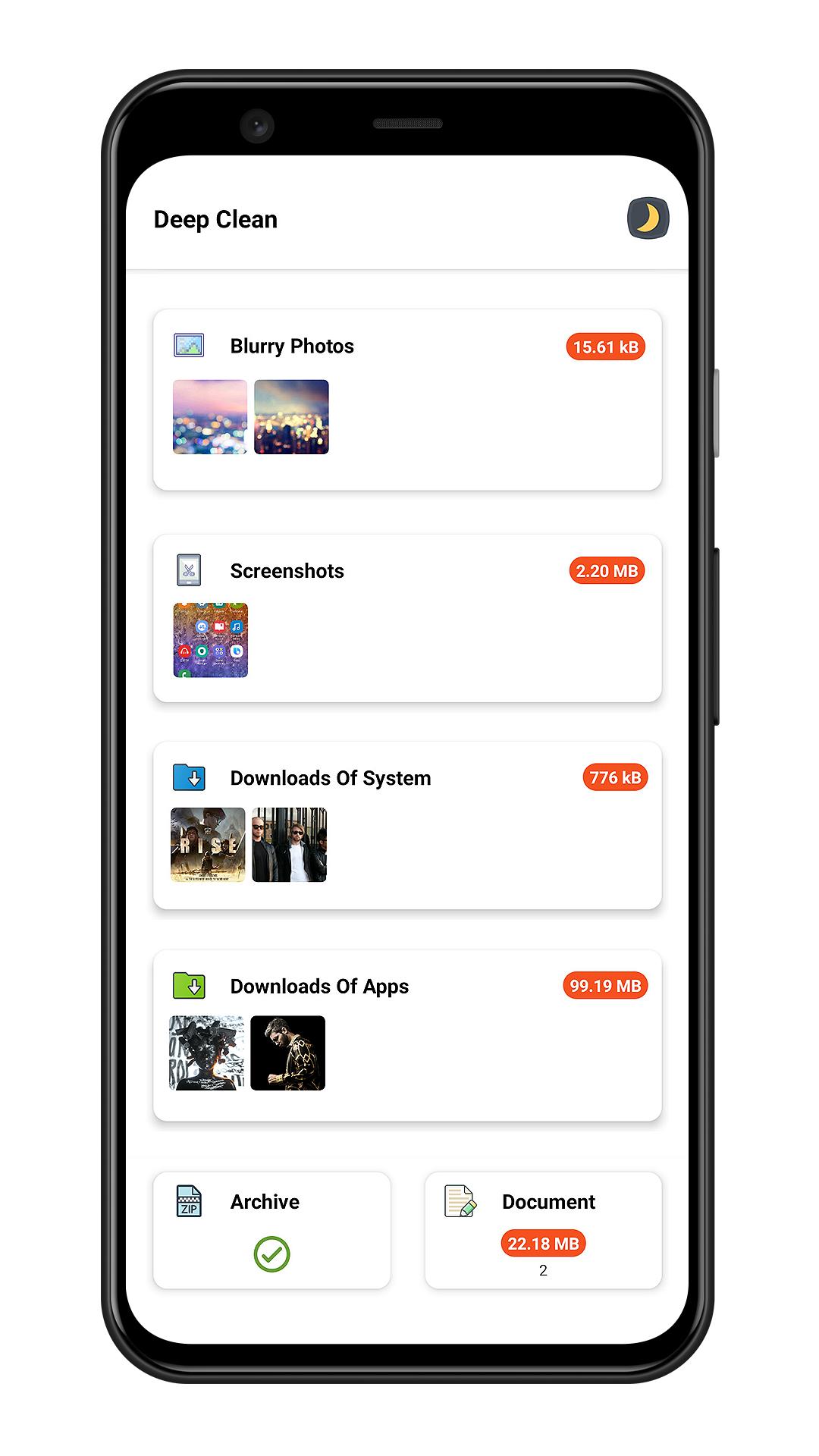
✔ Scan bad quality photos(blurred or dark photo)
✔ Screenshots cleaner
📽️ Media Manager
✔ Manager audio files
✔ Manager video files
✔ Manager archive files
✔ Manager documents
⬇️ Downloads Cleaner
✔ Clean system downloads
✔ Clean files downloaded by third party apps
📱 App Uninstaller
✔ Batch Uninstall apps to release storage
✔ Sort apps by app size to find big size app
✔ Quick search to find app
✔ Plugin uninstaller help you uninstall hidden app
[What is plugin uninstaller]
Some app does not contains user interface and does not show in launcher , Junk Cleaner can help you finding this kind app.
🎨 Day Mode & Night Mode
✔ This app has two theme(day/night) for your choose
Preview
Tags
ToolsProductivityInformation
Developer
Bazinga!
Latest Version
3.8
Last Updated
2023-06-29
Category
Tools
Available on
Google Play
Show More
How to play Junk Cleaner - Cache Scanner with GameLoop on PC
1. Download GameLoop from the official website, then run the exe file to install GameLoop
2. Open GameLoop and search for “Junk Cleaner - Cache Scanner” , find Junk Cleaner - Cache Scanner in the search results and click “Install”
3. Enjoy playing Junk Cleaner - Cache Scanner on GameLoop
Minimum requirements
OS
Windows 8.1 64-bit or Windows 10 64-bit
GPU
GTX 1050
CPU
i3-8300
Memory
8GB RAM
Storage
1GB available space
Recommended requirements
OS
Windows 8.1 64-bit or Windows 10 64-bit
GPU
GTX 1050
CPU
i3-9320
Memory
16GB RAM
Storage
1GB available space