
PHOENIX VPN PC
Unlimited Vpn Apps
Download PHOENIX VPN on PC With GameLoop Emulator
PHOENIX VPN sa PC
Ang PHOENIX VPN, na nagmumula sa developer na Unlimited Vpn Apps, ay tumatakbo sa Android systerm sa nakaraan.
Ngayon, maaari mong laruin ang PHOENIX VPN sa PC gamit ang GameLoop nang maayos.
I-download ito sa GameLoop library o mga resulta ng paghahanap. Hindi na tumitingin sa baterya o nakakadismaya na mga tawag sa maling oras.
I-enjoy lang ang PHOENIX VPN PC sa malaking screen nang libre!
PHOENIX VPN Panimula
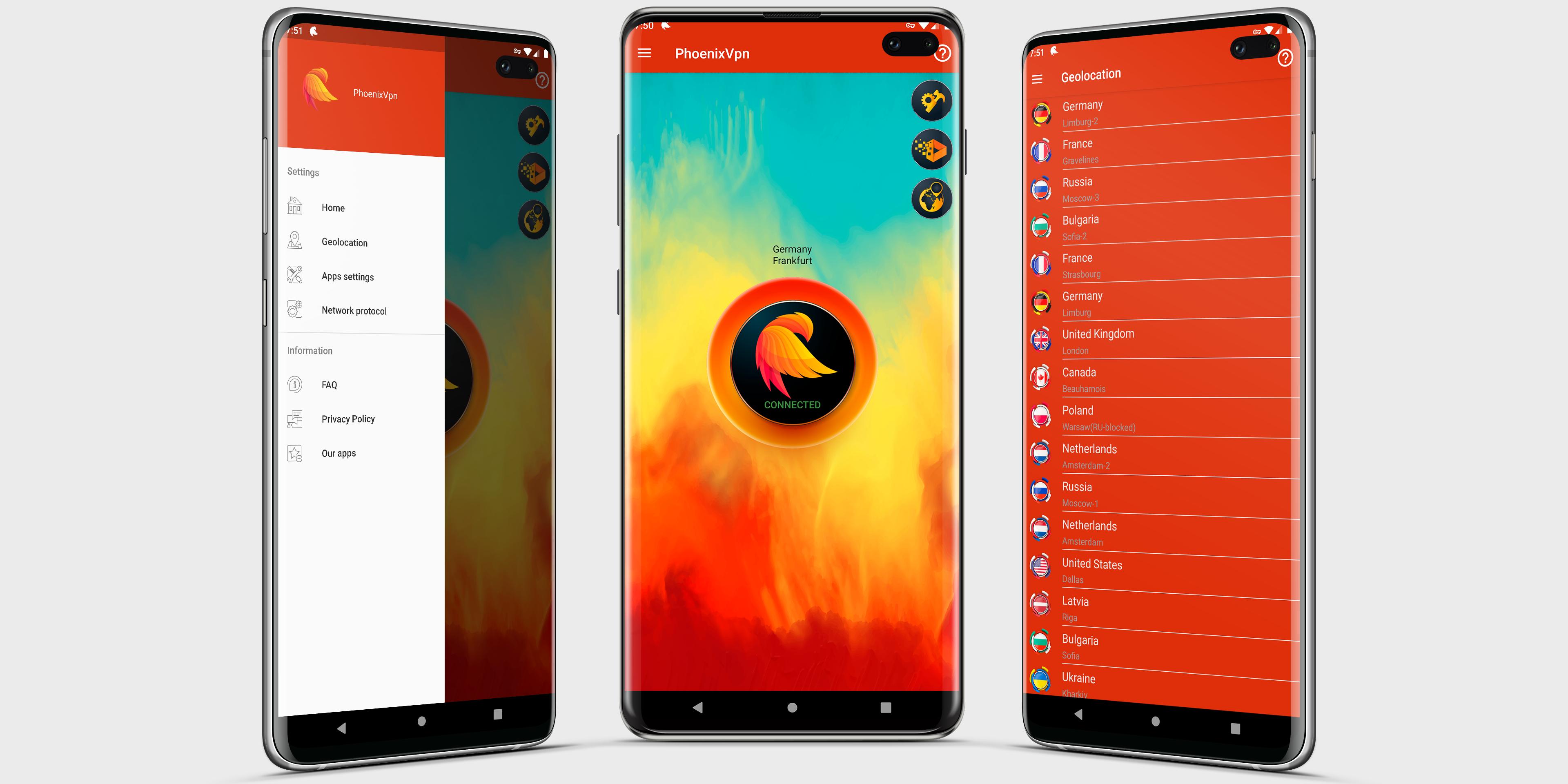
PHOENIX VPN is a unlimited VPN PROXY for Android. Hide your IP address, encrypt your internet connection, ensure complete anonymity on the internet. Access sites and content blocked in your region.
🔥 BENEFITS 🔥
🔐 UNLOCK SITES AND APPLICATIONS
With PHOENIX VPN PROXY, you can unblock any sites and applications. Go around Internet censorship and geographical restrictions to access your favorite sites.
📁 ANONYMITY
Our VPN helps protect your personal data in the global network. Your IP address and your location will be inaccessible to attackers. You can use the Internet connection without fear for your information security.
📳 PROTECT YOUR DEVICE
PHOENIX VPN protects your phone when connected to the Internet. Your device is safe when connected to public WIFI networks. Your passwords are completely secure.
⚡ LIGHTNING VPN PROXY
Instant connection to the server. We constantly monitor the load on the servers so that no one has difficulty connecting.
🌍 WORLWIDE VPN PROXY
Several dozens of servers located around the world are available to every user. We are constantly adding new servers. Locations are now available: Bulgaria 🇧🇬, Switzerland 🇨🇭, Singapore 🇸🇬, Russia 🇷🇺, Latvia 🇱🇻, France 🇫🇷, Germany 🇩🇪, Canada 🇨🇦, United States 🇺🇸, United Kingdom 🇬🇧, Poland 🇵🇱, Netherlands 🇳🇱.
🚀 FAST VPN PROXY
You get the highest possible internet connection speed. Connect to the nearest server and you will not feel the loss of Internet connection speed.
🌟 SIMPLE AND EASY VPN
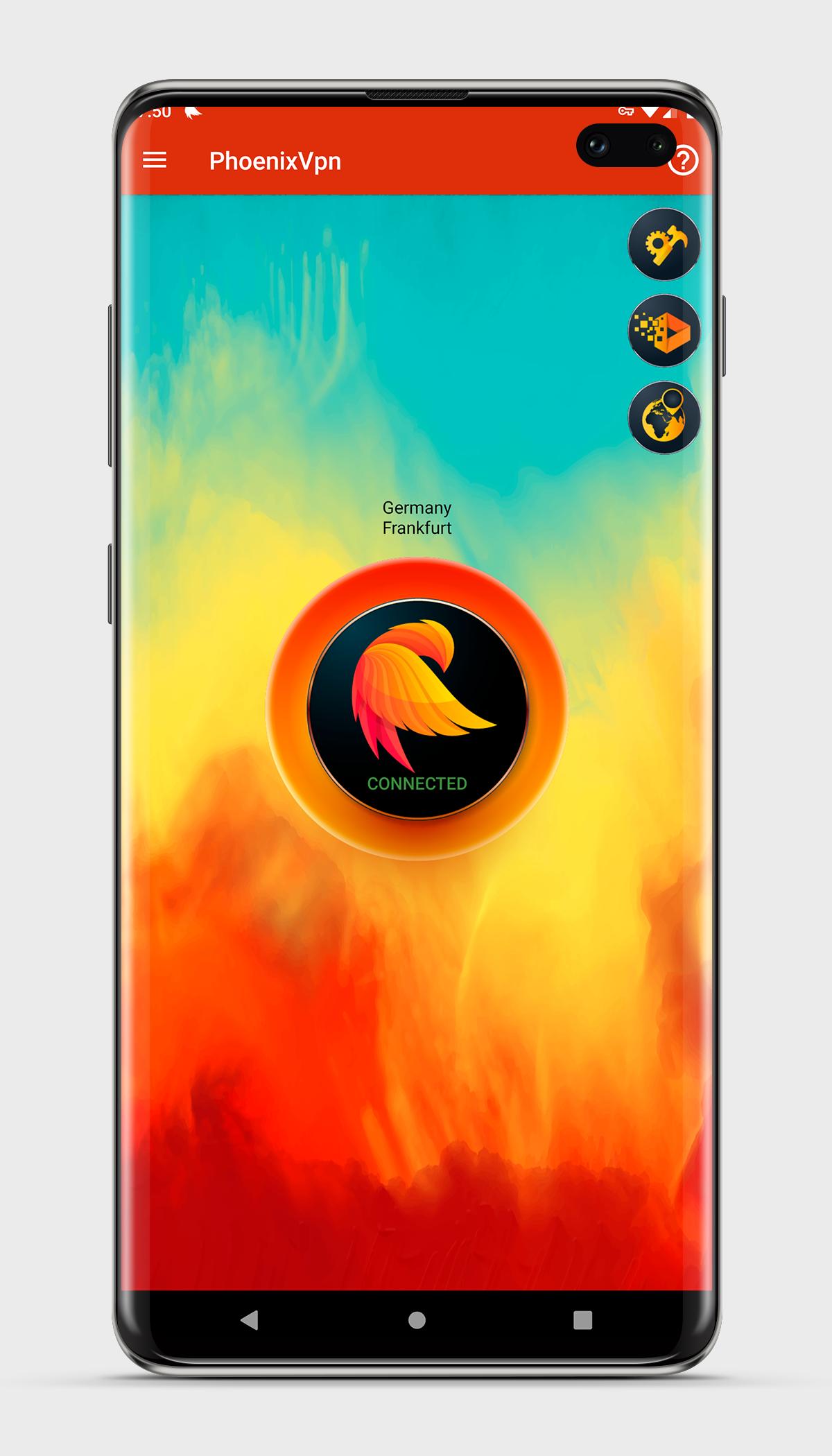
Simple, intuitive, user-friendly interface. No complicated settings. All you need to do is click on one button and our application will instantly connect you to a free server.
Preview
Tags
ToolsInformation
Developer
Unlimited Vpn Apps
Latest Version
2.0.2
Last Updated
2022-12-31
Category
Tools
Available on
Google Play
Show More
How to play PHOENIX VPN with GameLoop on PC
1. Download GameLoop from the official website, then run the exe file to install GameLoop
2. Open GameLoop and search for “PHOENIX VPN” , find PHOENIX VPN in the search results and click “Install”
3. Enjoy playing PHOENIX VPN on GameLoop
Minimum requirements
OS
Windows 8.1 64-bit or Windows 10 64-bit
GPU
GTX 1050
CPU
i3-8300
Memory
8GB RAM
Storage
1GB available space
Recommended requirements
OS
Windows 8.1 64-bit or Windows 10 64-bit
GPU
GTX 1050
CPU
i3-9320
Memory
16GB RAM
Storage
1GB available space