
CieID PC
Istituto Poligrafico e Zecca dello Stato S.p.A.
Download CieID on PC With GameLoop Emulator
CieID sa PC
Ang CieID, na nagmumula sa developer na Istituto Poligrafico e Zecca dello Stato S.p.A., ay tumatakbo sa Android systerm sa nakaraan.
Ngayon, maaari mong laruin ang CieID sa PC gamit ang GameLoop nang maayos.
I-download ito sa GameLoop library o mga resulta ng paghahanap. Hindi na tumitingin sa baterya o nakakadismaya na mga tawag sa maling oras.
I-enjoy lang ang CieID PC sa malaking screen nang libre!
CieID Panimula
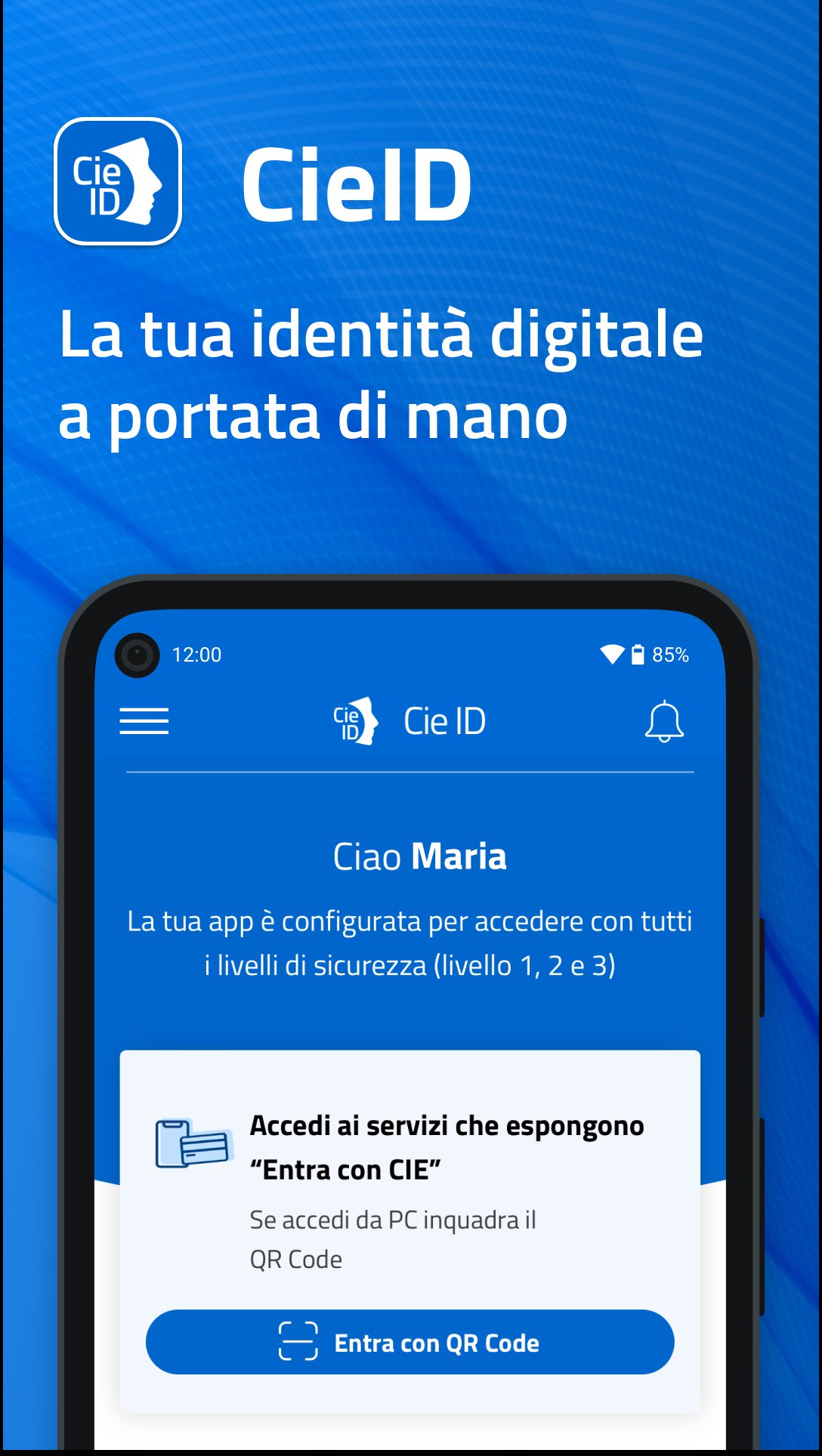
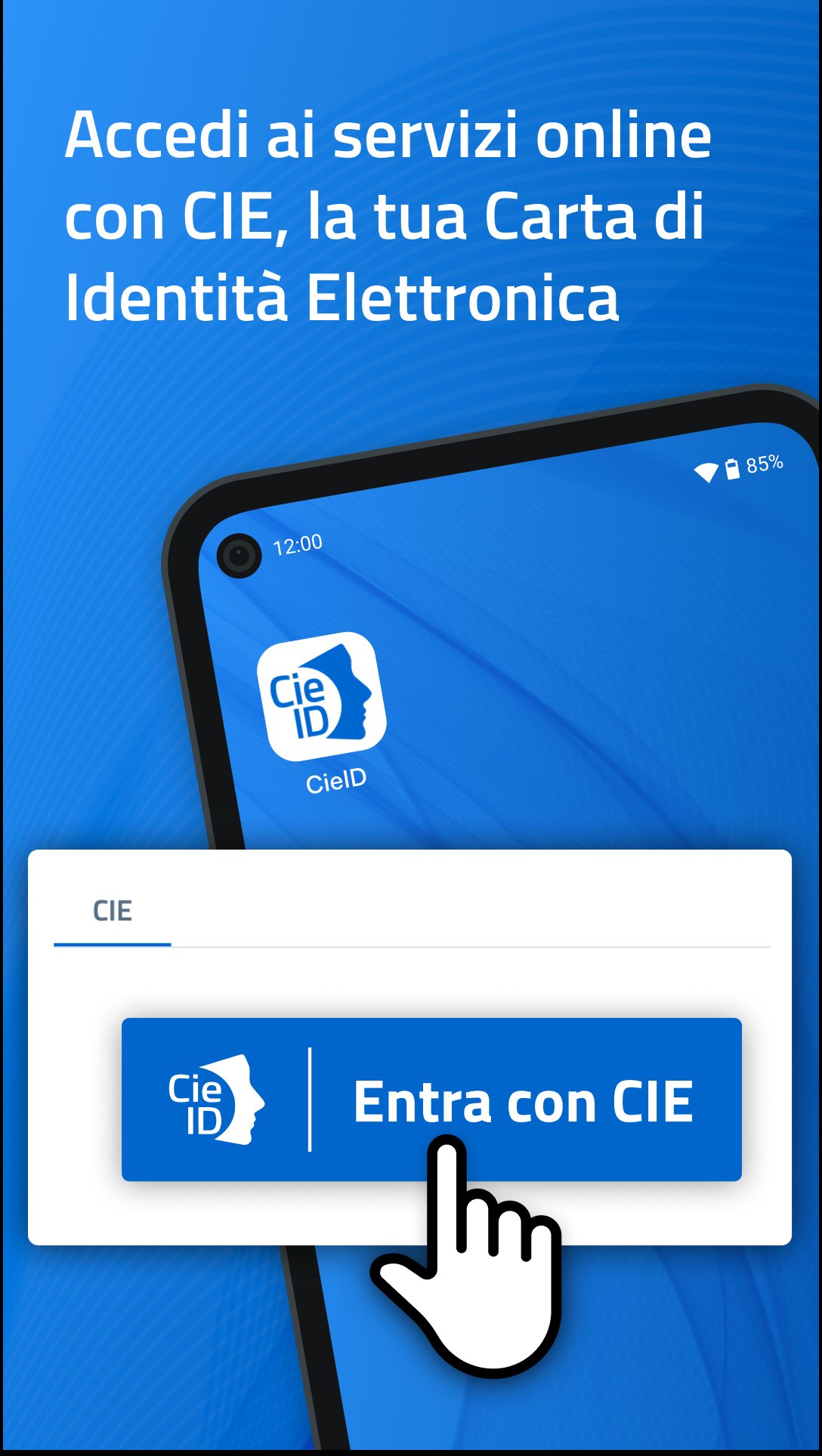
With the CieID app, you can access the online services of public administrations and private individuals participating in the "Enter with CIE" program.
Activate your CIE credentials (level 1 and 2) at www.cartaidentita.it, open the app, and set up simplified access. You can authorize access from your PC simply by:
- scanning the QR code on the access request page from the app and entering the CieID app code you created during device certification; if biometrics are enabled, access is even easier because you can use it instead of the CieID app code.
Or
- entering your CieID credentials (username and password) on the access request page will receive a push notification in the app that you must accept using your CieID app code or biometrics.
If you access the online service from a smartphone, authenticate with your CieID credentials or open the app and enter your CieID app code. Use biometric recognition if enabled.
If you have a smartphone with Android 6.0 or later, equipped with NFC technology, you can choose to log in with the highest level of security (level 3). After receiving your Electronic Identity Card, open the app and register your card by entering the eight-digit PIN and tapping the card against the back of your smartphone when prompted.
The CieID app also offers a PUK recovery feature for citizens with an Electronic Identity Card who have associated an email address or mobile number with their digital identity.
Accessibility statement: https://form.agid.gov.it/view/66413cb0-88cd-11f0-beb7-df733bfc235a
Preview
Tags
ToolsInformation
Developer
Istituto Poligrafico e Zecca dello Stato S.p.A.
Latest Version
1.7.22
Last Updated
2025-12-11
Category
Tools
Available on
Google Play
Show More
How to play CieID with GameLoop on PC
1. Download GameLoop from the official website, then run the exe file to install GameLoop
2. Open GameLoop and search for “CieID” , find CieID in the search results and click “Install”
3. Enjoy playing CieID on GameLoop
Minimum requirements
OS
Windows 8.1 64-bit or Windows 10 64-bit
GPU
GTX 1050
CPU
i3-8300
Memory
8GB RAM
Storage
1GB available space
Recommended requirements
OS
Windows 8.1 64-bit or Windows 10 64-bit
GPU
GTX 1050
CPU
i3-9320
Memory
16GB RAM
Storage
1GB available space