CHOMAR Battery Saver PC
CHOMAR
Download CHOMAR Battery Saver on PC With GameLoop Emulator
CHOMAR Battery Saver sa PC
Ang CHOMAR Battery Saver, na nagmumula sa developer na CHOMAR, ay tumatakbo sa Android systerm sa nakaraan.
Ngayon, maaari mong laruin ang CHOMAR Battery Saver sa PC gamit ang GameLoop nang maayos.
I-download ito sa GameLoop library o mga resulta ng paghahanap. Hindi na tumitingin sa baterya o nakakadismaya na mga tawag sa maling oras.
I-enjoy lang ang CHOMAR Battery Saver PC sa malaking screen nang libre!
CHOMAR Battery Saver Panimula
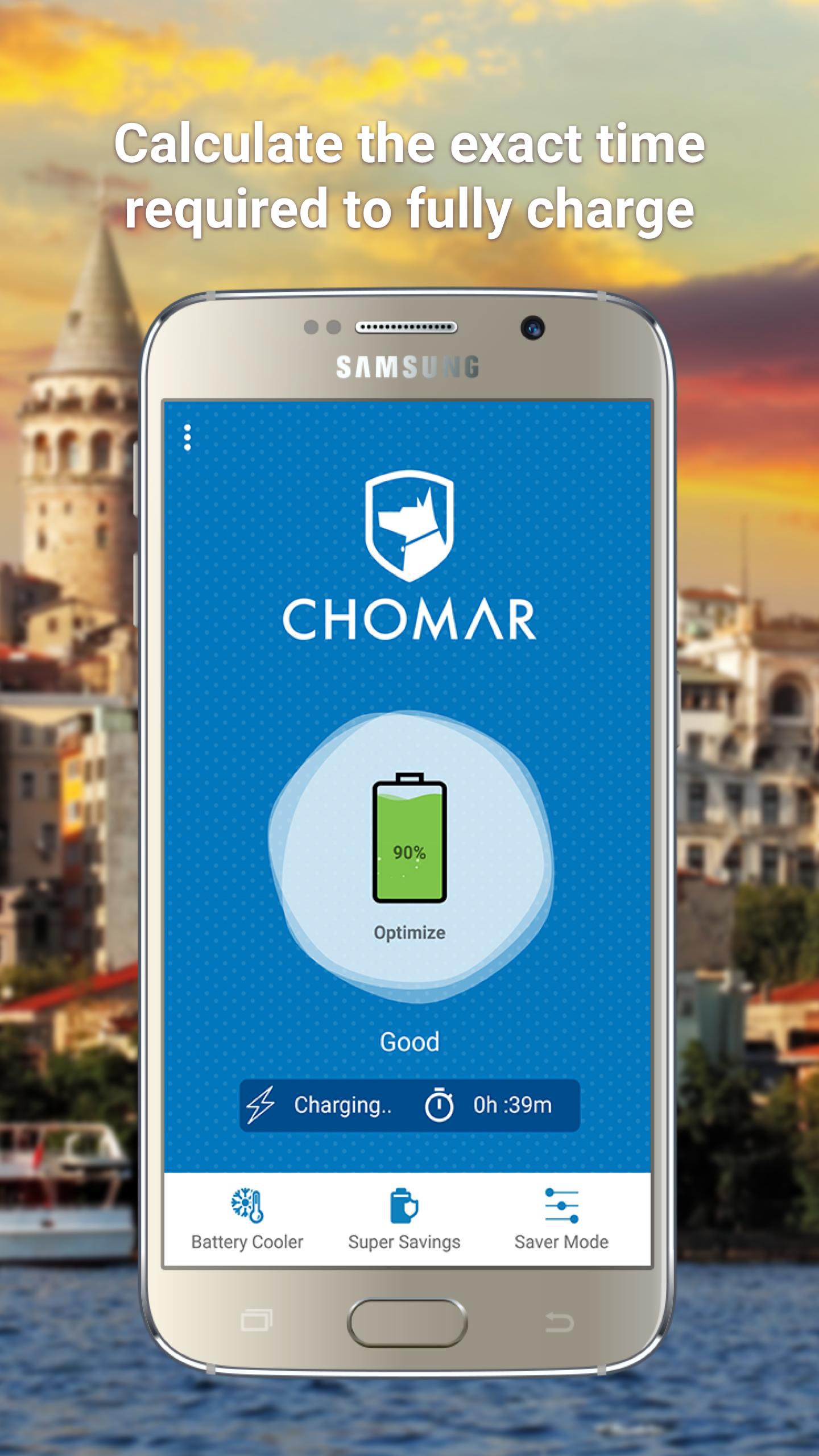
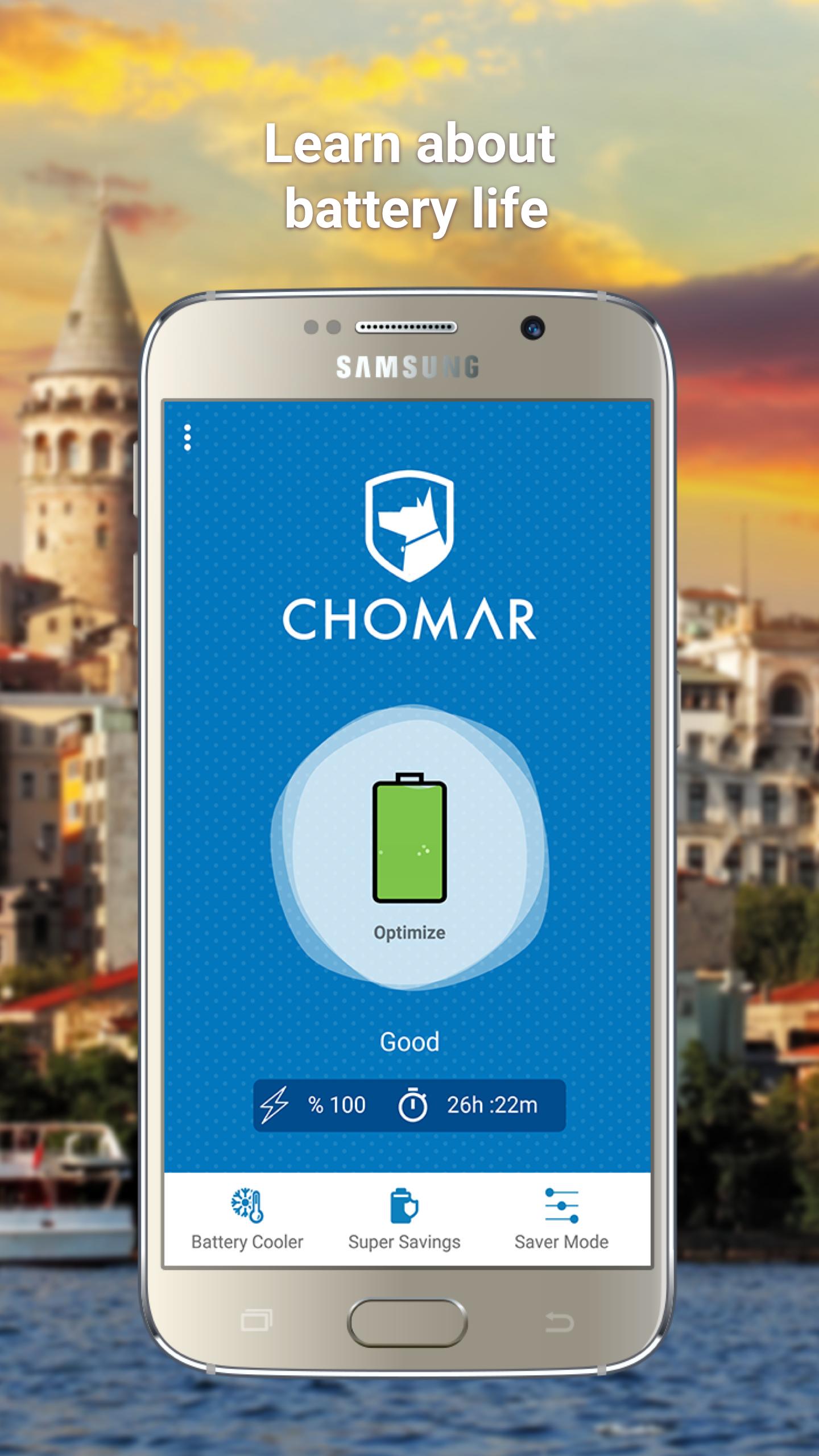
CHOMAR Battery Saver is a battery saving application that helps increase the battery life of your Android devices.
Automatically analyzes all applications running on your device and detects energy-consuming applications. Optimizes detected applications and informs you about your remaining battery life.
CHOMAR Battery Saver follows the level of battery closely because it monitors the running applications battery consumption.In this way, it makes more accurate predictions about the remaining battery life.
FEATURES
Fast Charging: When the device is charging, it stops applications running in the background to shorten the charging time.
Saving Mode: Manage features such as Wi-Fi, Bluetooth, Display Brightness, Ringtone and Vibration. Choose from defaults modes or create your own according to your power usage to extend your battery life.
Super Saving: Stops energy-consuming applications.
Battery Cooler: Detects the applications that cause excessive heat in phone temperature and battery in real time. Stops these applications to cool the battery and prolong battery life.
Favorites: Simply add your favorite apps; these applications are not affected by battery saving operations.
No Ads: We don't show ads in app and don’t sell your data to other companies or ad agencies.
Preview
Information
Developer
CHOMAR
Latest Version
1.01.3892
Last Updated
2019-09-12
Category
Tools
Available on
Google Play
Show More
How to play CHOMAR Battery Saver with GameLoop on PC
1. Download GameLoop from the official website, then run the exe file to install GameLoop
2. Open GameLoop and search for “CHOMAR Battery Saver” , find CHOMAR Battery Saver in the search results and click “Install”
3. Enjoy playing CHOMAR Battery Saver on GameLoop
Minimum requirements
OS
Windows 8.1 64-bit or Windows 10 64-bit
GPU
GTX 1050
CPU
i3-8300
Memory
8GB RAM
Storage
1GB available space
Recommended requirements
OS
Windows 8.1 64-bit or Windows 10 64-bit
GPU
GTX 1050
CPU
i3-9320
Memory
16GB RAM
Storage
1GB available space