ChargerGoGo PC
ChargerGoGo Inc.
Download ChargerGoGo on PC With GameLoop Emulator
ChargerGoGo sa PC
Ang ChargerGoGo, na nagmumula sa developer na ChargerGoGo Inc., ay tumatakbo sa Android systerm sa nakaraan.
Ngayon, maaari mong laruin ang ChargerGoGo sa PC gamit ang GameLoop nang maayos.
I-download ito sa GameLoop library o mga resulta ng paghahanap. Hindi na tumitingin sa baterya o nakakadismaya na mga tawag sa maling oras.
I-enjoy lang ang ChargerGoGo PC sa malaking screen nang libre!
ChargerGoGo Panimula
Power the World with ChargerGoGo!
ChargerGoGo is your go-to solution for staying connected. We save phones with one portable charger at a time, ensuring you never have to experience the anxiety of a dying battery again.
[Problems Solved]
In today’s fast-paced, tech-driven world, our phones have become indispensable tools. Whether it’s staying in touch with loved ones, navigating new places, or sharing your story on social media, a dying phone battery can disrupt your day and create unnecessary stress—especially when you’re on the go and nowhere near an outlet.
At ChargerGoGo, we’ve got you covered. With our innovative charging stations, you can rent a portable mobile battery and charge your phone anywhere, anytime.
[Features]
Easy to Rent and Return:
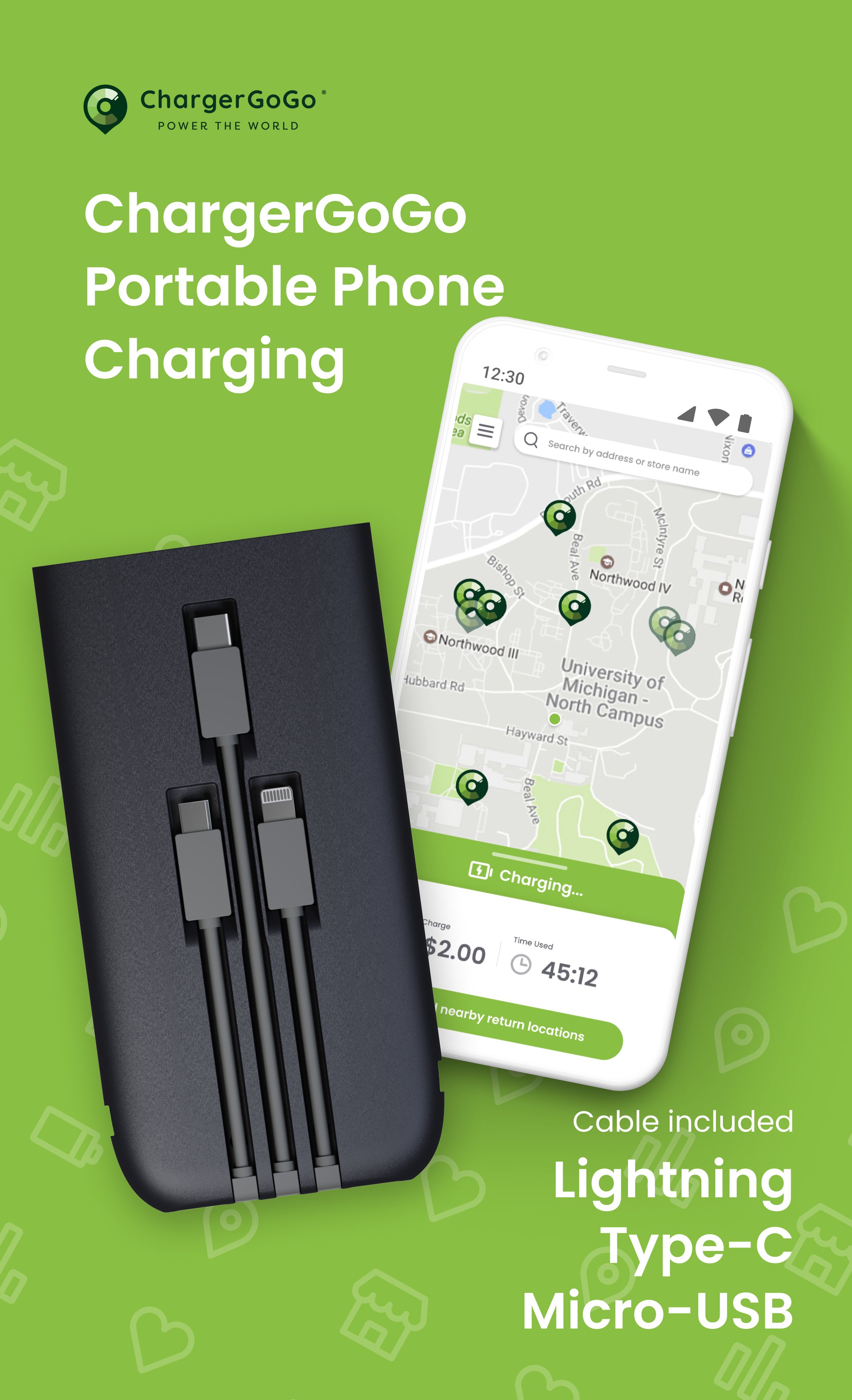
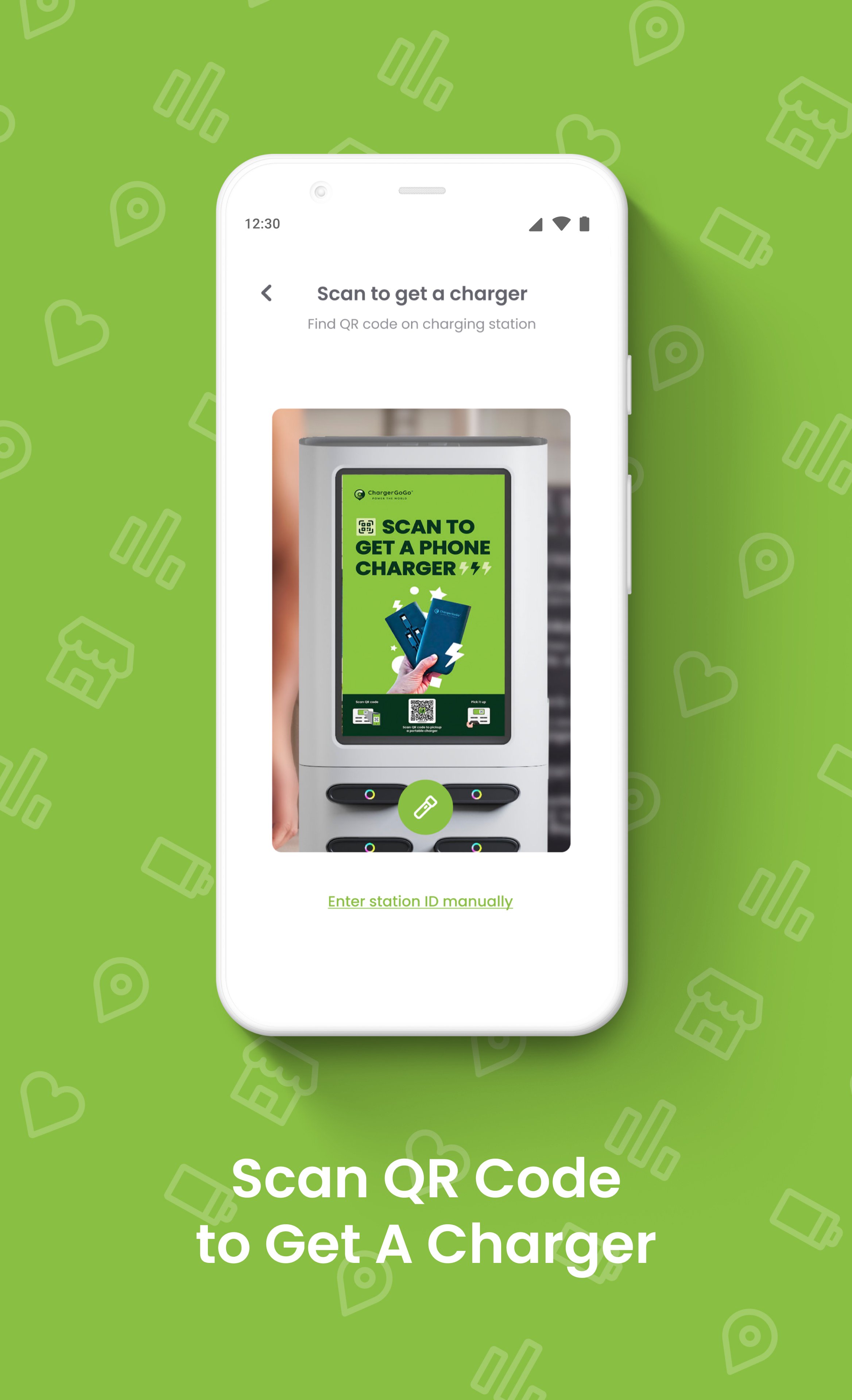
Locate the nearest ChargerGoGo station using our app. Scan the station’s QR code, fill in your payment details, and remove the blinking power bank. Once charged, return the power bank to any ChargerGoGo station with an available slot—it’s that simple!
Universal Compatibility:
Our power banks come equipped with connectors for all major device types:
USB-Type C
Micro-USB
Lightning Connector (iPhone)
Reliable Battery Capacity:
Each power bank features a 5000 mAh capacity, ensuring ample power to keep your devices running.
[Why Choose ChargerGoGo?]
Convenient stations in key locations like restaurants, malls, airports, and gyms.
Affordable pricing with flexible rental plans to suit your needs.
Reduce stress and anxiety over low battery situations.
[How It Works]
1. Open the ChargerGoGo app to locate a nearby charging station.
2. Scan the QR code on the station to unlock a power bank.
3. Charge your device on the go.
4. Return the power bank to any station with an open slot.
Join the ChargerGoGo Community
Don’t let a dying phone battery slow you down. Experience the convenience of staying connected with ChargerGoGo’s portable charging solutions.
Download ChargerGoGo Today!
Power your devices. Power your day. Power the World with ChargerGoGo!
Preview
Tags
ToolsLifestyleInformation
Developer
ChargerGoGo Inc.
Latest Version
3.0.4
Last Updated
2025-10-23
Category
Tools
Available on
Google Play
Show More
How to play ChargerGoGo with GameLoop on PC
1. Download GameLoop from the official website, then run the exe file to install GameLoop
2. Open GameLoop and search for “ChargerGoGo” , find ChargerGoGo in the search results and click “Install”
3. Enjoy playing ChargerGoGo on GameLoop
Minimum requirements
OS
Windows 8.1 64-bit or Windows 10 64-bit
GPU
GTX 1050
CPU
i3-8300
Memory
8GB RAM
Storage
1GB available space
Recommended requirements
OS
Windows 8.1 64-bit or Windows 10 64-bit
GPU
GTX 1050
CPU
i3-9320
Memory
16GB RAM
Storage
1GB available space