
Certo: Anti Spyware & VPN PC
Certo Software
Download Certo: Anti Spyware & VPN on PC With GameLoop Emulator
Certo: Anti Spyware & VPN sa PC
Ang Certo: Anti Spyware & VPN, na nagmumula sa developer na Certo Software, ay tumatakbo sa Android systerm sa nakaraan.
Ngayon, maaari mong laruin ang Certo: Anti Spyware & VPN sa PC gamit ang GameLoop nang maayos.
I-download ito sa GameLoop library o mga resulta ng paghahanap. Hindi na tumitingin sa baterya o nakakadismaya na mga tawag sa maling oras.
I-enjoy lang ang Certo: Anti Spyware & VPN PC sa malaking screen nang libre!
Certo: Anti Spyware & VPN Panimula
Powerful protection from spyware, viruses, hackers, and now – online surveillance.
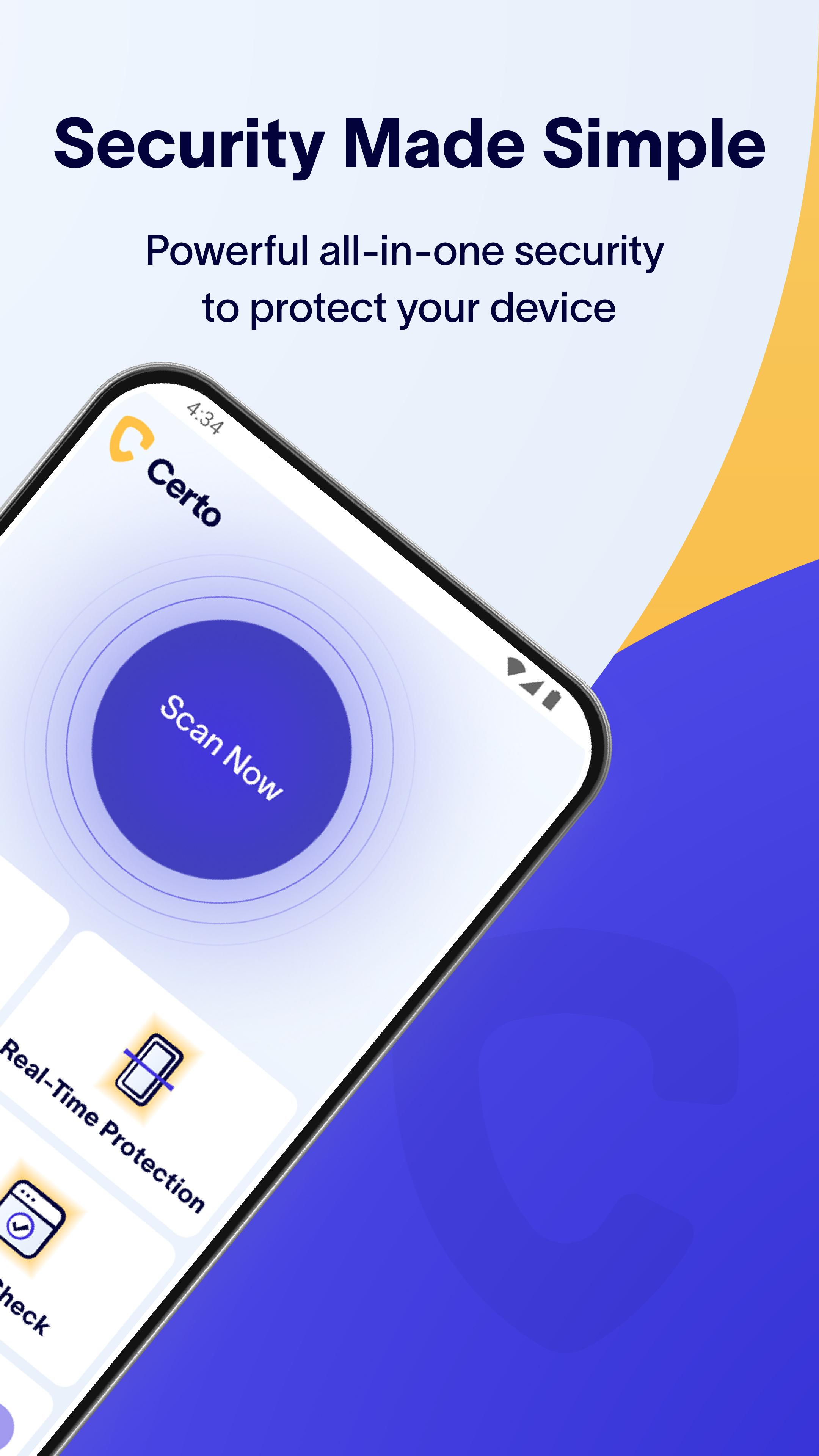
Certo AntiSpy is your all-in-one solution for mobile privacy and security. Whether it’s malicious spyware, intrusive apps, or insecure networks, Certo protects your device and personal data 24/7.
Join millions who trust Certo to detect and remove threats, safeguard their privacy, and stay protected online.
Key Features:
★ Spyware Detector – Find and remove hidden spyware and stalkerware apps.
★ Antivirus Scanner – Scan your device for viruses, trojans, and other threats.
★ Privacy Protection – Uncover apps that monitor your calls, messages, or location.
★ Security Health Check – Identify settings that leave your phone vulnerable to hackers.
★ Real-Time Protection* – 24/7 defense with scheduled deep scans and instant threat detection for new apps.
★ VPN* – Secure your internet connection with military-grade encryption and browse anonymously on any network.
★ Intruder Detection* – We’ll snap a silent photo or trigger an alarm if a snooper tries to access your phone.
★ Breach Check* – See if your accounts or passwords have been leaked on the dark web.
★ No Ads – Enjoy a seamless, ad-free experience focused on security.
Features in Detail:
Spyware & Antivirus Scanner
Safeguard your device from spyware, viruses, and apps that compromise your privacy. With advanced threat detection, Certo ensures you're always protected — even as new risks emerge.
Privacy Protection
Find out which apps can access your location, contacts, messages, photos, microphone, or camera – and take back control of your privacy.
Security Health Check
Stay ahead of hackers. Certo checks your device for unsafe settings and helps you secure them instantly.
Real-Time Protection
Our upgraded Real-Time Protection ensures you're always one step ahead of malware. Certo automatically performs a full deep scan every 24 hours and checks every new app you install for hidden threats – no need to lift a finger.*
Secure VPN
Shield your online activity with military-grade encryption. Certo VPN keeps your internet connection secure and your data private on any Wi-Fi or mobile network – even public ones. Browse anonymously and keep prying eyes at bay.*
Intruder Detection
Our unique Intruder Detection system helps protect your device when unattended. Detect when someone tries to guess your PIN or access your phone, and capture a silent photo of the intruder or sound an alarm.*
Breach Check
Billions of credentials are exposed in data leaks each year. Use Certo to find out if your accounts are compromised and protect yourself from identity theft and fraud.*
Ad-Free Experience
We believe your privacy comes first – and that includes no annoying ads. Certo is 100% ad-free for a clean and focused experience.
* Upgrade for advanced protection features. Free 7-day trial included.
Your privacy is our mission.
Download Certo today and experience powerful, easy-to-use protection against spyware, viruses, and digital threats – now with secure VPN and real-time app scanning.
Preview

Tags
ToolsInformation
Developer
Certo Software
Latest Version
3.0.6
Last Updated
2025-08-04
Category
Tools
Available on
Google Play
Show More
How to play Certo: Anti Spyware & VPN with GameLoop on PC
1. Download GameLoop from the official website, then run the exe file to install GameLoop
2. Open GameLoop and search for “Certo: Anti Spyware & VPN” , find Certo: Anti Spyware & VPN in the search results and click “Install”
3. Enjoy playing Certo: Anti Spyware & VPN on GameLoop
Minimum requirements
OS
Windows 8.1 64-bit or Windows 10 64-bit
GPU
GTX 1050
CPU
i3-8300
Memory
8GB RAM
Storage
1GB available space
Recommended requirements
OS
Windows 8.1 64-bit or Windows 10 64-bit
GPU
GTX 1050
CPU
i3-9320
Memory
16GB RAM
Storage
1GB available space