Cam Scanner PC
App Attitude
Download Cam Scanner on PC With GameLoop Emulator
Cam Scanner sa PC
Ang Cam Scanner, na nagmumula sa developer na App Attitude, ay tumatakbo sa Android systerm sa nakaraan.
Ngayon, maaari mong laruin ang Cam Scanner sa PC gamit ang GameLoop nang maayos.
I-download ito sa GameLoop library o mga resulta ng paghahanap. Hindi na tumitingin sa baterya o nakakadismaya na mga tawag sa maling oras.
I-enjoy lang ang Cam Scanner PC sa malaking screen nang libre!
Cam Scanner Panimula
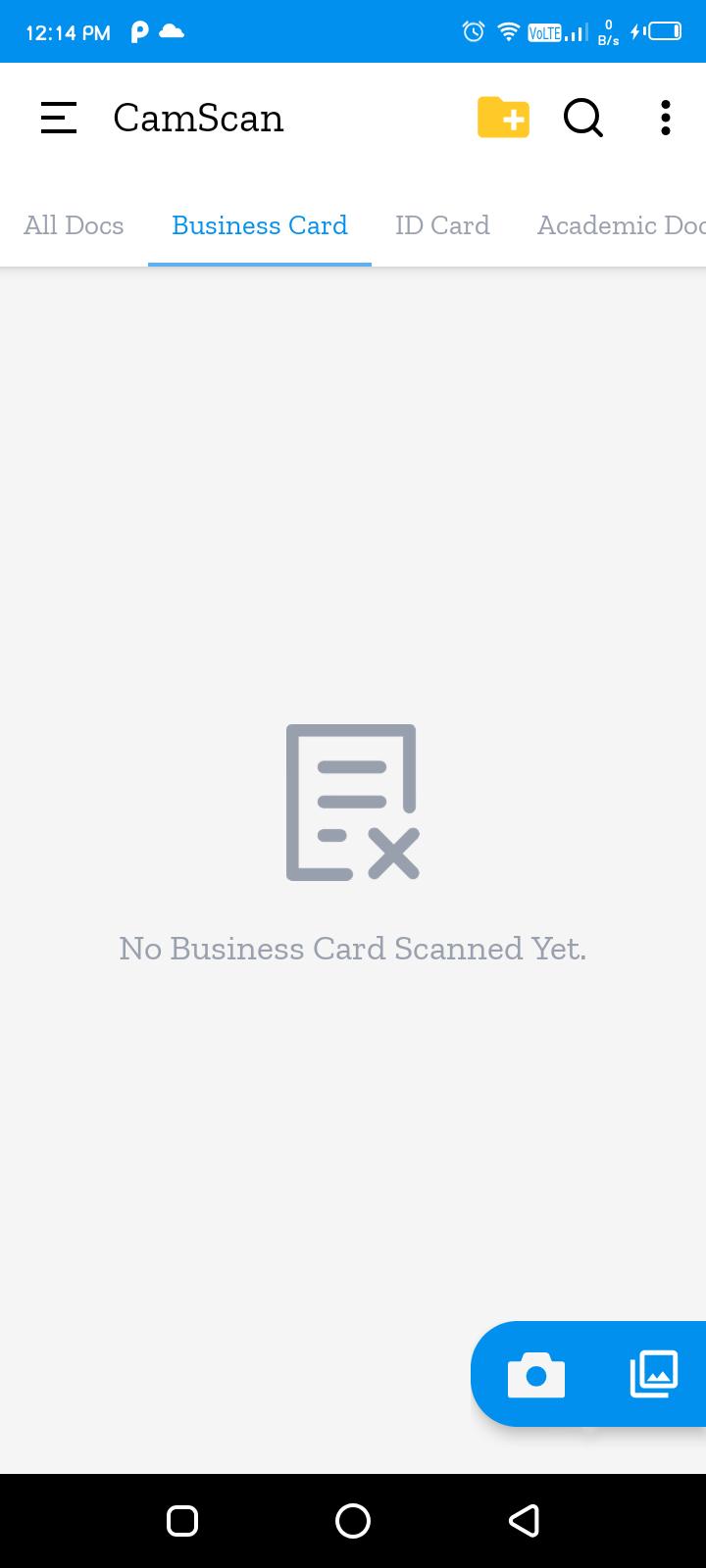
Cam Scanner is a mobile scanner app that will turn your Smartphone into a powerful mobile scanner. Cam Scanner- This photo scanner application is a PDF creator from documents and photo clips. easy to use, accurate scans and easy editing and sharing.
You can scan anything you need for ie:-
Pictures, books, to-do lists, paper notes, fax papers, receipts, ID cards and store your scans as high-quality PDF or JPEG files.
Convert image to pdf, scan to pdf, PDF to text, photo to text in a simple tap.
All scanned documents are stored locally on your device and are inaccessible to us and to any third party.
Let's take a tour of Cam Scanner attractive features::
* Scan your document.
* Enhance the scan quality automatically/Manually.
* Enhancement includes smart cropping and many more.
* Arrange your doc in folder and sub folders.
* Share PDF/JPEG files.
* Print and fax the scanned doc directly from the app.
* Upload doc’s to the cloud like Google Drive, Dropbox etc.
* Scan QR Code/Bar-code.
* Create QR Code.
* Share scanned QR Code.
* Turns your old documents into a clear and sharp one by removing the noise.
* Can create PDF in different sizes from A1 to A-6 and like Postcard, letter ,Note etc.
DOCUMENT EDITOR.
* Scan in color, grayscale, or black & white
* Page edges are detected automatically
* Multiple levels of contrast for crisp monochrome texts
* Thumbnail or list view, sort scans by date or title
* Scanner is optimized to run very fast.
* Convert multiple images to PDF
- Import multiple images or scan paper files with your camera and convert them to PDFs
- Resize, crop, color, and rotate the images as you like. Optimize images for better PDF output.
We aim to deliver the best experience on our Cam Scanner and always looking to improve the experience for our users,
really appreciate the feedback. If there is anything specific we can look into,
please contact us at appattitude911@gmail.com.
Thanks for your support!!
Team App Attitude
Preview
Tags
ToolsInformation
Developer
App Attitude
Latest Version
1.0
Last Updated
2022-05-01
Category
Tools
Available on
Google Play
Show More
How to play Cam Scanner with GameLoop on PC
1. Download GameLoop from the official website, then run the exe file to install GameLoop
2. Open GameLoop and search for “Cam Scanner” , find Cam Scanner in the search results and click “Install”
3. Enjoy playing Cam Scanner on GameLoop
Minimum requirements
OS
Windows 8.1 64-bit or Windows 10 64-bit
GPU
GTX 1050
CPU
i3-8300
Memory
8GB RAM
Storage
1GB available space
Recommended requirements
OS
Windows 8.1 64-bit or Windows 10 64-bit
GPU
GTX 1050
CPU
i3-9320
Memory
16GB RAM
Storage
1GB available space