
Call Recorder - Cube ACR PC
Cube Apps Ltd
Download Call Recorder - Cube ACR on PC With GameLoop Emulator
Call Recorder - Cube ACR sa PC
Ang Call Recorder - Cube ACR, na nagmumula sa developer na Cube Apps Ltd, ay tumatakbo sa Android systerm sa nakaraan.
Ngayon, maaari mong laruin ang Call Recorder - Cube ACR sa PC gamit ang GameLoop nang maayos.
I-download ito sa GameLoop library o mga resulta ng paghahanap. Hindi na tumitingin sa baterya o nakakadismaya na mga tawag sa maling oras.
I-enjoy lang ang Call Recorder - Cube ACR PC sa malaking screen nang libre!
Call Recorder - Cube ACR Panimula
The most technically advanced call recorder. Records phone calls and VoIP automatically. If you have already tried to record calls using other applications for call recording and did not get a satisfactory result, try Call Recorder - Cube ACR, it just works the best.
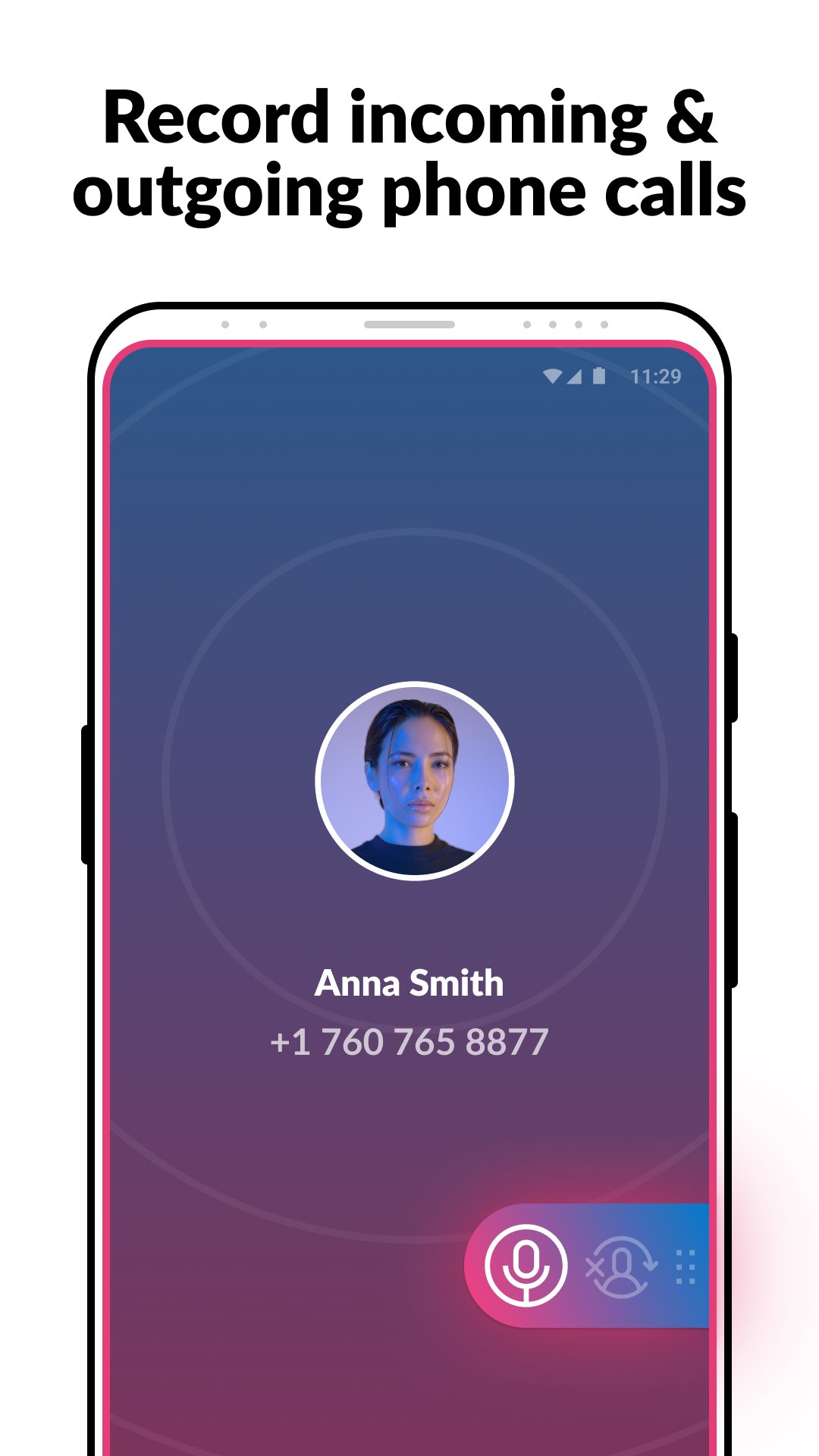
Whether it’s an important call, an annoying robocall you wish to complain about, or a long-awaited conversation with your loved ones, Cube ACR enables you to record incoming & outgoing calls for further re-listening and use.
Key features:
★ Automatically record incoming & outgoing phone calls in the highest quality
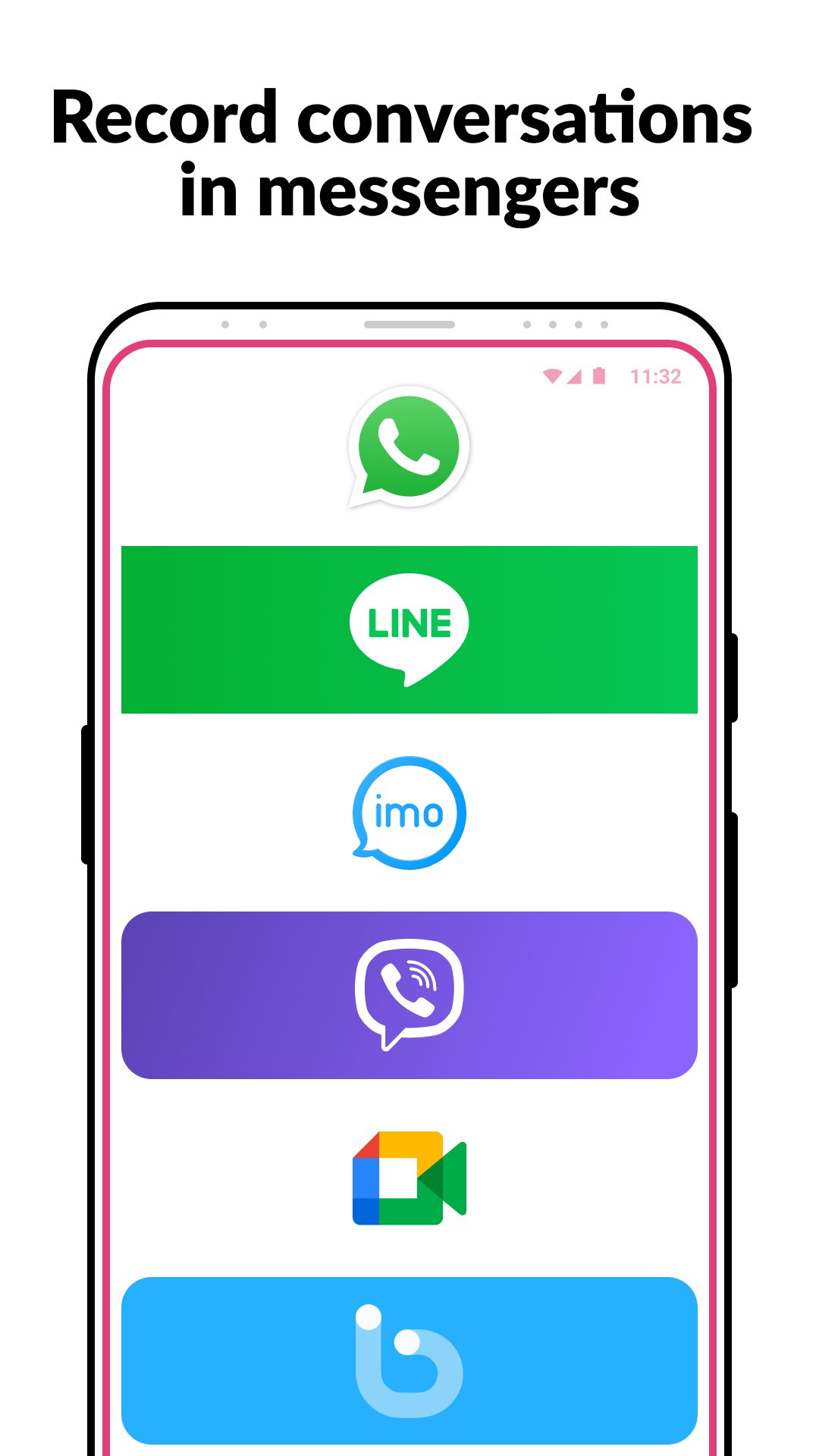
★ Record conversations on WhatsApp, Google Meet, Line, IMO, Viber, Facebook, WeChat, etc.
★ Switch between the automatic call recording mode & manual VoIP recording, based on your preferences
★ Easily record voice memos
★ Listen to recorded audio files directly in Cube ACR
★ Star favorite phone recordings for easier re-listening
★ Save audio recordings in the cloud
NOTE
This app uses Accessibility services.
If it doesn't work on your device or you hear only yourself on playback, try changing the recording source in the Settings, or use auto-on speaker mode.
Legal notice
The legislation regarding phone call recording varies in different countries and states. Please, make sure that you're not breaking the legislation of your or your callee/caller country. Always notify the callee/caller that your conversation will be recorded and ask for their permission.
Contact us
If you have any questions or issues, please, send us a message at support@cubeacr.app
Need to record phone calls?
Then Cube ACR is exactly the call recorder you’ve been looking for.
Preview
Tags
ToolsInformation
Developer
Cube Apps Ltd
Latest Version
2.4.281
Last Updated
2026-01-02
Category
Tools
Available on
Google Play
Show More
How to play Call Recorder - Cube ACR with GameLoop on PC
1. Download GameLoop from the official website, then run the exe file to install GameLoop
2. Open GameLoop and search for “Call Recorder - Cube ACR” , find Call Recorder - Cube ACR in the search results and click “Install”
3. Enjoy playing Call Recorder - Cube ACR on GameLoop
Minimum requirements
OS
Windows 8.1 64-bit or Windows 10 64-bit
GPU
GTX 1050
CPU
i3-8300
Memory
8GB RAM
Storage
1GB available space
Recommended requirements
OS
Windows 8.1 64-bit or Windows 10 64-bit
GPU
GTX 1050
CPU
i3-9320
Memory
16GB RAM
Storage
1GB available space