
Schedule Planner & Calendar PC
Protector & Security for Mobile Ltd
Download Schedule Planner & Calendar on PC With GameLoop Emulator
Schedule Planner & Calendar sa PC
Ang Schedule Planner & Calendar, na nagmumula sa developer na Protector & Security for Mobile Ltd, ay tumatakbo sa Android systerm sa nakaraan.
Ngayon, maaari mong laruin ang Schedule Planner & Calendar sa PC gamit ang GameLoop nang maayos.
I-download ito sa GameLoop library o mga resulta ng paghahanap. Hindi na tumitingin sa baterya o nakakadismaya na mga tawag sa maling oras.
I-enjoy lang ang Schedule Planner & Calendar PC sa malaking screen nang libre!
Schedule Planner & Calendar Panimula
:
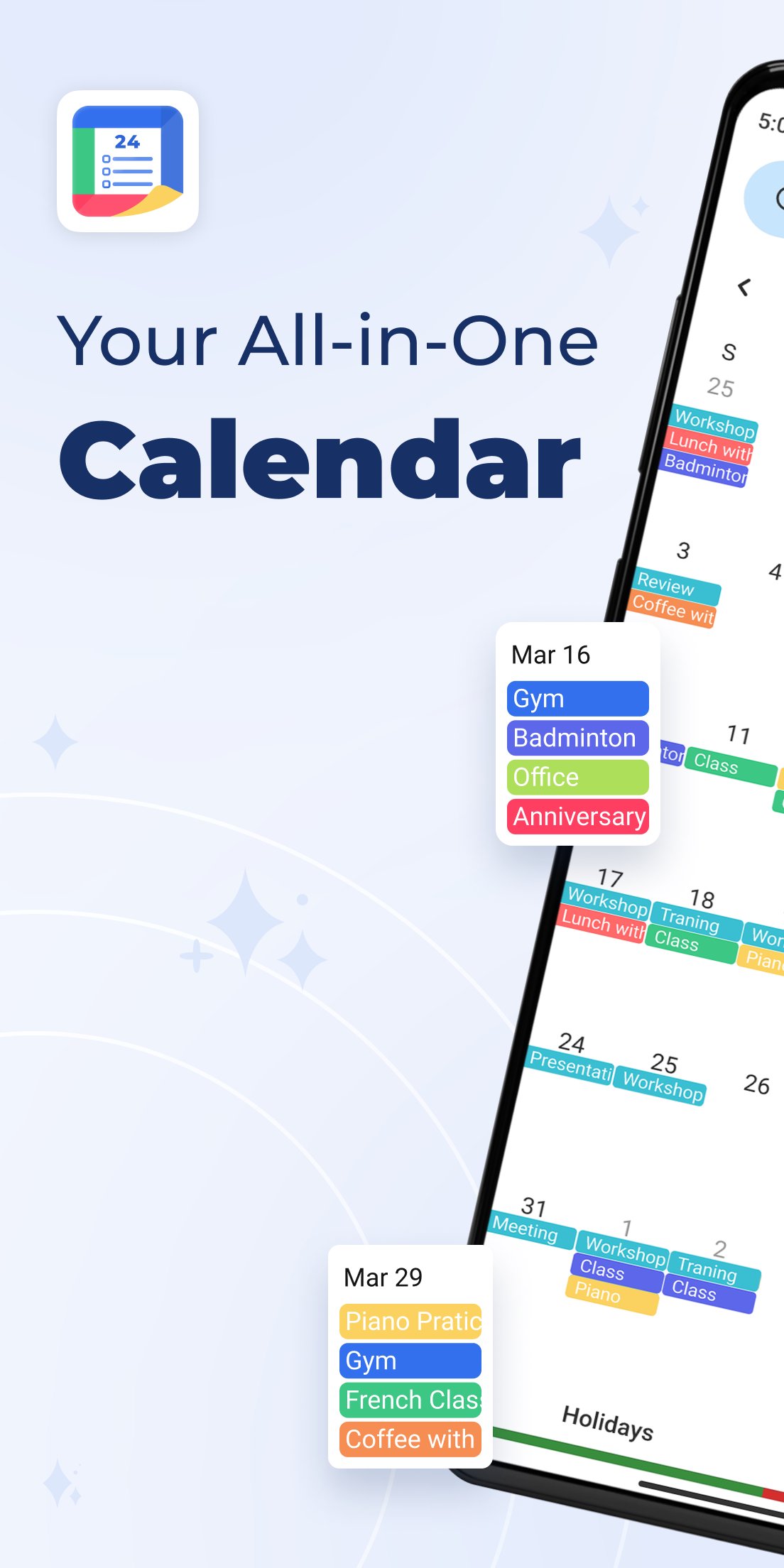
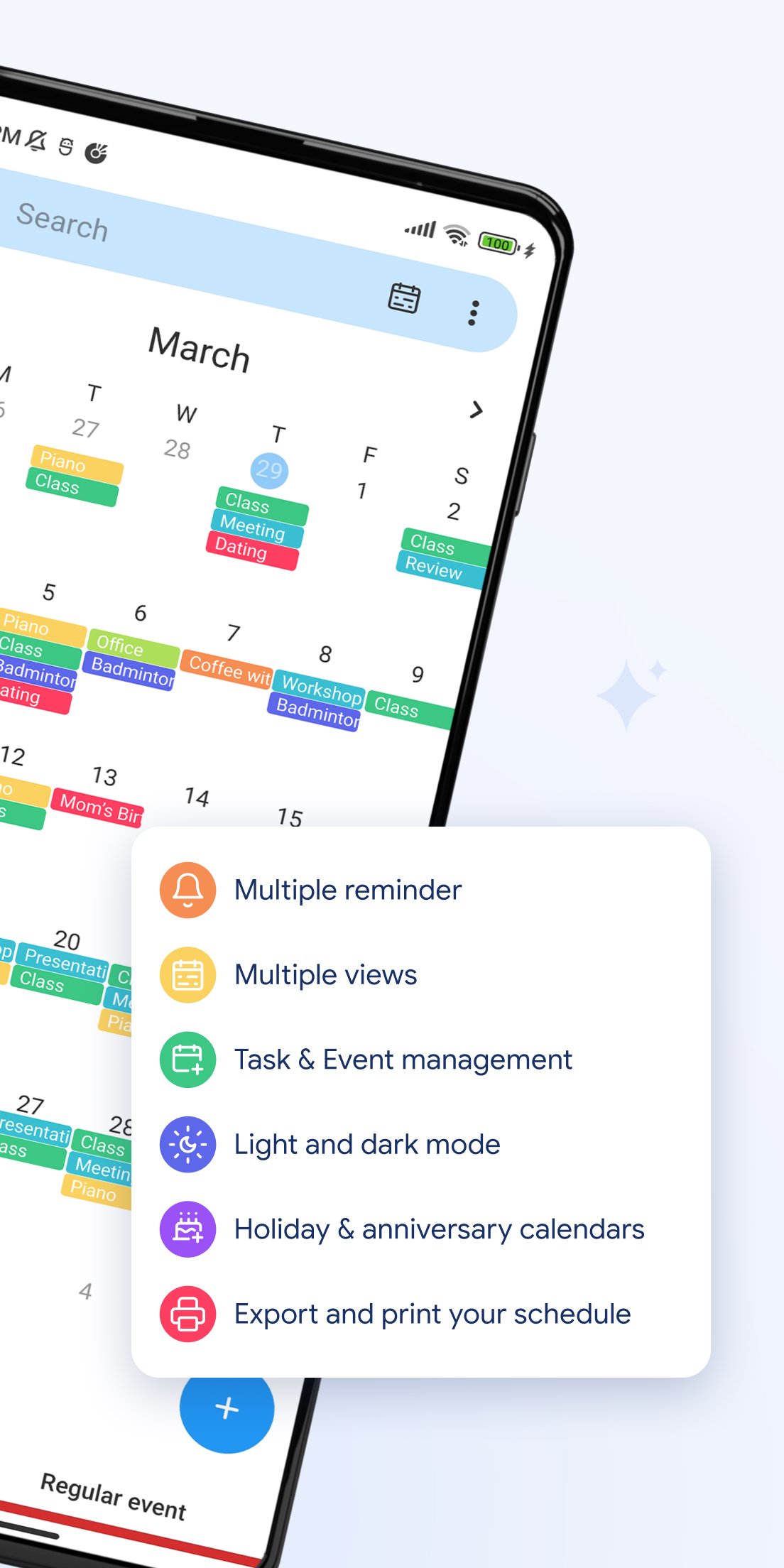
🗓️ All-in-One Calendar View
Switch easily between day, week, month, year, and agenda views. Manage your time the way you like.
🎉 Holidays & Festivals
Get access to holiday and festival calendars to mark special days.
🎂 Birthday Reminders
Import birthdays from your contacts or add them manually to get notified on time.
🧳 Work-Life Balance
Schedule tasks and appointments across time zones. Ideal for work, travel, and personal life.
📱 Home Screen Widgets
View your upcoming events and daily schedule at a glance, right from your Android home screen.
⏰ Smart Reminders
Set time- or location-based alerts to make sure you stay on top of your plans.
🔔 Push Notifications
Get timely reminders for newly added or scheduled events.
💼 Perfect for personal, business, school, or family planning — this calendar app helps you take control of your life with powerful tools and a clean, user-friendly interface.
📲 Download Schedule Planner & Calendar now and start organizing your life more efficiently!
Preview
Tags
ToolsInformation
Developer
Protector & Security for Mobile Ltd
Latest Version
30
Last Updated
2025-12-22
Category
Tools
Available on
Google Play
Show More
How to play Schedule Planner & Calendar with GameLoop on PC
1. Download GameLoop from the official website, then run the exe file to install GameLoop
2. Open GameLoop and search for “Schedule Planner & Calendar” , find Schedule Planner & Calendar in the search results and click “Install”
3. Enjoy playing Schedule Planner & Calendar on GameLoop
Minimum requirements
OS
Windows 8.1 64-bit or Windows 10 64-bit
GPU
GTX 1050
CPU
i3-8300
Memory
8GB RAM
Storage
1GB available space
Recommended requirements
OS
Windows 8.1 64-bit or Windows 10 64-bit
GPU
GTX 1050
CPU
i3-9320
Memory
16GB RAM
Storage
1GB available space