
Fake GPS Location PC
MobileTI
Download Fake GPS Location on PC With GameLoop Emulator
Fake GPS Location sa PC
Ang Fake GPS Location, na nagmumula sa developer na MobileTI, ay tumatakbo sa Android systerm sa nakaraan.
Ngayon, maaari mong laruin ang Fake GPS Location sa PC gamit ang GameLoop nang maayos.
I-download ito sa GameLoop library o mga resulta ng paghahanap. Hindi na tumitingin sa baterya o nakakadismaya na mga tawag sa maling oras.
I-enjoy lang ang Fake GPS Location PC sa malaking screen nang libre!
Fake GPS Location Panimula
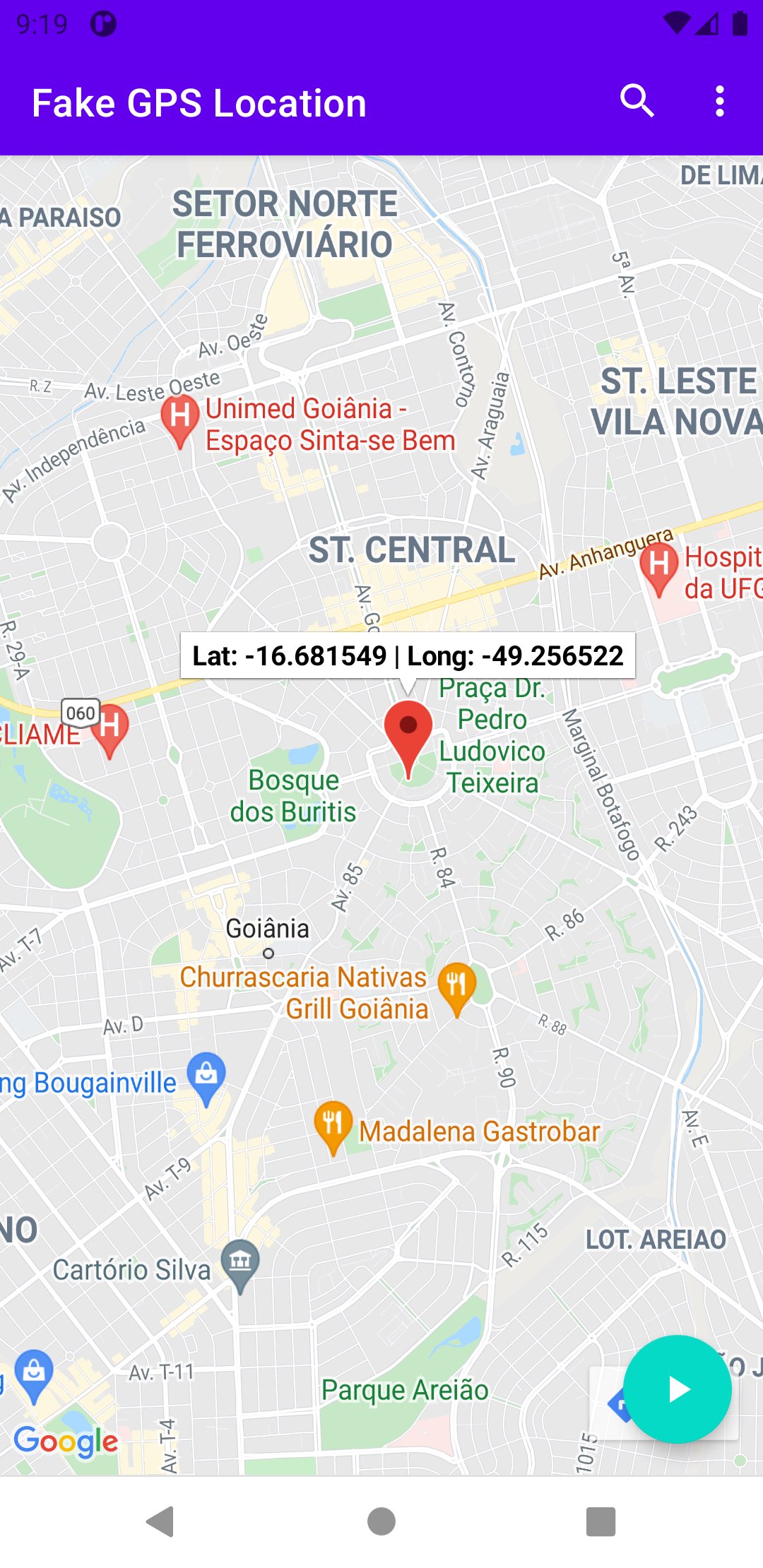
Take control of your device's location with our powerful and easy-to-use Fake GPS app. Whether you need to test location-based applications, protect your privacy, or just have some fun, our app gives you complete freedom to place yourself anywhere in the world.
Key Features:
Simple and intuitive map interface. Search tool to quickly find and set any location. Save favorite locations for quick access. Works with most location-based apps. Precise GPS coordinates customization. No root required for most features. Low battery consumption. Regular updates and improvements.
Perfect For:
App developers testing geo-restricted features.
Protecting your privacy when using location-based services.
Playing location-based games from the comfort of your home.
Pretending you're traveling in exotic locations like Antarctica or the Sahara Desert.
Need an alibi?
Set your location to the library when you're actually at the beach.
Hiding from someone who's tracking you?
Send them on a wild goose chase.
Want to make your friends believe you're climbing Mount Everest?
Or perhaps relaxing on a beach in Hawaii? With our Fake GPS app, your imagination is the only limit.
Stuck in a boring place?
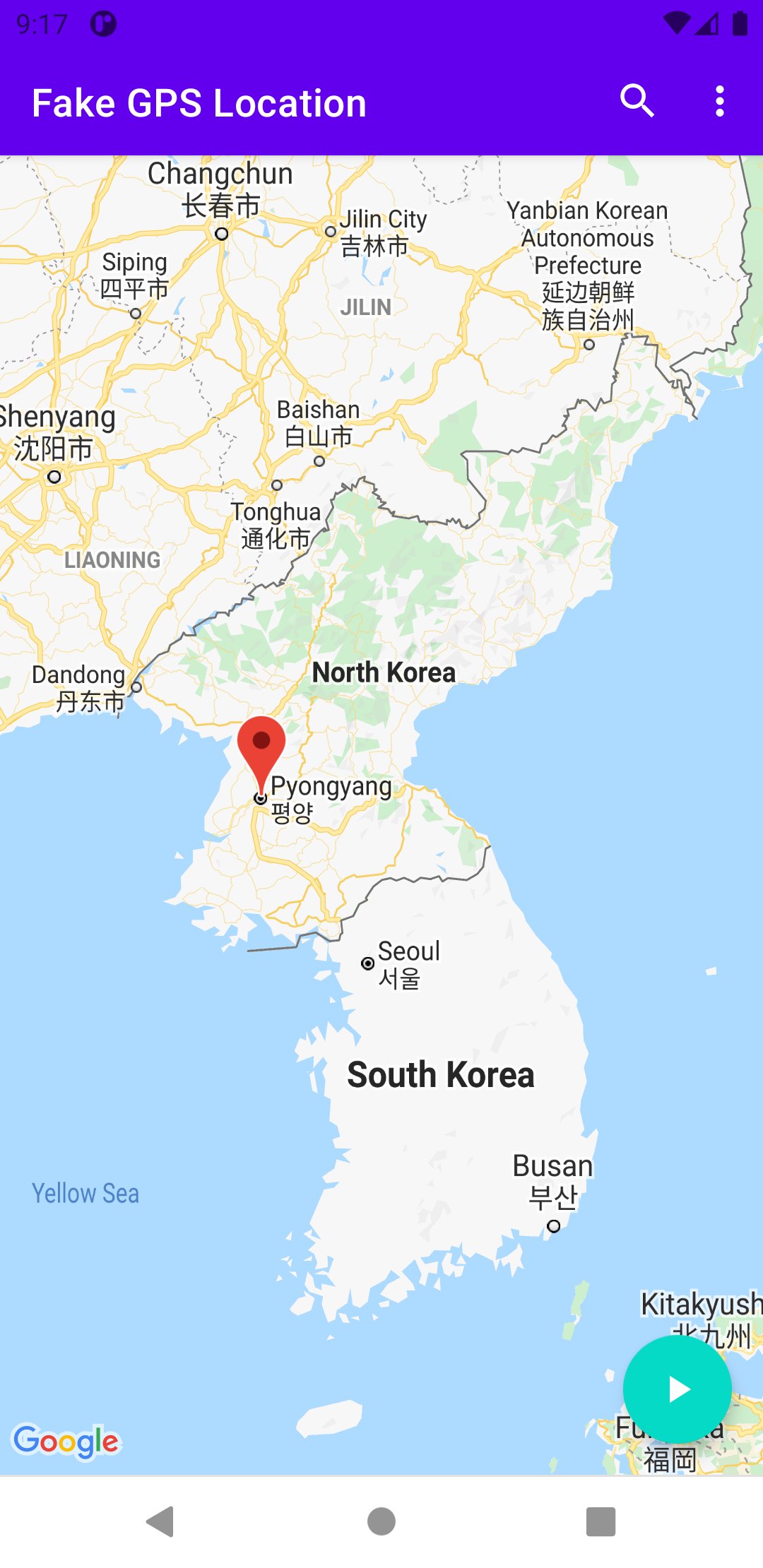
Virtually transport yourself to Paris, Tokyo, or even North Korea without leaving your couch!
Easy to Use:
Simply open the app. Select your desired location on the map or use the search function. Tap to set your new virtual location. Enjoy your new digital location!
Our app is continuously being improved based on user feedback. If you have any suggestions or encounter any issues, please contact our support team.
Note: This app is designed for entertainment and legitimate privacy purposes. Users are responsible for complying with all applicable laws and terms of service for other applications.
Download now and start exploring the world virtually!
Preview
Tags
ToolsInformation
Developer
MobileTI
Latest Version
2.0.3
Last Updated
2025-11-17
Category
Tools
Available on
Google Play
Show More
How to play Fake GPS Location with GameLoop on PC
1. Download GameLoop from the official website, then run the exe file to install GameLoop
2. Open GameLoop and search for “Fake GPS Location” , find Fake GPS Location in the search results and click “Install”
3. Enjoy playing Fake GPS Location on GameLoop
Minimum requirements
OS
Windows 8.1 64-bit or Windows 10 64-bit
GPU
GTX 1050
CPU
i3-8300
Memory
8GB RAM
Storage
1GB available space
Recommended requirements
OS
Windows 8.1 64-bit or Windows 10 64-bit
GPU
GTX 1050
CPU
i3-9320
Memory
16GB RAM
Storage
1GB available space