
BotSignal - AutoTrading PC
Robot Binary
Download BotSignal - AutoTrading on PC With GameLoop Emulator
BotSignal - AutoTrading sa PC
Ang BotSignal - AutoTrading, na nagmumula sa developer na Robot Binary, ay tumatakbo sa Android systerm sa nakaraan.
Ngayon, maaari mong laruin ang BotSignal - AutoTrading sa PC gamit ang GameLoop nang maayos.
I-download ito sa GameLoop library o mga resulta ng paghahanap. Hindi na tumitingin sa baterya o nakakadismaya na mga tawag sa maling oras.
I-enjoy lang ang BotSignal - AutoTrading PC sa malaking screen nang libre!
BotSignal - AutoTrading Panimula
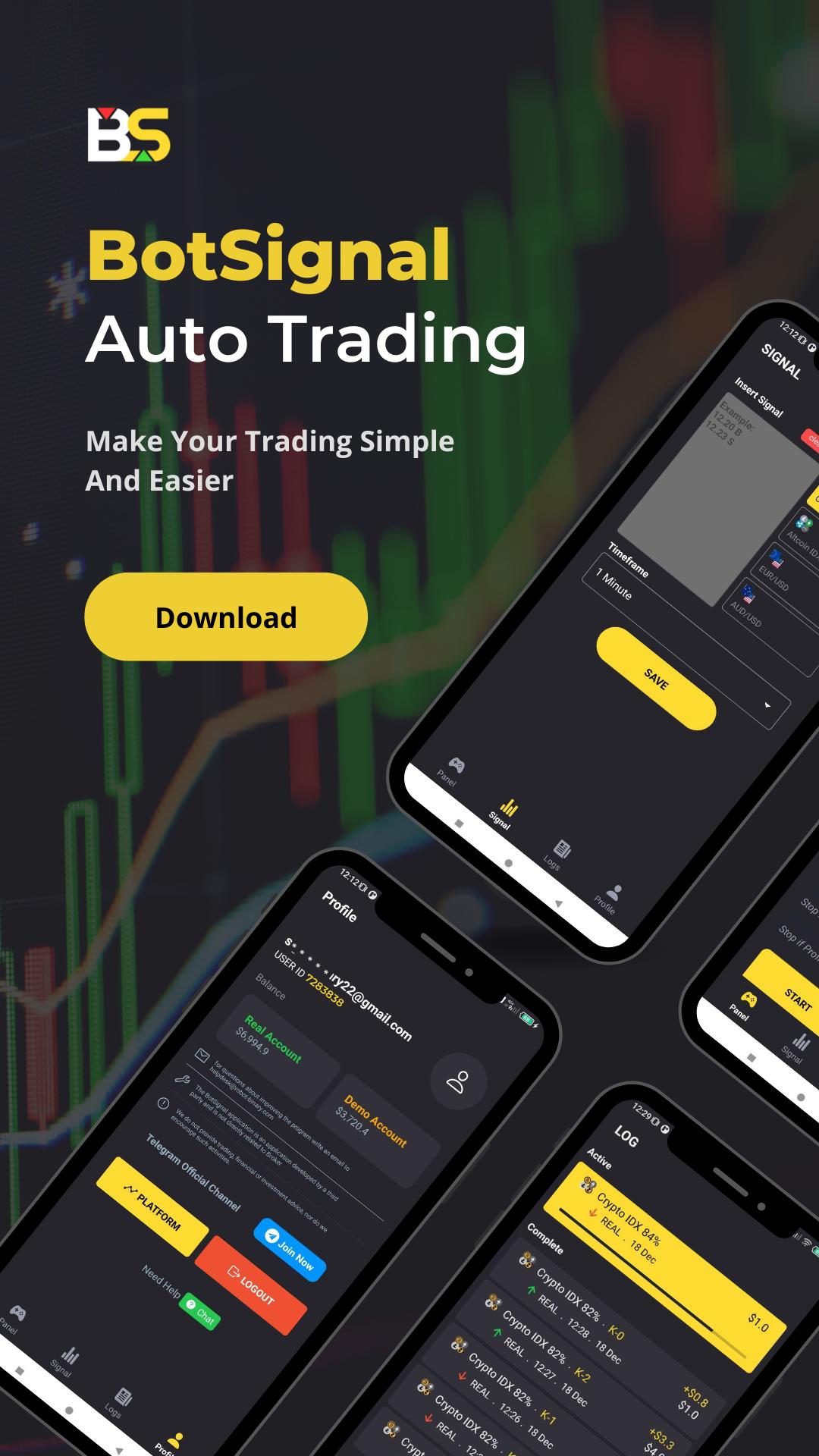
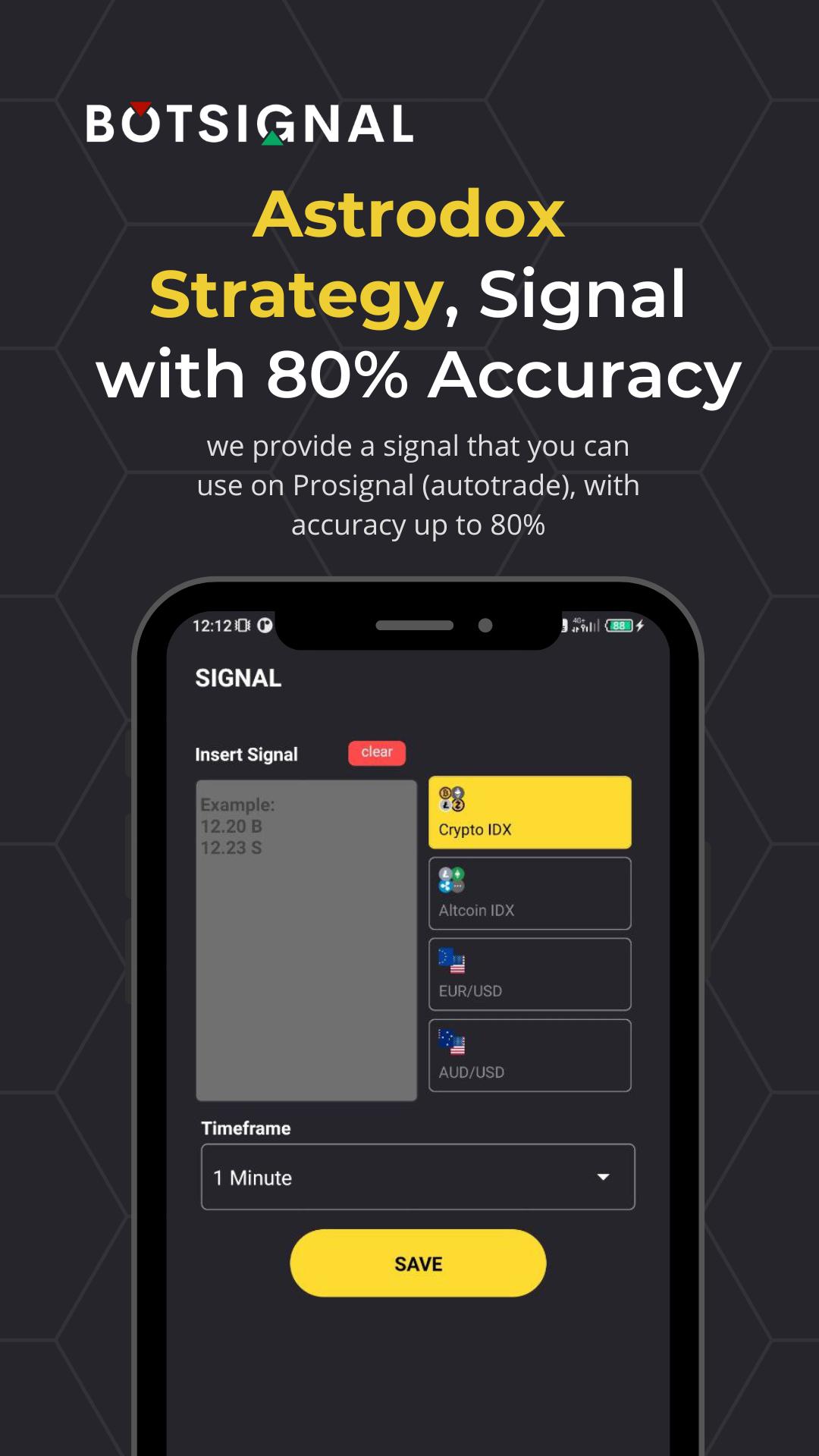
Tool Auto Trading to make you get profit more faster
Preview
Tags
ToolsInformation
Developer
Robot Binary
Latest Version
12.1
Last Updated
2024-06-23
Category
Tools
Available on
Google Play
Show More
How to play BotSignal - AutoTrading with GameLoop on PC
1. Download GameLoop from the official website, then run the exe file to install GameLoop
2. Open GameLoop and search for “BotSignal - AutoTrading” , find BotSignal - AutoTrading in the search results and click “Install”
3. Enjoy playing BotSignal - AutoTrading on GameLoop
Minimum requirements
OS
Windows 8.1 64-bit or Windows 10 64-bit
GPU
GTX 1050
CPU
i3-8300
Memory
8GB RAM
Storage
1GB available space
Recommended requirements
OS
Windows 8.1 64-bit or Windows 10 64-bit
GPU
GTX 1050
CPU
i3-9320
Memory
16GB RAM
Storage
1GB available space