
BlockaNet — Proxy server list PC
D.D.M.
Download BlockaNet — Proxy server list on PC With GameLoop Emulator
BlockaNet — Proxy server list sa PC
Ang BlockaNet — Proxy server list, na nagmumula sa developer na D.D.M., ay tumatakbo sa Android systerm sa nakaraan.
Ngayon, maaari mong laruin ang BlockaNet — Proxy server list sa PC gamit ang GameLoop nang maayos.
I-download ito sa GameLoop library o mga resulta ng paghahanap. Hindi na tumitingin sa baterya o nakakadismaya na mga tawag sa maling oras.
I-enjoy lang ang BlockaNet — Proxy server list PC sa malaking screen nang libre!
BlockaNet — Proxy server list Panimula
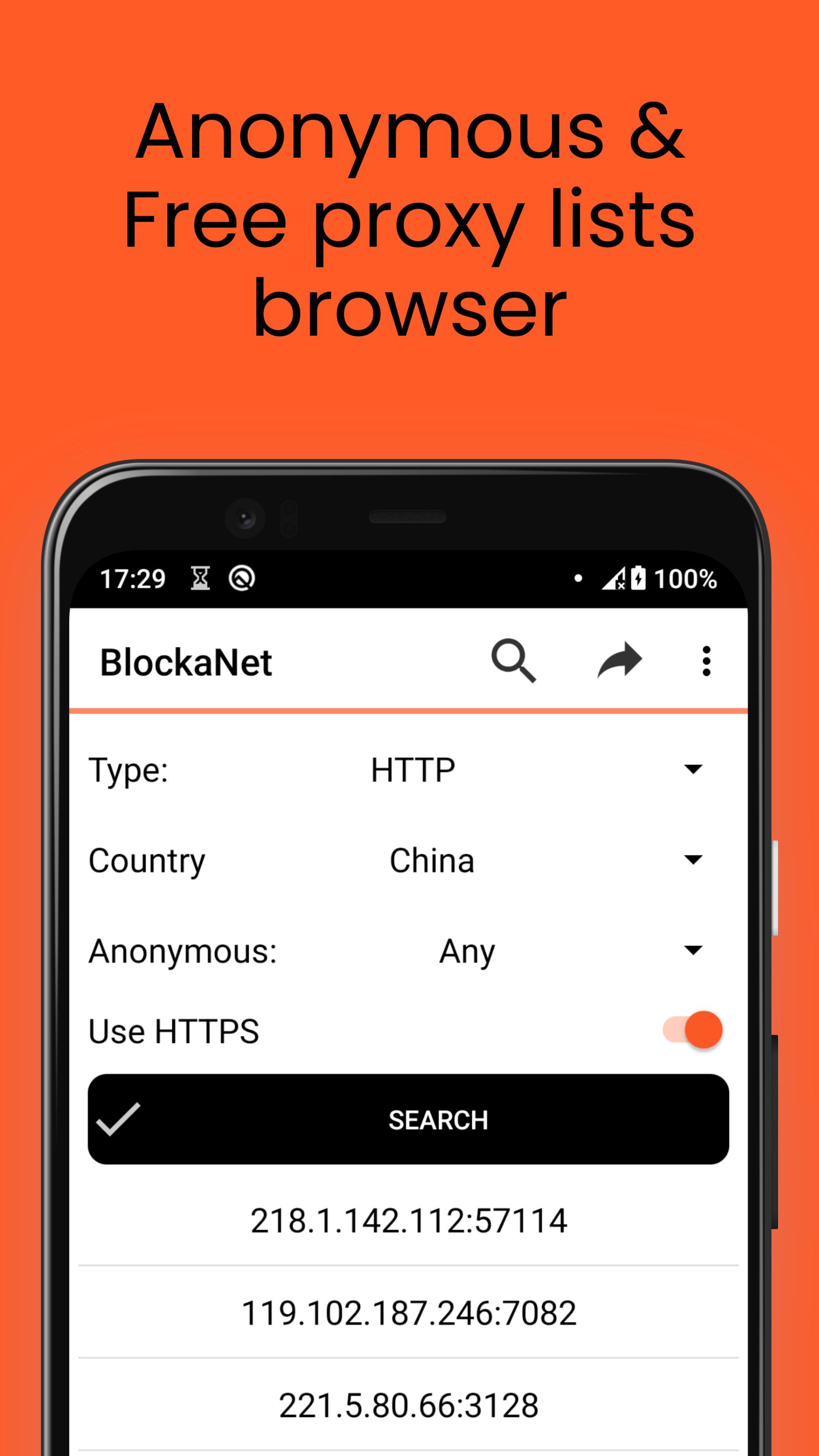
BlockaNet is a free proxy list app that allows you to find a fast server for visiting sites that are blocked by your provider and protect your IP address when using Android smartphones. You can get access to anonymous proxies anytime to secure Internet connection or increase the security of the connection.
PRIVATE AND SECURE
Today, you need to be extremely careful with your data online. One form of protection is the use of private proxies. They provide privacy and security. The app will encrypt your movement on the network. It does not matter through which connection you will use your device:
• Wi-Fi
• Mobile Internet
BlockaNet list are strong filters that increase the security of connections. Your traffic cannot be intercepted by the owner of a corporate network or public wireless connection. The application can be used to encrypt and cache information, as well as a web filter.
By installing the app, you will be able to open the largest collection of http(s), socks4 and socks5 mobile servers. With their help, you will change the IP address. Our residential proxies are the best way to protect yourself on the Internet.
WHY DO YOU NEED MOBILE SERVERS?
Any HTTP-based resource that you visit through our app will "think" that you accessed it through the protocol of the country selected from the proxy list. The advantages of the application are:
• Protection against blocking by IP addresses. The application will replace the address with the one you choose from the list. This will bypass both provider blocking and server blocking of the site you want to connect to.
• Rotation of addresses on demand. Unlike most VPNs, with our app you can change your IP to dozens of others. That will provide more reliable protection than using 2 or 3 addresses provided for free.
• Popular protocols. We offer the possibility of using anonymous proxies based on such protocols as: http, HTTPs, socks4, and socks5. This allows you to cover 90% of all sites and services of online services on the Internet.
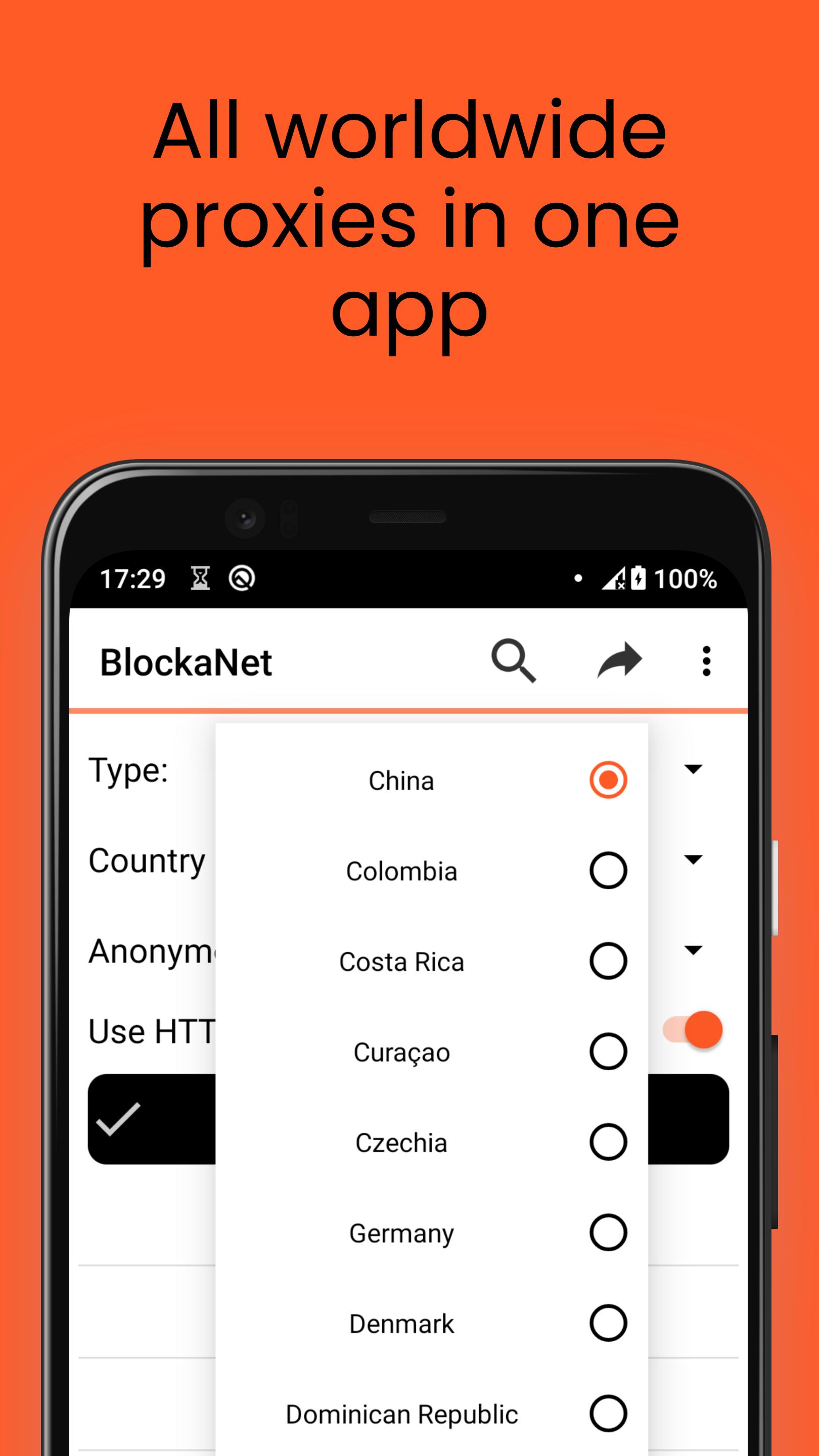
• Manual location selection. Access to content from almost anywhere in the world. This will help you access resources that are only available in certain countries.
• Unlimited traffic. The application works free of charge 24 hours 7 days a week. There is no need to worry about limits or throughput of gateways. Traffic is provided unlimitedly.
PROTECT YOURSELF WITH THE BLOCKANET LIST
Our proxies are a great alternative to VPNs. Using the BlockaNet allows you to achieve greater speed and stability of the connection, without losing anonymity and security. BlockaNet works stably on all modern versions of the Android operating system. You can change the IP with one tap on the screen.
Download BlockaNet and unlock your internet freedom!
Preview
Tags
ToolsInformation
Developer
D.D.M.
Latest Version
2.34
Last Updated
2025-07-07
Category
Tools
Available on
Google Play
Show More
How to play BlockaNet — Proxy server list with GameLoop on PC
1. Download GameLoop from the official website, then run the exe file to install GameLoop
2. Open GameLoop and search for “BlockaNet — Proxy server list” , find BlockaNet — Proxy server list in the search results and click “Install”
3. Enjoy playing BlockaNet — Proxy server list on GameLoop
Minimum requirements
OS
Windows 8.1 64-bit or Windows 10 64-bit
GPU
GTX 1050
CPU
i3-8300
Memory
8GB RAM
Storage
1GB available space
Recommended requirements
OS
Windows 8.1 64-bit or Windows 10 64-bit
GPU
GTX 1050
CPU
i3-9320
Memory
16GB RAM
Storage
1GB available space