Blackboard-Stopwatch PC
Filippo-Software
Download Blackboard-Stopwatch on PC With GameLoop Emulator
Blackboard-Stopwatch sa PC
Ang Blackboard-Stopwatch, na nagmumula sa developer na Filippo-Software, ay tumatakbo sa Android systerm sa nakaraan.
Ngayon, maaari mong laruin ang Blackboard-Stopwatch sa PC gamit ang GameLoop nang maayos.
I-download ito sa GameLoop library o mga resulta ng paghahanap. Hindi na tumitingin sa baterya o nakakadismaya na mga tawag sa maling oras.
I-enjoy lang ang Blackboard-Stopwatch PC sa malaking screen nang libre!
Blackboard-Stopwatch Panimula
Blackboard-Stopwatch
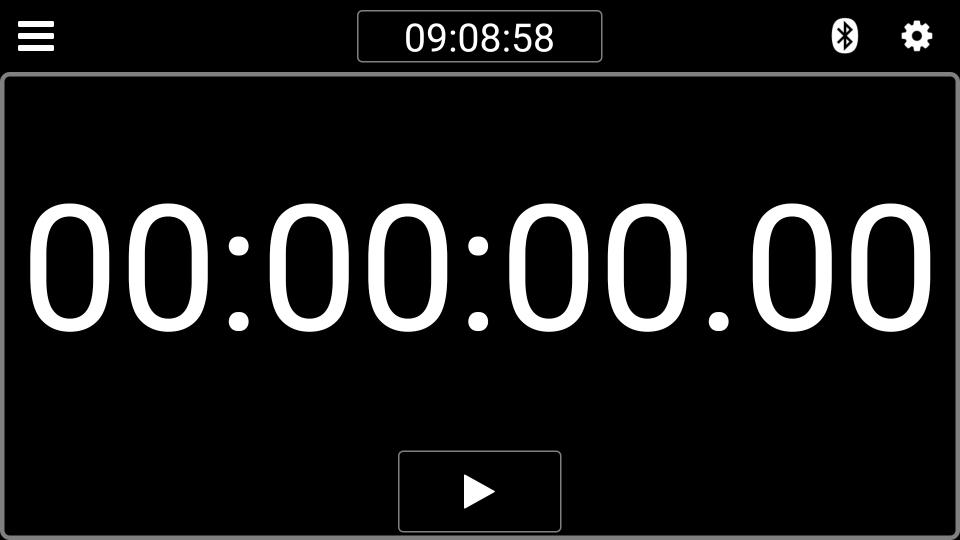
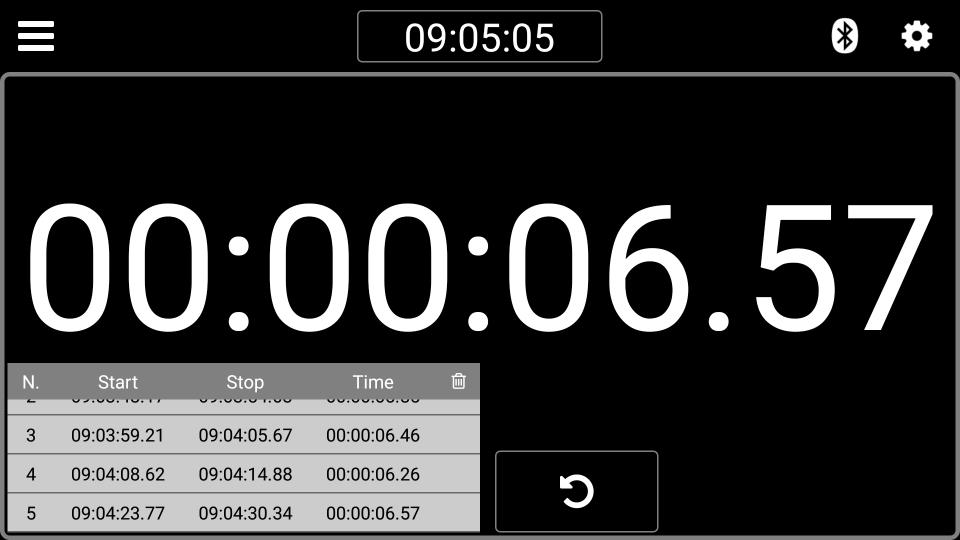
This app is a simple stopwatch with very large numbers.
The app has only one button with 3 functions: start, stop and reset.
In conjunction with my USB or Bluetooth device and a photocell it can be a good display panel for any type of race.
In this way, the use has practically no limits.
Advertising can be deactivated via the "In-app purchases" option.
For the start/stop can be used an external USB or Bluetooth-button.
Further information at: http://filippo-software.de
Supported languages:
German, Italian, English
Preview
Tags
ToolsInformation
Developer
Filippo-Software
Latest Version
1.30
Last Updated
2023-08-19
Category
Tools
Available on
Google Play
Show More
How to play Blackboard-Stopwatch with GameLoop on PC
1. Download GameLoop from the official website, then run the exe file to install GameLoop
2. Open GameLoop and search for “Blackboard-Stopwatch” , find Blackboard-Stopwatch in the search results and click “Install”
3. Enjoy playing Blackboard-Stopwatch on GameLoop
Minimum requirements
OS
Windows 8.1 64-bit or Windows 10 64-bit
GPU
GTX 1050
CPU
i3-8300
Memory
8GB RAM
Storage
1GB available space
Recommended requirements
OS
Windows 8.1 64-bit or Windows 10 64-bit
GPU
GTX 1050
CPU
i3-9320
Memory
16GB RAM
Storage
1GB available space