
Barcode Scanner - Generator PC
Bittee
Download Barcode Scanner - Generator on PC With GameLoop Emulator
Barcode Scanner - Generator sa PC
Ang Barcode Scanner - Generator, na nagmumula sa developer na Bittee, ay tumatakbo sa Android systerm sa nakaraan.
Ngayon, maaari mong laruin ang Barcode Scanner - Generator sa PC gamit ang GameLoop nang maayos.
I-download ito sa GameLoop library o mga resulta ng paghahanap. Hindi na tumitingin sa baterya o nakakadismaya na mga tawag sa maling oras.
I-enjoy lang ang Barcode Scanner - Generator PC sa malaking screen nang libre!
Barcode Scanner - Generator Panimula
Barcode Scanner - Generator is the fastest QR / barcode scanner out there. Barcode Scanner - Generator is an essential app for every Android or Ios device.
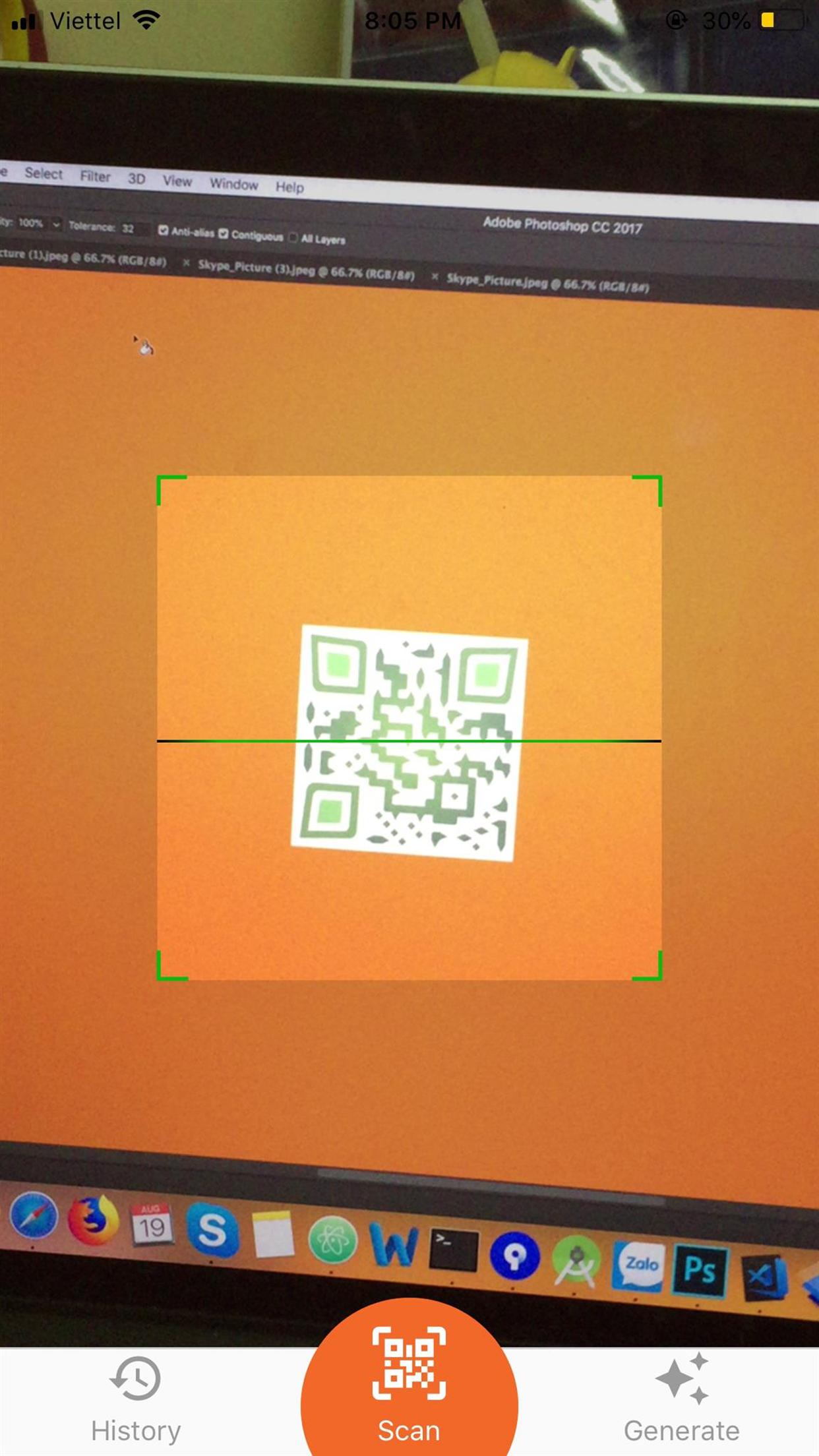
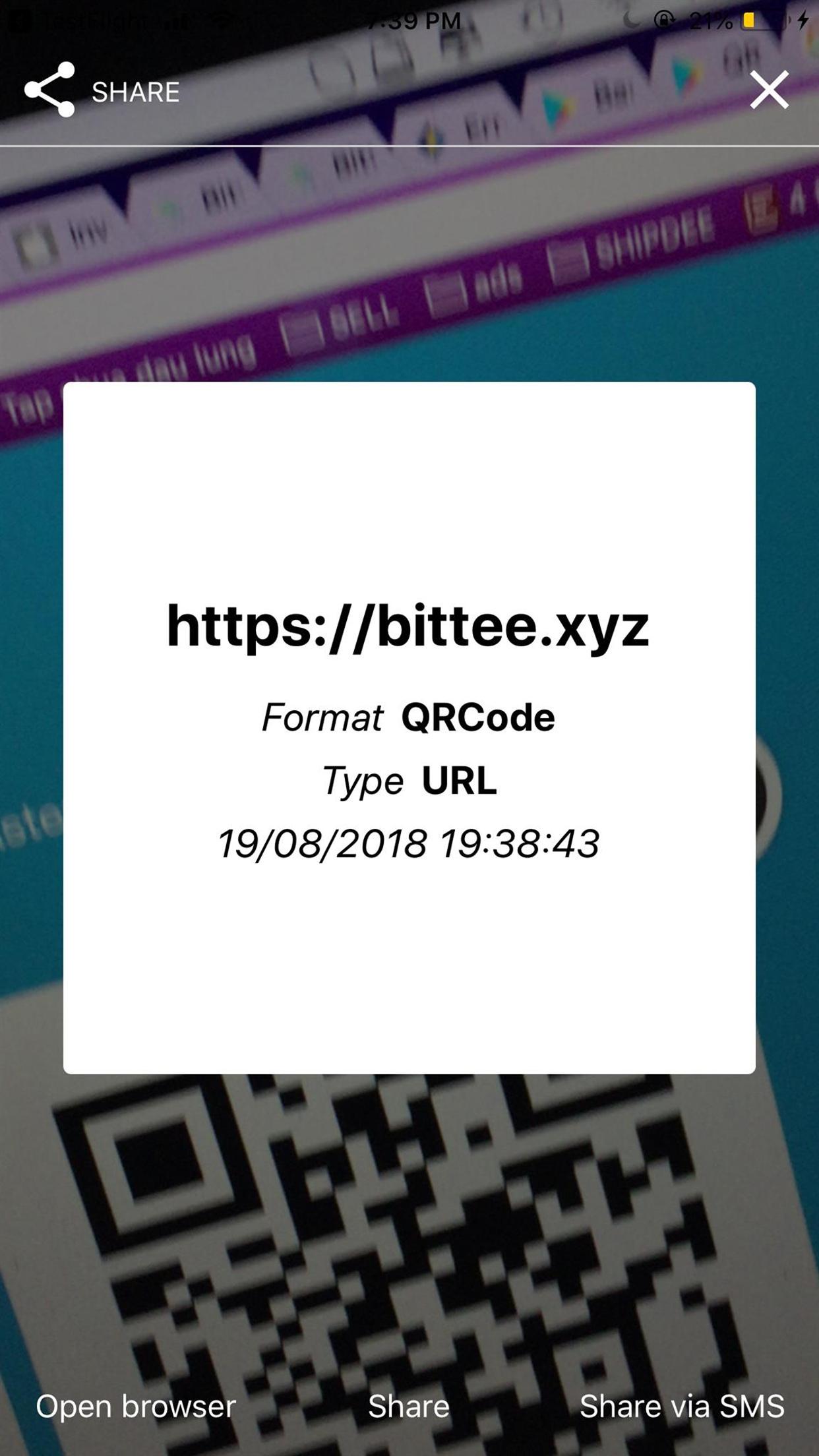
Barcode Scanner - Generator is extremely easy to use; simply point to QR or barcode you want to scan and app will automatically detect and scan it. No need to press any buttons, take photos or adjust zoom.
This application generates bar codes in all formats.
You can backup so that you do not lose them when your device is broken or lost.
It gives you an option for adding, deleting, searching and selecting a product for which you want to generate bar code.
Barcode Scanner - Generator can scan and read all QR / barcode types including text, url, ISBN, product, contact, calendar, email and many other formats. After scan and automatic decoding user is provided with only the relevant options for individual QR or Barcode type and can take appropriate action.
Scan product barcodes with Barcode Scanner - Generator in shops and compare prices with online prices to save money. Barcode Scanner - Generator app is the only QR code reader / barcode scanner you will ever need.
► Like us on Facebook: https://www.facebook.com/bitteehome/
► Follow us on Twitter: https://twitter.com/susuteam
Preview
Information
Developer
Bittee
Latest Version
1.3
Last Updated
2018-08-19
Category
Tools
Available on
Google Play
Show More
How to play Barcode Scanner - Generator with GameLoop on PC
1. Download GameLoop from the official website, then run the exe file to install GameLoop
2. Open GameLoop and search for “Barcode Scanner - Generator” , find Barcode Scanner - Generator in the search results and click “Install”
3. Enjoy playing Barcode Scanner - Generator on GameLoop
Minimum requirements
OS
Windows 8.1 64-bit or Windows 10 64-bit
GPU
GTX 1050
CPU
i3-8300
Memory
8GB RAM
Storage
1GB available space
Recommended requirements
OS
Windows 8.1 64-bit or Windows 10 64-bit
GPU
GTX 1050
CPU
i3-9320
Memory
16GB RAM
Storage
1GB available space