
Automatic Bell Controller PC
InvoTech Labs
Download Automatic Bell Controller on PC With GameLoop Emulator
Automatic Bell Controller sa PC
Ang Automatic Bell Controller, na nagmumula sa developer na InvoTech Labs, ay tumatakbo sa Android systerm sa nakaraan.
Ngayon, maaari mong laruin ang Automatic Bell Controller sa PC gamit ang GameLoop nang maayos.
I-download ito sa GameLoop library o mga resulta ng paghahanap. Hindi na tumitingin sa baterya o nakakadismaya na mga tawag sa maling oras.
I-enjoy lang ang Automatic Bell Controller PC sa malaking screen nang libre!
Automatic Bell Controller Panimula
Based on the latest micro-controller technology. Automatic Bell Controller System is an elegant device, especially designed to ring the School / College / Industries Bell automatically. There is no need to assign an individual for ringing the bell, at different times during the day.
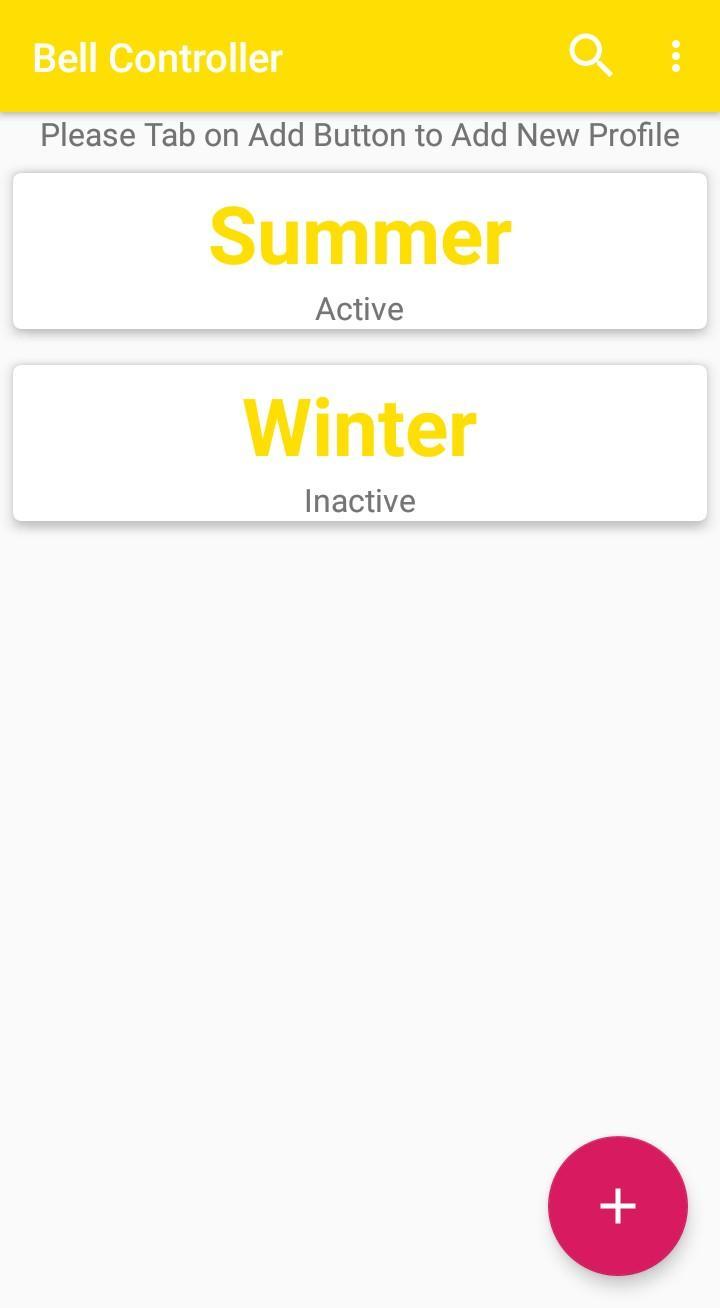
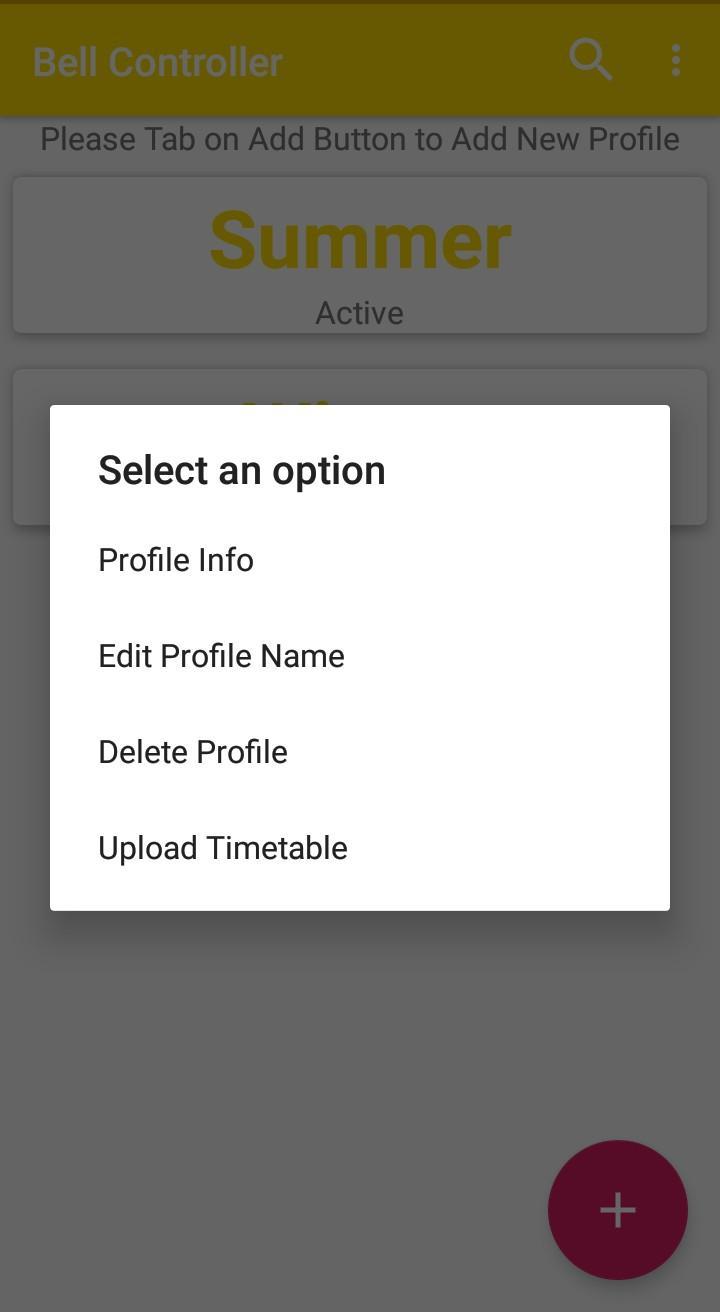
A user can program various timing of the periods. short breaks, etc. With the provision of 100 bells/day, a user can set the length of each bell separately to identify different bells at different times, for example separate bell for assembly, separate bell for recess, separate for periods etc. It has a android mobile compatible application which helps the user to set various timer easily. In case of power failure all settings are saved in memory.
Features
Effective and user friendly. It saves your valuable human efforts.
It alarms according to our time schedule.
It works precisely due to real time clock inside.
User can set 100 different alarms per day and 700 alarms for a week.
Shock proof.
Compact, handy and low power device.
Manual override option available.
Uses - School, College, Industries, Temple, Hospital, Hostel, Vacation Classes
Preview
Tags
ToolsInformation
Developer
InvoTech Labs
Latest Version
1.0.2
Last Updated
2019-10-07
Category
Tools
Available on
Google Play
Show More
How to play Automatic Bell Controller with GameLoop on PC
1. Download GameLoop from the official website, then run the exe file to install GameLoop
2. Open GameLoop and search for “Automatic Bell Controller” , find Automatic Bell Controller in the search results and click “Install”
3. Enjoy playing Automatic Bell Controller on GameLoop
Minimum requirements
OS
Windows 8.1 64-bit or Windows 10 64-bit
GPU
GTX 1050
CPU
i3-8300
Memory
8GB RAM
Storage
1GB available space
Recommended requirements
OS
Windows 8.1 64-bit or Windows 10 64-bit
GPU
GTX 1050
CPU
i3-9320
Memory
16GB RAM
Storage
1GB available space