
Vector Studios PC
Digital AGA
Download Vector Studios on PC With GameLoop Emulator
Vector Studios sa PC
Ang Vector Studios, na nagmumula sa developer na Digital AGA, ay tumatakbo sa Android systerm sa nakaraan.
Ngayon, maaari mong laruin ang Vector Studios sa PC gamit ang GameLoop nang maayos.
I-download ito sa GameLoop library o mga resulta ng paghahanap. Hindi na tumitingin sa baterya o nakakadismaya na mga tawag sa maling oras.
I-enjoy lang ang Vector Studios PC sa malaking screen nang libre!
Vector Studios Panimula
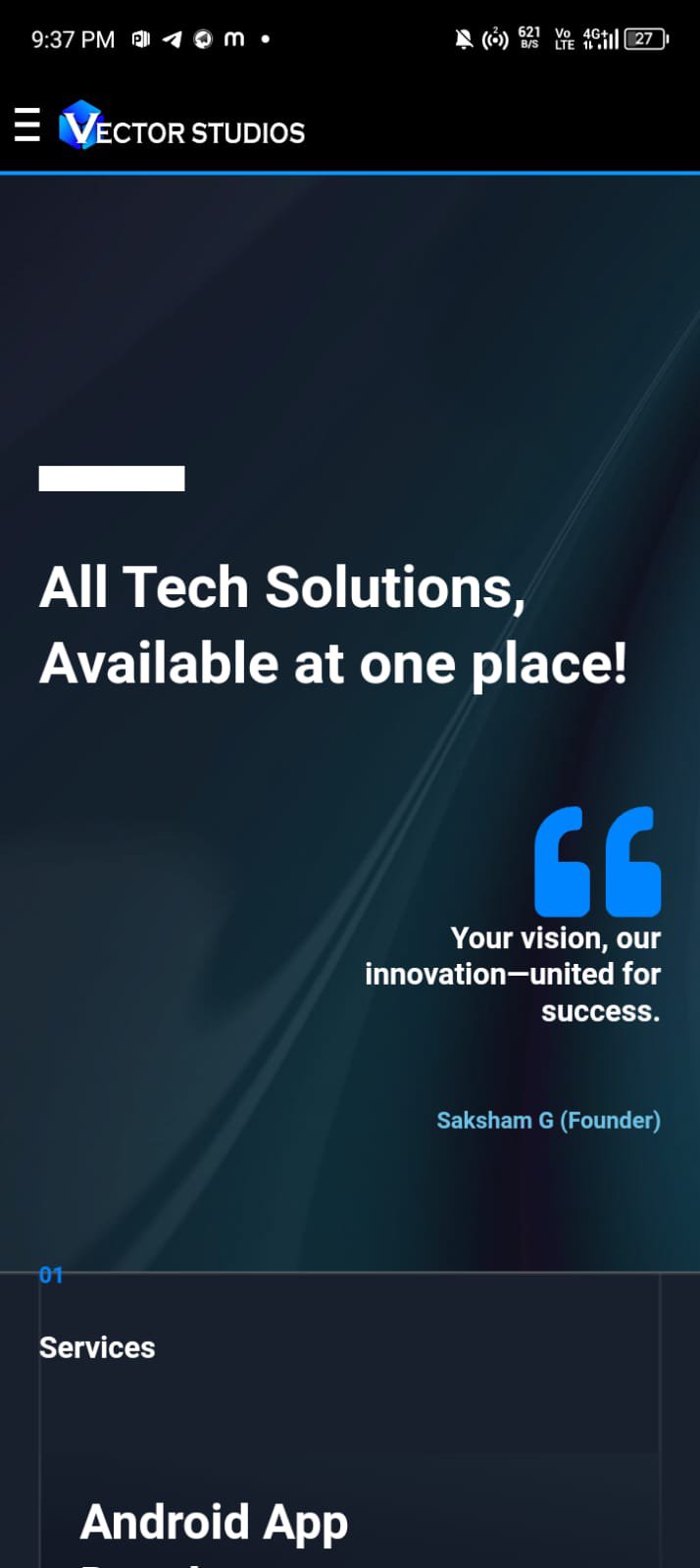
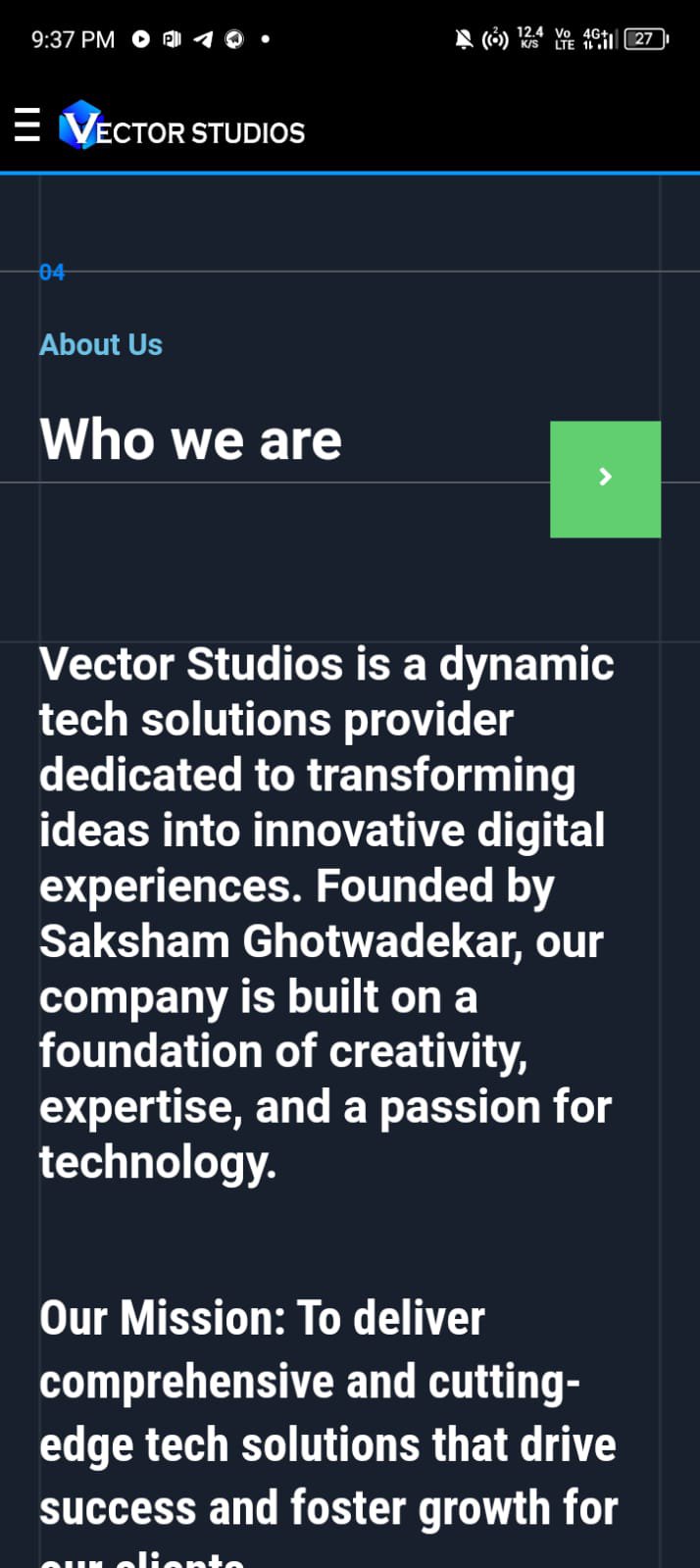
Vector Studios is a dynamic tech solutions provider dedicated to transforming ideas into innovative digital experiences. Founded by Saksham Ghotwadekar, our company is built on a foundation of creativity, expertise, and a passion for technology.
Our Mission: To deliver comprehensive and cutting-edge tech solutions that drive success and foster growth for our clients.
Our Vision: To be a global leader in tech innovation, known for our quality, creativity, and commitment to excellence.
Our Values:
Innovation: We embrace the latest technologies and continuously seek new ways to solve problems and improve our services.
Quality: We are committed to delivering top-tier products and services that exceed client expectations.
Collaboration: We believe in the power of teamwork and partnership, working closely with our clients to bring their visions to life.
Integrity: We conduct our business with transparency, honesty, and professionalism, building trust with our clients and partners.
Preview
Tags
ToolsInformation
Developer
Digital AGA
Latest Version
1.0
Last Updated
2024-07-26
Category
Tools
Available on
Google Play
Show More
How to play Vector Studios with GameLoop on PC
1. Download GameLoop from the official website, then run the exe file to install GameLoop
2. Open GameLoop and search for “Vector Studios” , find Vector Studios in the search results and click “Install”
3. Enjoy playing Vector Studios on GameLoop
Minimum requirements
OS
Windows 8.1 64-bit or Windows 10 64-bit
GPU
GTX 1050
CPU
i3-8300
Memory
8GB RAM
Storage
1GB available space
Recommended requirements
OS
Windows 8.1 64-bit or Windows 10 64-bit
GPU
GTX 1050
CPU
i3-9320
Memory
16GB RAM
Storage
1GB available space