App Manager Shortcut PC
Simple Android Tech
Download App Manager Shortcut on PC With GameLoop Emulator
App Manager Shortcut sa PC
Ang App Manager Shortcut, na nagmumula sa developer na Simple Android Tech, ay tumatakbo sa Android systerm sa nakaraan.
Ngayon, maaari mong laruin ang App Manager Shortcut sa PC gamit ang GameLoop nang maayos.
I-download ito sa GameLoop library o mga resulta ng paghahanap. Hindi na tumitingin sa baterya o nakakadismaya na mga tawag sa maling oras.
I-enjoy lang ang App Manager Shortcut PC sa malaking screen nang libre!
App Manager Shortcut Panimula
🚦You just want to go to the app settings without doing this. Navigate... > settings>scroll down>apps and etc. 🤔.
Lots of good feedback's with Xiaomi MI users.
FOR PEOPLE WHO DON'T READ DESCRIPTION PLEASE READ IT FIRST BEFORE YOU COMPLAIN
🐼TIP: Place this app on your home screen for easy access and some shortcut activities may not work with Marshmallow and below. You will encounter "No corresponding activity was found "
For Russian users:
🚦Вы просто хотите перейти в настройки приложения, не делая этого. Навигация ...> настройки> прокрутка вниз> приложения и т. Д. 🤔.
Много хороших отзывов с пользователями Xiaomi MI.
🐼TIP: разместите это приложение на домашнем экране для удобства доступа, и некоторые действия с ярлыками могут не работать с Marshmallow и ниже. Вы столкнетесь с «Никакой соответствующей деятельности не было найдено»
Available "SHORTCUTS" again for people who don't read the description its a SHORTCUT!!
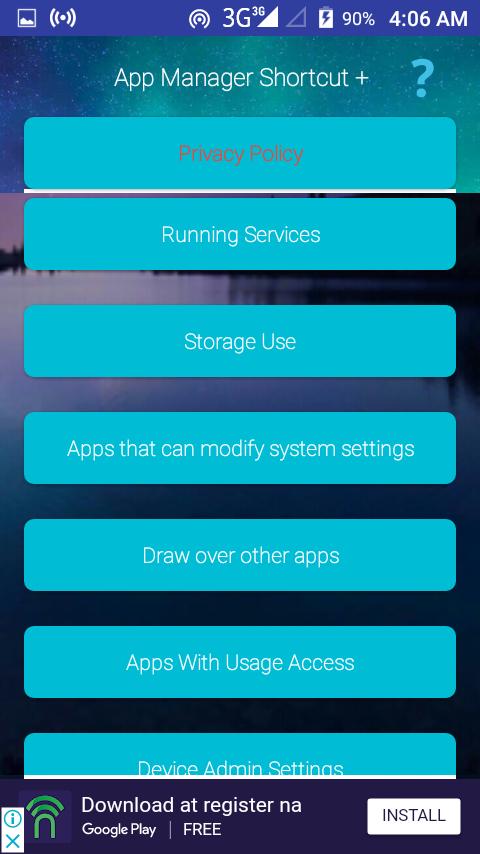
👍 Manage All Apps
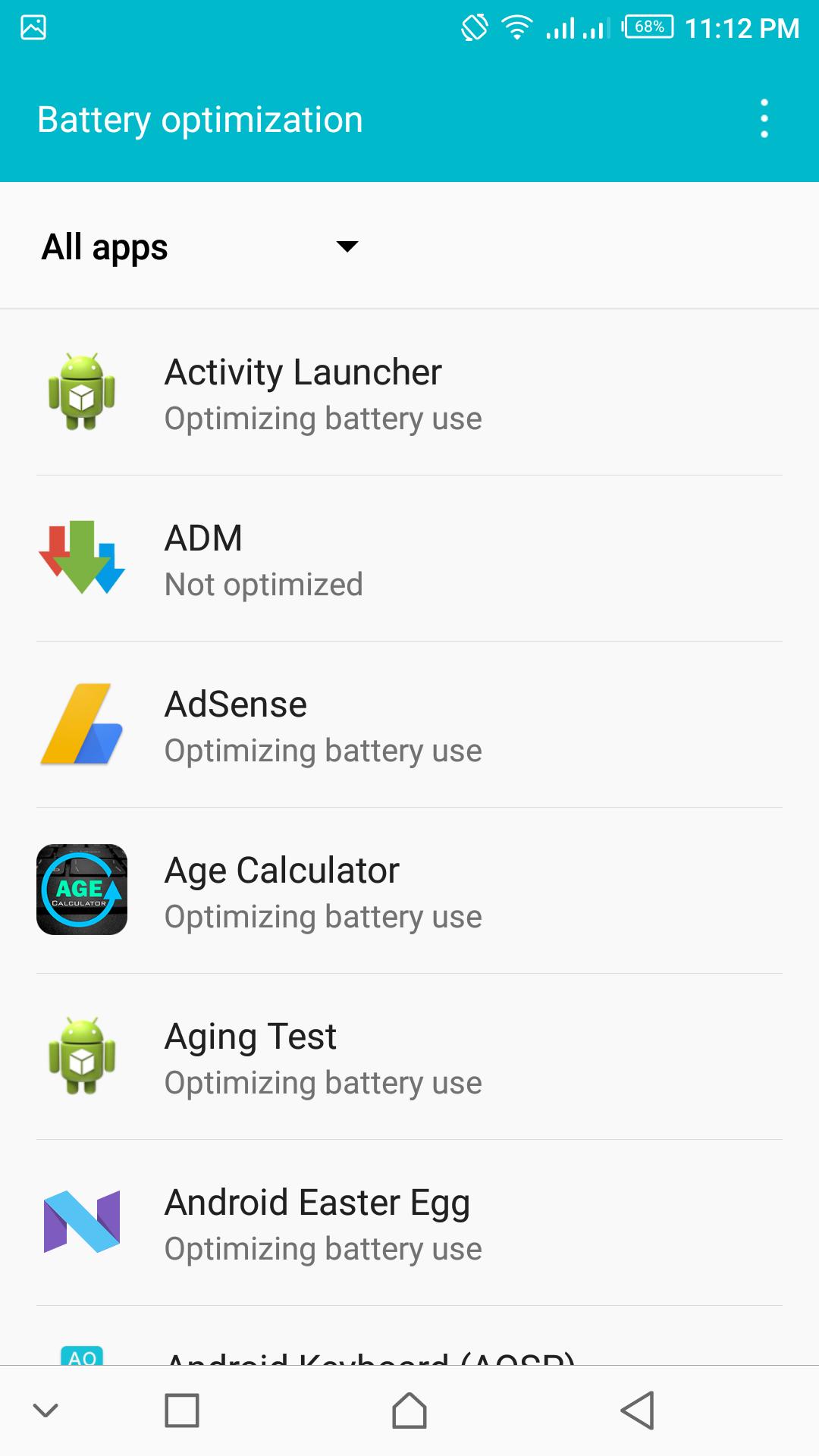
🔋 Battery/Battery Optimization
🚨 Permission Manager (not compatible to all)
🔒 App Usage
🏃 Running Services
💽 Storage Use
🛑 Apps that can modify system settings
📝 Draw over apps
😇 Apps with usage access
🐒 Device administration settings
Greetings from the 🇵🇭
Icons made by DinosoftLabs from www.flaticon.com is licensed by CC 3.0 BY
http://creativecommons.org/licenses/by/3.0/
Preview
Tags
ToolsInformation
Developer
Simple Android Tech
Latest Version
1.11
Last Updated
2018-09-19
Category
Tools
Available on
Google Play
Show More
How to play App Manager Shortcut with GameLoop on PC
1. Download GameLoop from the official website, then run the exe file to install GameLoop
2. Open GameLoop and search for “App Manager Shortcut” , find App Manager Shortcut in the search results and click “Install”
3. Enjoy playing App Manager Shortcut on GameLoop
Minimum requirements
OS
Windows 8.1 64-bit or Windows 10 64-bit
GPU
GTX 1050
CPU
i3-8300
Memory
8GB RAM
Storage
1GB available space
Recommended requirements
OS
Windows 8.1 64-bit or Windows 10 64-bit
GPU
GTX 1050
CPU
i3-9320
Memory
16GB RAM
Storage
1GB available space