Fingerprint App Lock, Photos PC
Q4U Mobile Apps
Download Fingerprint App Lock, Photos on PC With GameLoop Emulator
Fingerprint App Lock, Photos sa PC
Ang Fingerprint App Lock, Photos, na nagmumula sa developer na Q4U Mobile Apps, ay tumatakbo sa Android systerm sa nakaraan.
Ngayon, maaari mong laruin ang Fingerprint App Lock, Photos sa PC gamit ang GameLoop nang maayos.
I-download ito sa GameLoop library o mga resulta ng paghahanap. Hindi na tumitingin sa baterya o nakakadismaya na mga tawag sa maling oras.
I-enjoy lang ang Fingerprint App Lock, Photos PC sa malaking screen nang libre!
Fingerprint App Lock, Photos Panimula
App lock for all apps and protect privacy with App Lock: Photos & Video Vault, fingerprint lock, password lock.
Features of App Lock: Photos & Video Vault
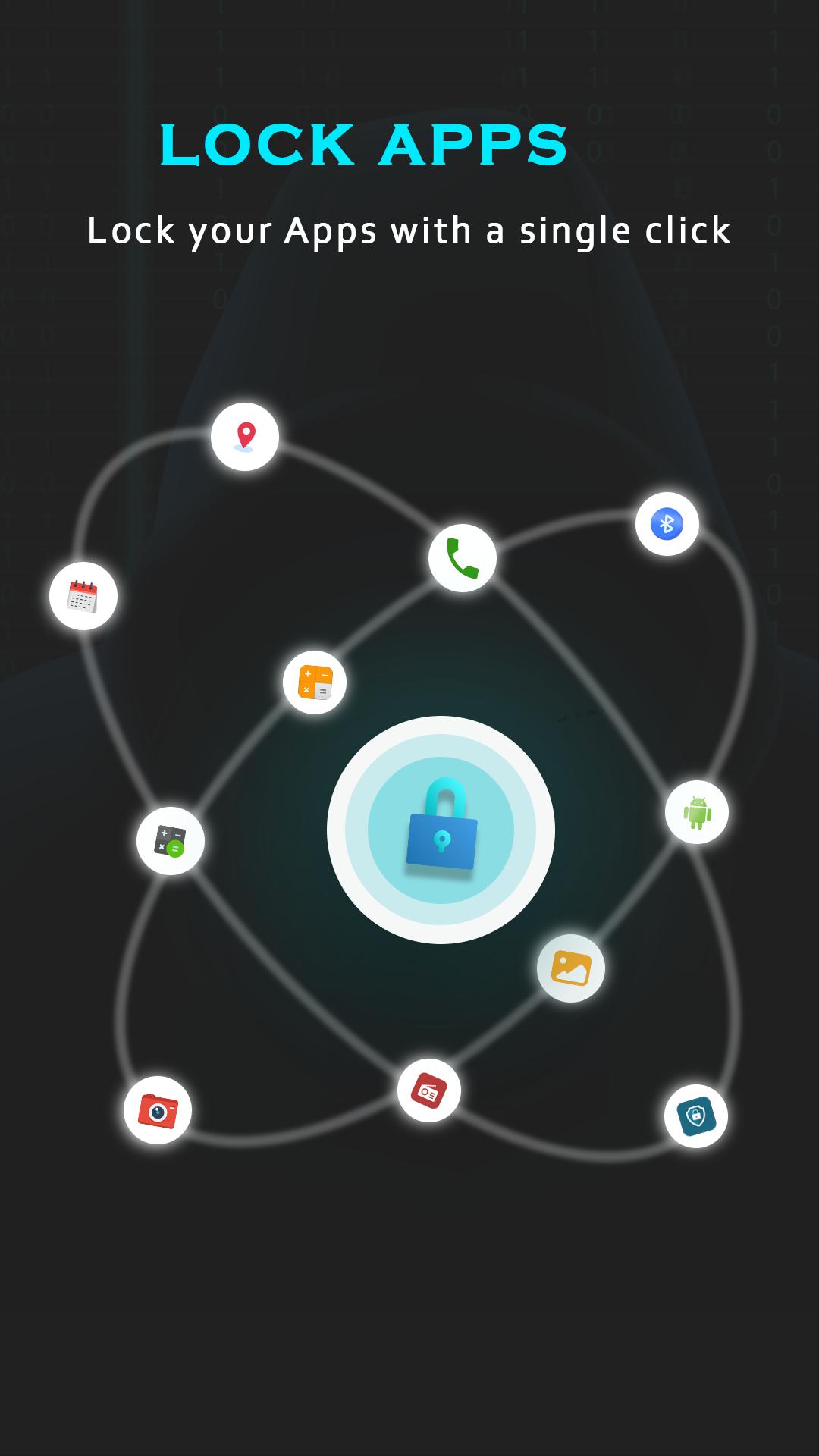
Lock Apps
This app locker, App Lock: Photos & Video Vault lets you lock applications available on your phone.
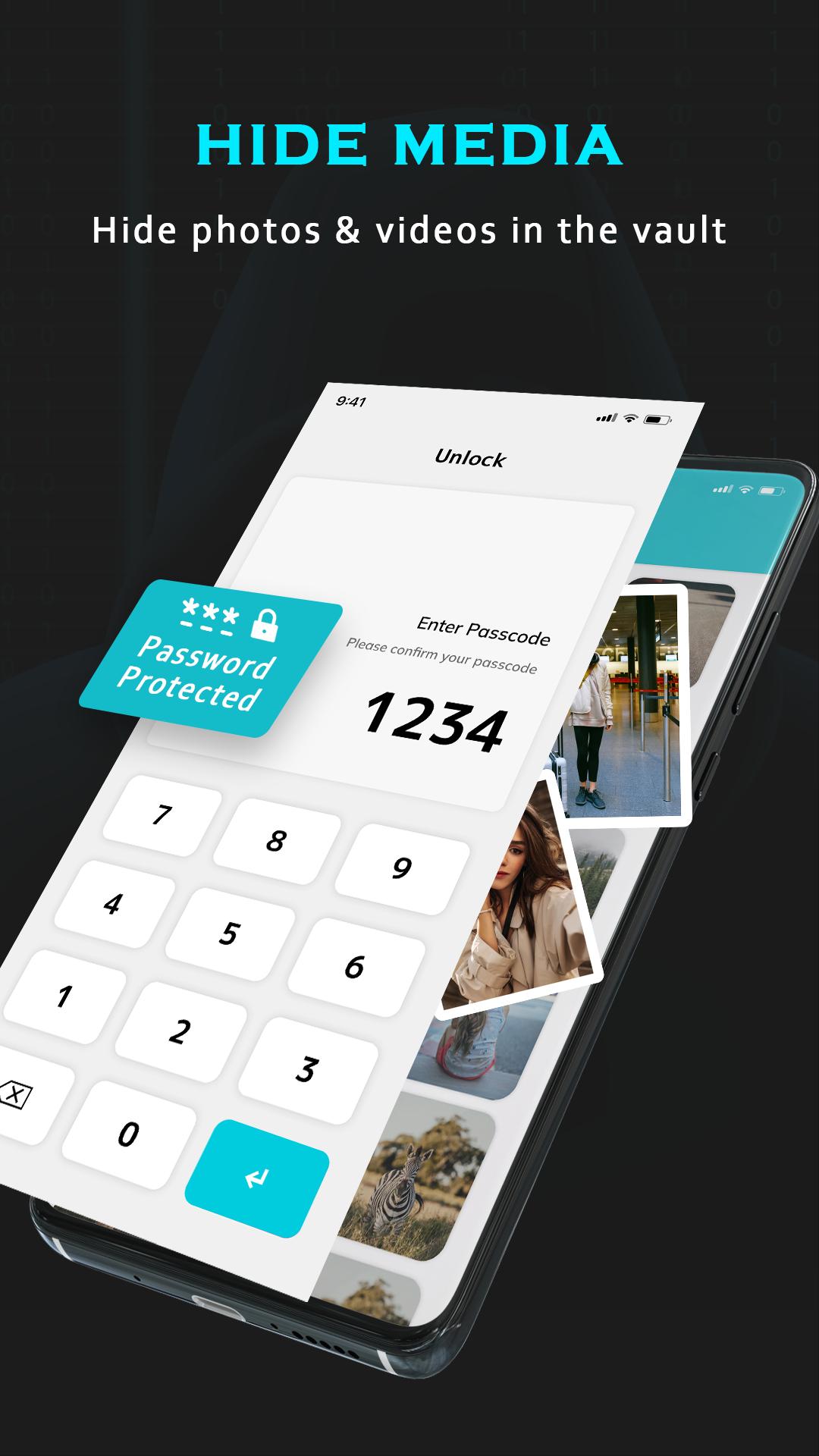
Vault/ Media Hider
For the advanced protection, the App Lock: Photos & Video Vault lets you add your media - photos, videos, audios, docs and apk to the vault.
Themes
The Aap Lock: Photos & Video Vault lets you change the theme of applock lock screen. You can change the theme of aaplock lock screen from the select themes available in the fingerprint lock and password lock app.
Intruder Selfie
The App Lock: Photos & Video Vault captures images of the intruder whenever they try to access any of the locked apps by entering an incorrect password lock. You can check the images of the intruders in the intruder section of the aap lock - password lock and fingerprint lock app.
Change Lock Type
This app locker has many password lock types like PIN Lock, Pattern Lock, Fingerprint Lock. You can change the app lock type from the settings of App Lock: Photos & Video Vault app.
NOTE: The fingerprint lock works only if your phone has a fingerprint reader.
Brief Exit in AppLock
The brief exit feature in app lock allows you to access your locked apps without password lock or fingerprint lock for the selected duration. Once you have entered the correct password, the applock will not ask for the password lock or fingerprint lock for the selected duration & app lock will self-activate the password lock after you complete your selected duration in AppLock.
More Features of App Locker
Lock New Apps
Detect the installation of new apps and lock them in one click. Provide advanced protection.
Lock Apps in Real Time
Lock without delay, no need to worry about the app content being displayed before the applock kicks in.
Customize the Relock Time
Activate the applock at a specific time, no need to enter password repeatedly.
Easy to Operate
One click to enable/disable App Locker.
Additional Features of AppLock: Photos & Video Vault
View Phone Storage
The fingerprint lock & password lock lets you view the internal storage of your phone from within this lock application.
Caller ID or Call Info
The App Lock: Photos & Video Vault has an additional feature, Caller ID. This feature in applock allows you to view all the calls information such as missed call, completed call, no answer, unknown caller after the calls.
Language Support or Multilingual AppLock
This App Lock: Photos & Video Vault supports 9 languages. Users can change the app language according to their preference from within this app locker - password lock and fingerprint lock.
- - - - - FAQs - - - - -
How to set password lock for the first time in applock?
Open AppLock -> Enter PIN -> Confirm PIN
How to Change App Lock Password?
Open AppLock -> Settings -> Change password -> Enter current password -> Enter new password -> Re-enter password
What should I do if I forget the App Lock: Photos & Video Vault password?
Click “Forget Password” -> Enter the answer to your security question -> You'll see the password in the pop-up window
Please be assured that AppLock: Photos & Video Vault will never use these permissions to access your private data.
We are always open to suggestions. If you have any queries or suggestions related to the App Lock: Photos & Video Vault, you can connect with us at mailto:support@q4umobileapps.com
Preview
Tags
ToolsInformation
Developer
Q4U Mobile Apps
Latest Version
3
Last Updated
2023-02-16
Category
Tools
Available on
Google Play
Show More
How to play Fingerprint App Lock, Photos with GameLoop on PC
1. Download GameLoop from the official website, then run the exe file to install GameLoop
2. Open GameLoop and search for “Fingerprint App Lock, Photos” , find Fingerprint App Lock, Photos in the search results and click “Install”
3. Enjoy playing Fingerprint App Lock, Photos on GameLoop
Minimum requirements
OS
Windows 8.1 64-bit or Windows 10 64-bit
GPU
GTX 1050
CPU
i3-8300
Memory
8GB RAM
Storage
1GB available space
Recommended requirements
OS
Windows 8.1 64-bit or Windows 10 64-bit
GPU
GTX 1050
CPU
i3-9320
Memory
16GB RAM
Storage
1GB available space