
Anti call & sms - Call Blocker PC
Home_apps
Download Anti call & sms - Call Blocker on PC With GameLoop Emulator
Anti call & sms - Call Blocker sa PC
Ang Anti call & sms - Call Blocker, na nagmumula sa developer na Home_apps, ay tumatakbo sa Android systerm sa nakaraan.
Ngayon, maaari mong laruin ang Anti call & sms - Call Blocker sa PC gamit ang GameLoop nang maayos.
I-download ito sa GameLoop library o mga resulta ng paghahanap. Hindi na tumitingin sa baterya o nakakadismaya na mga tawag sa maling oras.
I-enjoy lang ang Anti call & sms - Call Blocker PC sa malaking screen nang libre!
Anti call & sms - Call Blocker Panimula
you have unwanted calls and SMS, and you want them blocked , this app is what you need.
with this application you can block all unwanted CALLS and SMS. you can block the number from your contact or input number manuelement .
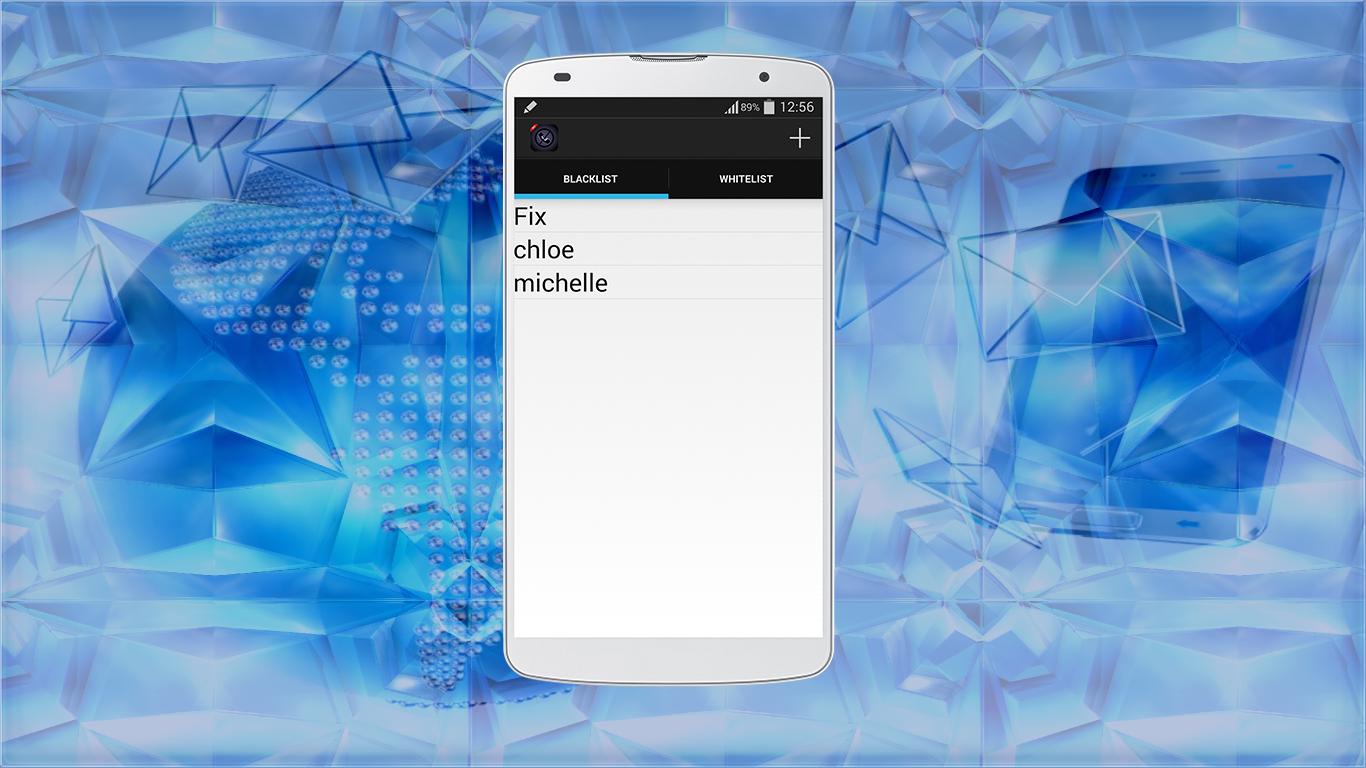
Anti call & sms contains two lists , the Blacklist and Whitelist
Blacklist :
in this Blacklist you can add all the contacts you want to block .
Whitelist :
in this list you can add all the contacts you authorize call .
feature of the app:
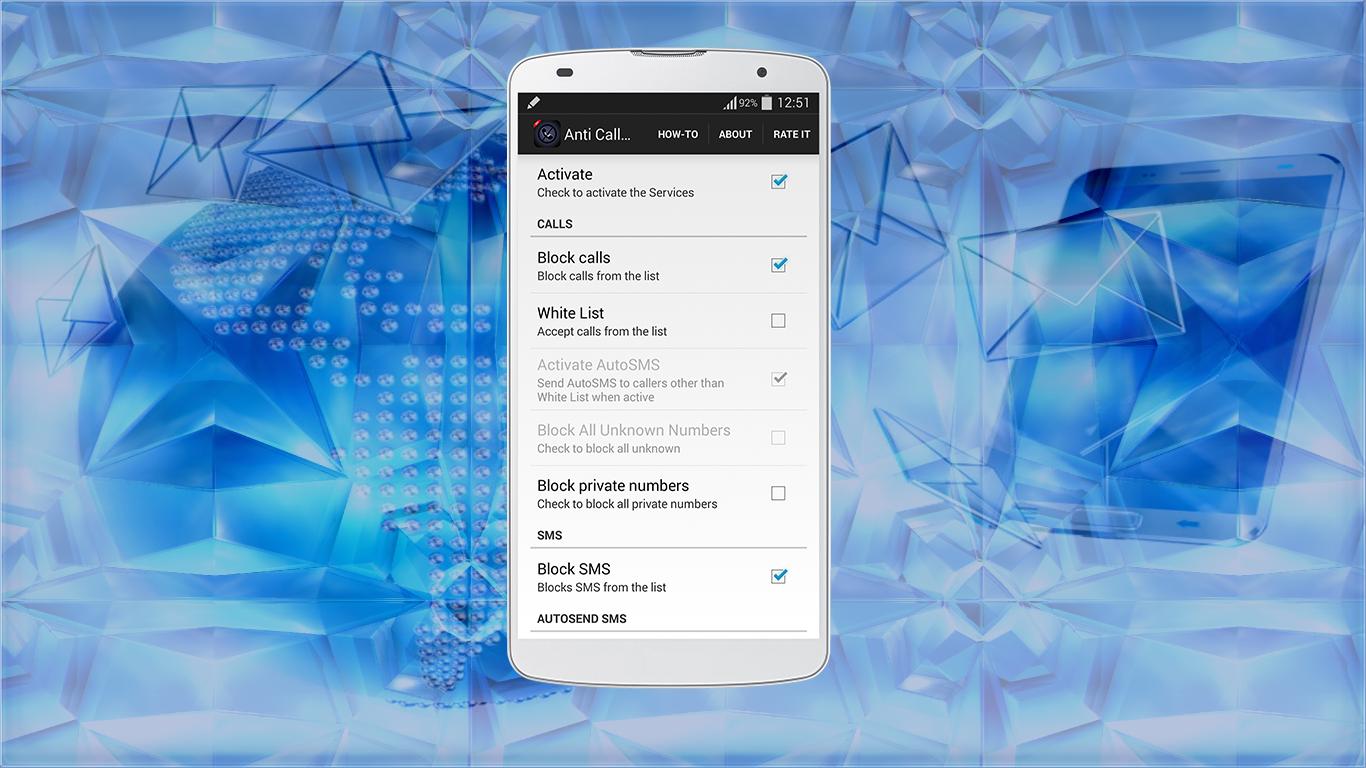
- you can block call and sms .
- you can block private number .
- you can separate the blockage, only block the call or sms .
- you can enable AutoSMS option, this option allows you to send AutoSMS to callers other than white List when active .
- and other features I let you the opportunity to discover .
how to use :
- to add a contact, click "+" and choise "add number" if you do not have this contact to the contact list .
- clicked "set from people" to add a contact from your contact list .
- if you want to adjust the application settings, click on "Preferences" .
* in Preferences, you will find "How-To", this option show you how to use the application .
** sometimes if you are not connected to the internet, the application will close, to solve the problem, just connect your smartphone to the Internet .
*** if you like this app, do not forget to click to "Rate" to give me a good comment
Preview
Information
Developer
Home_apps
Latest Version
1.0
Last Updated
2015-07-01
Category
Tools
Available on
Google Play
Show More
How to play Anti call & sms - Call Blocker with GameLoop on PC
1. Download GameLoop from the official website, then run the exe file to install GameLoop
2. Open GameLoop and search for “Anti call & sms - Call Blocker” , find Anti call & sms - Call Blocker in the search results and click “Install”
3. Enjoy playing Anti call & sms - Call Blocker on GameLoop
Minimum requirements
OS
Windows 8.1 64-bit or Windows 10 64-bit
GPU
GTX 1050
CPU
i3-8300
Memory
8GB RAM
Storage
1GB available space
Recommended requirements
OS
Windows 8.1 64-bit or Windows 10 64-bit
GPU
GTX 1050
CPU
i3-9320
Memory
16GB RAM
Storage
1GB available space