
AnkuLua Lite PC
App Automation
Download AnkuLua Lite on PC With GameLoop Emulator
AnkuLua Lite sa PC
Ang AnkuLua Lite, na nagmumula sa developer na App Automation, ay tumatakbo sa Android systerm sa nakaraan.
Ngayon, maaari mong laruin ang AnkuLua Lite sa PC gamit ang GameLoop nang maayos.
I-download ito sa GameLoop library o mga resulta ng paghahanap. Hindi na tumitingin sa baterya o nakakadismaya na mga tawag sa maling oras.
I-enjoy lang ang AnkuLua Lite PC sa malaking screen nang libre!
AnkuLua Lite Panimula
- Accessibility Service
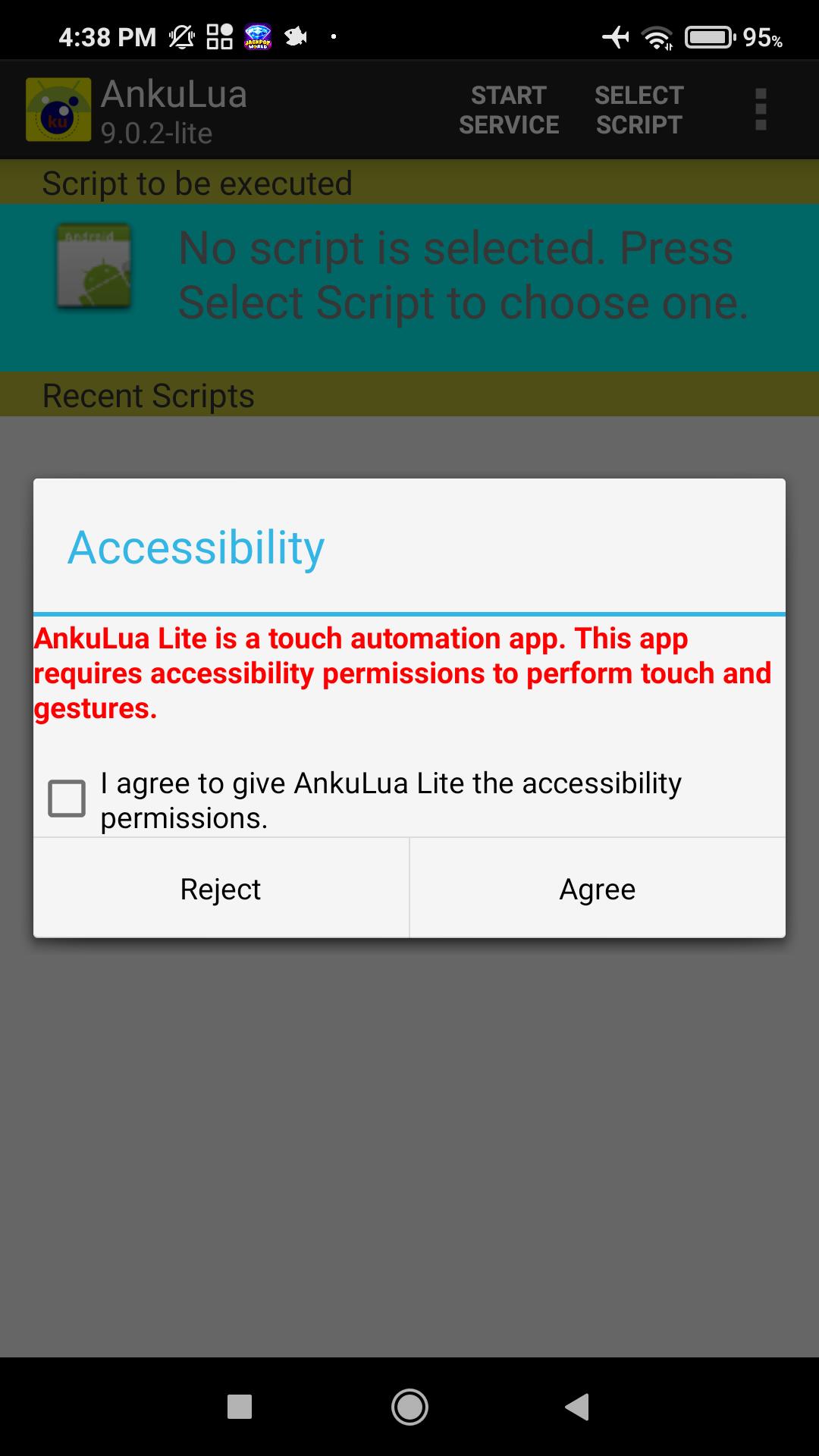
AnkuLua Lite is a click automation app. This app requires accessibility permissions to perform touch and gestures. No data is collected or shared.
AnkuLua Lite is a touch automation app.
To use this app you must enable the AnkuLua Lite accessibility service option in your settings.
This feature is required for some core features:
Perform click, gesture
Paste text
Press back, home, recent
No data is collected or shared and will only be used solely for the purpose as described.
AnkuLua Lite doesn't request internet permission and can't connect to the internet.
- Android developer option or ROOT
Accessibility services are not available on Android 7.0 and lower. So you need to enable developer options or ROOT.
This is the standalone version of AnkuLua Pro2. AnkuLua Lite doesn't support internet method of AnkuLua Pro2.
Automate clicks in your favorite games
If you are looking for an auto-click application for your games and other applications that require a lot of attention, you should download AnkuLua Lite and give it a try.
Configurable auto-clicker with scripts
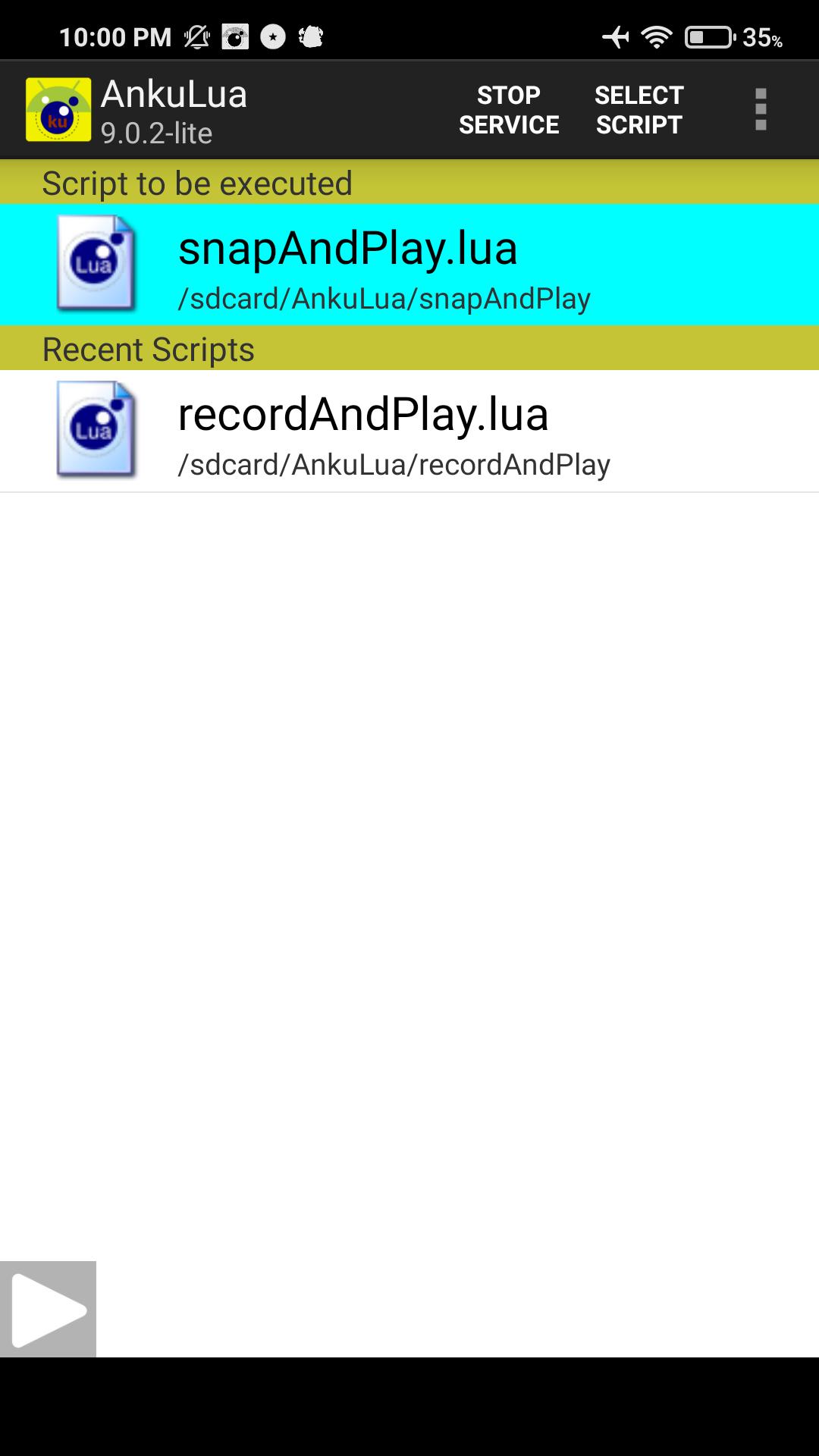
The application lets the user configure where on the screen to click, a feature that can be especially useful in different types of games. It works through scripts that can be configured by the user himself but also by others that can be downloaded from the Internet. In order to do so, we simply have to indicate what folder they are stored in so that the app can run them when we indicate it.
This is a very useful app for games that require continuous and coordinated actions such as some RPGs, idle games, games that require watching advertisements to get gems or other rewards, and more.
With image recognition technologies, AnkuLua Lite is much smarter and easy to use than auto-clicker that just uses coordinates and delays.
Features:
* record your BOT script
* no root or daemon for Android 7.0 and above devices
* no root required if installing daemon from PC.
* one script for all devices
* straightforward usage
* fast image matching
* click on pictures (with offset)
* wait for pictures to appear in specified time
* wait for pictures to vanish in specified time
* sent key event (like home, back)
* set similarity to compared pictures
* search only some regions of the screen
* highlight
* Users can simple record scripts and playback the record scripts.
Users with programming skills can write the scripts and do more automations.
Preview
Tags
ToolsInformation
Developer
App Automation
Latest Version
9.0.3.2-lite
Last Updated
2023-07-14
Category
Tools
Available on
Google Play
Show More
How to play AnkuLua Lite with GameLoop on PC
1. Download GameLoop from the official website, then run the exe file to install GameLoop
2. Open GameLoop and search for “AnkuLua Lite” , find AnkuLua Lite in the search results and click “Install”
3. Enjoy playing AnkuLua Lite on GameLoop
Minimum requirements
OS
Windows 8.1 64-bit or Windows 10 64-bit
GPU
GTX 1050
CPU
i3-8300
Memory
8GB RAM
Storage
1GB available space
Recommended requirements
OS
Windows 8.1 64-bit or Windows 10 64-bit
GPU
GTX 1050
CPU
i3-9320
Memory
16GB RAM
Storage
1GB available space