
Alook Browser - 8x Speed PC
保定乐活网络科技有限公司
Download Alook Browser - 8x Speed on PC With GameLoop Emulator
Alook Browser - 8x Speed sa PC
Ang Alook Browser - 8x Speed, na nagmumula sa developer na 保定乐活网络科技有限公司, ay tumatakbo sa Android systerm sa nakaraan.
Ngayon, maaari mong laruin ang Alook Browser - 8x Speed sa PC gamit ang GameLoop nang maayos.
I-download ito sa GameLoop library o mga resulta ng paghahanap. Hindi na tumitingin sa baterya o nakakadismaya na mga tawag sa maling oras.
I-enjoy lang ang Alook Browser - 8x Speed PC sa malaking screen nang libre!
Alook Browser - 8x Speed Panimula
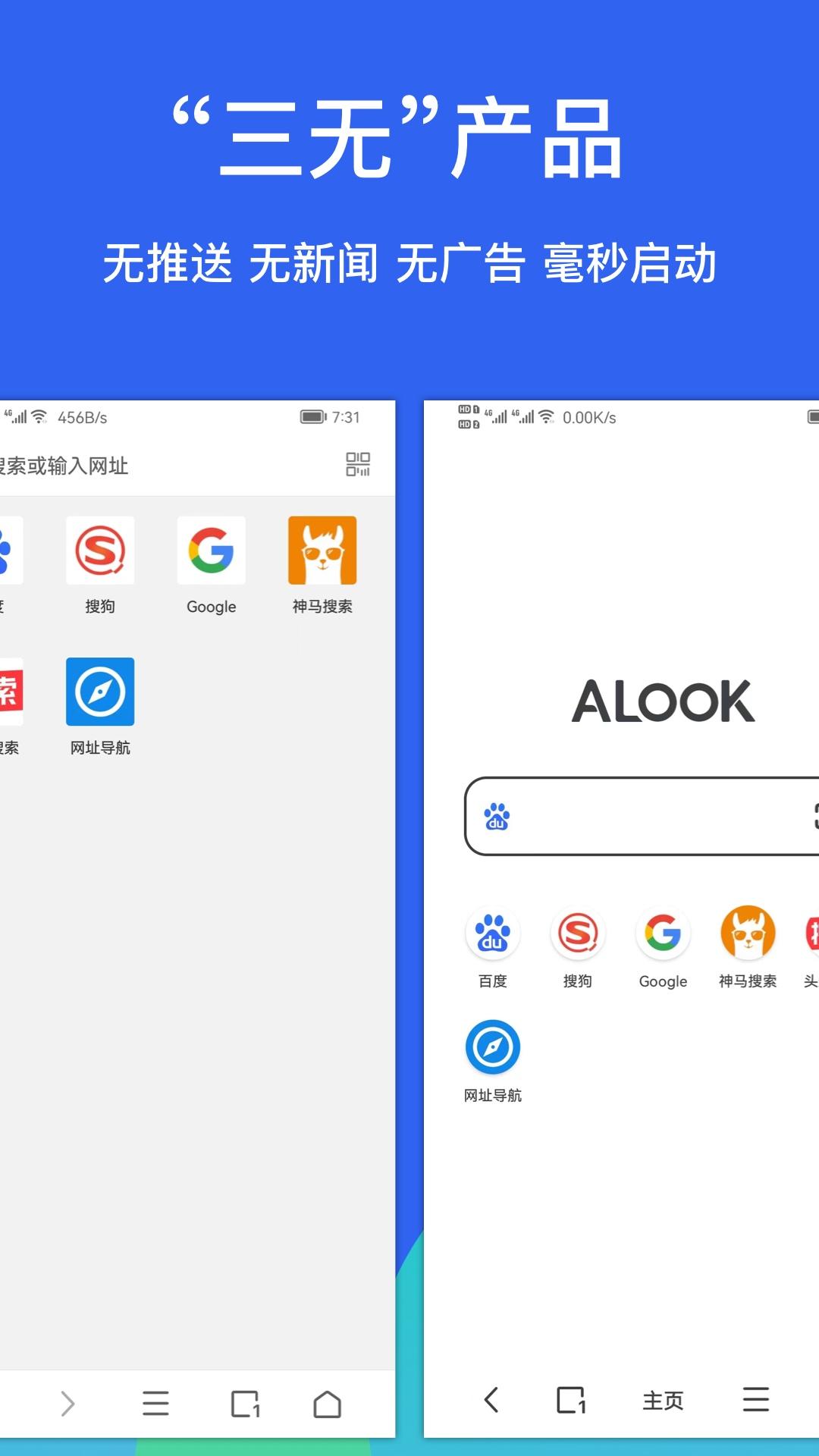
• No push notifications, no news, no advertisements, millisecond-level startup time.
• Audio/video floating, 16x speed (supporting 0.5-16.0), share links, picture-in-picture mode, single-track loop, DLNA casting...
• File management supports manual download, extraction, and compression (zip, rar, and 7z), supports encrypted extraction and compression, new/edit files, pure text file opening...
• Full-format e-book reader (txt, pdf, epub, kindle, mobi, azw, azw3, azw4, prc, pdb), supports simplified and traditional Chinese conversion.
• Reading mode, smart stitching of pages, simplified and traditional Chinese conversion, novel assistant.
• Image viewing mode, batch image saving.
• Built-in Adblock Plus, optional multi-language and third-party rules, automatic blocking of intrusive ads.
• Night mode, improved browsing experience at night.
• Dark mode, improved browsing experience during the day.
• Supports third-party downloaders such as Adm, Idm, etc.
• Perfectly adapted to mobile phones, tablets (split-screen/small window), foldable screens, TVs, and other devices.
Other features:
• Keyboard shortcuts.
• Privacy mode/incognito browsing.
• Preload next page.
• Custom site icons.
• Scheduled refresh.
• Webpage pull-to-refresh (Settings-General Settings-Pull-to-refresh).
• Custom website homepage.
• Developer tools: view webpage source code, Eruda, vConsole.
• No image mode.
• Full-screen mode: slide to hide the toolbar.
• In-page search: find text within the webpage.
• Site-wide search: use the default search engine to search for specific keywords within the current website.
• Scan QR codes.
• Recognize image QR codes and generate QR codes for links.
• Desktop version/mobile version website switch (custom UA).
• Quick input of website URLs, quickly open and copy URLs.
• Supports page-turning buttons, screen tap to turn pages, and volume key page turning.
• View site certificates.
• Eye-protection color for webpages.
• Custom long-press shortcuts.
Explanation of permissions used (the following permissions are all optional and not granting them only affects specific features):
Camera permission: Used for scanning QR codes.
Location permission: Websites can access the location, but Alook itself does not collect location information.
Access to external storage: Required for downloading, saving images, and file management.
For any questions, please feel free to contact us:
• Twitter: @AlookBrowser
• Email: AlookApp@qq.com
Preview

Tags
ToolsInformation
Developer
保定乐活网络科技有限公司
Latest Version
10.7
Last Updated
2025-04-15
Category
Tools
Available on
Google Play
Show More
How to play Alook Browser - 8x Speed with GameLoop on PC
1. Download GameLoop from the official website, then run the exe file to install GameLoop
2. Open GameLoop and search for “Alook Browser - 8x Speed” , find Alook Browser - 8x Speed in the search results and click “Install”
3. Enjoy playing Alook Browser - 8x Speed on GameLoop
Minimum requirements
OS
Windows 8.1 64-bit or Windows 10 64-bit
GPU
GTX 1050
CPU
i3-8300
Memory
8GB RAM
Storage
1GB available space
Recommended requirements
OS
Windows 8.1 64-bit or Windows 10 64-bit
GPU
GTX 1050
CPU
i3-9320
Memory
16GB RAM
Storage
1GB available space