
Unit Converter - kg to lbs, cm PC
Red Cubez, Inc.
Download Unit Converter - kg to lbs, cm on PC With GameLoop Emulator
Unit Converter - kg to lbs, cm sa PC
Ang Unit Converter - kg to lbs, cm, na nagmumula sa developer na Red Cubez, Inc., ay tumatakbo sa Android systerm sa nakaraan.
Ngayon, maaari mong laruin ang Unit Converter - kg to lbs, cm sa PC gamit ang GameLoop nang maayos.
I-download ito sa GameLoop library o mga resulta ng paghahanap. Hindi na tumitingin sa baterya o nakakadismaya na mga tawag sa maling oras.
I-enjoy lang ang Unit Converter - kg to lbs, cm PC sa malaking screen nang libre!
Unit Converter - kg to lbs, cm Panimula
Unit Converter - The Ultimate Tool for Effortless Unit Conversions
Simplify your life with the powerful and comprehensive Unit Converter app! Whether you're a student, professional, or anyone who frequently deals with different measurement systems, this app is your go-to tool for accurate and quick unit conversions. With an easy-to-use interface and an extensive range of conversion categories, Unit Converter delivers unmatched convenience right at your fingertips.
Over 70 Units Across 15 Categories
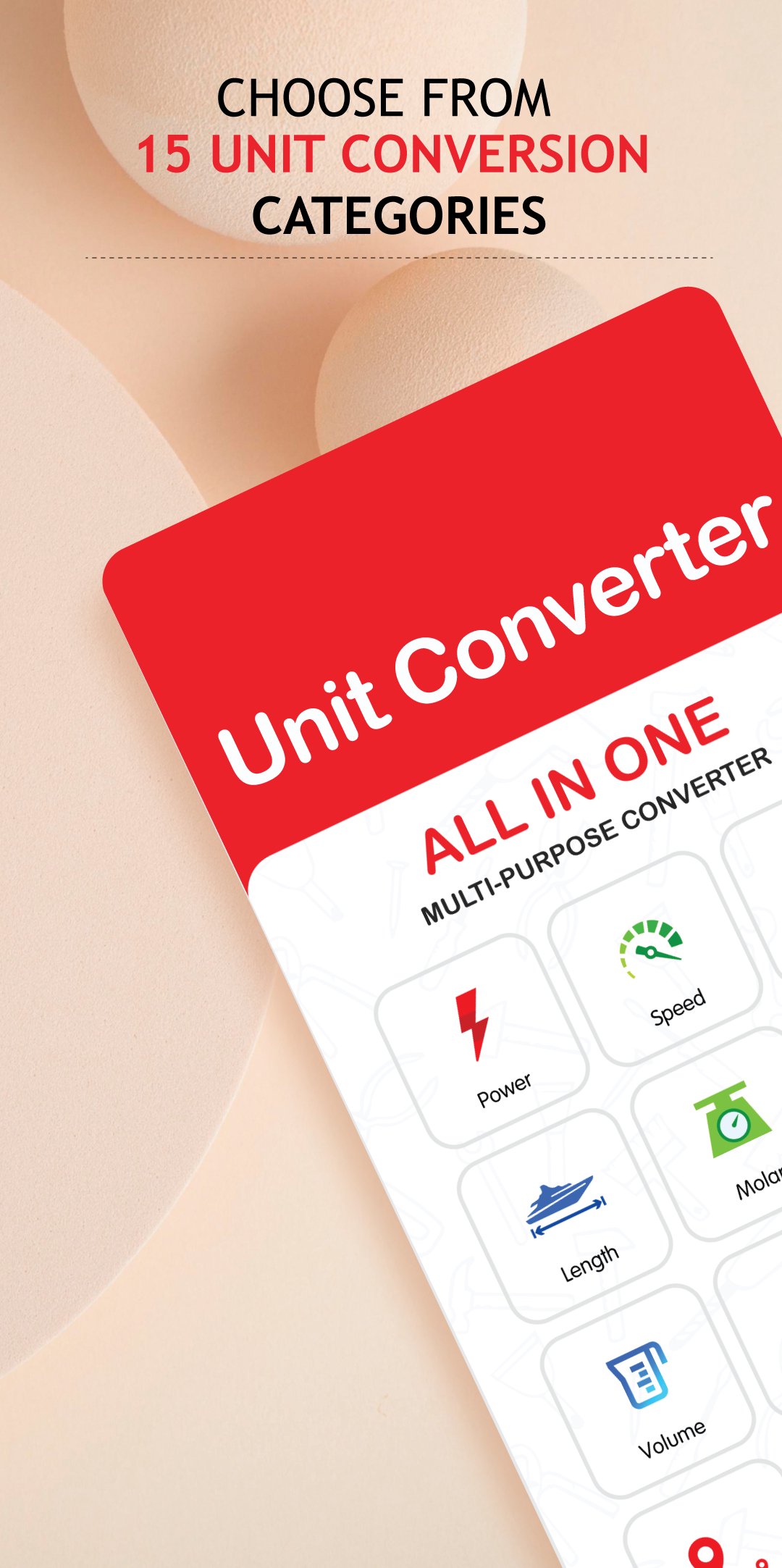
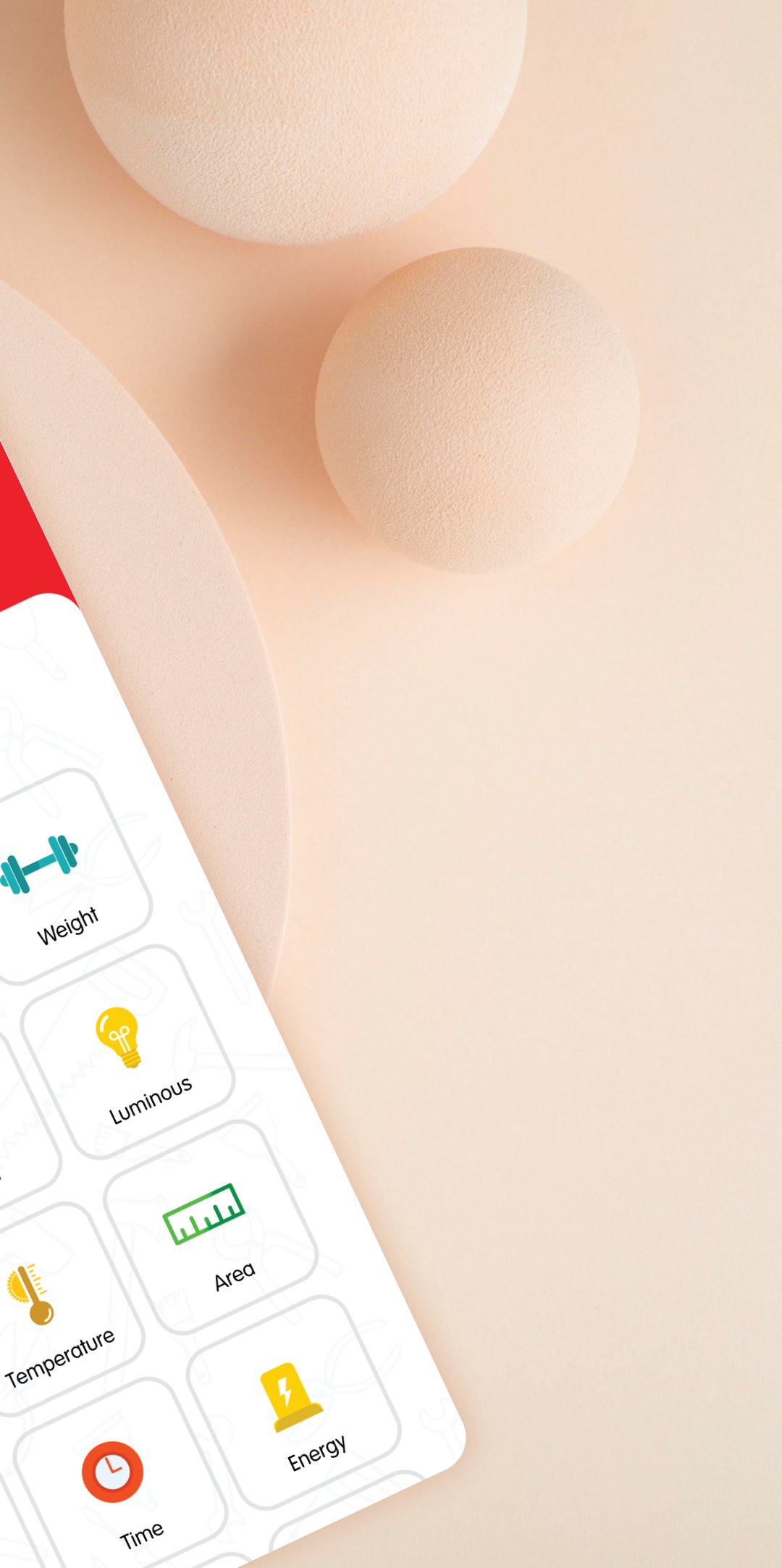
Unit Converter covers all your conversion needs with over 70 units across 15 categories, including length, weight, temperature, volume, speed, time, and more. Whether you're converting simple units like centimeters to inches, kilograms to pounds, or Celsius to Fahrenheit, or handling complex calculations involving multiple units, this all-in-one unit converter makes it easy. Forget about searching through textbooks or relying on online converters—Unit Converter has everything you need in one app.
Why Download Multiple Converters?
You no longer need to download separate apps for weight, temperature, length, area, or volume conversions. Unit Converter offers it all in a beautifully designed interface that provides accurate results, whether you're converting kg to lbs, cm to inches, or any other units. It’s the only converter you’ll ever need!
Key Features of Unit Converter:
📌 Extensive Conversion Categories: Access a vast selection of categories, including length, area, volume, mass, temperature, speed, time, pressure, energy, power, and more. Whatever unit you need to convert, you'll find it here.
📌 Intuitive Interface: The clean and intuitive design makes it easy to navigate and perform conversions quickly. Effortlessly switch between categories, select units, and input values without confusion.
📌 Offline Functionality: Perform conversions anytime, anywhere—no internet required! Perfect for travelers, professionals working in remote locations, or anyone without a stable internet connection.
📌 Accurate Results: Enjoy precise and reliable conversion results with the latest algorithms ensuring accuracy every time.
📌 Aesthetic Themes: Choose from a variety of visually appealing themes and color schemes. Different layouts help you differentiate and remember units easily.
📌 Regular Updates: We continuously improve the app with new units, categories, and features based on user feedback and advancements in measurement systems.
Download Now!
Unit Converter is the ultimate tool for seamless unit conversions. Download now and experience the convenience, accuracy, and versatility it offers. Say goodbye to manual calculations and complicated conversion tables—simplify your life with Unit Converter today!
Preview
Tags
ToolsInformation
Developer
Red Cubez, Inc.
Latest Version
3.6.1
Last Updated
2025-01-14
Category
Tools
Available on
Google Play
Show More
How to play Unit Converter - kg to lbs, cm with GameLoop on PC
1. Download GameLoop from the official website, then run the exe file to install GameLoop
2. Open GameLoop and search for “Unit Converter - kg to lbs, cm” , find Unit Converter - kg to lbs, cm in the search results and click “Install”
3. Enjoy playing Unit Converter - kg to lbs, cm on GameLoop
Minimum requirements
OS
Windows 8.1 64-bit or Windows 10 64-bit
GPU
GTX 1050
CPU
i3-8300
Memory
8GB RAM
Storage
1GB available space
Recommended requirements
OS
Windows 8.1 64-bit or Windows 10 64-bit
GPU
GTX 1050
CPU
i3-9320
Memory
16GB RAM
Storage
1GB available space