
Ahgora Multi PC
AHGORA
Download Ahgora Multi on PC With GameLoop Emulator
Ahgora Multi sa PC
Ang Ahgora Multi, na nagmumula sa developer na AHGORA, ay tumatakbo sa Android systerm sa nakaraan.
Ngayon, maaari mong laruin ang Ahgora Multi sa PC gamit ang GameLoop nang maayos.
I-download ito sa GameLoop library o mga resulta ng paghahanap. Hindi na tumitingin sa baterya o nakakadismaya na mga tawag sa maling oras.
I-enjoy lang ang Ahgora Multi PC sa malaking screen nang libre!
Ahgora Multi Panimula
****To use the application, you must contract Ahgora's PontoWEB with Ahgora Multi****
Ahgora Multi brings a technological innovation to make managing the presence of employees in your company even easier.
Facial recognition is one of the fastest identification processes. The algorithm finds a set of metrics on each person's face allowing comparison with the system's database.
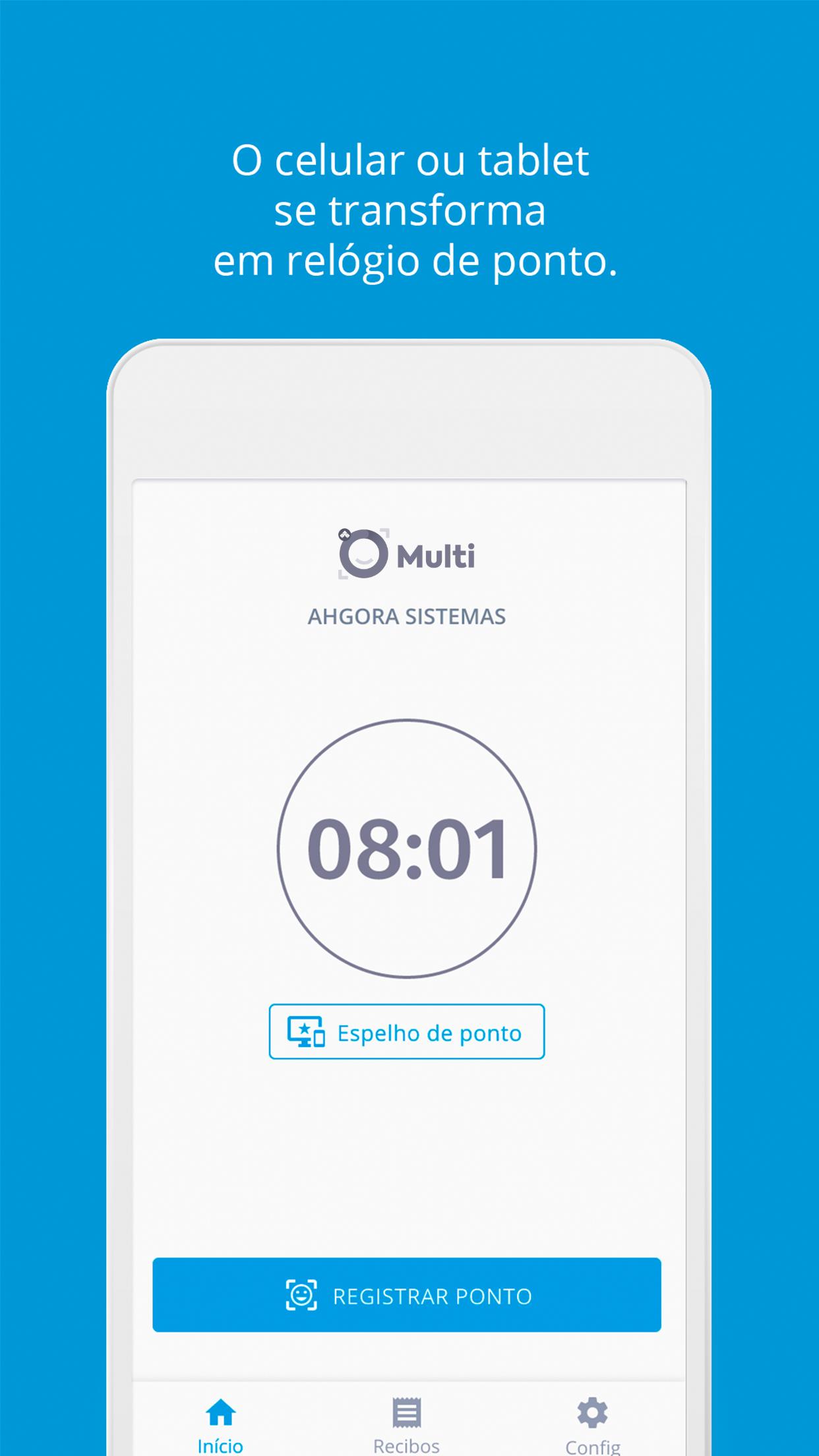
With Ahgora Multi, your company's employees can register time on a Tablet or Smartphone, replacing the traditional time clock.
If Ahgora Multi has already been contracted by your company, follow the steps below to get started:
1) Download the APP
2) On the initial screen, enter the activation key generated in PontoWEB.
3) Follow the steps indicated in the app itself
If your company still doesn't have PontoWEB, contact us!
To use the application, you must give the following permissions for specific scenarios:
*Camera permission: Used for facial recognition time stamp
*Biometrics Permission: Used for biometrics clocking
*Location Permission: To send the geo location on the beat
We are constantly working to improve Ahgora Multi. Your considerations and suggestions are valuable, contact us at suporte@ahgora.com.br
Useful links
Meet Ahgora Multi: https://aplicacoes.ahgora.com.br/aplicativo-de-ponto-eletronico/
Indicate your company: https://www.ahgora.com.br/contato
Preview

Tags
ToolsInformation
Developer
AHGORA
Latest Version
5.1.1
Last Updated
2025-01-15
Category
Tools
Available on
Google Play
Show More
How to play Ahgora Multi with GameLoop on PC
1. Download GameLoop from the official website, then run the exe file to install GameLoop
2. Open GameLoop and search for “Ahgora Multi” , find Ahgora Multi in the search results and click “Install”
3. Enjoy playing Ahgora Multi on GameLoop
Minimum requirements
OS
Windows 8.1 64-bit or Windows 10 64-bit
GPU
GTX 1050
CPU
i3-8300
Memory
8GB RAM
Storage
1GB available space
Recommended requirements
OS
Windows 8.1 64-bit or Windows 10 64-bit
GPU
GTX 1050
CPU
i3-9320
Memory
16GB RAM
Storage
1GB available space