
8bit Pixel art Painter PC
esukeapp
Download 8bit Pixel art Painter on PC With GameLoop Emulator
8bit Pixel art Painter sa PC
Ang 8bit Pixel art Painter, na nagmumula sa developer na esukeapp, ay tumatakbo sa Android systerm sa nakaraan.
Ngayon, maaari mong laruin ang 8bit Pixel art Painter sa PC gamit ang GameLoop nang maayos.
I-download ito sa GameLoop library o mga resulta ng paghahanap. Hindi na tumitingin sa baterya o nakakadismaya na mga tawag sa maling oras.
I-enjoy lang ang 8bit Pixel art Painter PC sa malaking screen nang libre!
8bit Pixel art Painter Panimula
※Please allow storage permissions.
I can only Japanese.
I use the translation.
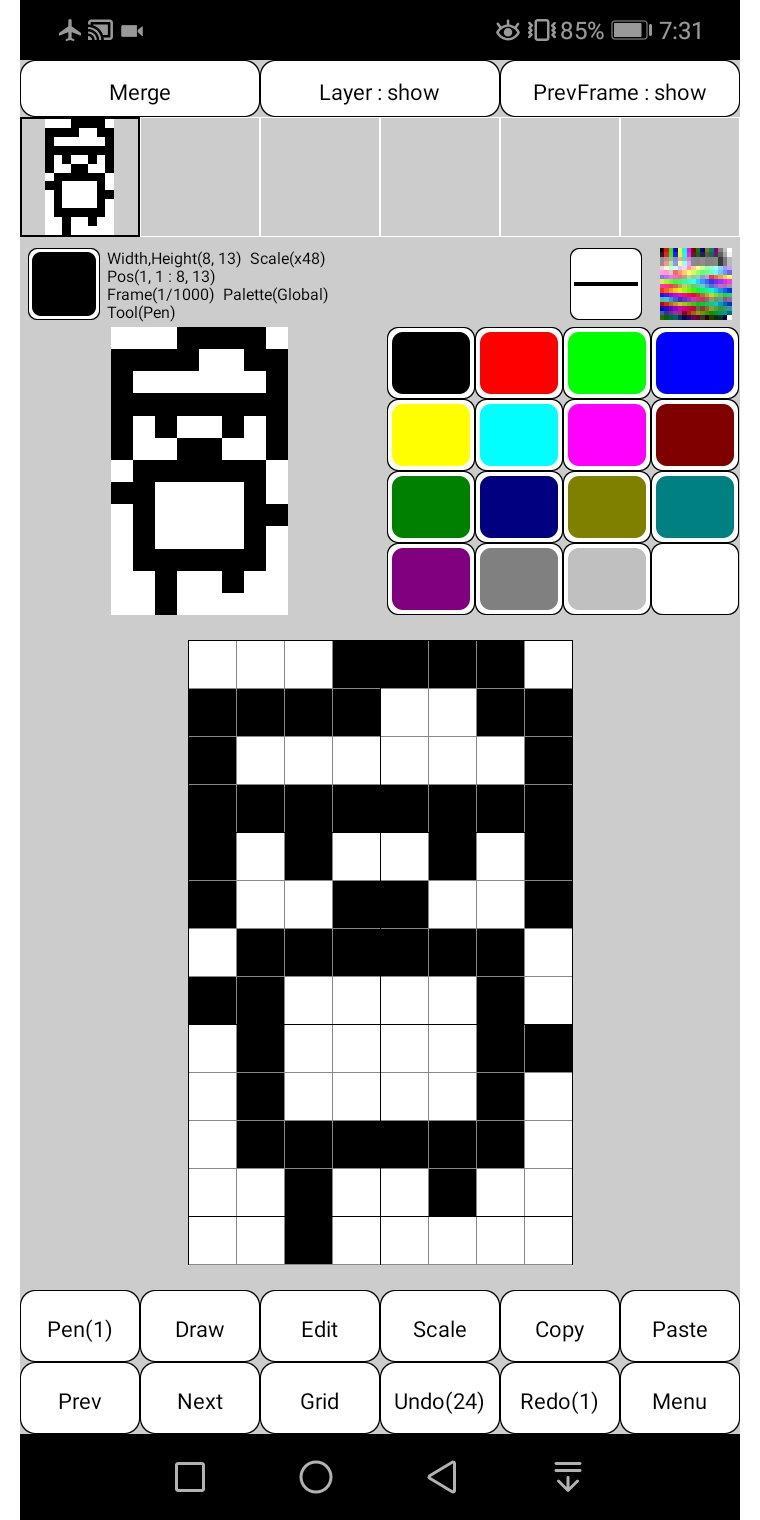
Canvas size can be set freely from 1 to 1000 pixels.
Basic functions such as fill, line, rectangle, circle, flip, rotate, enlarge, copy, paste, dropper, and undo are available.
It supports animation up to 1000 frames.
It can output not only animated GIF but also APNG.
APNG is an extended PNG format that allows animation.
Compatible with current major browsers such as Chrome, Firefox, Safari and Opera.
The maximum number of frames depends on the canvas size.
Transparency and animation settings are easy.
One frame has 1 canvas and 5 layer.
Since the layer contains transparent colors, the palette that can be used is limited to 255 colors.
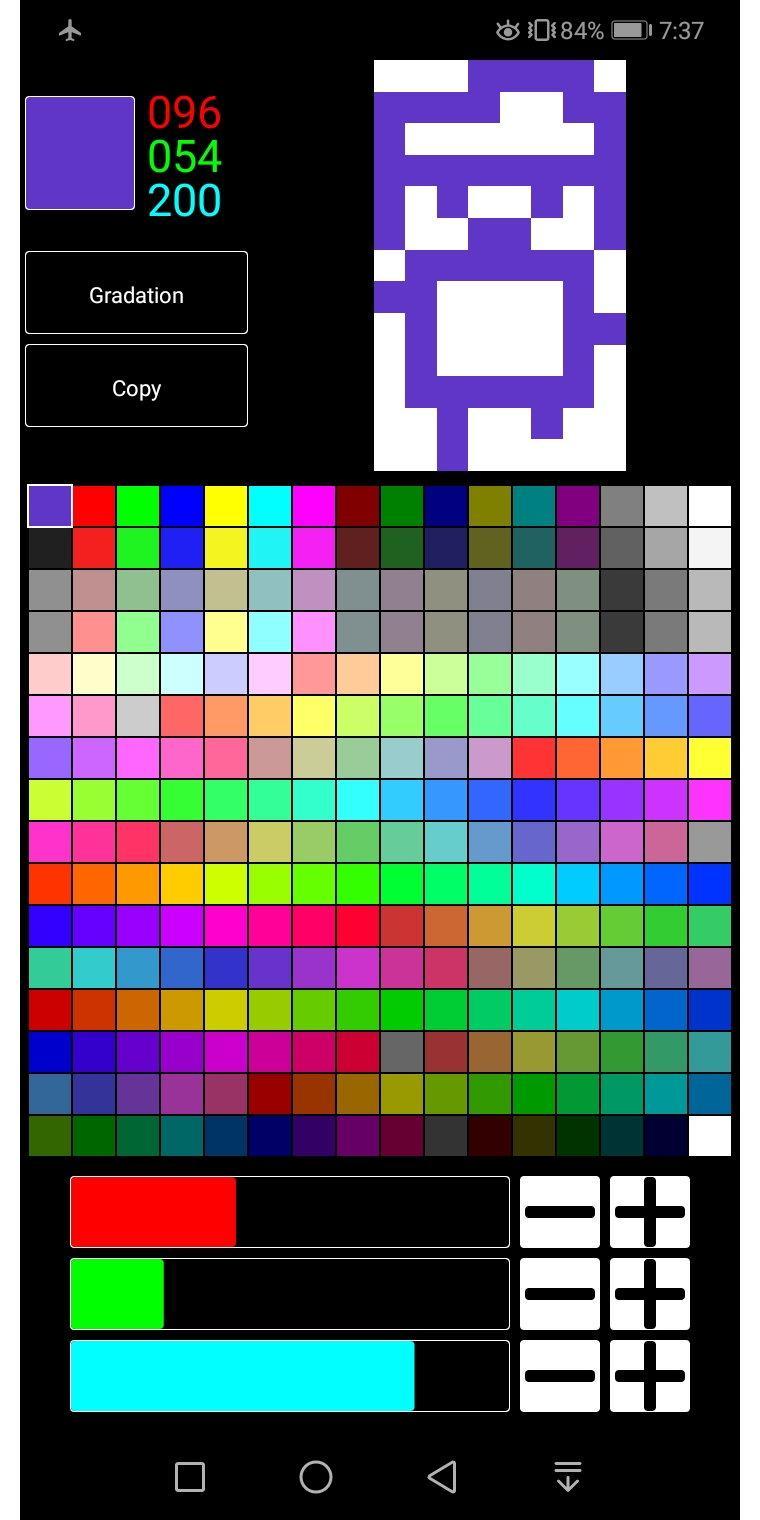
The palette is freely editable and can be saved and loaded as needed.
By simply editing the palette, you can easily create different colors.
You can also create gradations.
You can also read and edit image files such as gif, jpg, and png saved in the terminal.
* Free version restrictions
All functions can be used for free.
Ads must be shown before files can be saved to the device.
Preview
Tags
ToolsInformation
Developer
esukeapp
Latest Version
2.1.2
Last Updated
2020-12-05
Category
Tools
Available on
Google Play
Show More
How to play 8bit Pixel art Painter with GameLoop on PC
1. Download GameLoop from the official website, then run the exe file to install GameLoop
2. Open GameLoop and search for “8bit Pixel art Painter” , find 8bit Pixel art Painter in the search results and click “Install”
3. Enjoy playing 8bit Pixel art Painter on GameLoop
Minimum requirements
OS
Windows 8.1 64-bit or Windows 10 64-bit
GPU
GTX 1050
CPU
i3-8300
Memory
8GB RAM
Storage
1GB available space
Recommended requirements
OS
Windows 8.1 64-bit or Windows 10 64-bit
GPU
GTX 1050
CPU
i3-9320
Memory
16GB RAM
Storage
1GB available space